

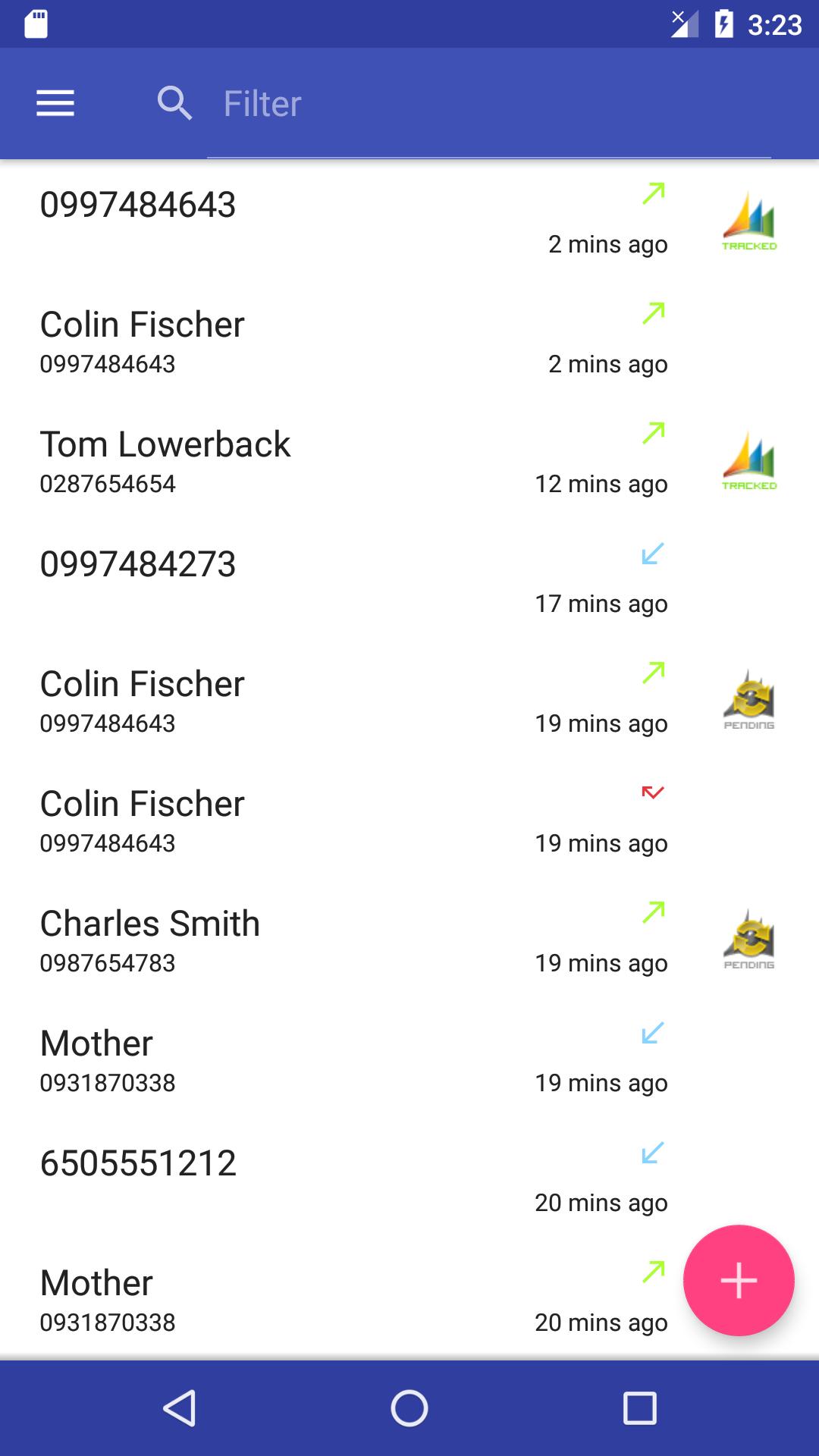
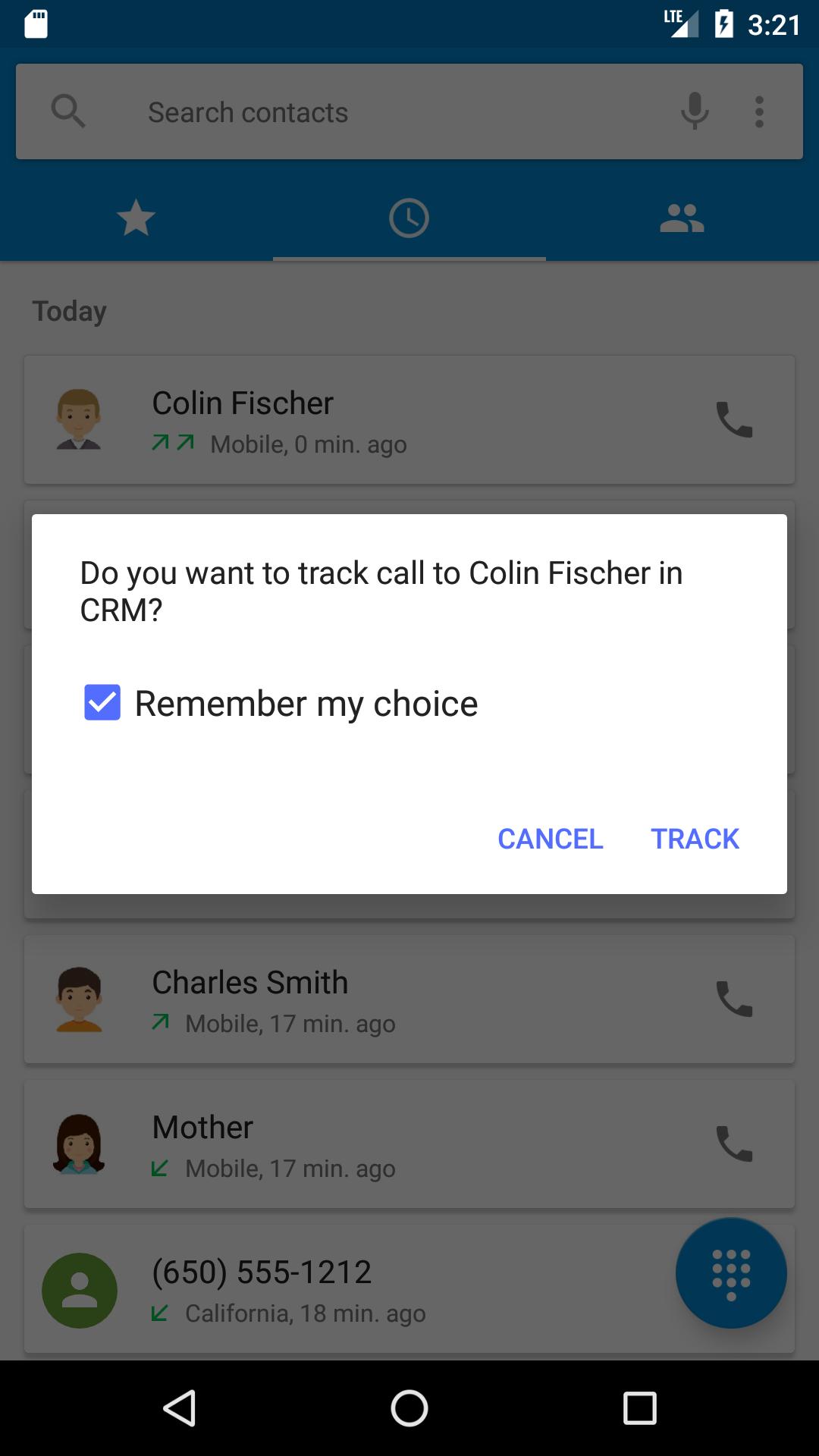
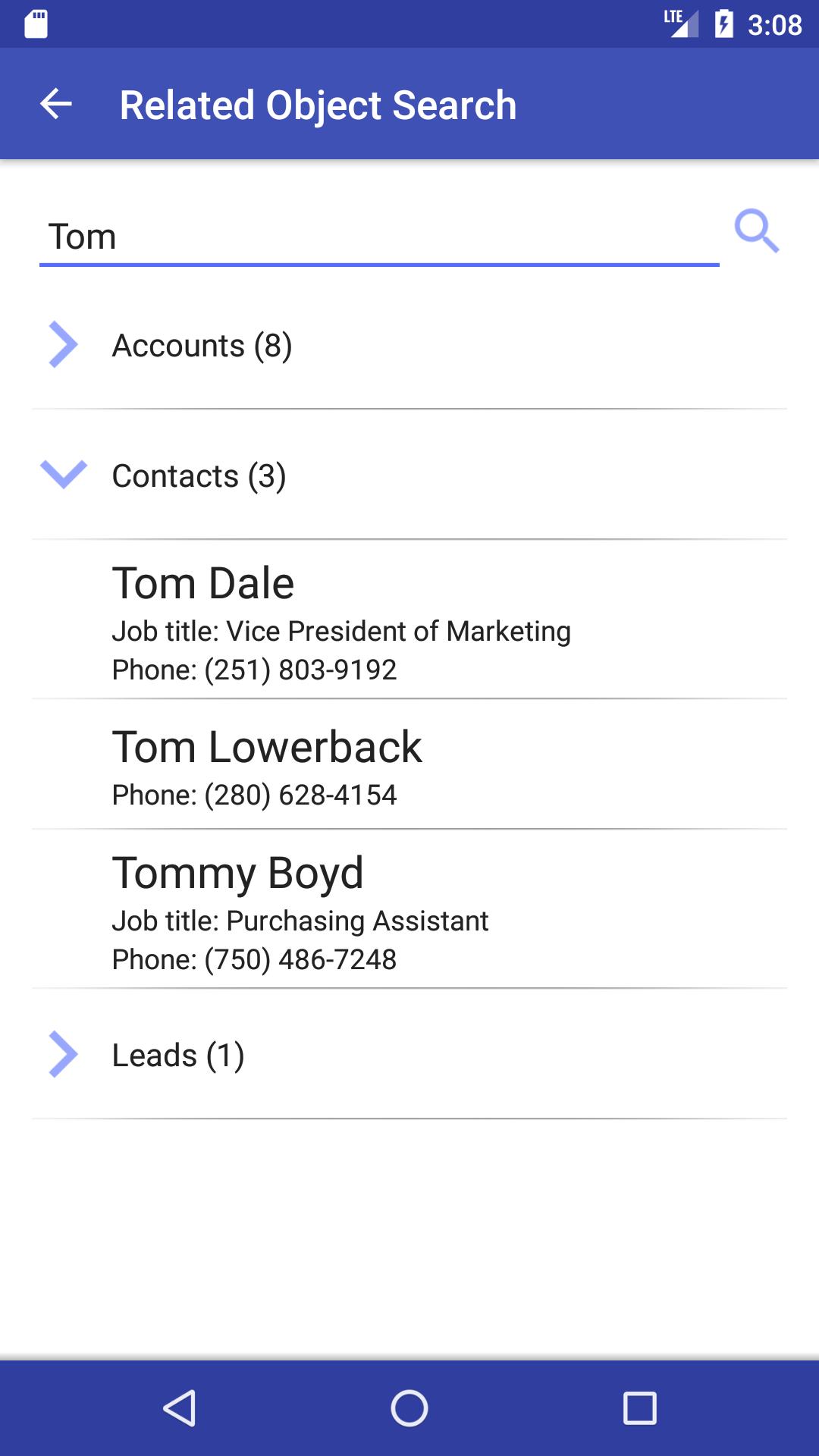
Add calls as activity in Microsoft Dynamics CRM directly from your mobile phone.
This app provides ability to add calls to Microsoft Dynamics CRM directly from your Android mobile phone.
Features
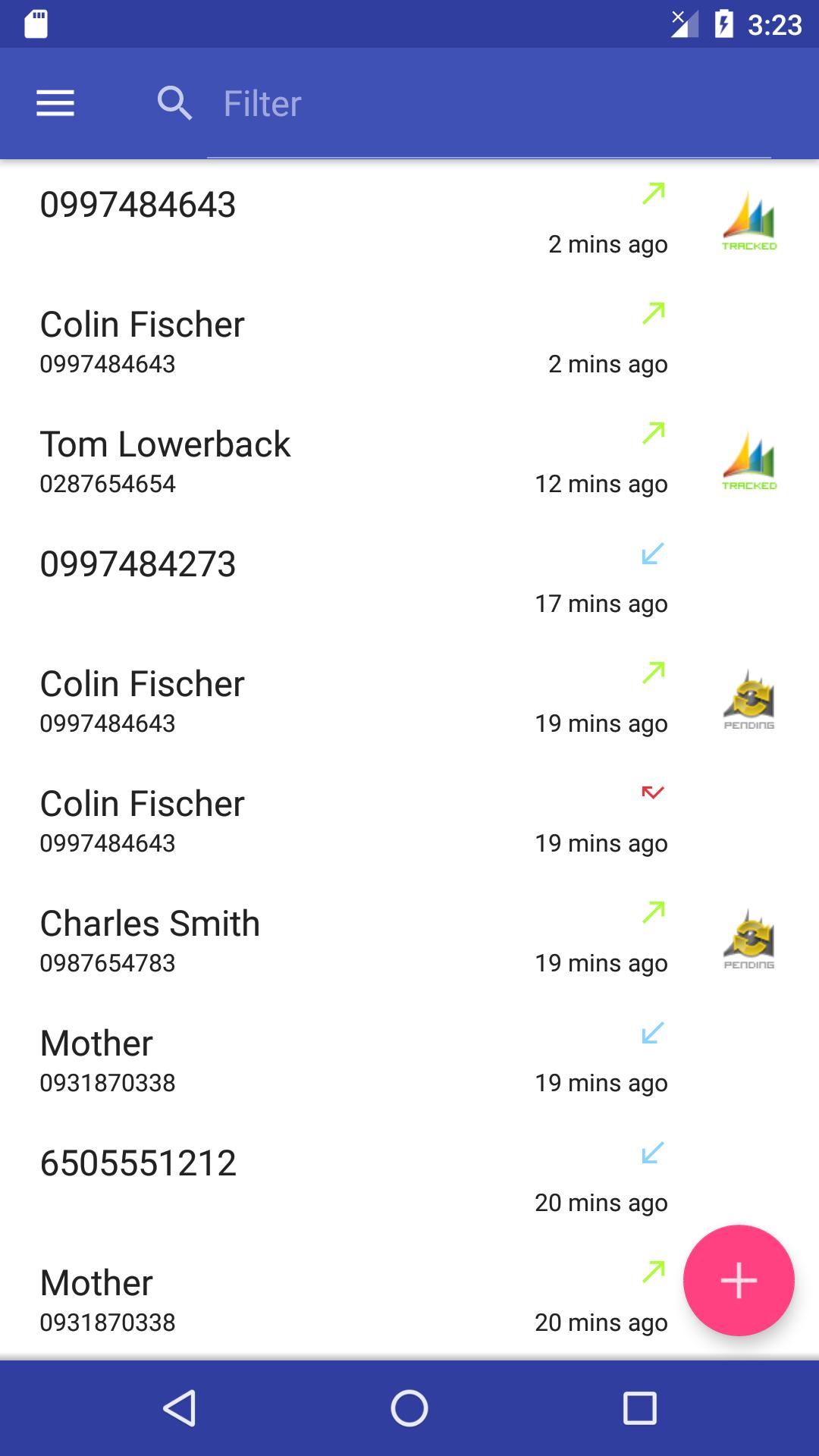
- Easily track incoming and outgoing calls as Phone calls activity in Microsoft Dynamics CRM
- Ability to attach calls to the following records in Dynamics CRM: Account, Contact, Lead and User
- Add Voice Notes
- Create rules to automatically enable / disable call tracking for Contacts
- Busy? Add calls later from your Call Log
- Track calls offline - pending activities will automatically sync when internet connection is restored
- Compatible with all version of Microsoft Dynamics CRM (You must have an existing Dynamics CRM account!)
If you have issues configuring this application or getting access to your CRM, please contact us using the application: tap the menu icon in the upper-left corner and select the “Send Log”. Would be happy to help you figure it out.
This is 10-days fully functional trial version. You will need a purchase a valid license through Android market after grace period.
The most common issues and how to resolve them -
If you see message “Cannot connect with current credentials” - Make sure username and password are entered correctly. Try to add default CRM organization name to the URL, for example: https://crm2013.example.com/orgname.
If you see message when you login into CRM: Cannot resolve hostname for 'https://crmservername/orgname/XRMServices/2011/Organization.svc/web' - Ask you CRM administrator to verify the following: open CRM Deployment Manager > right click the “Microsoft Dynamics CRM” > select Properties > open the “Web address” tab. Make sure that address in the Organization Web Service field is equal to the address you entered in CRM Call Tracker app.







 Download