

Copy text between your PC and smart devices. Universal (Selective) Copy / Paste!
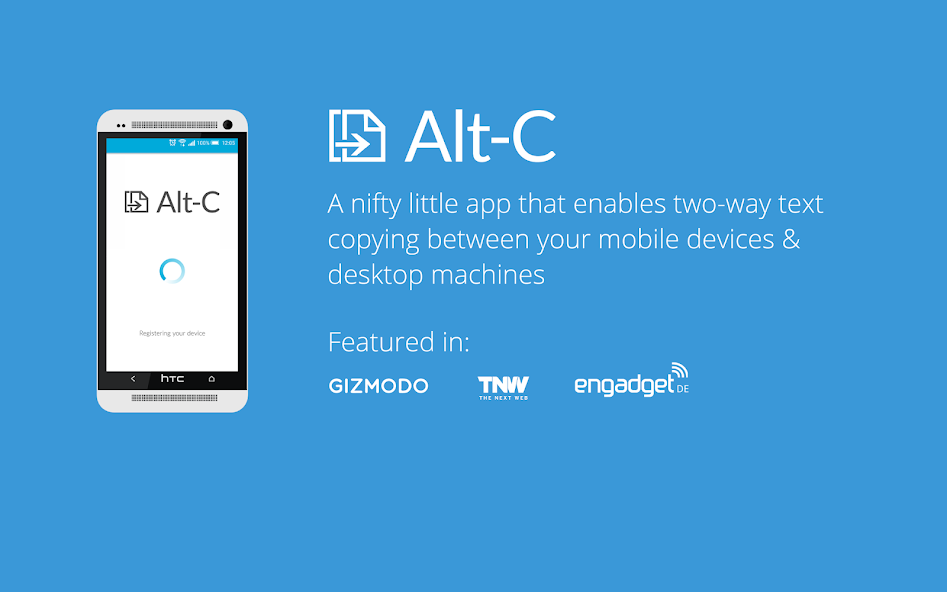
Alt-C is an app that makes getting text between your PC and Smart Devices extremely easy.
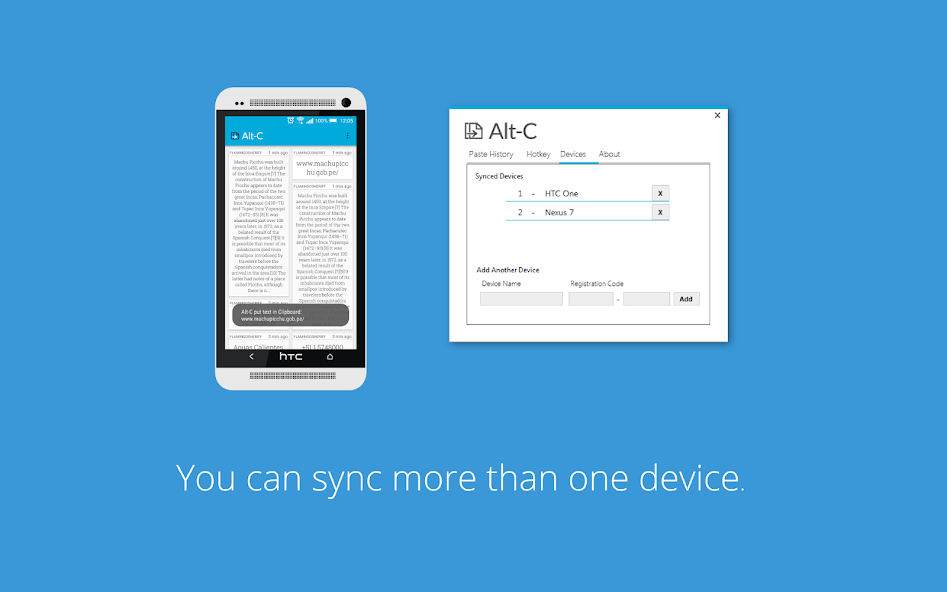
Copy text from your PC to your Smart device's clipboard, and Paste text from your device's clipboard to your PC, instantly! All you need is the PC application, and the Android application on your device. No sign-in is required. (You do need to be signed in to your Google Account on your device since the application uses Google Cloud Messaging)
Configure Alt-C to open specific types of text in various applications. Open URLs in your Web Browser, Email addresses in your email app, GPS co-ordinates in your Maps app, Phone Numbers in the Dialer and Text in your favourite note taking application. Configure your Alt-C Auto Launch experience under Settings!
(ALL Text is parsed on the device itself)
1. Download this app and the Windows or MAC client app. (http://www.altcopy.net/#download)
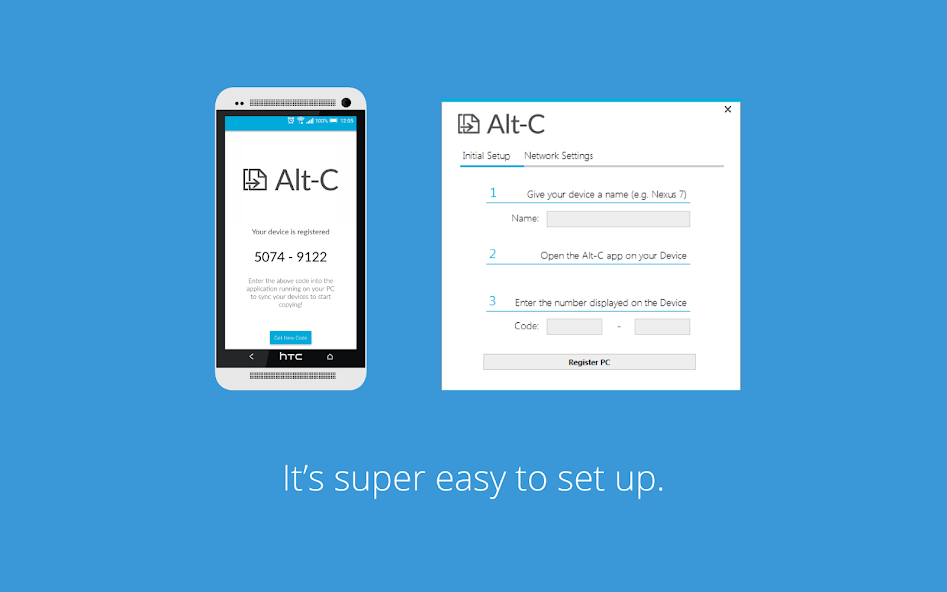
2. Run the Client app, and open the app on your device and complete the quick syncing process.
3. Start copying.
Copying to your Smart Device from your PC:
Highlight some text on your PC
Press the Copy Hotkey (Alt + C is the default)
The text will arrive on your device's clipboard.
Pasting from your Smart Device to your PC
Select some text on your Smart Device and copy it
Press the Paste Hotkey on your PC (Alt + V is the default)
The text will arrive on your PC's clipboard and be automatically pasted.
Alt-C doesn't require your smart device and your PC to be on the same network, as long as both are connected to the internet - and you're logged into your Google account on your device - you're good to go.
Get the PC client app here: http://www.altcopy.net/#download
None of your data is stored on our servers at all - this includes data that identifies your device and PC as well as any text that is copied. All data is transferred via SSL to keep it secure.




 Download