

Enjoy millions of the latest Android apps, games, music, movies, TV, books, magazines & more. Anytime, anywhere, across your devices.
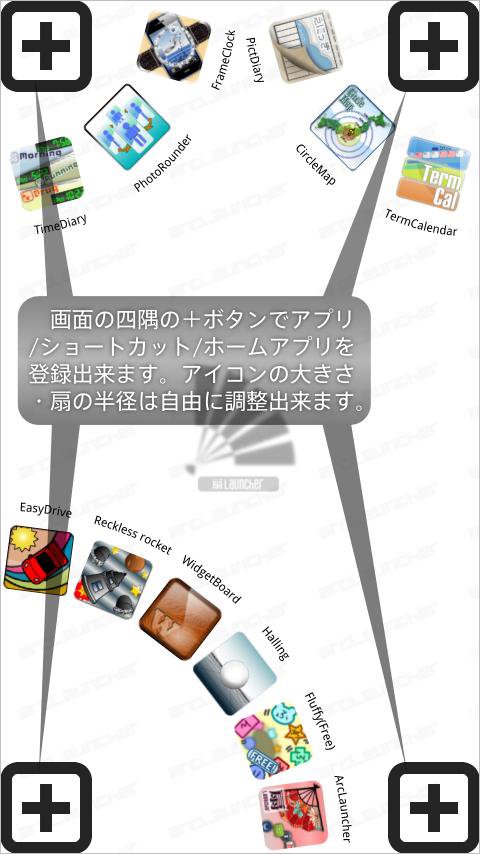
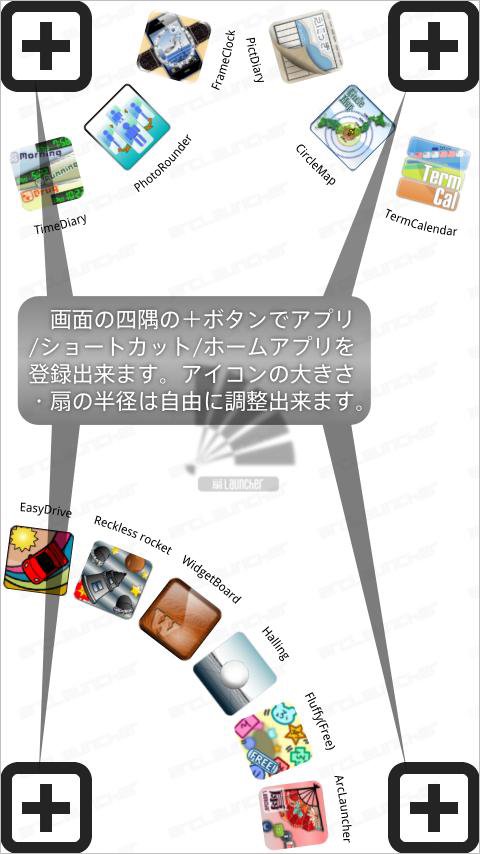
This is an application launcher developed in a sector using the four corners of a screen.
[Registration of the application to start]
A push on the "Add" button in four corners will display an application selection dialog.
The selected application is registered as application which starts by the fan of the position.
Two or more applications can be registered into each fan.
You can register shortcut by choosing "Create shortcut".
You can register home application choosing "Select home".
(You can use as home changer)
Arc size can also be changed by dragging an "Add" button.
(A function can also be turned OFF by Preference)
Change of application can be performed if the tap of the fan is carried out in the state where application is registered.
(Registration can also be canceled by choosing "Remove".)
A position is exchangeable if it slides in the state where application is registered, and it is in the same arc.
When you enlarge arc size and you are hard to register the size of a fan, please choose menu "Edit area" and choose the area to show in edit view.
Since only the area for edit is displayed on an edit view, it becomes easy to operate it.
[Preference]
* Show or hide each corner.
* Position and width and height of starting area, and show or hide.
* Set starting area to short side.
* Distance to active launcher.
* Style of Launcher.
* Use vibration.
* Animation speed of Launcher.
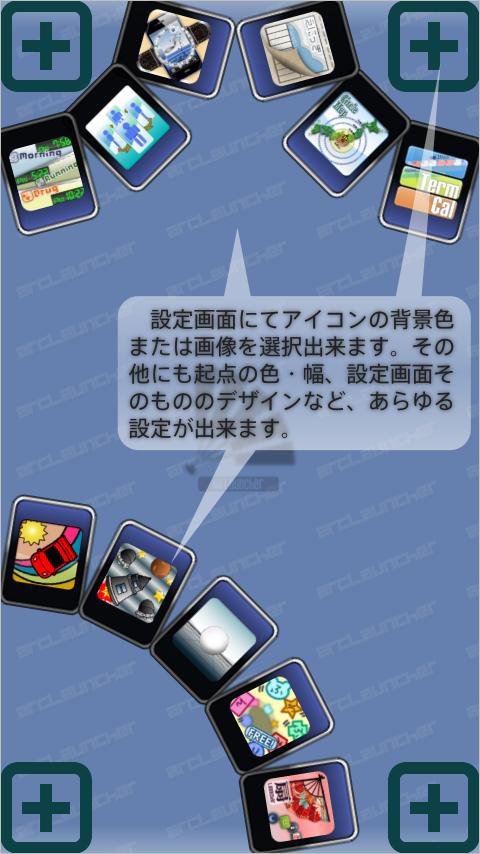
* Show or hide application name, color and size.
* Size and rotate of icon.
* Background color of arc.
* Size of arc.
* Color and height of selected area.
* Show on going area and icon.
* Color of main view and add button.
[Export and Import data]
Preference data can be saved on SD card by "Export data" of Menu.
The saved Preference data can be read by "Import data" of Menu.
Please use for taking over a setup to the PAY version from the free version, or backing up a setup.
[Launcher style]
* Card
Alpha of background color is ignored.
"Inside application name" is applied also at the time "Rotate icon" is off.
* Image file
Image to use is performed from "Select image" of the menu of main view.
Image is drawn in a size as it is, and Icon is displayed on the center of the Image.
In the case of selected, Image is expanded according to the size ratio of Icon.
[Using of launcher]
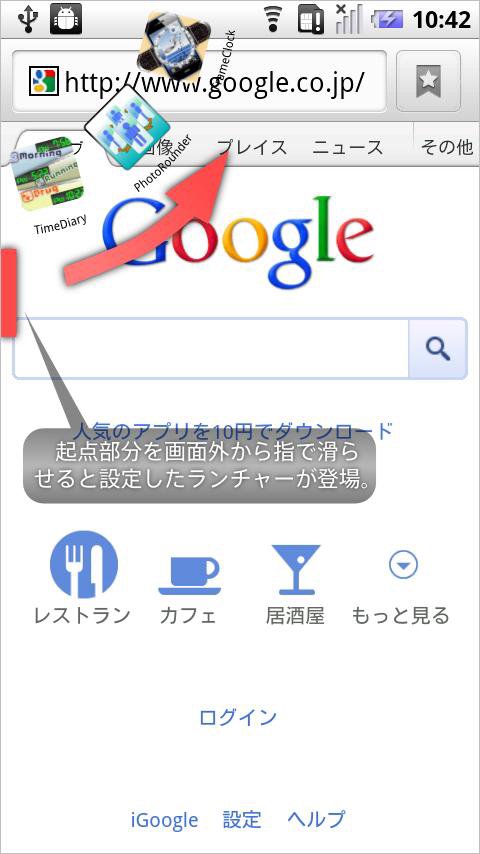
After ending an application, a launcher will be in a standby state.
A sector launcher is displayed by sliding the screen near the starting point slowly inside from the outside of a screen.
The application can be started by carrying out the tap of the position of an icon.
Launcher can be closed by carrying out the tap of the outside of the range of arc.
[Permissions]
*"Services that cost you money"
Since an applicable activity will become "Not found" by shortcut of "Direct dial" starting if this permission does not exist, it has added.
This application does not send a telephone.
With pay version, since this authority is not given, shortcut of "Direct dial" does not function directly.
[Special item]
This is a function of only the pay version.
You can create shortcut of
* Change starting point (Whenever it performs, starting point position can be changed in long side and short side)
* System setting
* Sound setting
* Wireless setting
* Application setting
* Expand statusbar
* Invalidate staring point
The advertisement is not displayed in a pay version.
- It operates since Android1.6.
- It is a confirmed operation by N-04C, SH-12C.
* 'Invalidate starting point' was added to the special item. (Only pay version)
* The function to display an application name only at the time of selection was added in preference of Item Name.
* Add 'Dialog(Indirect input type)' to Range preference.
Some IME cannot input number to 'EditText(Direct input type)'.
In that case, please try on 'Dialog (Indirect input type)'.



 Download