

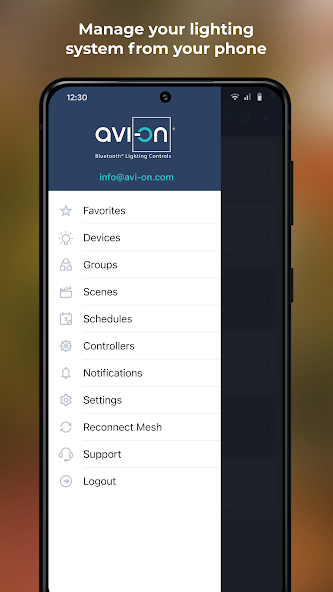
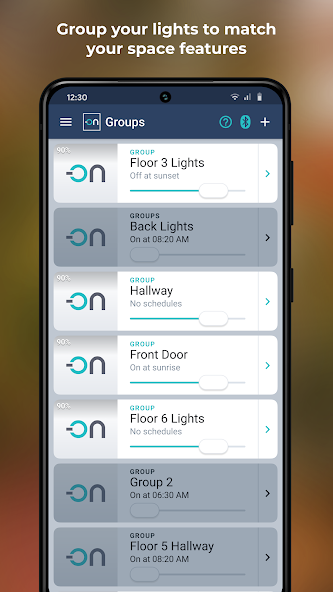
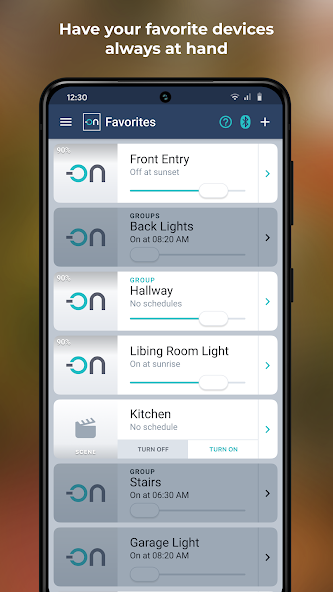
Controls wireless devices compatible with GE-brand residential lighting controls
The Avi-on Home app enables customers of GE-branded Bluetooth devices to operate in-wall and plug-in switches using their smartphone. Avi-on no longer has a contractual relationship with the manufacturer, Jasco Products, or any duty to support GE by Jasco Products, and these products are no longer being sold. Avi-on continues to support these devices solely as a courtesy to existing users.
Avi-on Home is a fully-secured system that requires both login and location services. Login ensures that no one else can operate your lights. Location enables you to use sunrise and sunset with your schedules. Once programmed locally, the schedules will operate without the Internet or your phone nearby.
To control GE-branded devices via wi-fi, an Avi-on Remote Access Bridge is required. All schedules and settings are saved on a Bluetooth chip inside each device. Avi-on enables many users to control many devices through a single account. Your account and settings are saved in the Avi-on cloud, providing instant back-up. If you want wi-fi access, 24/7 clock synchronization, and/or Alexa compatibility, install an optional Avi-on Remote Access Bridge (RAB).
How do you get started?
Power any Avi-on compatible device by wiring it or plugging it in (plug-in switch or dimmer, in-wall switch or dimmer, or outdoor switch)
Use a current smartphone or tablet with current OS with Bluetooth and with strong wi-fi access
Download the latest version of the Avi-on Home App. Register your account and password. Check spam folder for verification and password emails
Stand near the powered device(s). Press the big + button to add your first device. FAQs are here: http://bit.ly/2F9KaAx
What are the products available for your Avi-on network?
GE In-Wall Smart Switches and Dimmers
GE Plug-In Smart Switches and Dimmers
GE Outdoor Switch
Avi-on Movable Switch: 3-way wireless switching
Avi-on Remote Access Bridge (RAB): 24/7 network synchronization, Wi-fi remote control, and Alexa compatibility












 Download