

An application that helps store, manage and share your personal data from cloud.
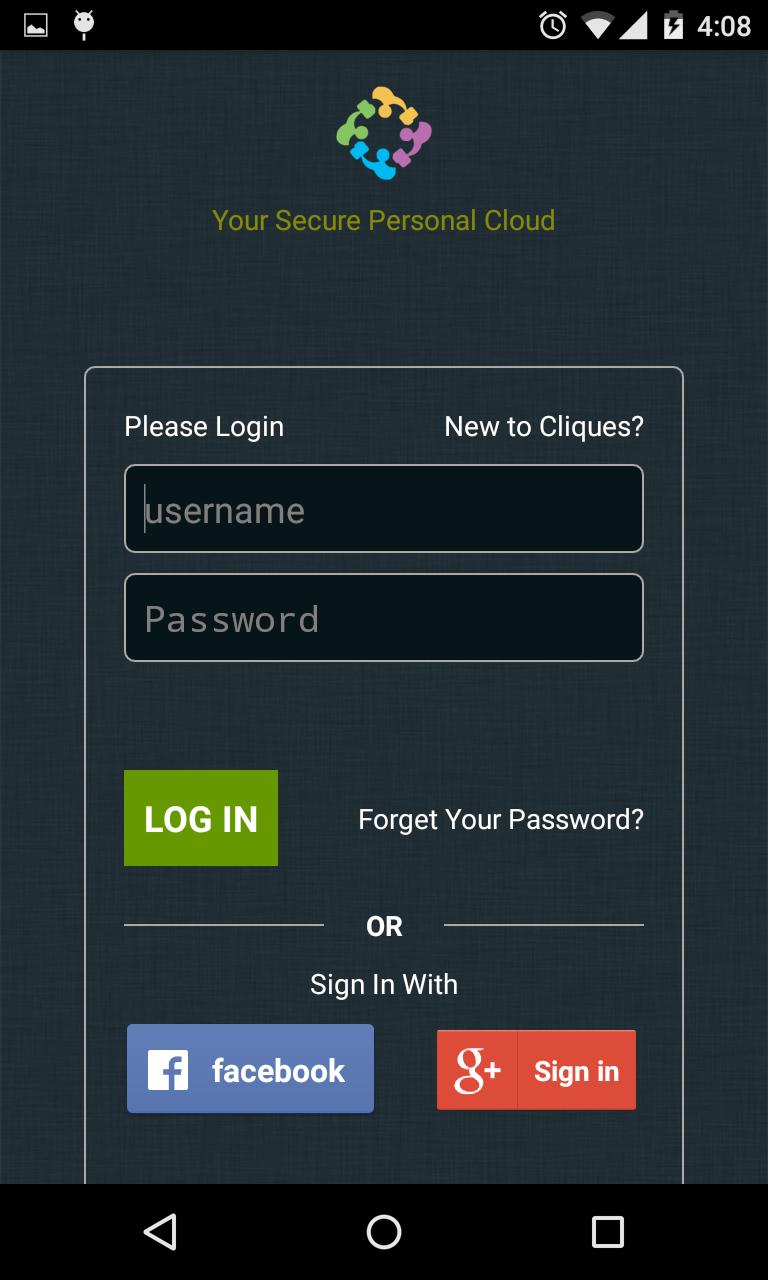
Cliques is an application that helps you store, manage and share all your personal data from the cloud. Today, we store our personal content in a variety of devices and locations like desktops, laptops, tablets, mobiles and external drives. The content is different in each of these devices and we cannot have access to all the content on every device. This limits mobility. With Cliques you can store and sync all your data and access it from any device, anywhere, anytime! Most importantly, it is safe and secure.
With Cliques, you will be able to:
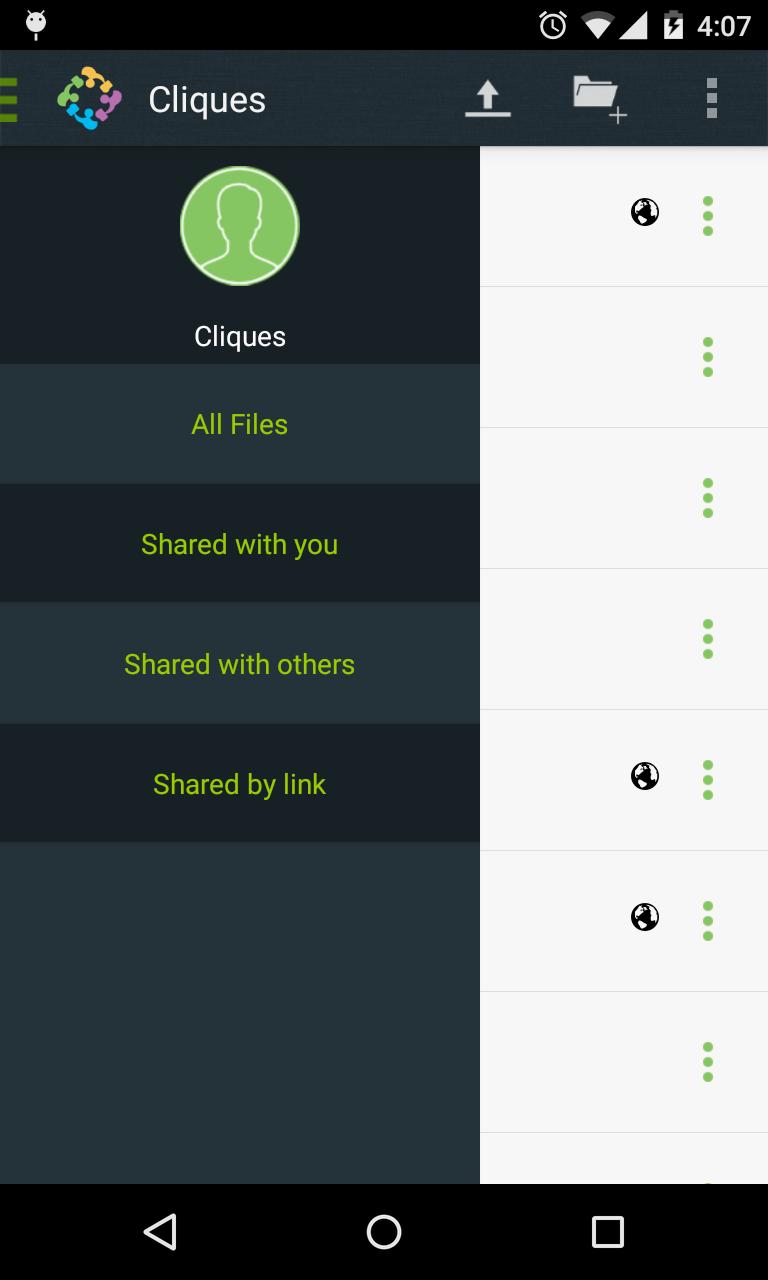
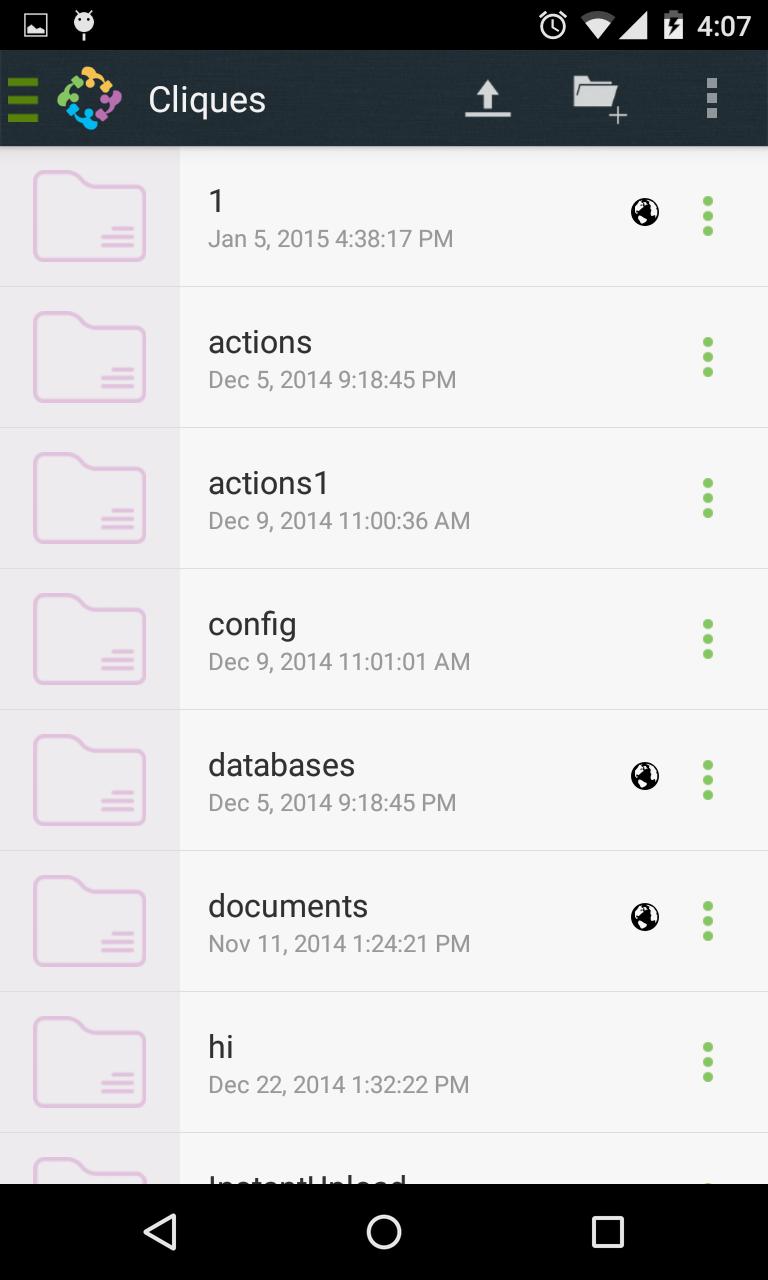
1 Access Data: Store your files, folders, contacts, photo galleries, calendars and more on your virtual private cloud. Access that folder from your mobile device, your desktop, or a web browser. Access your data wherever you are, when you need it.
2 Sync Data: Keep your files, contacts, photo galleries, calendars and more synchronized amongst your devices. One folder, two folders and more – get the most recent version of your files with the desktop and web client or mobile app of your choice, at any time
3 Share Data: Share your data with others, and give them access to your latest photo galleries, your calendar, your music, or anything else you want them to see. It is your data, do what you want with it.
4 Create Groups: Create and Manage groups of specific people. Choose what to share with individual groups.
5 Mobile and Desktop syncing: Access your data on any platform. Use the Android or iOS clients to work with your files on the go or synchronize your favourite folders seamlessly between your desktop and laptop devices
6 Versioning and Undelete: Lets you bring back data that was deleted accidentally. Find previous versions of files you modified and bring them back
7 Activity Feed: See what is going on in your groups. See who shared a file with you or when you created, changed or deleted files.
 Download