

Transform your smartphone into a control for RGB(W) or tuneable white LED strips
This Niko Color Control app allows you to create a central, user-friendly control for RGB, RGB(W) or tunable white LED strips on your smartphone.
What do you need?
The Niko RGB(W) controller RF + WiFi (340-00121) is available in Belgium, the Netherlands, France and Slovakia. It has its own WiFi network (Niko RGB) or can simply be linked to the home network using the settings menu on the Color Control Niko app.
Features:
• Automatic recognition of RGB, RGB(W) or tunable white LED strips.
• Power supply voltage: 12 – 36 Vdc (50 – 150 W per channel).
• Master-slave configuration possible.
• RGB(W) controller (340-00121) can also be controlled remotely (RF) using the Niko RGB(W) wall control (1XX-90001).
Controls
+ Colour selection
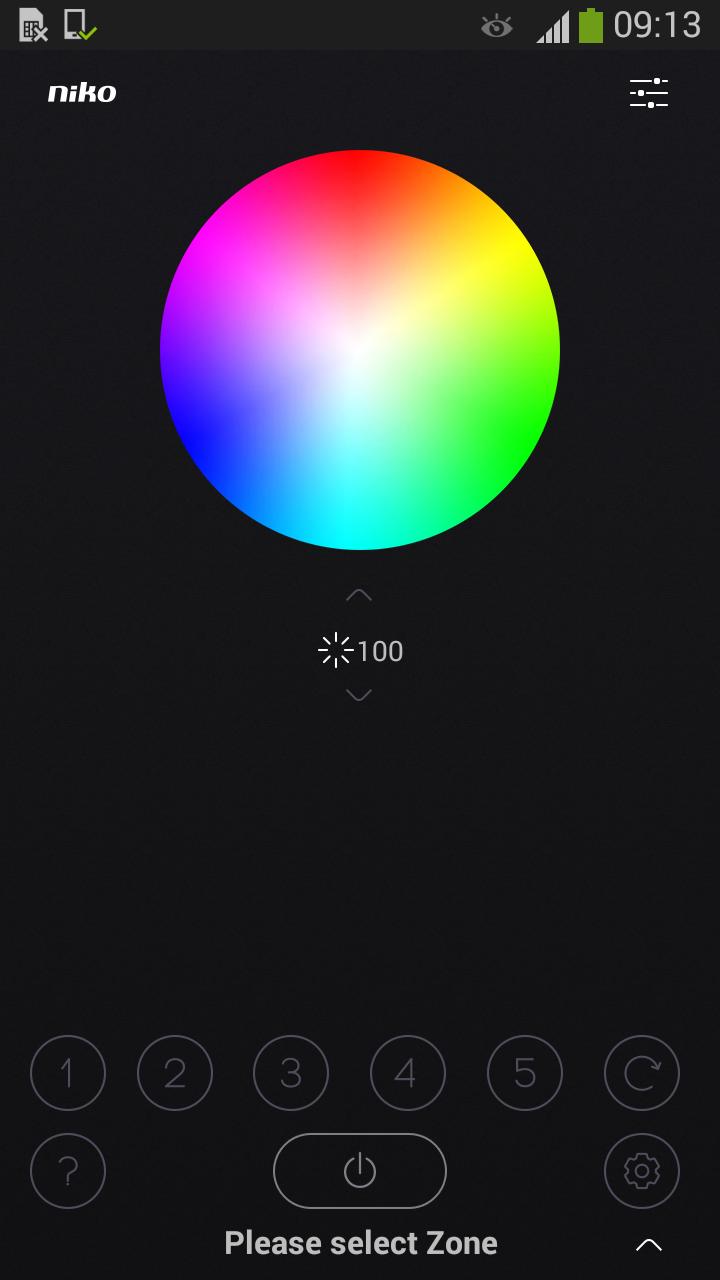
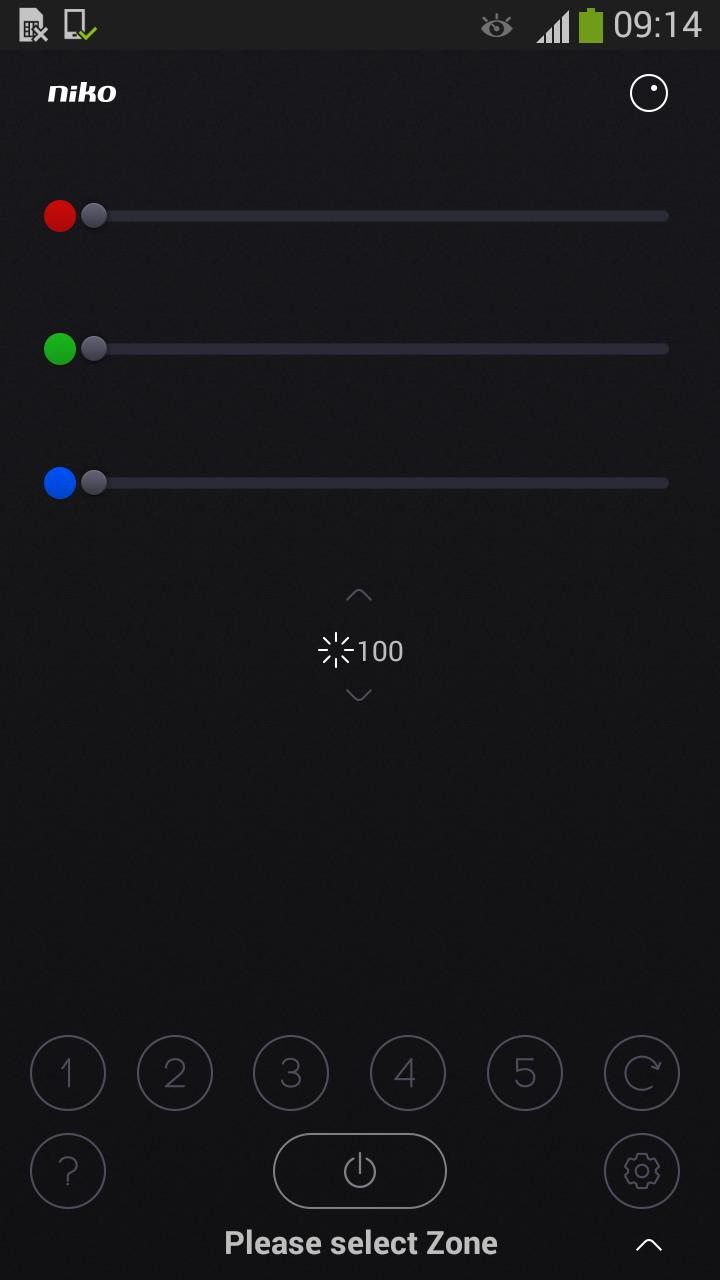
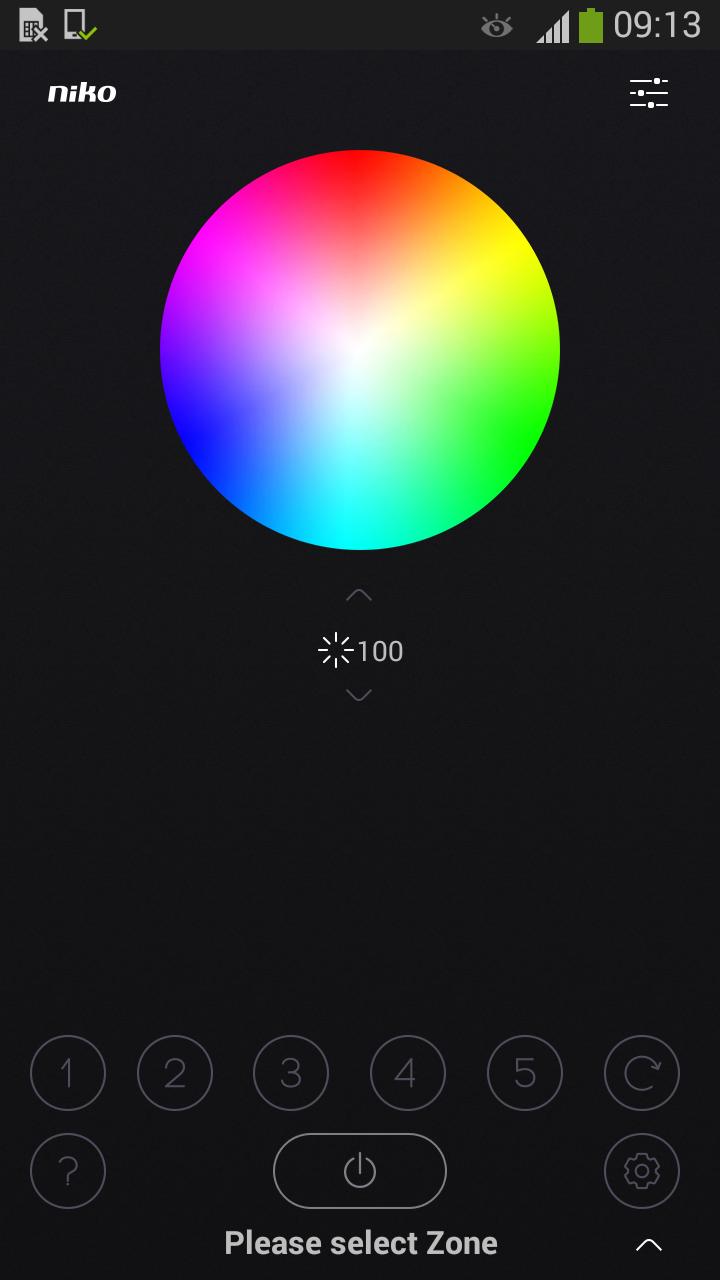
Using a colour wheel or colour sliders, you select the colour of your choice.
+ Dimming
You can easily dim the lighting, both the overall lighting and per colour.
+ Favourites
You will save your favourite colour(s), so you can call them up again later with just one press on the button.
+ Colour loop
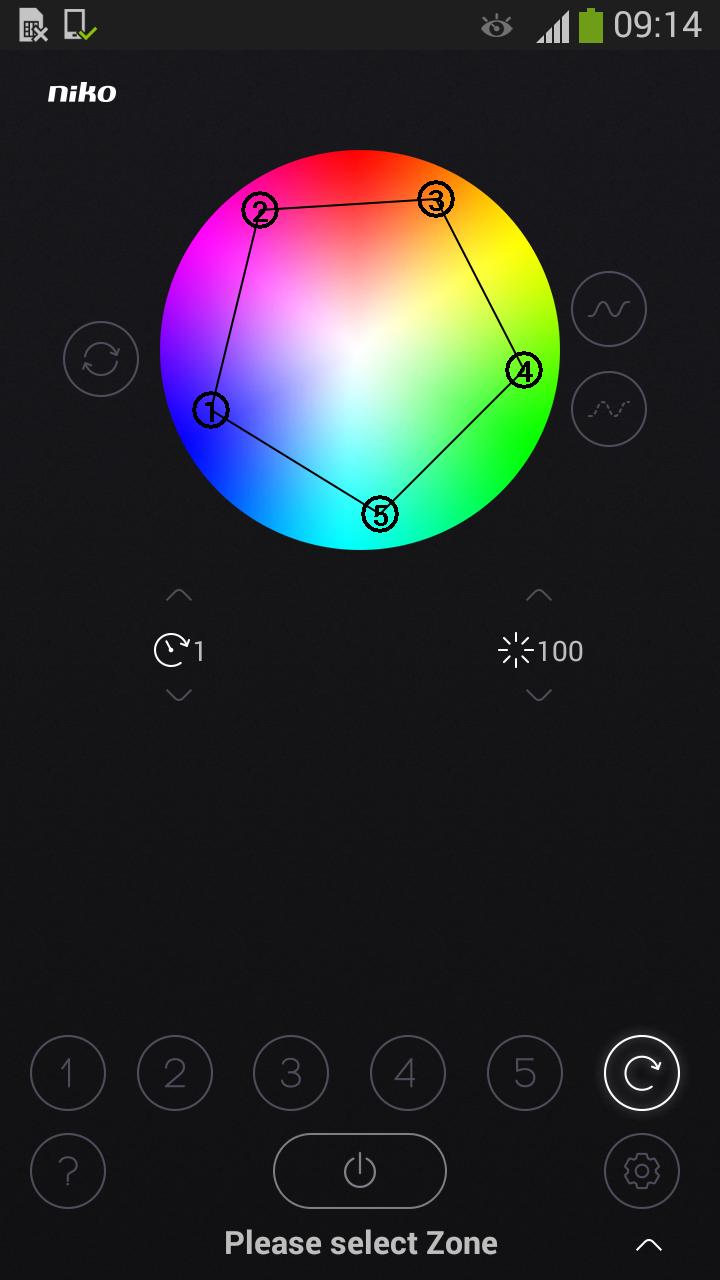
Start the standard preset colour loop. The loop speed can be set to between 1 minute and 2 hours. Create your own loop yourself with the colours you have selected.
+ Rooms
Control several rooms with one control.
Create rooms and assign them a name and a photo. This way you can control the lighting easily and specifically.
+ Settings
Using the settings menu, you will easily link your smartphone or tablet to the WiFi network of the RGB(W) controller or link the RGB(W) controller to your own home network.
At www.niko.eu you will find more information about linking your smartphone to the Niko RGB(W) controller.









 Download