

Free era to Fortune continent!
★Free era to Fortune continent!
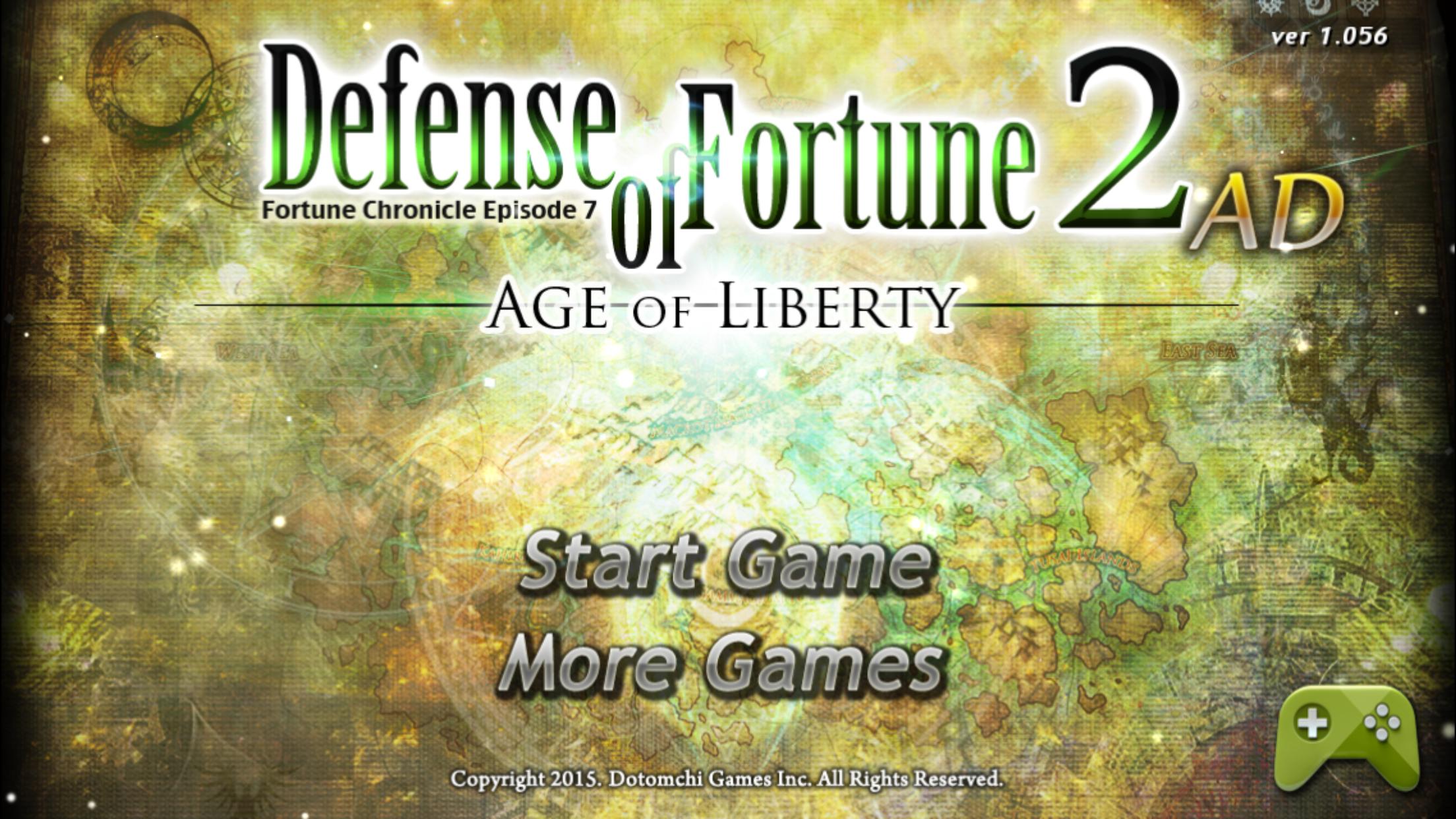
Defense of Fortune 2 is the official follow-up piece and 7th story of Fortune Chronicles Episode.
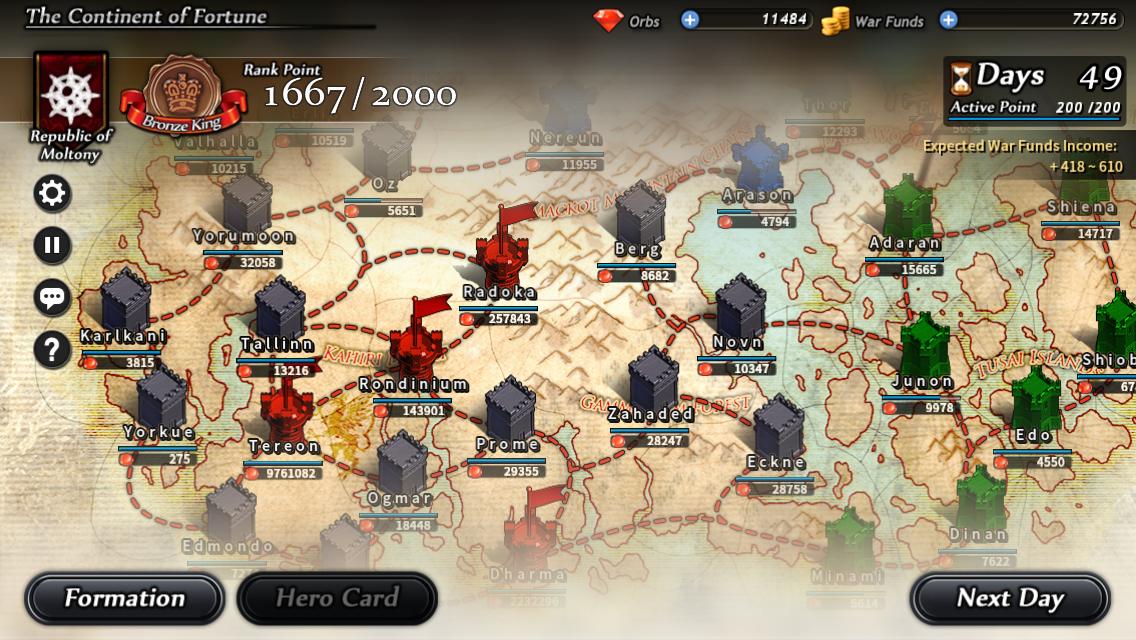
As you can see the title, Defense of Fortune 2 is one of defense genre games. Previous work Defense of Fortune was focus on wall defense, but Defense of Fortune 2 deals with both offense and defense and struggles for owner-ships of total 41 castles in Fortune continent.
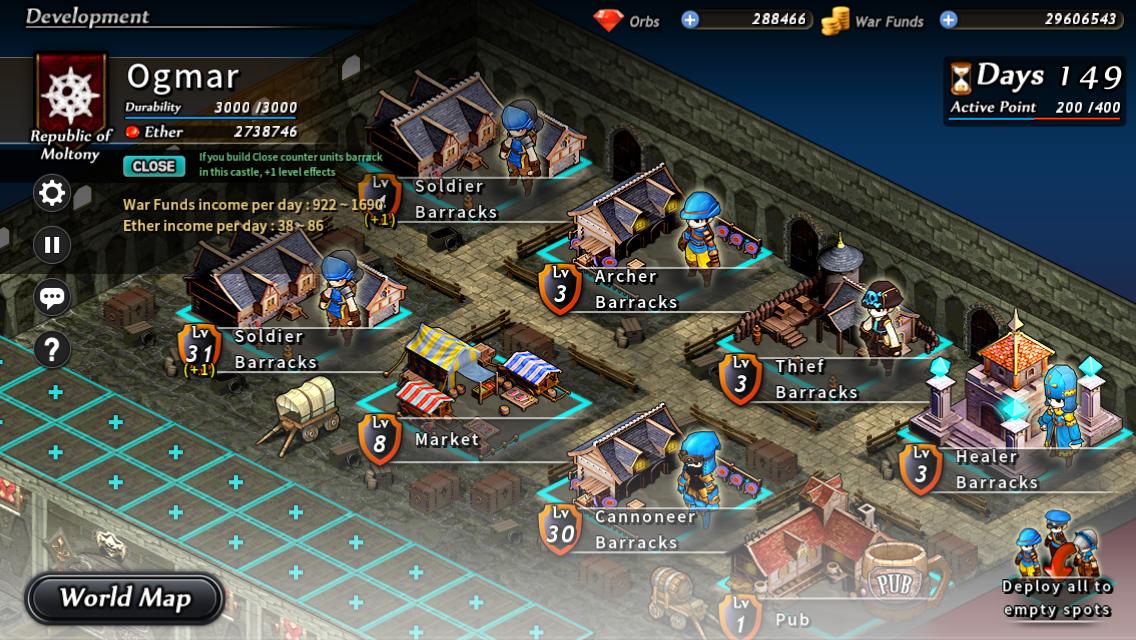
Player should build and develop various facilities and raise powerful troops first, and then occupy other castles in continent gradually. Player should also defend own castles from invasions.
★Features
1. 25 combat units, various enemy monsters over 35 kinds and huge boss monsters.
2. Real time troops battle system for more tactical playing and battle-macro system.
3. Various Heroes, recruiting system and diverse skills.
4. Supports achievement and leader board. You can compete against others with scores.
5. Supports cloud-saving by syncing to Google Play Games. You can keep on playing with your new cell phone.
★Rules
1. First, choose one of the three countries; Republic of Moltony, the Anderas and the Yubark Union. You can choose three difficulties; easy, normal and hard, in each county, so choose just you want.
2. When you enter the world, own castles appears on the map. Enter your own castle and build facilities for developing country.
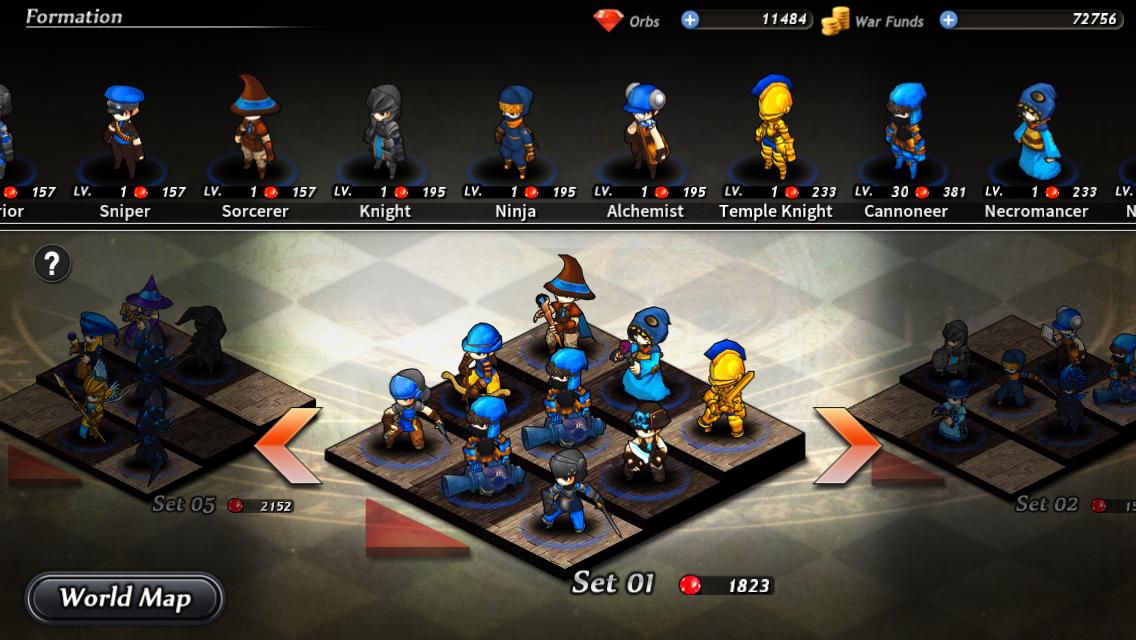
3. You can organize your units on Formation screen. You can organize only 5 troops at first, but maximum 12 troops can be organized as moving up to higher ranks.
4. You should set “Battle-macro” to deployed units on Formation. You can establish optimum strategies by mixing conditions and execute statement, such as “Use first skill when encountering close enemy”, “Recover when HP decreases fewer than 50%”.
5. When you prepare proper power for battle, you can invade enemies’ castle. At this time, battle will be performed with set troops on Formation and all battles runs automatically.
6. If durability of enemies’ castle becomes 0 or enemies’ resources (Ether) is totally exhausted, you will win the game and the castle will belong to you.
7. Sometimes, enemies invade your castle with weak defense. If you don’t defend, you would lose the castle.
8. Tavern, one of facilities in the castle, is a resting place for Heroes who travel around the continent. You can visit Heroes and recruit them by dialog and quiz. Recruited Heroes can influence your facilities positively or activate powerful attack skills during battle.
9. The goal of this game is defeating all 41 castles and unifying whole Fortune continent by using various strategies. Hope you make your unique and clever strategies.
★ How to use Google cloud-saving
★ Caution: Google cloud-saving overwrite data to your phone, so your existing data might be deleted. Using when you transfer data after changing device only is recommended.
★ If your data is deleted during using cloud-saving, it cannot be recovered. Please pay close attention.
★ If you want to use Google cloud-saving, you should be logging in Google account first.
1. Click ‘Google Play’ button (green game pad icon) on your existing cell phone (or tablet).
2. Sync saved data by clicking “Save Data” button. Don’t close application or break the internet connection. Data might be lost. Provided that the process is stuck at 0% too much time, close application and restart.
3. Click ‘Google Play’ button on your changed cell phone (or tablet).
4. Click “Load Data” button and sync saved data from servers. Don’t close application or break the internet connection as same above.
5. When you start app, previous saved data would be loaded. Now you can play the game.
Please sync saved data by clicking “Save Data” button to keep losing your data.
Please use “Load Data” when you newly change your cell phone or lose saved data only.






 Download