

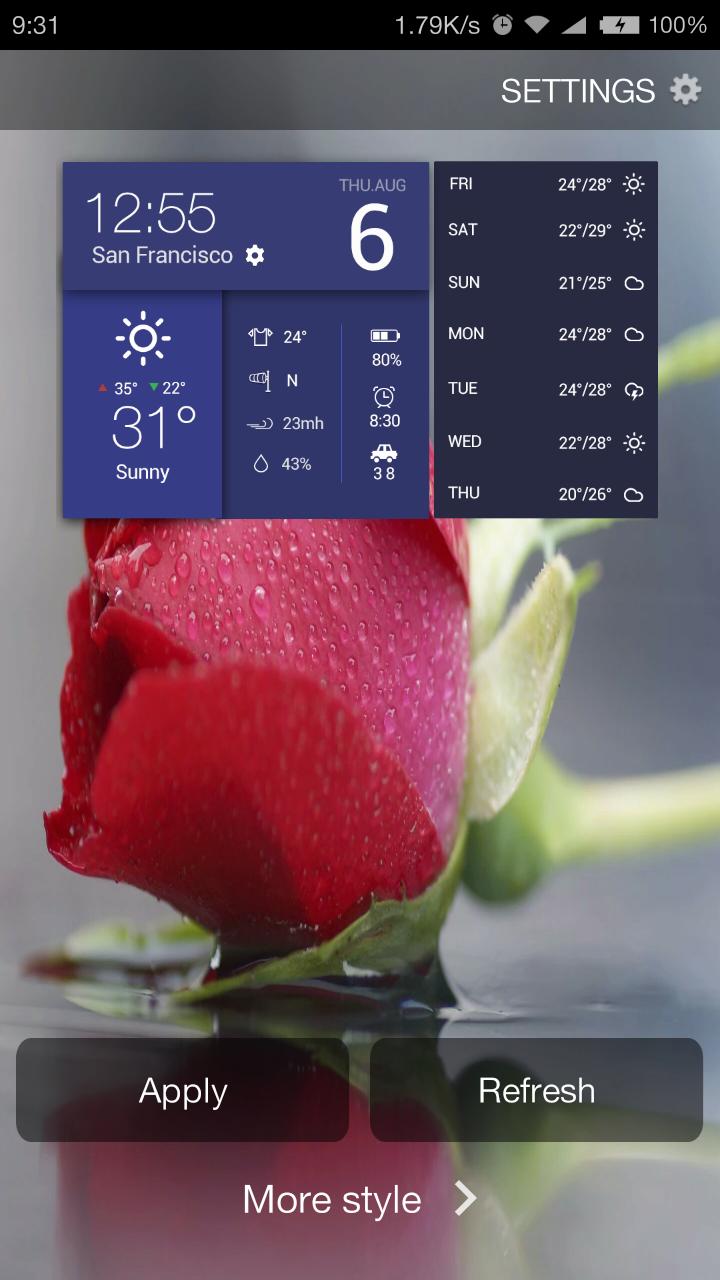
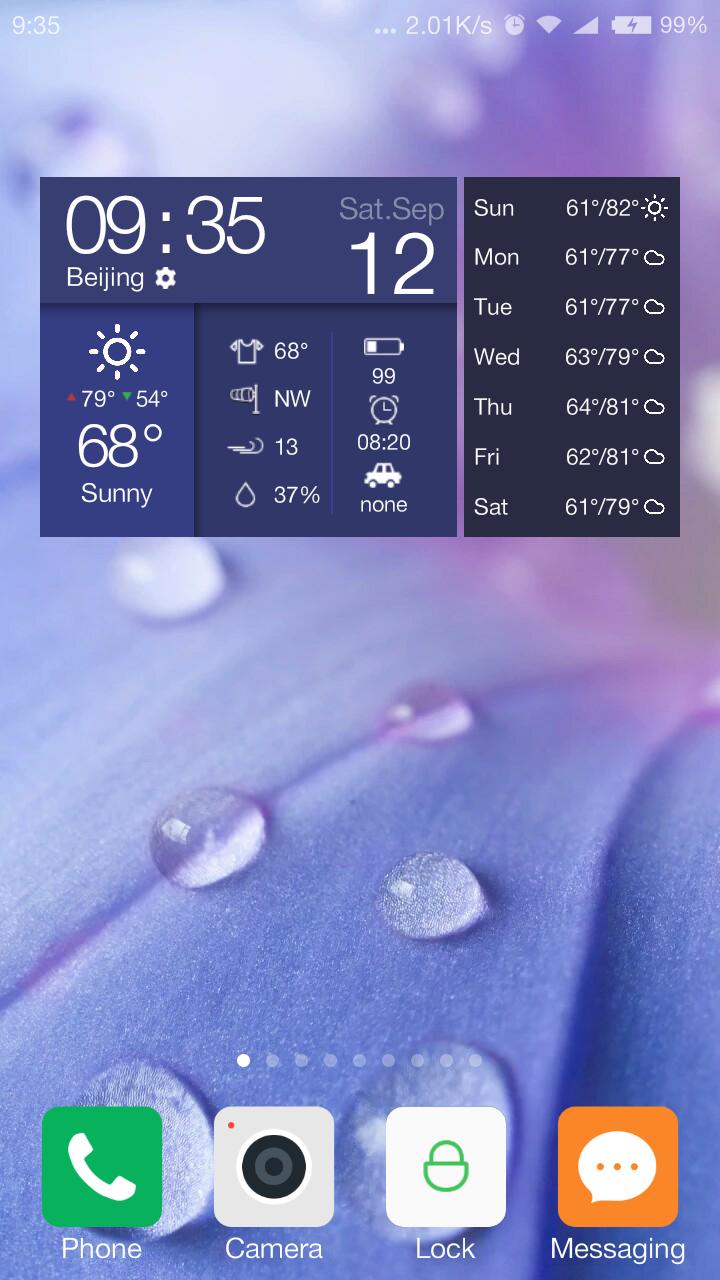
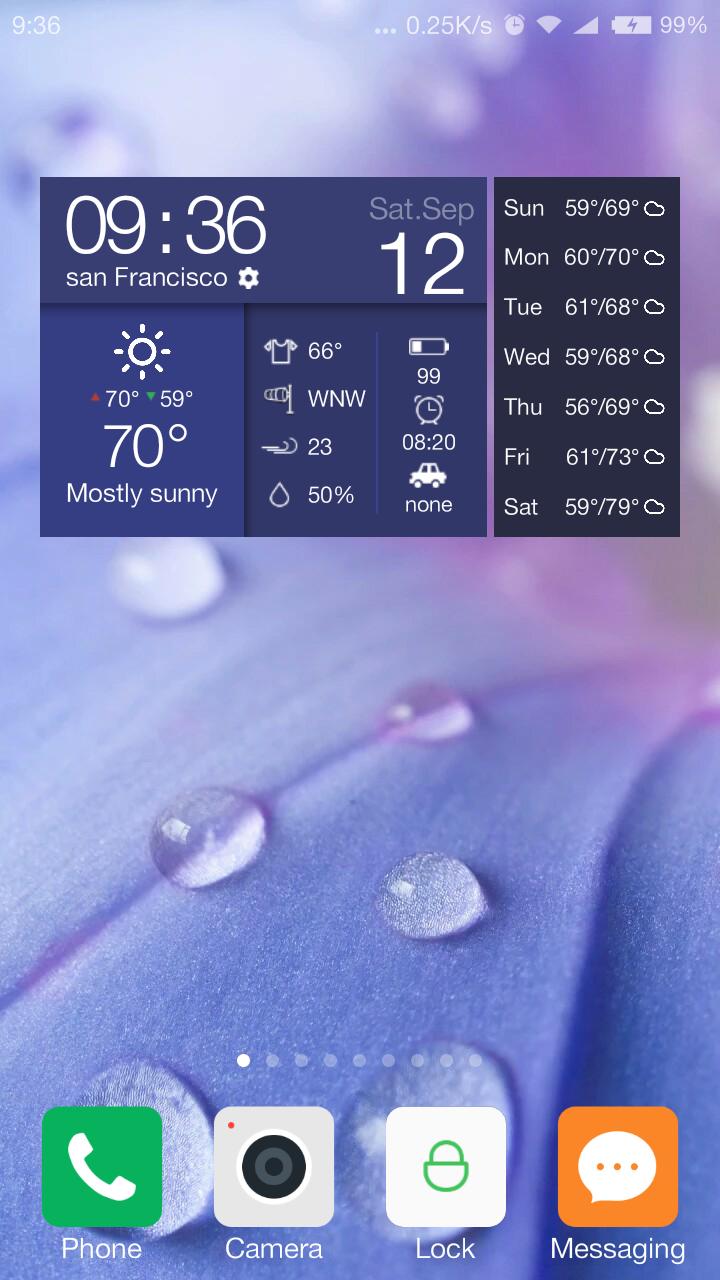
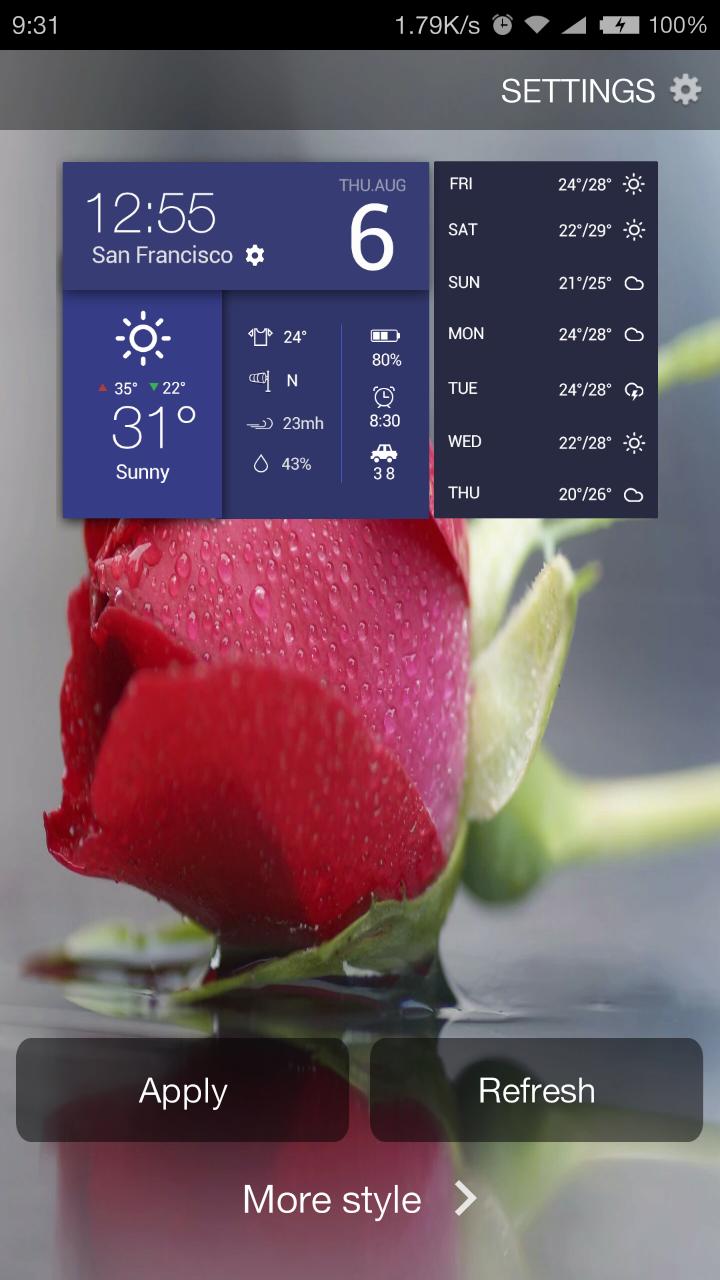
A weather clock dashboard widget includes detailed weather info & other features
This is a 4x2 multifunctional widget. With it, you don't have to download other widgets.
Feast your eyes on this fancy widget.
The widget features the following:
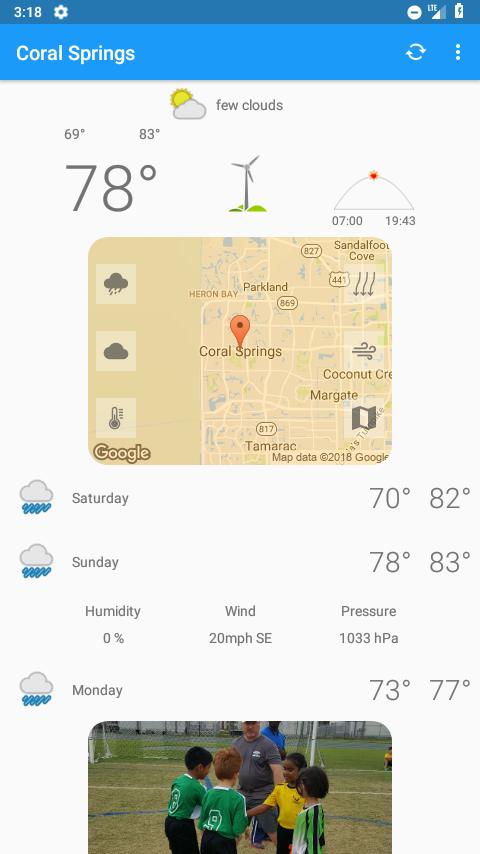
-Detailed weather information is available, like a simple weather channel on your home screen. The info includes:
current temperature in Celsius and Fahrenheit
highest and lowest temperature of the day
7 days forecasts
humidity
wind speed
wind direction
-Clickable hotspot: by tapping the alarm clock icon on the widget, you can set alarm quickly
-Multiple weather data sources, including Weather Underground and Open Weather Map
-Automatic location detection and manual location addition are both available
-World weather: ability to change locations, so you can get weather info of any city in the world: Paris, Beijing, London, New York, Tokyo, and so on
-Automatic weather update interval: 15 minutes, 30 minutes, 1 hour, 3 hours, 6 hours and one day
-Lightweight and battery-saving: the widget will not drain the battery of your phone or occupy much of the internal storage.
-Multiple language support: English,中文(简体),中文(繁體),français,Deutsche, italiano, 日语, 한국어,português, русский, Español, Català, hrvatska, čeština, danske, nederlandse, Ολλανδικά, magyar, Bahasa Indonesia, Norsk, Polskie, român, Српски, slovenský, turečtina, Ukranian, Tiếng Việt, Arabic, and Hebrew.
Note:
If you have difficulty applying the widget to your home screen, please watch the video: https://www.youtube.com/watch?v=v5nXvM_6QR4.
If the clock in the widget stops working, please check whether you have turned on the service guard. What's more, apps like Task Killer, Service Manager, Battery Saver, Clean Master or Game Booster may prevent the widget from working properly. Please add our app to the White/ Ignore List to keep widgets in sync. In this method doesn't work, please email us: [email protected]




 Download