

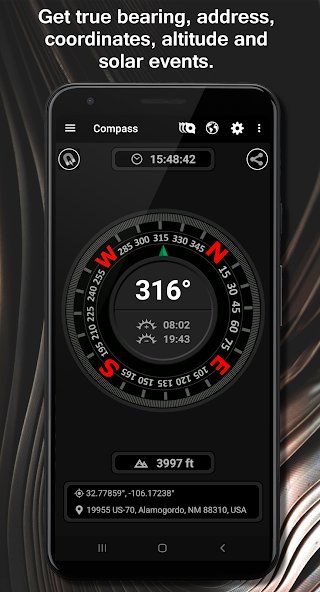
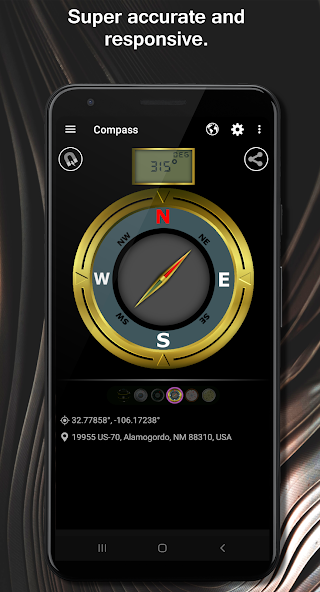
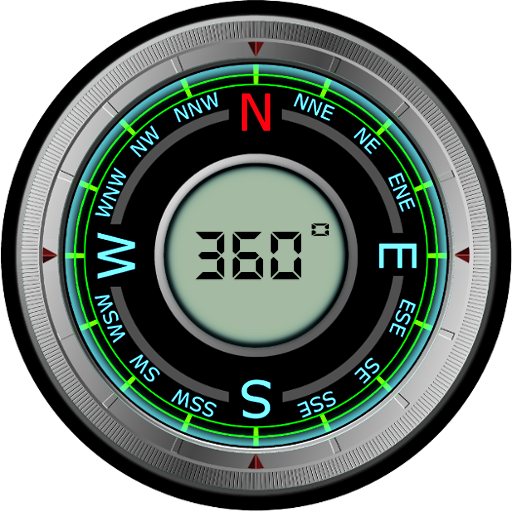
Full screen magnetic and GPS compasses with several great compass styles.
Our app features several compass styles and compass operation modes.
Whether you are navigating the back country or finding your way through the city, our smooth operating compasses will keep you on target.
Each compass works in either magnetic or GPS mode and has plenty of tools for adjusting look and performance characteristics. In magnet mode, the magnetic declination for your location is automatically calculated to show the offset from true north. Or, show offset from magnetic north, like a real compass, if that is your preference. All magnetic compasses in our app receive gyroscopic stabilization on devices with a built-in gyroscope sensor. Gyroscopic stabilization allows for the smoothest compass operation.
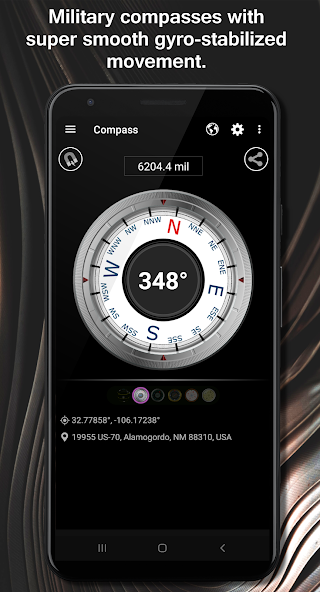
A military compass that displays heading in mils (milliradians) is included. A military compass has the advantage of allowing you to determine the distance of objects from your current position. **See the end of this description for details.
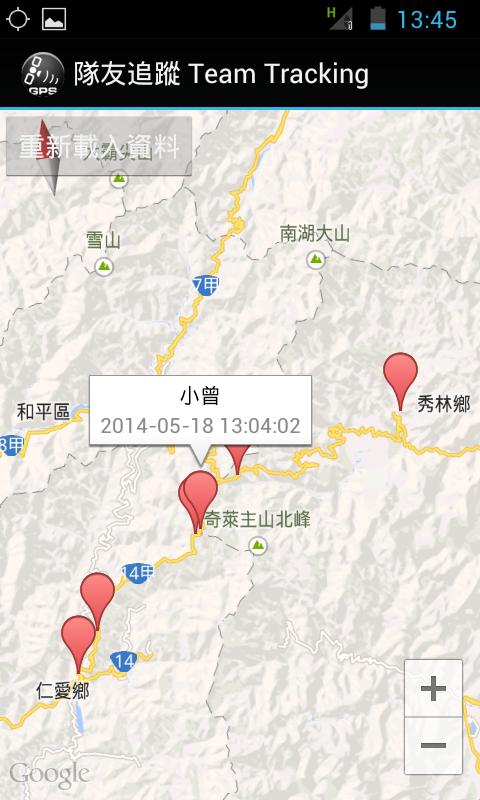
To assist with compass orienteering, there is a map with dynamic measurement tools that allow you to easily get the true heading and distance to any target from your current location.
Use the map to get a bearing to target, then follow that compass bearing until you reach your destination.
While the compasses do operate in both GPS and magnetic mode, we recommend using GPS mode for active navigation. This is because the magnetic compass in a smart phone may be affected at any time by surrounding electromagnetic fields or even the magnetic fields generated by the electric current in your device. If used properly, the compass in GPS mode will be more accurate than magnetic mode if you have a good view of the sky and you are moving forward. Practice using the compass in both modes in familiar surroundings before using the app in unfamiliar areas.
Two unique 3D compasses are included.
** Determining the distance of objects from your current location using the military compass:
1. Use the military compass to determine the arc width (milliradian span) of a distant object of known size.
2. Divide the size by the arc width to get the distance to that object.












 Download