

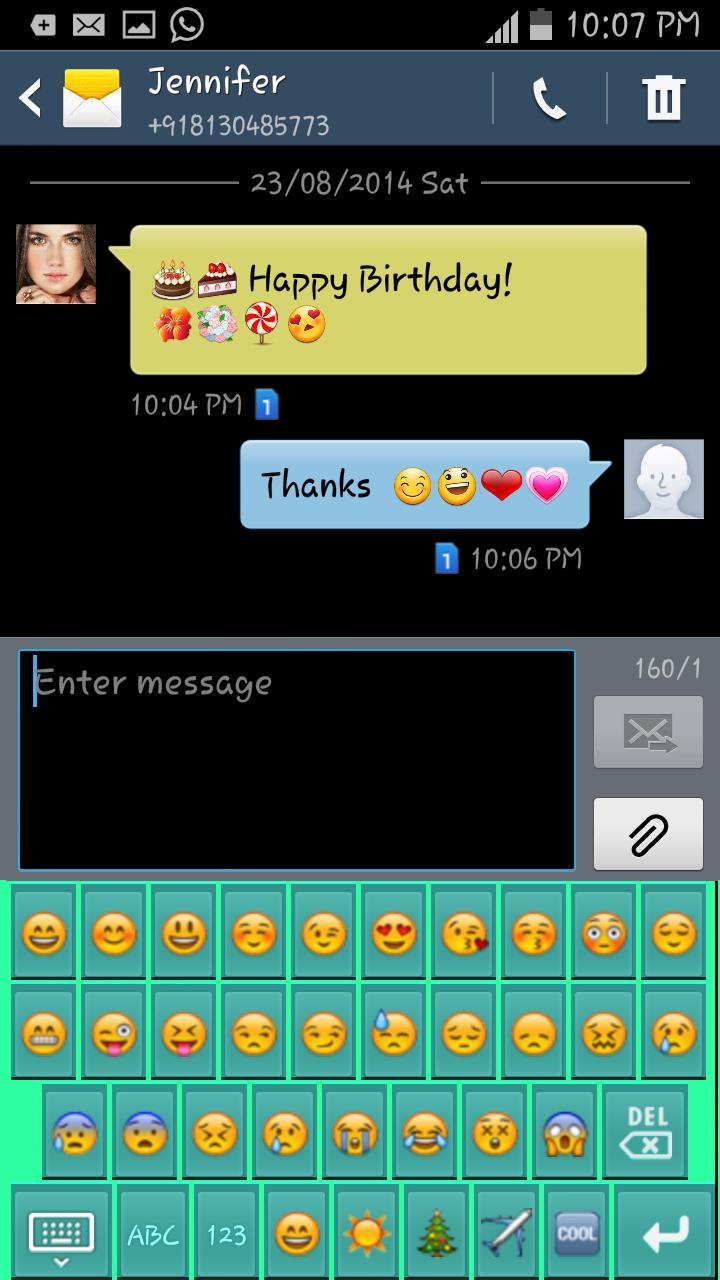
The coolest Emoji App! You can also use it as a Standalone Emoji Keyboard!
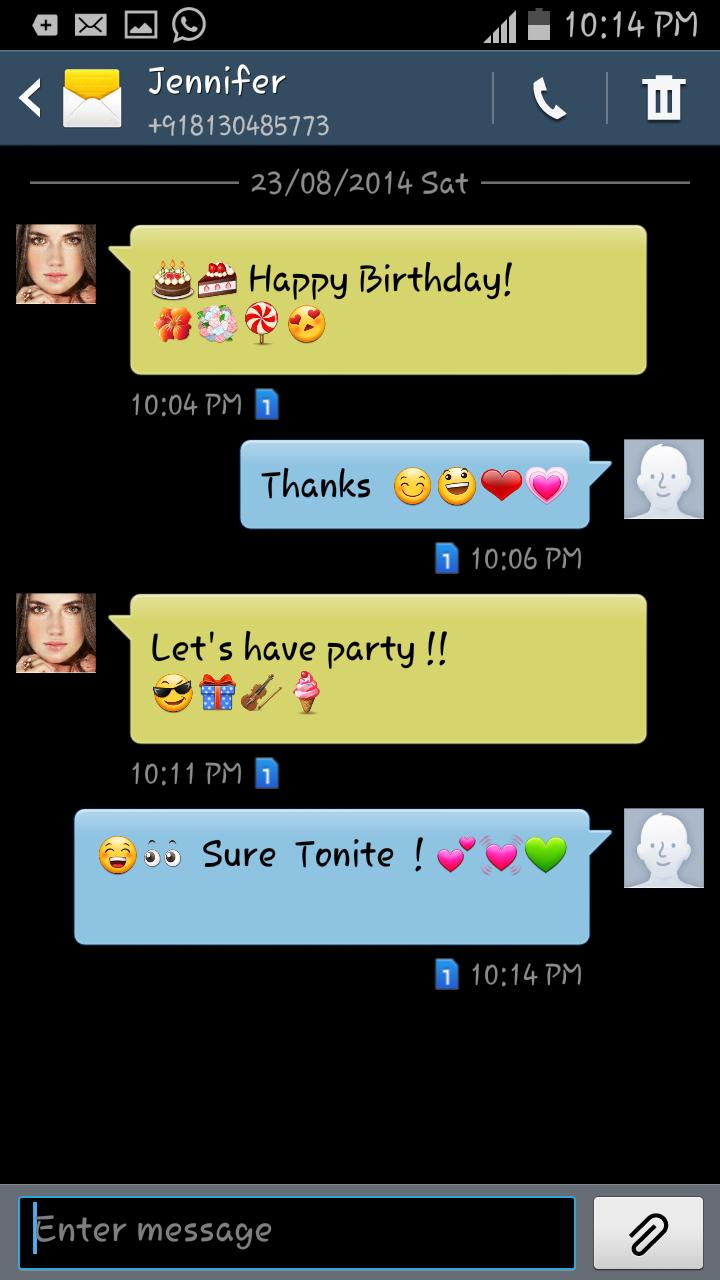
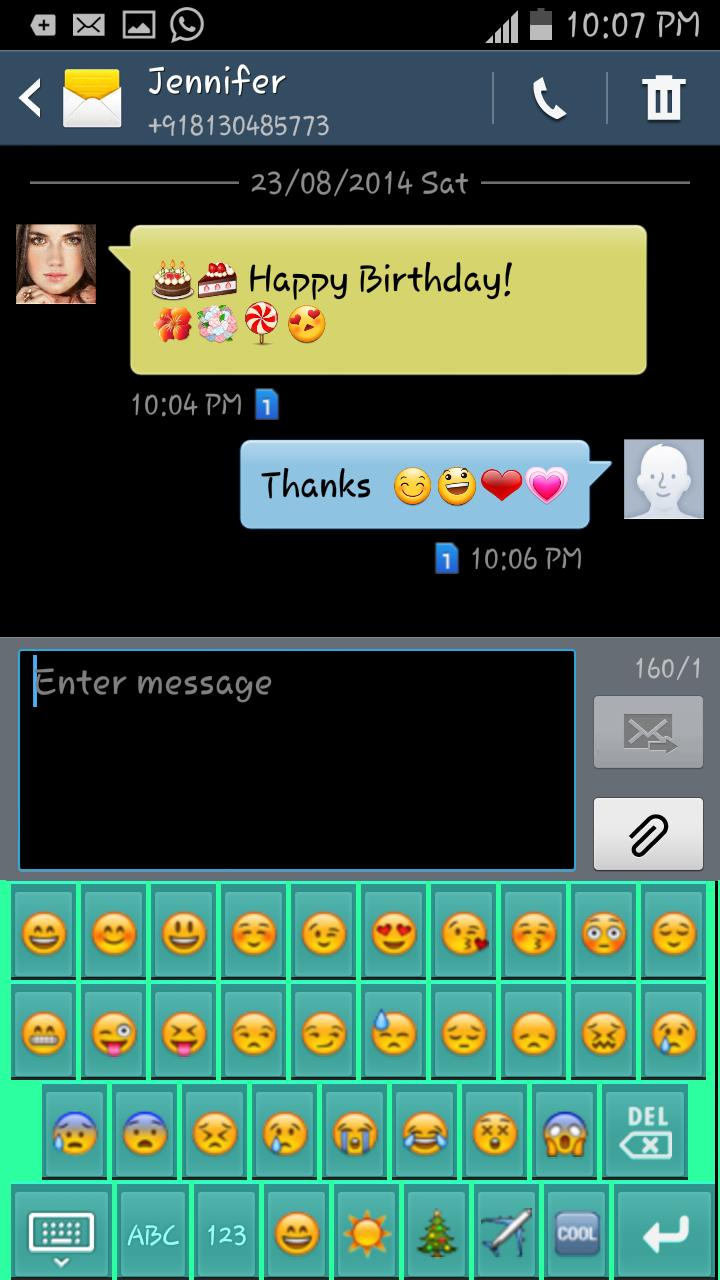
The coolest Emoji App! Now Android users can also start sending colourful Emojis in their messages like in iPhone! Start giving emotions to your messages today!
No limits on emojis! App is completely FREE!
Features:
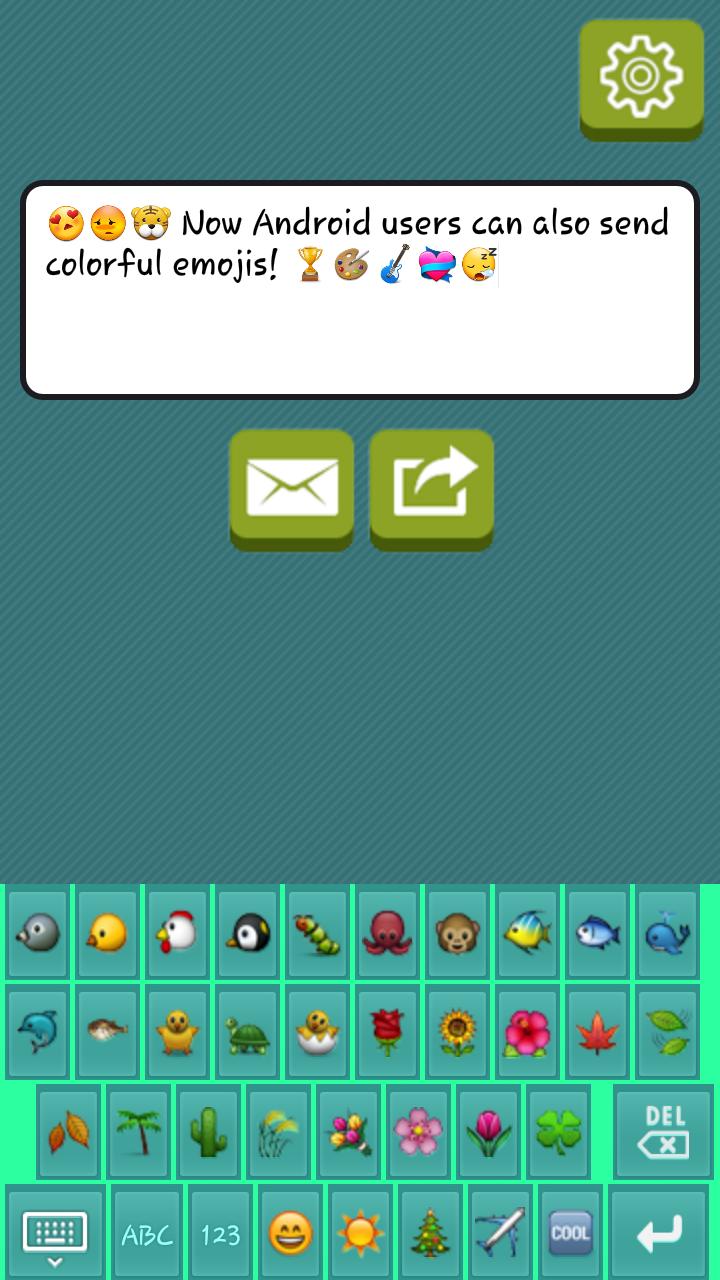
+ Lots of Emojis & symbol for every feeling and occasion that too all free! Lots of categories.
+ Custom Theme settings - Choice of keyboard background color
+ Choice of Key colour
+ Swipe left/right for more emojis of same category. Tap on the category you want to choose.
+ UNIQUE FEATURE: Standalone mode - You can also send emoji messages directly without setting it as a keyboard. You can directly send SMS / Texts, gmail, email, whatsapp, google+. You can input various kinds of emoticons and symbols conveniently from this emoji keyboard.
+ Set Key press Vibration, Key press sound, popup on key press
+ Auto capitalization support
+ Voice input support
+ Reset Theme settings for setting to default
+ Send emoji’s to iPhones
+ Use it everywhere Twitter, Facebook, Whatsapp, kik and more.
Start making your message more personalized and unique!
Setup method for Emoji Keyboard:
1. Easy setup from within the app (strongly recommended) - Tap on Set Emoji Keyboard Button
a) Step 1 : Enable Keyboard -> Select Emoji keyboard
b) Step 2 : Select Keyboard -> Select Emoji Keyboard
2. You can also replace default one to Emoji Keyboard tool from the settings app also,
a. Settings -> Controls -> Keyboard and Input Methods, then -> Enable Emoji Keyboard OR Settings -> My device -> Language and Input- > Enable Emoji Keyboard
b. Then Tap on Default and Select Emoji Keyboard
Note below following instruction:
1. Supported in Android 4.1 (Jelly bean) and above. Below 4.1, it’s not natively supported hence user can’t see them.
2. Limitation - Till version Android 4.3, the emoji’s look black & white as colored emoji’s are not supported till 4.1 For version 4.4 (KitKat), colored emojis are supported. However, note that from 4.4 & higher emojis are colored. Also iPhone users will also receive them correctly as colored.
Get your Smileys today and start spreading smiles with Emoji!
Support for more devices.







 Download