• Home
  • Game
    Action Simulation RPG Sports Casual Cards Music Puzzle Shooting Romance
  • Apps
    Business Social Lifestyle Shopping Tools Travel Finance Education News Health
  • Articles

English 中文(简体) 中文(繁体) 한국어 日本語 Português Español Русский العربية Indonesia Deutsch Français ภาษาไทย
Home Apps Tools Fast dial widget
Fast dial widget

Fast dial widget

1
2
3
4
5
Download
  • Version 2.1
  • Category Tools
  • Package Name net.dzyga.android.contacts
  • Update Time June 10, 2025
  • Size 3.55MB
About this app

Make your life easier! One touch - one call!

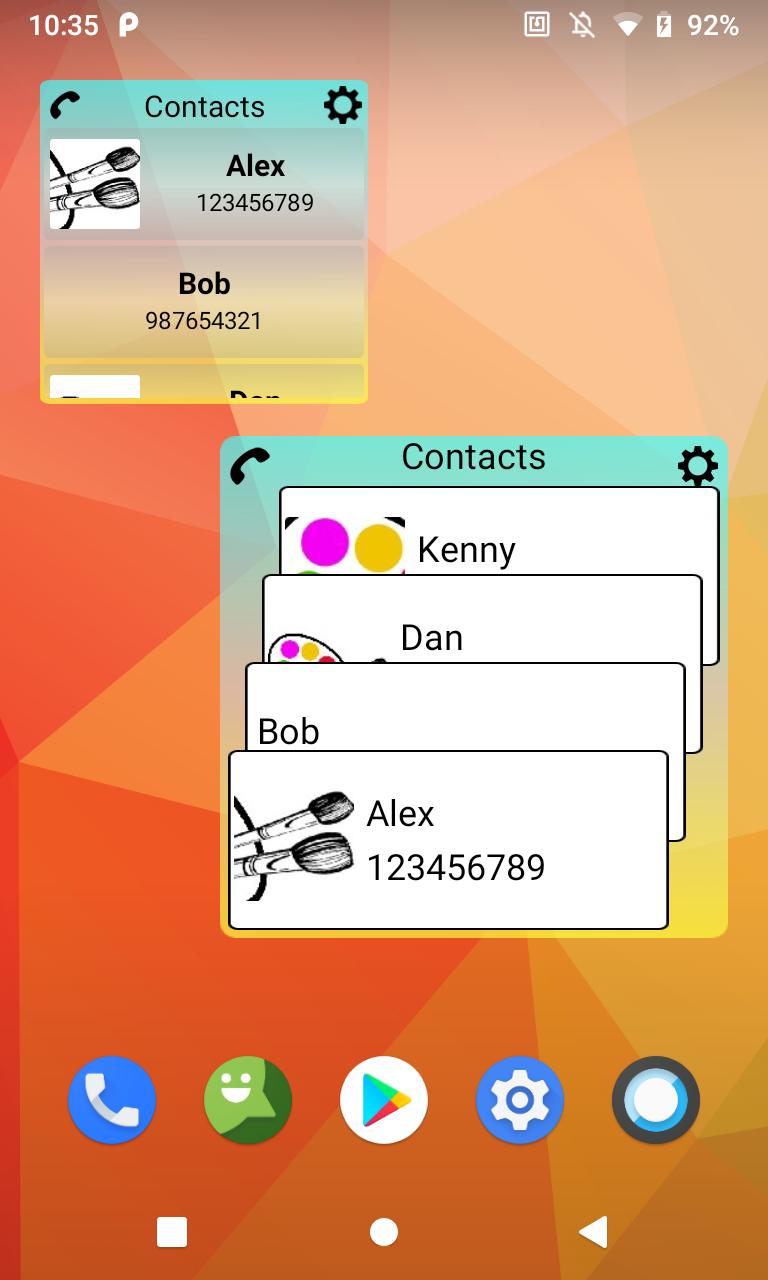
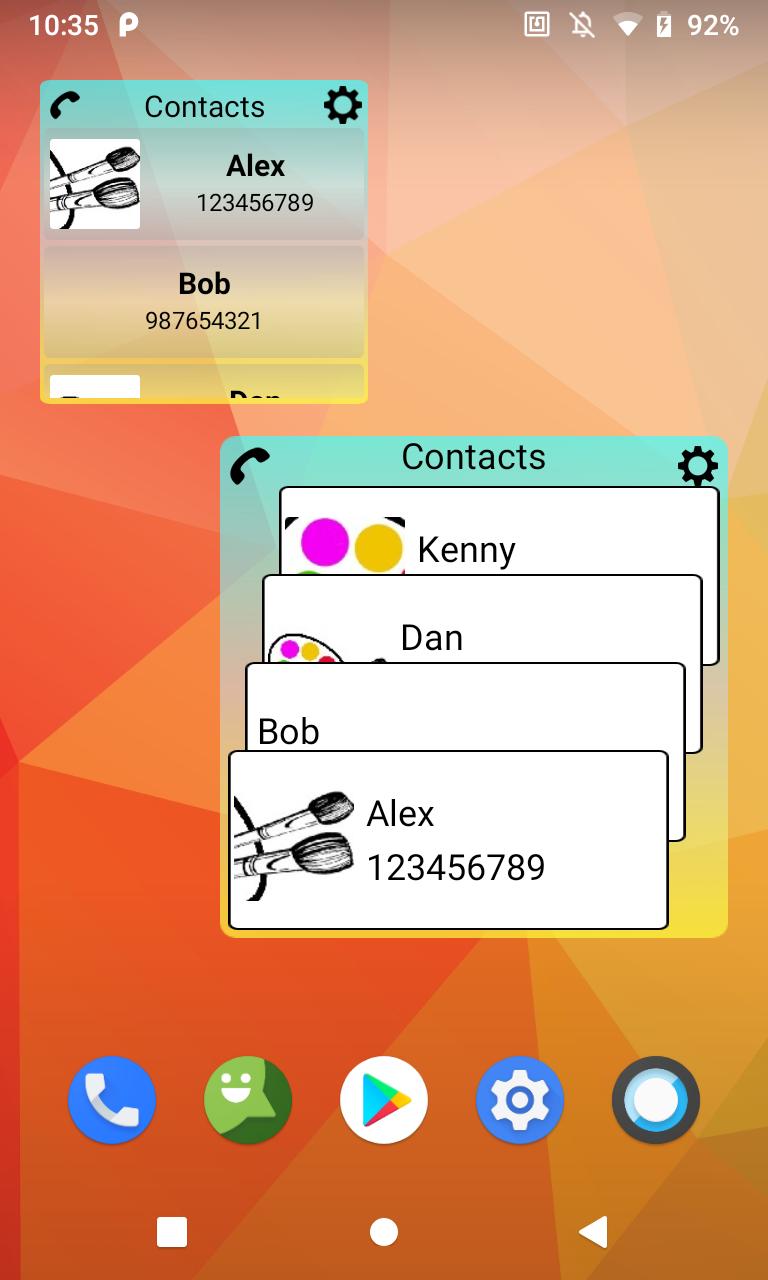
Did you know that you can call from a smartphone even easier than usual? Favorite contacts are always before your eyes, and you can call just by clicking on the contact. You no longer need to run the phone application or contact list, the screen widget is always in front of you, one click on the widget and the call starts. The list of contacts can be edited as you wish. On the screen you can arrange any number of widgets, different colors and sizes. To familiarize yourself with all the functionality, scroll through a short tutorial. Description starts once, after installing the application. To start, click on the application icon on the home screen or in the list of applications.

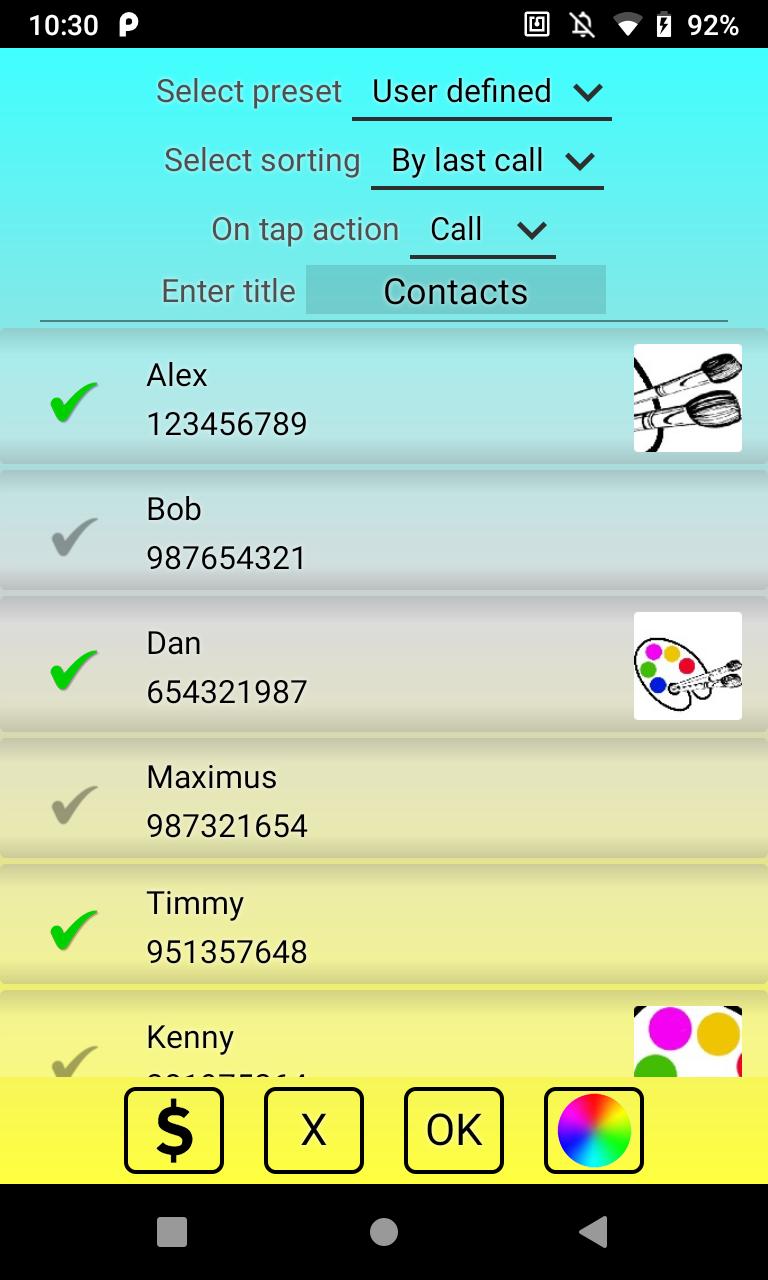
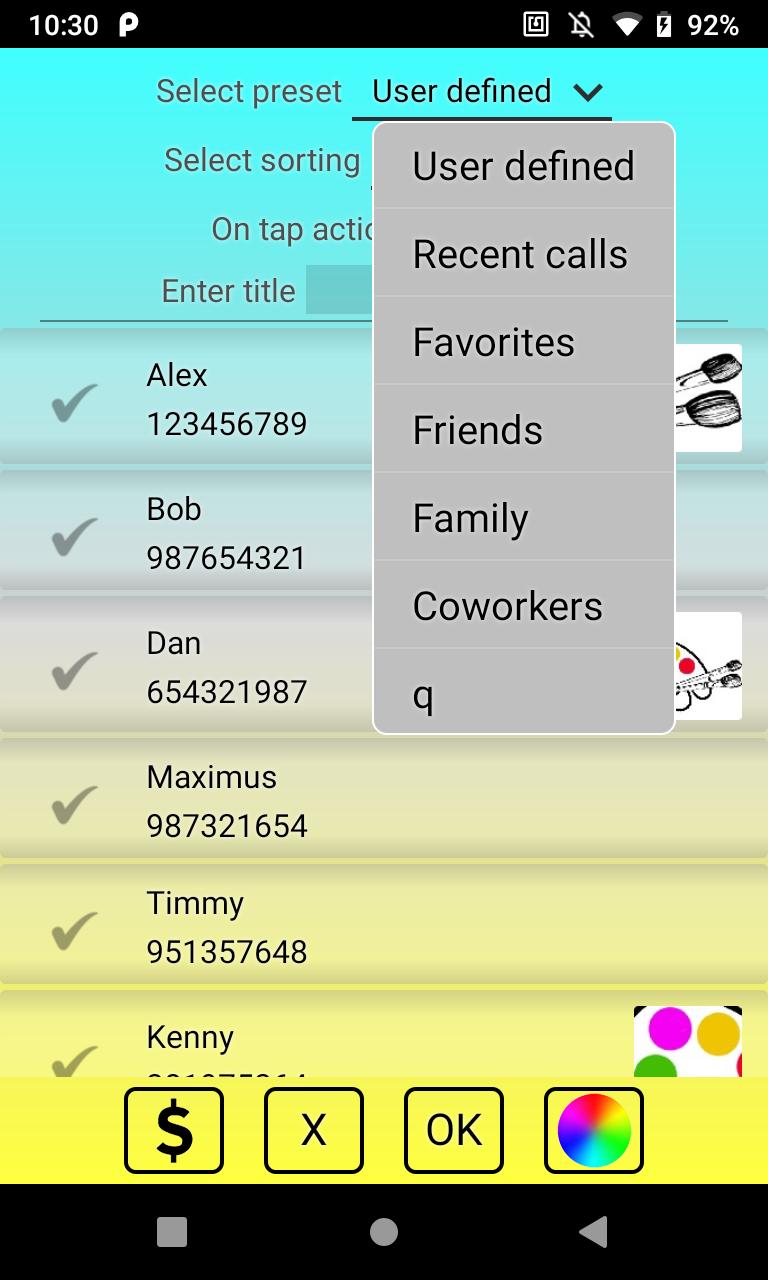
To install the widget, long press on an empty spot on the screen. Select widgets and then find the Contacts application. Here you can choose between linear and cascading views. Position the widget in the right place on the screen and release. You will see a tinctures window. Here you can select the necessary contacts, background colors and font size. After installation, the size and shape of the widget can be changed as you wish.

For normal operation, the application does not need the Internet, that is, it can work offline.

Fill the screen with colorful stickers and you will have an interesting game of colors.

If you are unable to find Contacts in the list of widgets, try the following:

1. make sure that you are installing the application not on the SD card

2. reinstall the application

3. reboot the phone (tablet)
What's New in the Latest Version 2.1

Last updated on May 23, 2020 bugs fixed
Download(3.55MB)
Users also viewed
  • Cinche Gallery

    Cinche Gallery

    1.2.1 January 16, 2026
  • Length Fraction Calculator

    Length Fraction Calculator

    1.1 January 16, 2026
  • Kansas City Weather Radar KCTV

    Kansas City Weather Radar KCTV

    v4.35.1.1 January 16, 2026
  • topksk

    topksk

    1.3 January 16, 2026
  • TV Universal Control Remote

    TV Universal Control Remote

    5.0.2 January 15, 2026
  • weather warnings and alerts

    weather warnings and alerts

    16.6.0.6271_50157 January 15, 2026
  • Ruqyah

    Ruqyah

    2.3 January 14, 2026
  • All Photo Frames

    All Photo Frames

    1.10 January 13, 2026
  • MYAndroid Protection

    MYAndroid Protection

    2.0.68 January 13, 2026
  • CloudKeyz

    CloudKeyz

    1.1.8 January 13, 2026
  • Clock Tuner

    Clock Tuner

    3.20 January 13, 2026
  • Muzei - Dota

    Muzei - Dota

    1.0 January 13, 2026
  • dodol Keyboard

    dodol Keyboard

    1.86 January 12, 2026
  • Pollution Care

    Pollution Care

    1.6 January 12, 2026
  • Safe+ synchronizer

    Safe+ synchronizer

    1.09.1 January 12, 2026
About Privacy Policy Terms of Service Cooking Policy

© Copyright 2017-2026 downzs.com