

Conveniently access a range of quick settings anywhere, anytime
This app uses the Device Administrator permission.
Floating Assistant Features:
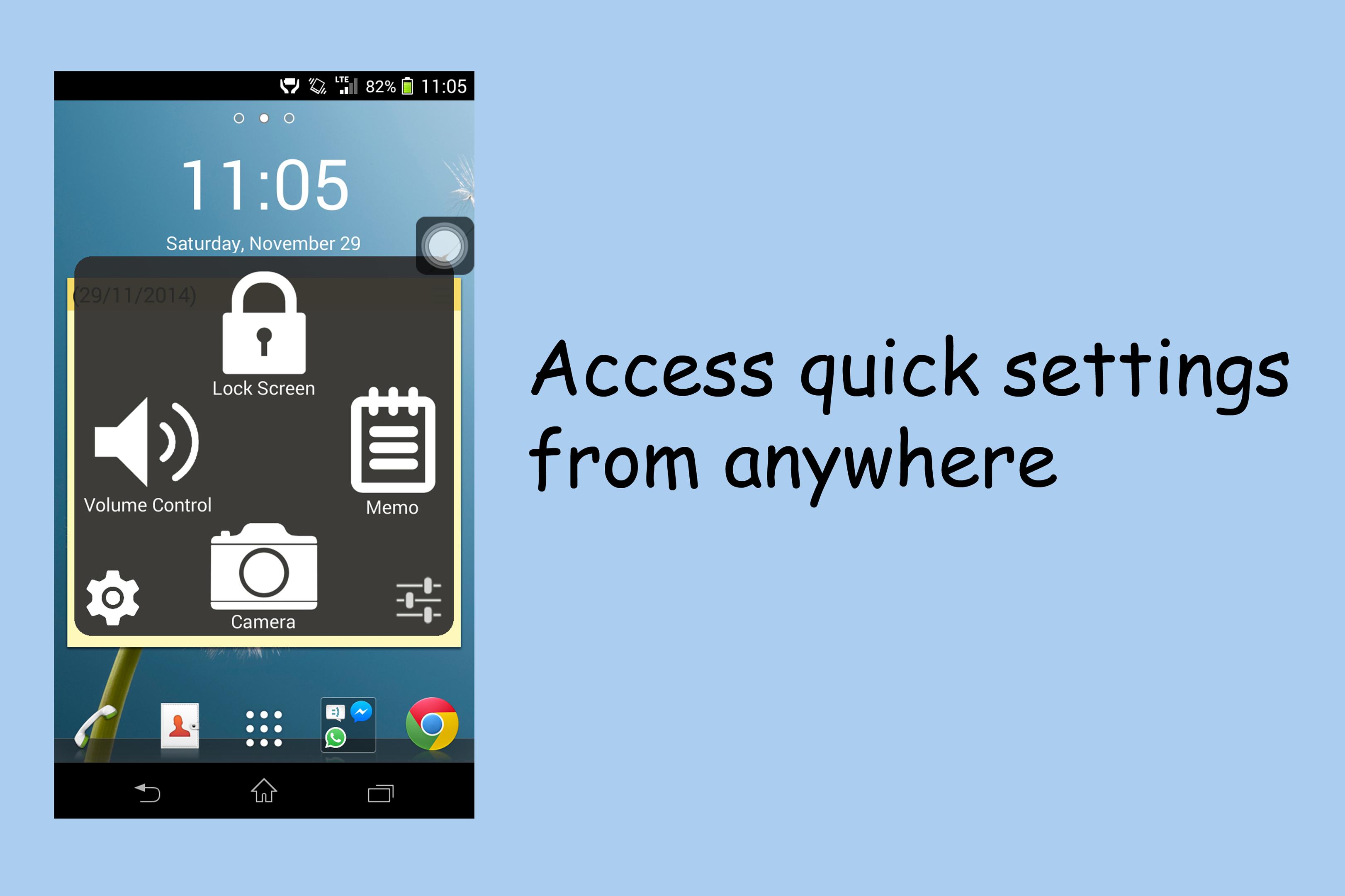
★ Its icon floats above all apps, which makes it accessible anywhere regardless of which app is opened
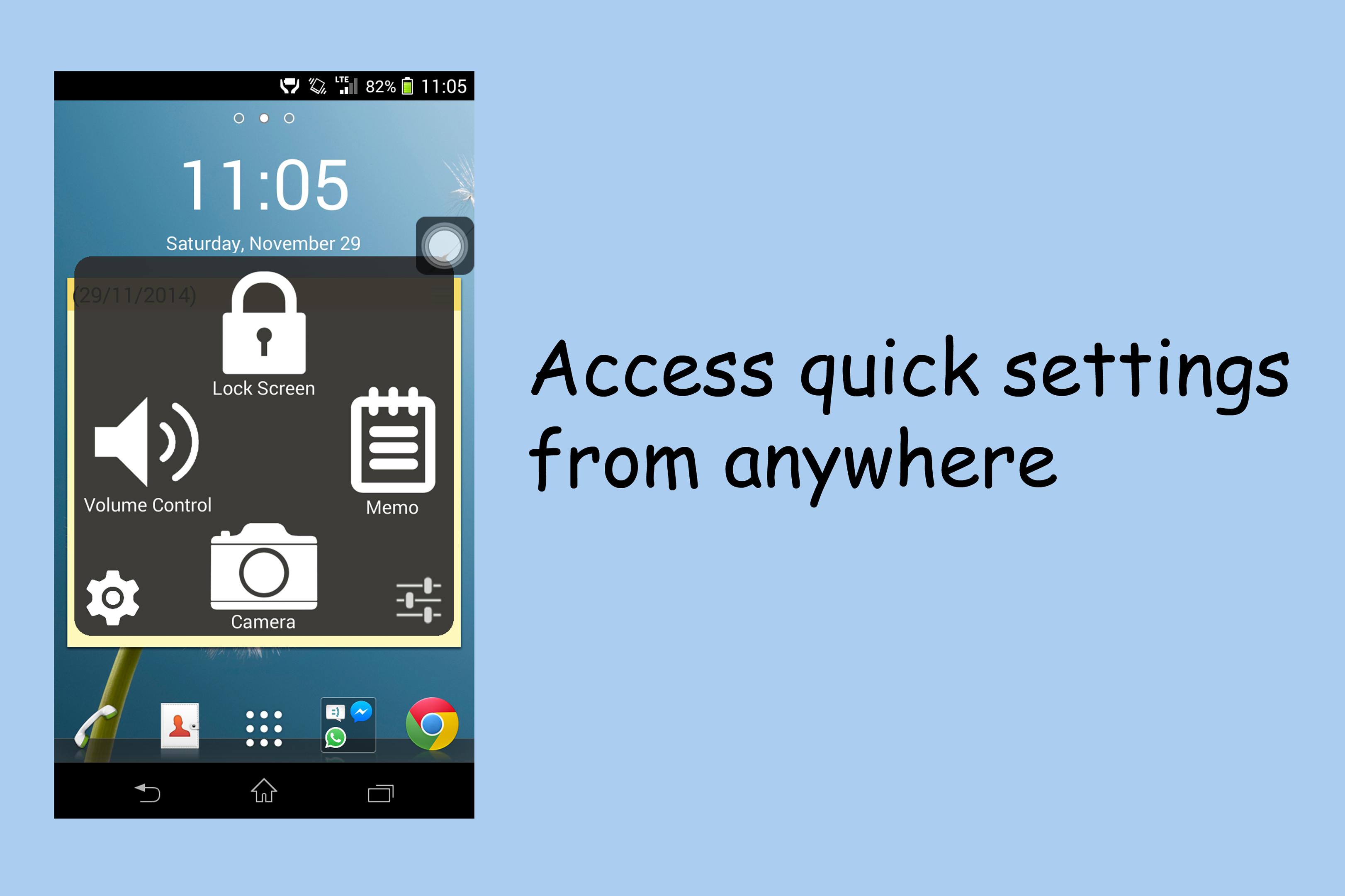
★ 4 convenient settings at your fingertips
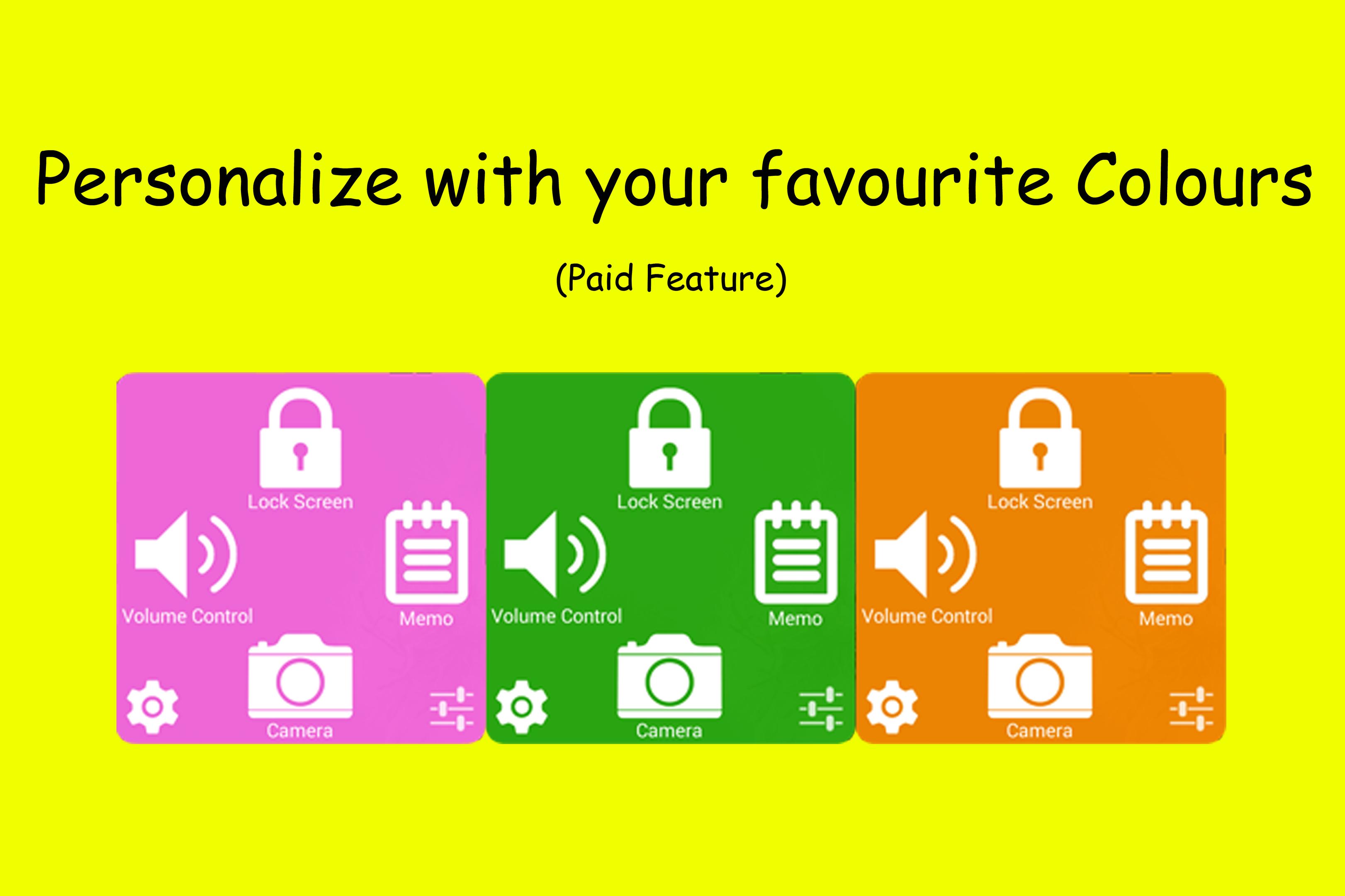
★ Great personalization and customization options (paid feature)
★ No Ads completely
The developer understands the ugliness of ads within apps
Why such a unique set of options
★ Unlike other Assistive Touch apps in this store, the developer understands that most phone makers already included many quick settings in the notifications bar (airplane mode, brightness etc)
★ Thus, duplicating such settings is redundant and unrequired
★ These 4 settings which are in Floating Assistant had been carefully thought of, and are rarely seen in default quick settings menu
The 4 main buttons
★ Lock screen - This instantly locks the screen (similar to pressing the power button). It's aim is to reduce the stress on the power button of the phone
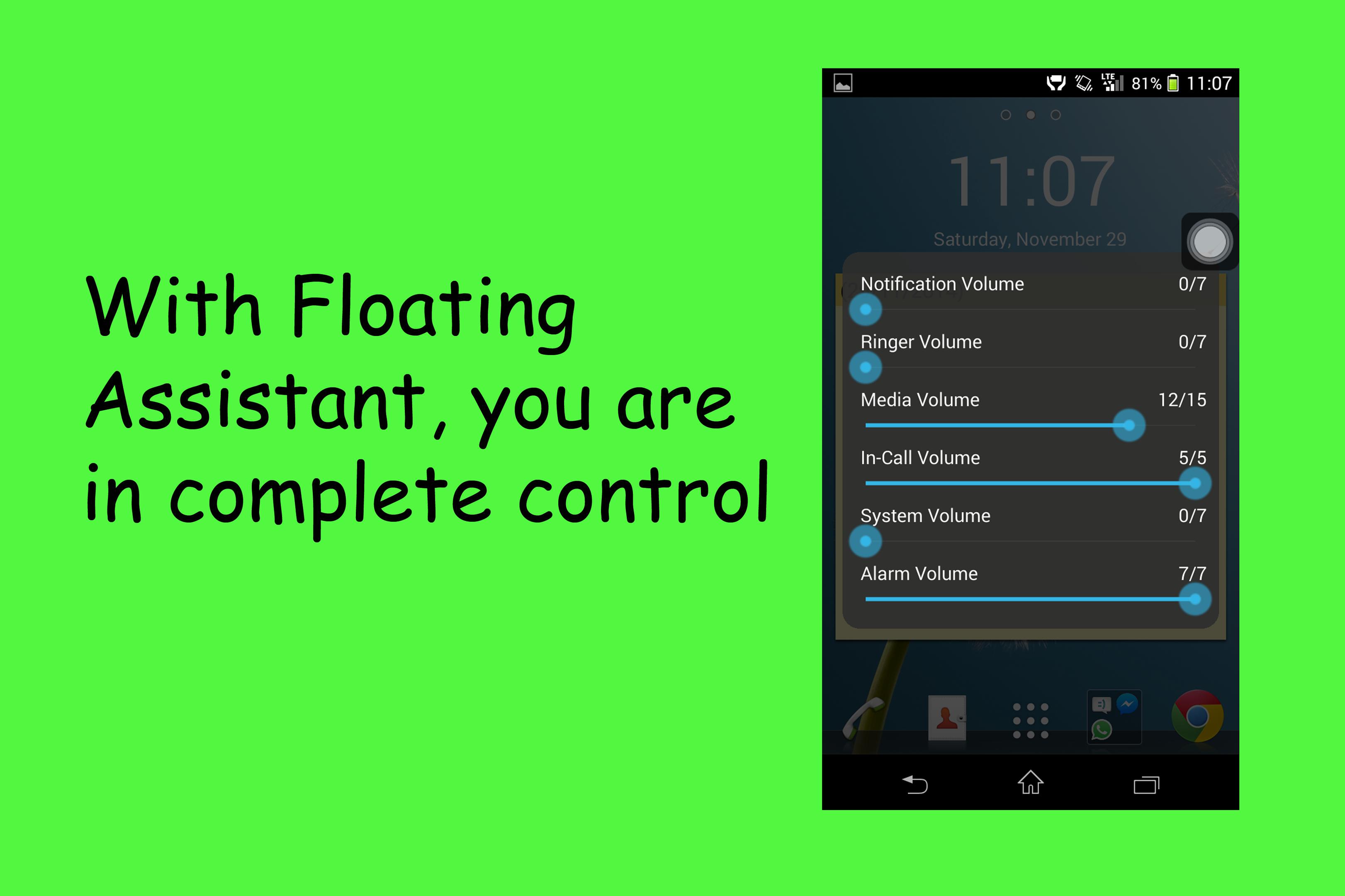
★ Volume Control - In android, pressing the volume up/down buttons only could change the current volume which you are using at that time. This, allows you to change any volume levels within your entire phone.
★ Memo - Allows you to take notes on-the-go. Take down phone numbers, jot down an idea which happened to come across your mind. It's uses are limitless.
★ Camera - Quickly opens the camera app. The main feature would be the paid feature, where this button can instantly snap pictures. Most people missed the picture-perfect moment when scrambling to find the camera app lost within the 'all apps' section.
Why should I download Floating Assistant?
★ In fact, the developer doesn't convince you to download this app. Get this app if you feel that this set of options suits you.
★ Furthermore, as this app is free, it doesn't hurt trying it out. However please take note that such options are unique, and may not suit everybody's liking
For more information, user guide and FAQs, do visit the link below
http://goo.gl/RcjfgQ
A unique variant of Assistive Touch







 Download