• Home
  • Game
    Action Simulation RPG Sports Casual Cards Music Puzzle Shooting Romance
  • Apps
    Business Social Lifestyle Shopping Tools Travel Finance Education News Health
  • Articles

English 中文(简体) 中文(繁体) 한국어 日本語 Português Español Русский العربية Indonesia Deutsch Français ภาษาไทย
Home Apps Tools FUJIFILM Photo Receiver
FUJIFILM Photo Receiver

FUJIFILM Photo Receiver

1
2
3
4
5
Download
  • Version 2.2.0
  • Category Tools
  • Package Name com.fujifilm_dsc.app.photo_receiver
  • Update Time December 16, 2025
  • Size 1018.82KB
About this app

The FUJIFILM Photo Receiver will make uploading pictures to a smartphone a snap.

If your digital camera is equipped for connection to wireless networks, the FUJIFILM Photo Receiver app will make uploading pictures to a smartphone or tablet a snap.

【Notice】

If you are using a smartphone with Android 6.0, set the "Location" of the smartphone and this application to "ON".

[Supported Cameras]

X-T10, X-E2, X-T1, X100T, X30, XQ2, XQ1, X-M1, X-A2, X-A1,

FinePix S1, S9900W, S9400W, S8400W, XP80, XP70, XP200, XP170, F1000EXR, F900EXR, F800EXR, Z2000EXR, Z1100EXR, Z1000EXR

[Smartphone System Requirements]

Android Smartphone/Tablet: Android OS Ver.2.1 to 5.1

[How to use "Send Email to Us"]

1.When the email window is launched, click "Send" without the title and description changed.

2.The link to "Contact Us" website will be sent to you.

3.Please send your inquiries and messages to us via the website.

Thank you for your cooperation.

[Using FUJIFILM Photo Receiver]

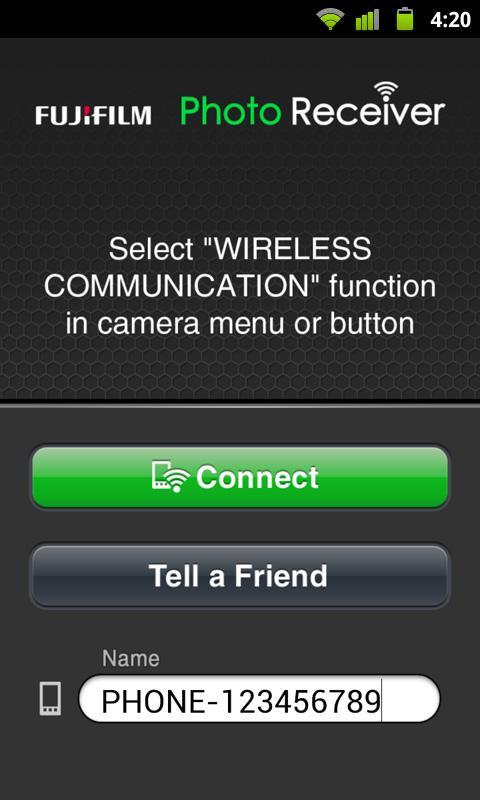
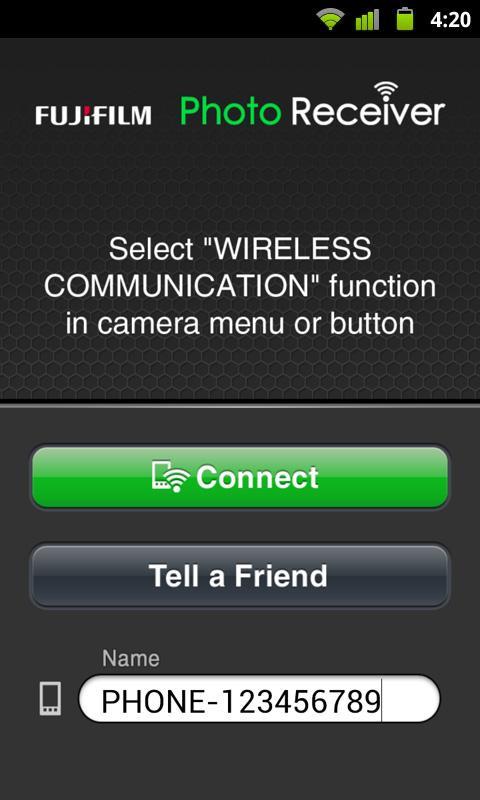
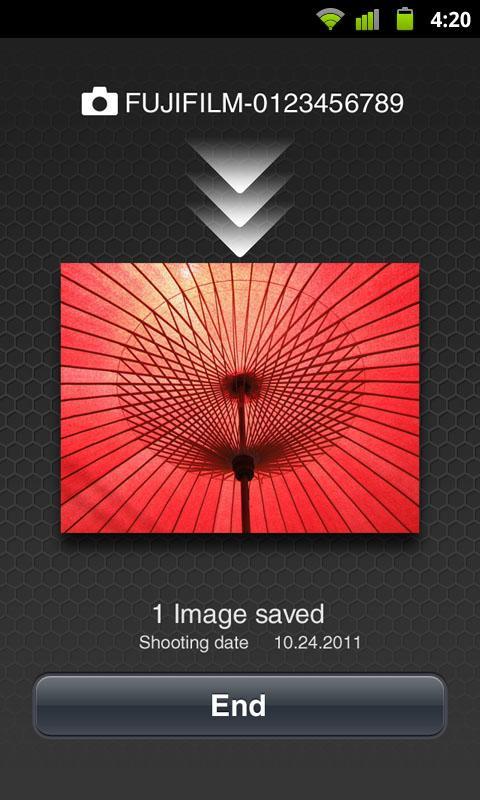
1. Start FUJIFILM Photo Receiver.

2. On the camera, select playback mode and display a picture you want to upload.

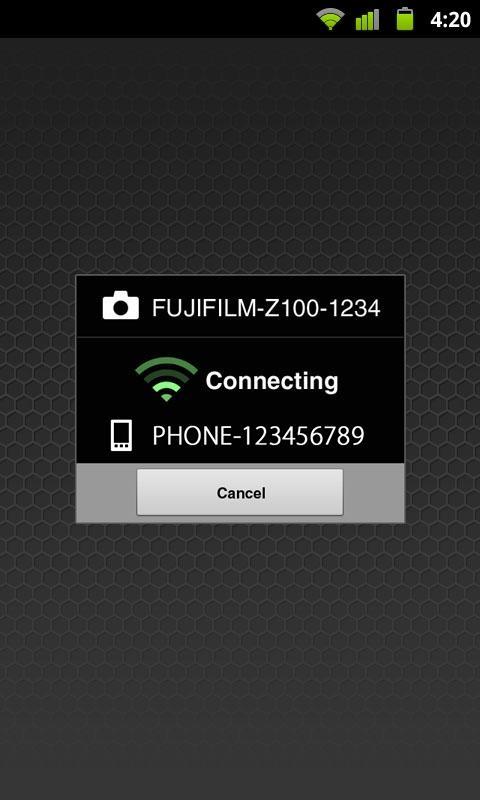
3. Simultaneously tap Connect on the smartphone and the “connect to smartphone” icon on the camera.

4. When the camera locates the smartphone, its name will appear in the camera display.

5. Confirm that the name of the destination smartphone is correct and tap Start sending on the camera.

6. To upload additional pictures, display them on the camera and tap the “connect to smartphone” icon. Up to 30 pictures can be uploaded in a single session.

7. To end the session, tap End on the smartphone or BACK on the camera.

8. The app can be launched by pressing the SNS button.

What's New in the Latest Version 2.2.0

Last updated on Aug 11, 2015 Support for Android5.0, 5.1.
Added supported cameras.
Download(1018.82KB)
Users also viewed
  • Washie

    Washie

    1.0.3 December 17, 2025
  • F-Secure

    F-Secure

    24.11.9132029 December 17, 2025
  • Smart Employee

    Smart Employee

    3.29.5 December 16, 2025
  • SARAH

    SARAH

    1.6.1 December 16, 2025
  • ICONTROL HTW

    ICONTROL HTW

    1.0.8 December 15, 2025
  • Hora de Lavadora - Precio luz

    Hora de Lavadora - Precio luz

    8.4.1 December 15, 2025
  • Steampunk heart live wallpaper

    Steampunk heart live wallpaper

    5.2 December 15, 2025
  • Sidilu

    Sidilu

    2.0.1 December 14, 2025
  • Carpenter (Guide)

    Carpenter (Guide)

    1.1 December 14, 2025
  • Galaxy Note 3 Wallpaper

    Galaxy Note 3 Wallpaper

    1.1.0 December 14, 2025
  • Collage Maker Photo Editor For Wedding Anniversary

    Collage Maker Photo Editor For Wedding Anniversary

    10.0 December 14, 2025
  • Bus Driving Games: Bus Games

    Bus Driving Games: Bus Games

    1.0.1 December 13, 2025
  • Remote Admin For Minecraft (F)

    Remote Admin For Minecraft (F)

    2.121 Free December 13, 2025
  • SMS irrigation

    SMS irrigation

    3.4.0.0 December 13, 2025
  • Autumn leaves 3D LWP

    Autumn leaves 3D LWP

    4.1.0.1 December 13, 2025
About Privacy Policy Terms of Service Cooking Policy

© Copyright 2017-2025 downzs.com