

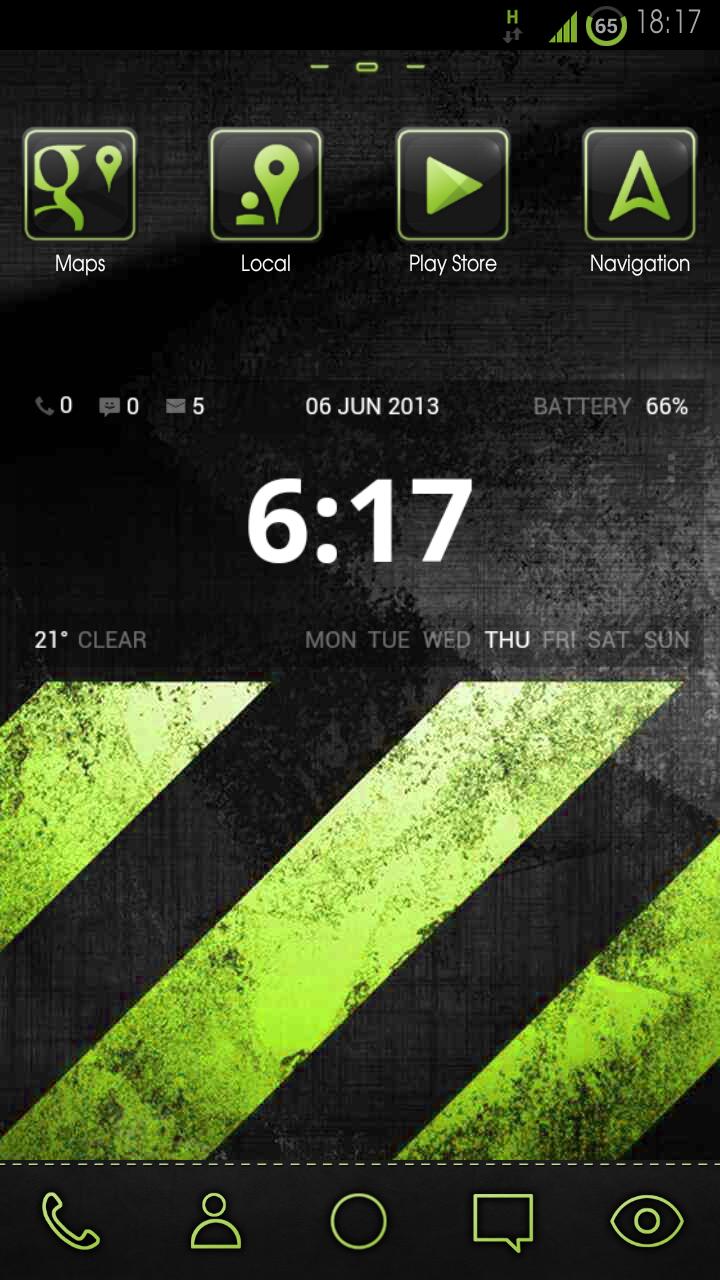
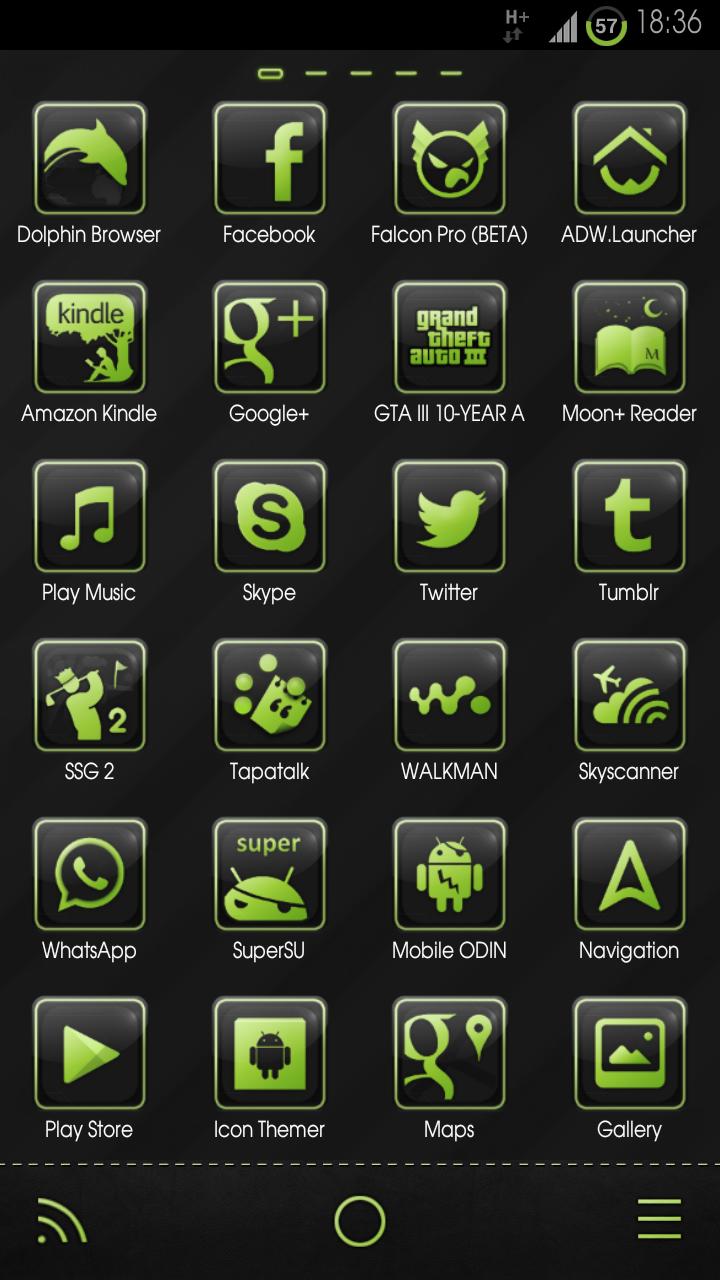
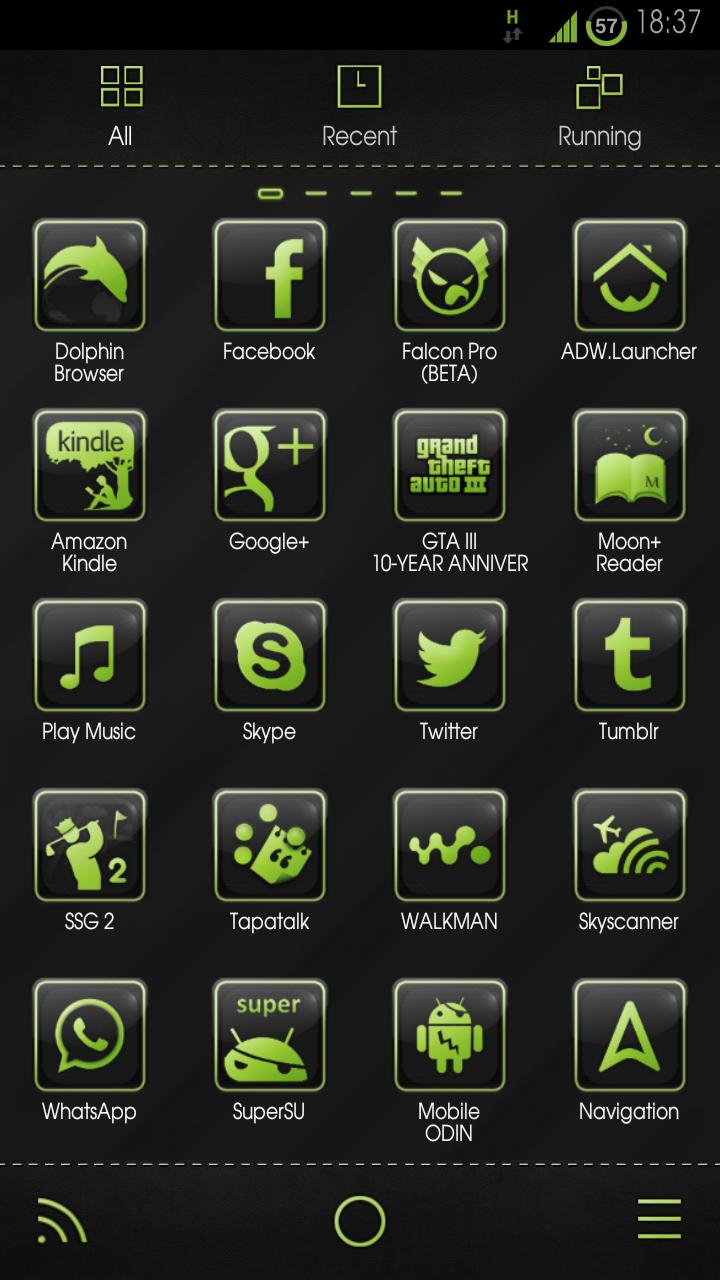
Custom launcher theme following strict colour schemes.
Please Note, this is not a Launcher or Home replacement App, it is a Theme/Icon Pack to be used in conjunction with some of the most popular free and premium launchers available on the Google Play Store. Read further down the page for list of compatible launchers.
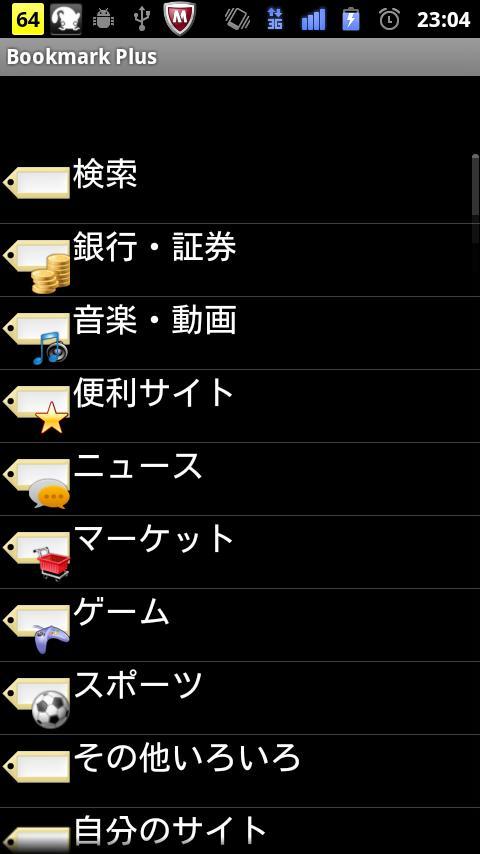
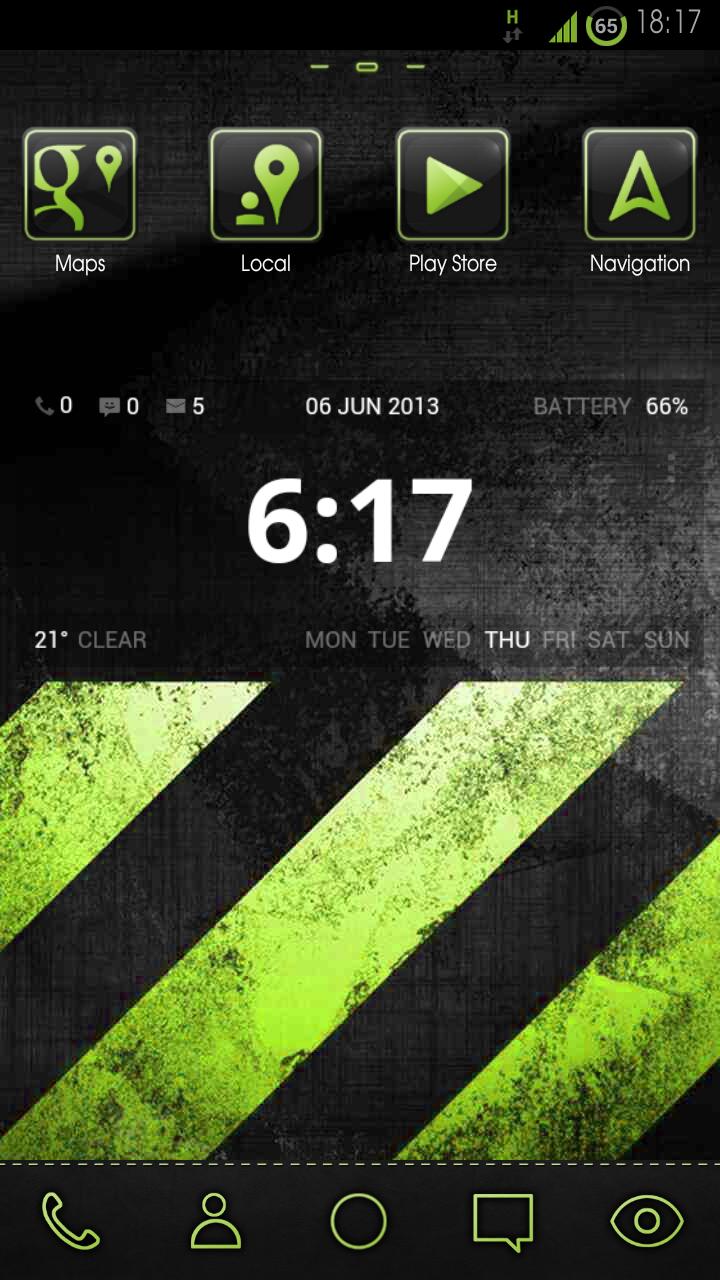
Introducing the greyLIME HD Theme, supporting multiple launchers. The greyLIME HD Theme features simplified icons all redrawn in matching colour scheme and style providing a clean and consistent user interface. Each icon is placed on a grey soft edged tile with colour trim to ensure visibility against wallpapers and background items whilst maintaining a great appearance.
Key Features
- Multi Launcher Support
- 250+ Custom HD Icons (144x144px)
- Uses Advanced Iconshader.xml
- 15 Custom Dock Icons
- 4 Themed Wallpapers
- 2 Custom Docks
- Custom Font
Compatible Launchers
- GO Launcher Ex (recommended)
- Apex Launcher
- Atom Launcher
- Holo Launcher
- Nova Launcher
- Smart Launcher
- ADW Launcher
- & More (not tested)
Ensure you tweak your launcher to your own personal tastes and use the theme to its full potential:
- Icon size is recommended to be set to a larger size due to high quality of icons
- Text size is recommended to be set smaller
- Some launchers may not Auto change dock icons, in order to do this please long press or double press icons on dock to use icon picker and replace desired icons.
- GO Launcher > Ensure 'High quality drawing' is ticked within GO launcher Settings to enable app drawer background to show in its true form.
Developer Notes
- Clock Widget in screen shot is 'UCCW Stripes' by 'rwp apps' and uses the UCCW App.
- All screenshots are taken with GO Launcher EX using different settings to achieve different styles.
- Custom coloured status bar icons are root features and are not customized in any way by this theme.
- If you like this theme please Rate & Review via Google Play Store, be sure to check out my other themes.
*** Unfortunately due to lack of time and the effort it takes to maintain these themes I no longer support or update them, launchers and icons are constantly changing making it hard to keep the theme working as it should let alone expand the icon set. Icons, wallpapers and other materials used to make this theme are now available for free from my website, I continue to work as a graphic designer producing icons and other graphic materials. Links to these files will be provided on my personal website under my new brand name 'ravagedesign'.


 Download