

Enjoy millions of the latest Android apps, games, music, movies, TV, books, magazines & more. Anytime, anywhere, across your devices.
DON'T INSTALL IF YOU DON'T UNDERSTAND ENGLISH. READ THE DESCRIPTION BEFORE YOU DOWNLOAD.
This app is not for dummies. If you don't understand the meaning of the hidden folder, you should not install it. (Some people believe that hidden folders become visible when they uninstall this app. Oh my gosh!)
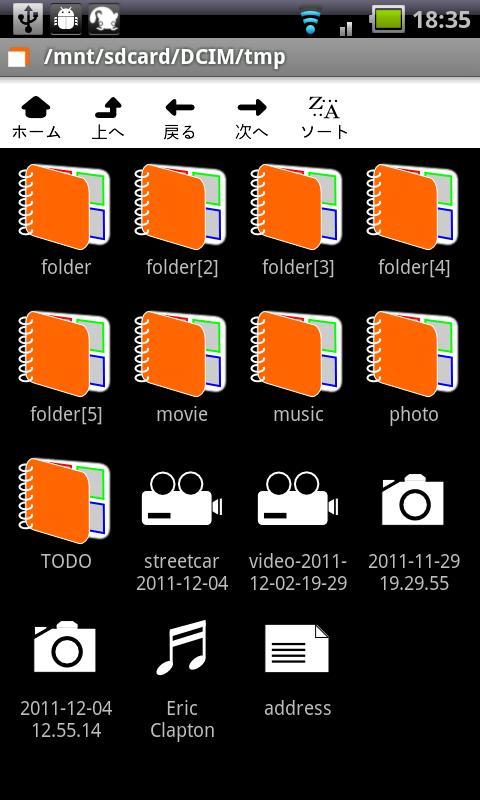
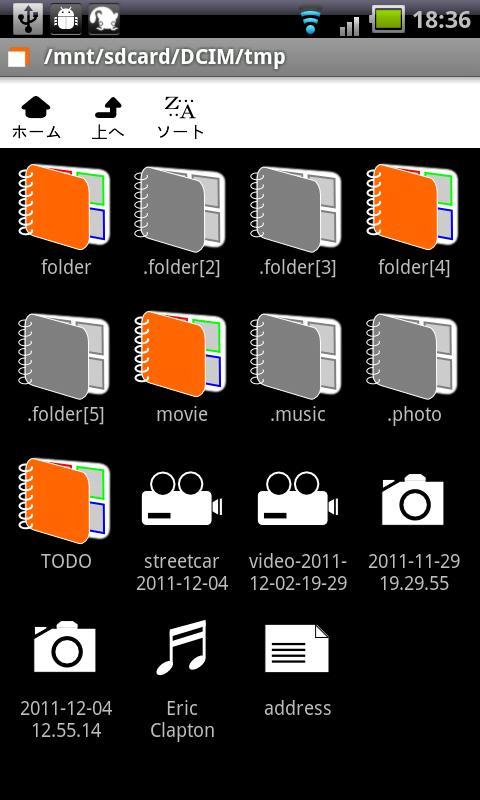
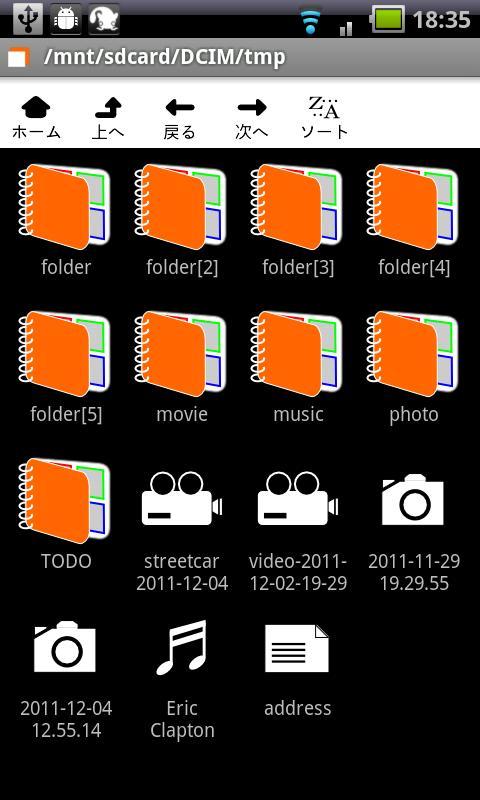
Hide It is an application which enables you to change ordinary folders to hidden folders (folders that begin with a dot), and vice versa. To hide or unhide a folder, long press the folder icon.
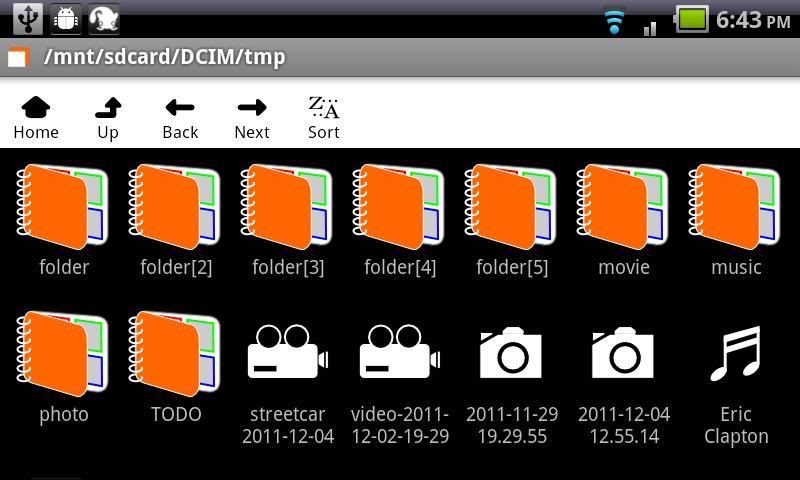
This application can also be used as a file explorer. Tap (single or double tap) the file icon to launch a viewer, long press to open the file information dialog.
1) Interpretation of hidden folder depends on each application.
2) In order for the Gallery to reflect the changes, you may have to shutdown and restart the Gallery.
3) You should not change folders that were not created by you explicitly. (Do not change auto-generated folders such as DCIM and DCIM/Camera.)
[Free, no ads, no need for a donation]
---
Google user wrote:
Hide files?
If I have a file full of mp3's and I "hide" those mp3's with this app, why are the mp3's still perfectly visible?
Answer:
You don't understand the meaning of the hidden folder. Read the description before you download.
---
mrmarc (Italy) wrote:
useless
It rename the file name in ".file name". So you can open it.
Answer:
It's incorrect. This app dose NOT rename filenames. Do you understand the meaning of the hidden folder?
---
kimken wrote:
Ken
Very bed
Answer:
Do you understand English? Read Google's Comment Posting Policy before you post a comment on an app.
---
Jose Manuel wrote (Spanish):
No la instaléis No existe un menú donde poder modificar o poner contraseñas. Carpeta protegida, carpeta pérdida. Muy mal.
Answer:
You installed the wrong app. Read the description before you download.
---
Latest version 1.1.4
1.1.4
Cd restriction removed. You should be able to browse all folders (if permitted) under root (/). (USE THIS AT YOUR OWN RISK.)
1.1.3
A file icon for Word/Excel/pdf files added.
1.1.0
File information dialog added.








 Download