

IriSecureID Client
Notes:
- IriSecureIDClient only works with IriTech's IriShield camera.
- IriSecureIDClient works with IriSecure service, please contact IriTech to get server information [email protected]
What is IriSecureID?
IriTech offers a complete iris recognition system, namely IriSecureID, consisting of iris cameras, host device-based software, and IriSecureIDService. By utilizing the power of Cloud Computing system, IriSecureIDService is the main component that hosted on Cloud Computing to process all iris recognition requests from various host devices. IriSecureID will provide user the most convenient iris recognition system at the most effective cost. For each customer, we will manage the database separately and secure at the highest level. All transactions are protected by a SSL protocol and all important data are encrypted with PKI.
On client-side, in order to connect to IriSecureIDService, IriSecureIDAdapter component is needed.
IriSecureID provides many iris recognition services including enrollment, verification, identification and administration. These functions, which were designed suitable for various clients, enable to register and verify identities remotely through a web-service interface, namely SOAP.
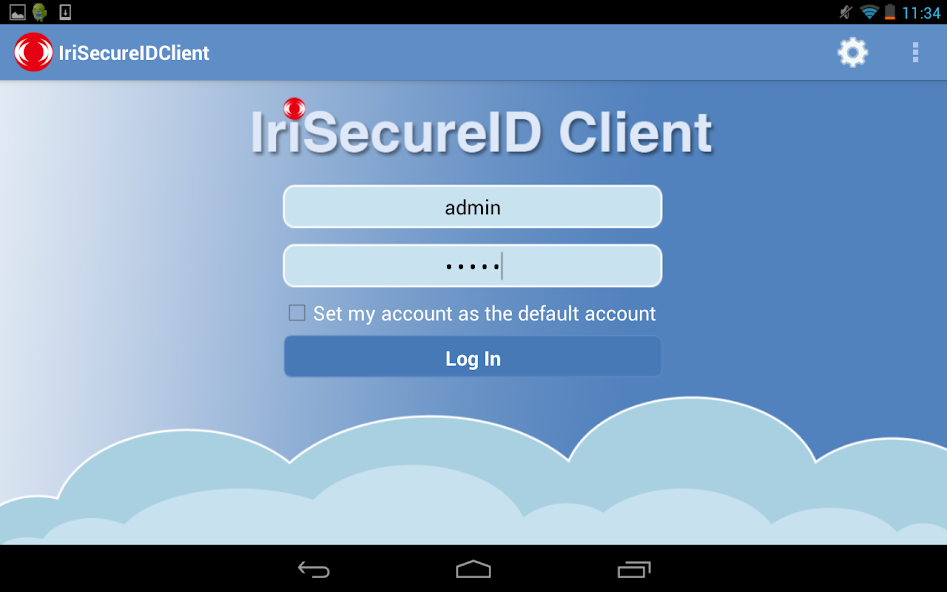
IriSecureID Client is an application demonstrating how to use IriShieldTM camera with IriSecureIDService. It operates on the host device. IriSecureID Client is attached to a IriShieldTM camera that connects to IriSecureIDService.
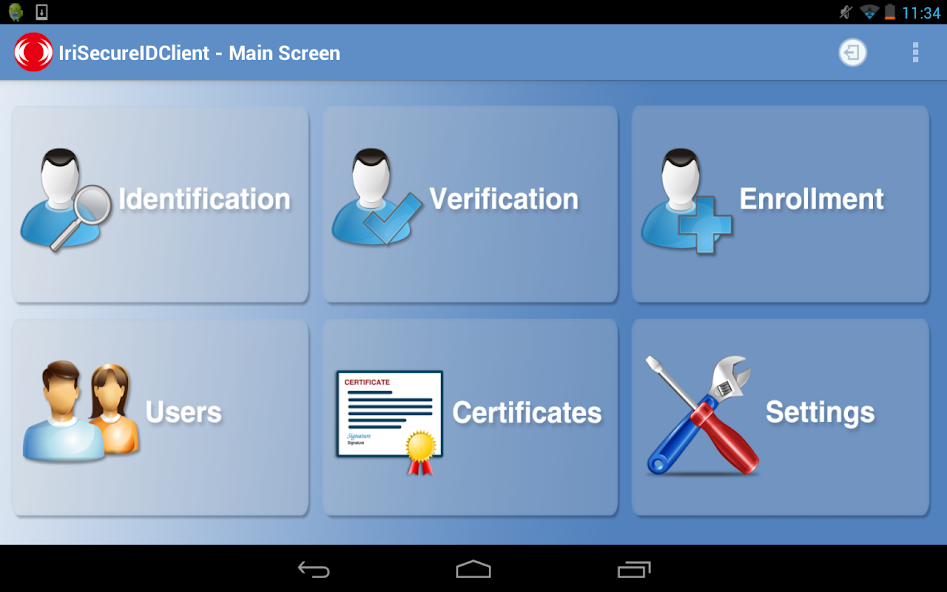
Main functions:
- User management.
- Enrollee management.
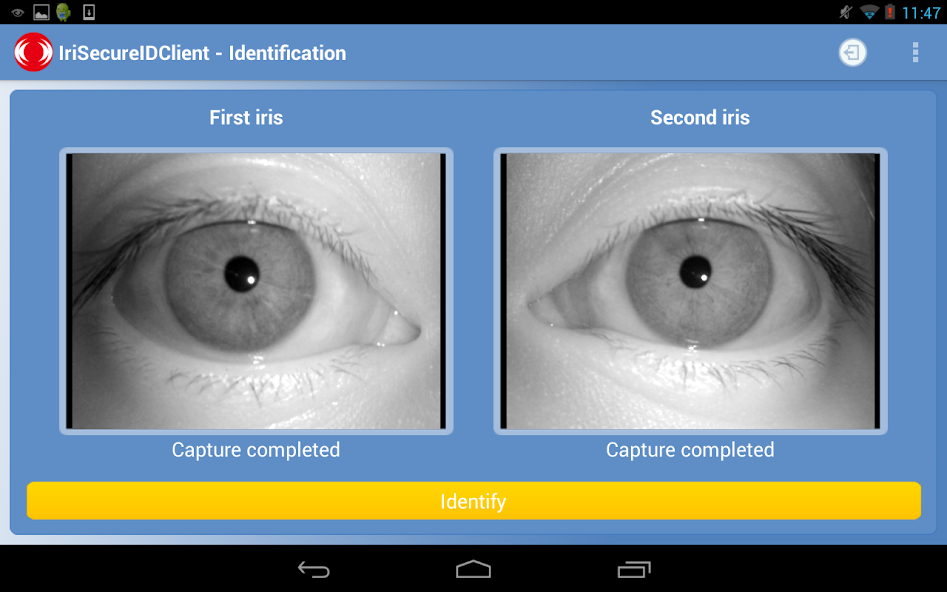
- Identification.
- Verification.
Here are the Key features:
- Iris Recognition Algorithm: Proven iris recognition and image quality assessment algorithms by NIST
- A Friendly GUI: Quick installation and easy to use the application
Hardware requirement:
- IriTech's IriShield camera
System requirements:
- Android OS 3.1 or higher
- FULL USB HOST supported
- Allowing current output from the USB port of at least 250 mA (for IriShield MK/MO 2120) or 430 mA (for IriShield BK/BO 2121).
- 500MHz Processor or higher
- 50MB available storage
- 1 USB 2.0 port
Please contact our developers for any feedback or problem at [email protected]
Check out our website for any further information http://www.iritech.com/
Thank you for supporting this project
IriTech, Inc. Team
Version 1.1.0
Updated on Aug 19, 2013
Size: 5.69 MB






 Download