

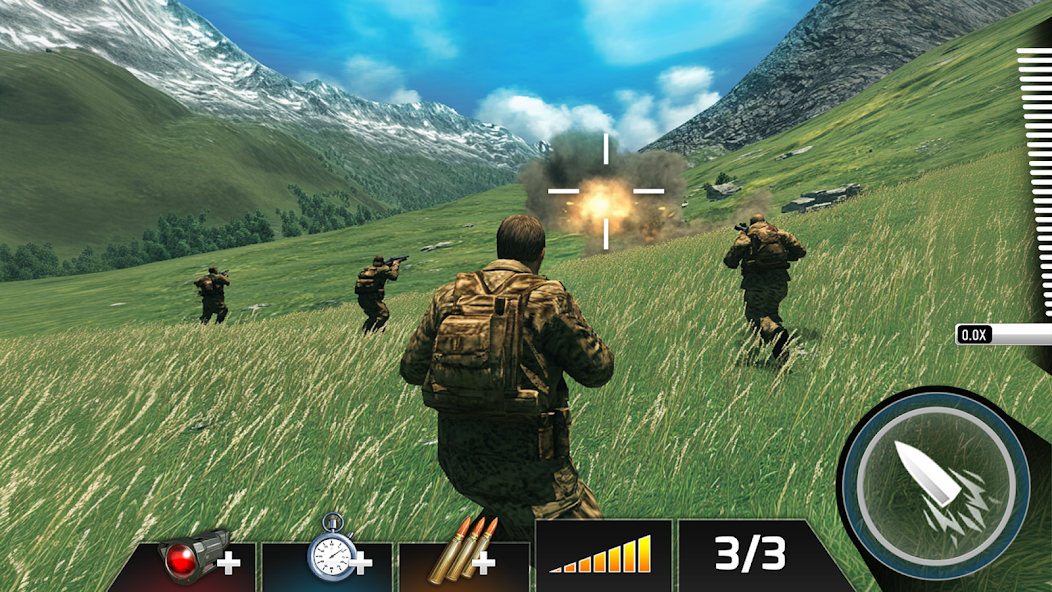
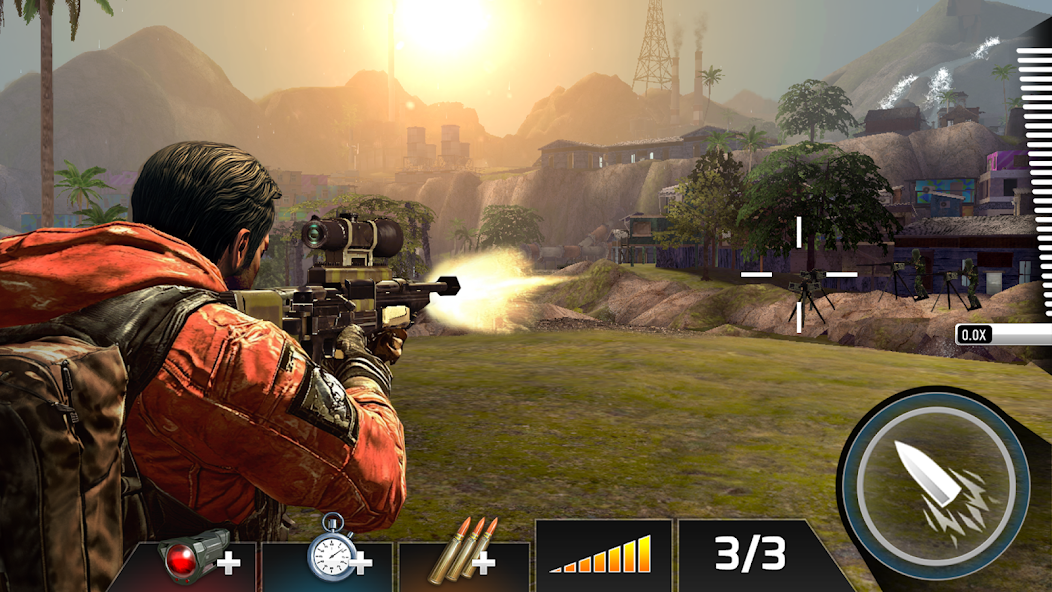
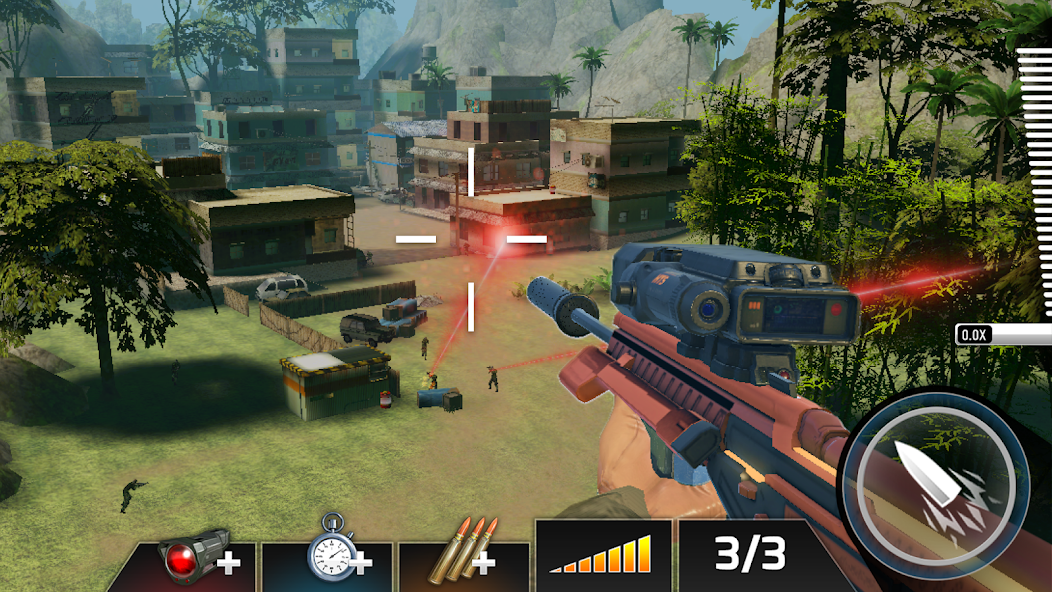
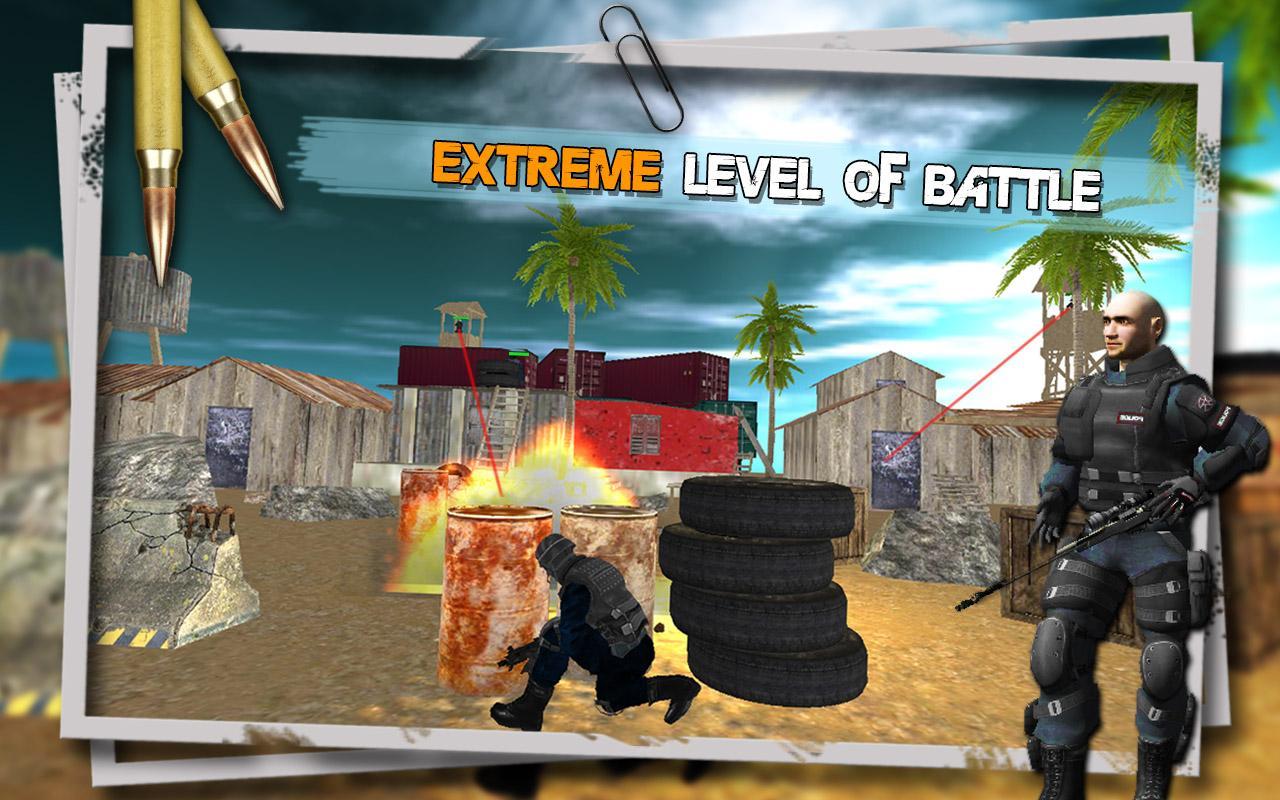
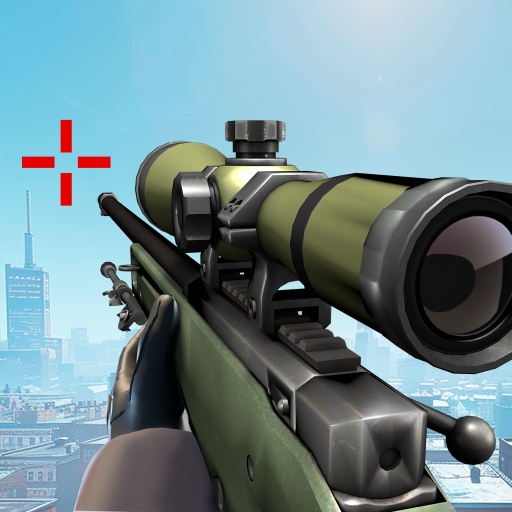
FPS online multiplayer PVP Sniper gun shooter games & array of army maps & modes
Welcome to the #1 FPS experience for mobile phones and tablets!*OVER 500 MISSIONS*
*ENEMIES*
*LIVE PVP SNIPER DUELS*
*JOIN ALLIANCES AND BOUNTY EVENTS*
*CUSTOMIZE*
*GOOGLE PLAY SERVICES LEADERBOARDS ANDACHIEVEMENTS*
Kill Shot is rated 17+ and contains frequent/intense realistic violence. By downloading this app you are agreeing to be bound by the terms and conditions of Hothead's Terms of Use (www.hotheadgames.com/termsofuse) and are subject to Hothead's Privacy Policy (www.hotheadgames.com/privacy-policy).
FAQs of Kill Shot Bravo APK
1. I’m missing Gold from an offer! [TapJoy]
For some of the larger Tapjoy promotions,it can take some time to get confirmation, but sometimes the service getsstuck. The first thing to do is restart the app. If you are using an Androiddevice and you do not know how to cold boot/restart the app please ask yourprovider or search online for the instructions.
In most cases the Gold will appear after arestart. If that does not work, you can contact Tapjoy directly to resolve theissue. Go to the Free Gold screen in the app, scroll all the way to the bottom,then click the link that says “Missing Gold?”
2. I didn’t get my Gold!
While most in-app purchases go off withouta hitch, sometimes the communication between your device and the servers isslower than usual, or results in errors. Don’t panic, and try these stepsfirst:
1).Restart the app and wait a few minutesto see if the Gold arrives.
2).If the Gold doesn’t arrive in a fewminutes, reboot your device and then restart the app.
3).If you still don't have your purchase,use the Contact Us button and our support team will assist you.
3. My game keeps crashing!
There are a number of issues that can causeyour game client to crash and are easy to resolve. These are also the mostcommon issues that cause the game to crash.
1).Check that you have the latest stableversion of your device’s operating system installed on your device. You cancheck this in your device’s settings menus.
2).Your game may crash if your devicecannot connect to our servers. This may be a problem on our end, but if yourinternet connection is weak, or if the network administrator is preventing suchconnections, your game client may crash.
3).Your game client may crash if yourdevice is low on memory. To free up memory on your device, reboot your device,or stop apps running the background.
4).If your device is in power saving mode,try turning it off and restarting the game to see if it resolves the issue.
5).If you are using an Android device, tryclearing the cache using these steps:
4. How do I restore my progress?
If you connected your game via Facebook orhave your 12-digit support code you can restore your progress. Your supportcode can be found by tapping the menu icon at the top left of your screen, thentapping missions, then tapping Options from the bottom right of the screen.Next tap the Help tab and your support code is listed there. Should you everlose your progress for any reason, having been connected to Facebook or havingyour 12-digit support code, will ensure your game is recoverable in the future.
Facebook Restore:
1).In the event you do need to restore yourprogress, make sure that once the game is opened again that you reconnect tothe same Facebook account as you had used before. You can Connect to Facebookvia the button on the Missions screen or the Friends screen.
2).Now tap the options button on themissions screen, tap the help button on the left, then tap restore.
3).Any Bravo games that you connected toyour Facebook account with will now be presented in a list. Each game will betime-stamped with when it was last accessed, so if you are unsure which game torestore, start with the oldest one in the list, and if that is not the rightone, simply repeat these steps and select the next game in the list until youfind the one you are looking for.
4).All your previous progress will now showup on your device.
Support code Restore:
1).Ensure you have your 12-digit supportcode from your original game.
2).Launch Kill Shot and tap the optionsbutton on the missions screen, tap the help button on the left, then taprestore and select Enter Support Code.
3).Input your Support code and tap Done.
4)All your previous progress will now showup on your device.


 Download