• Home
  • Game
    Action Simulation RPG Sports Casual Cards Music Puzzle Shooting Romance
  • Apps
    Business Social Lifestyle Shopping Tools Travel Finance Education News Health
  • Articles

English 中文(简体) 中文(繁体) 한국어 日本語 Português Español Русский العربية Indonesia Deutsch Français ภาษาไทย
Home Apps Tools LensDroid Mud Client
LensDroid Mud Client

LensDroid Mud Client

1
2
3
4
5
Download
  • Version 2.5
  • Category Tools
  • Package Name net.lensmoor.lensmoorclient
  • Update Time May 3, 2026
  • Size 950.49KB
About this app

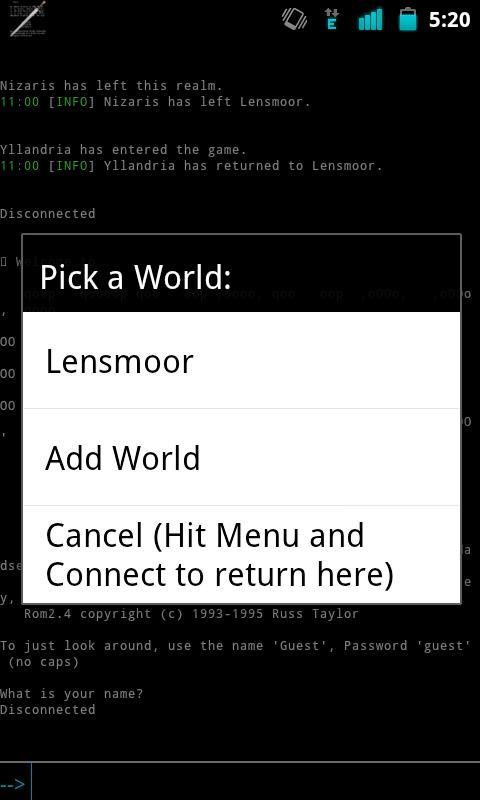
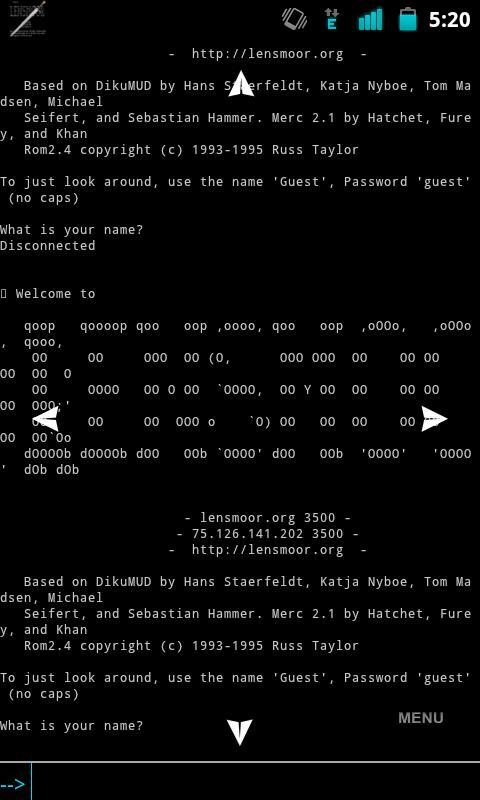
LensDroid is a MUD Client for Android.

LensDroid is a MUD Client built around Lensmoor. It has JavaScript support for scripting complex functions, as well as sending output directly to the MUD.

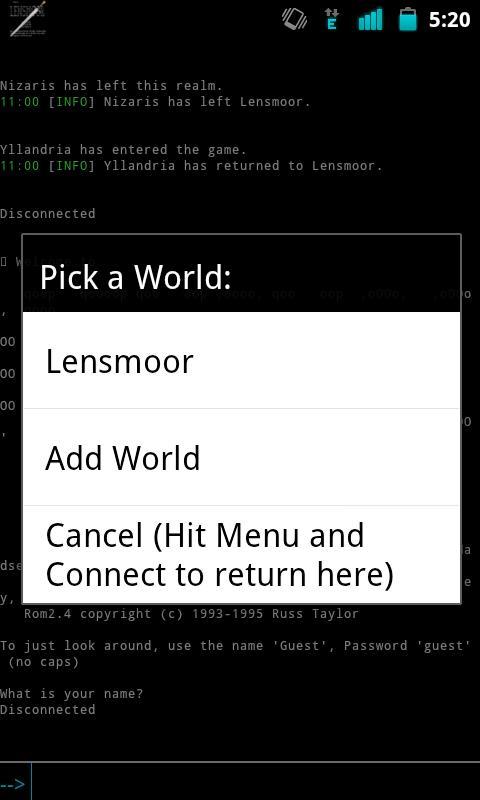
You can add multiple "Worlds" as well in the worlds menu using the hostname and port of the MUD you want to connect to.

Features:

MCCP Support

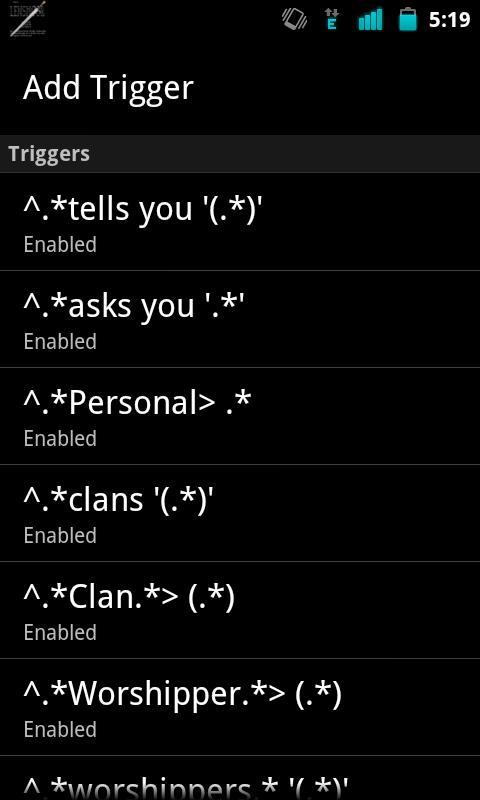
Triggers

Aliases

Timers

JavaScript built in for processing scripts

Multiple Windows, one for main output and one for logging

Change ANSI Colors

HTML Logging

Triggers/Aliases can use Regular Expressions or $w (word) $* (all text) $c (single character) $d (digit) in the match.

Capture groups test can be replaced in the output by using $1, $2, $3, etc for as many capture groups as there is. $0 will contain the entire line matched.

When using Timers you will want to ensure that you enable "Keep Phone Active" in the Power Settings in the Menu so that timers will keep processing in the background when the phone screen is off for a long period of time.

If you notice that you get disconnected while the screen is off and you were on WiFi this is because WiFi turns off after a period of time in sleep mode, to keep it on you can get under Power Settings in the menu and enable the "Keep Wifi Active" feature.

If you run into a problem while using the client you can go into the settings and enable Debugging and try and reproduce the error and use the Send Log button to send me the log directly for review.

You visit http://lensdroid.notlocalhost.org for more information.

What's New in the Latest Version 2.5

Last updated on Sep 10, 2015 * Added "Keep Text on Enter" to the Input Options. Makes it so when you hit enter the text is saved on the buffer.
* Added "Highlight Saved Text" to the Input Options to compliment the Keep Text by highlighting the saved text.
* Added "Command Split" to the Input Options. This will make it so commands can be separated by semicolons when being entered. A space needs to surround the semicolon. (Ex: look ; who ; tell bob Hi! ;) ) will look then who, and then send a tell to bob with a winky face.
Download(950.49KB)
Users also viewed
  • Keyboard for Galaxy Note 2

    Keyboard for Galaxy Note 2

    1.279.1.100 May 3, 2026
  • Radar de Terremotos GRATIS

    Radar de Terremotos GRATIS

    1.8 May 2, 2026
  • Best Calculator Free

    Best Calculator Free

    1.0.1 May 2, 2026
  • Weather radar - NOAA weather radar & alerts

    Weather radar - NOAA weather radar & alerts

    1.1 May 1, 2026
  • cool Ford car wallpapers

    cool Ford car wallpapers

    1.1 May 1, 2026
  • Remote Desktop Over android

    Remote Desktop Over android

    udp-revolution-7.2.0 May 1, 2026
  • Multicolor for GO SMS

    Multicolor for GO SMS

    2.9.9 May 1, 2026
  • White Pearl Keyboard

    White Pearl Keyboard

    2.9.5 May 1, 2026
  • ENSolarX

    ENSolarX

    6.07 May 1, 2026
  • Aloha! Hawaiian Wallpaper

    Aloha! Hawaiian Wallpaper

    1.4 May 1, 2026
  • BlackCloak

    BlackCloak

    2.4.2 May 1, 2026
  • PL Weather

    PL Weather

    1.4 May 1, 2026
  • Galaxy S4 mini Retailmode

    Galaxy S4 mini Retailmode

    v1.0.0_13052901 April 30, 2026
  • Dlink Entrega

    Dlink Entrega

    2.3.6 April 30, 2026
  • OpenHouses

    OpenHouses

    1.7 April 30, 2026
About Privacy Policy Terms of Service Cooking Policy

© Copyright 2017-2026 downzs.com