

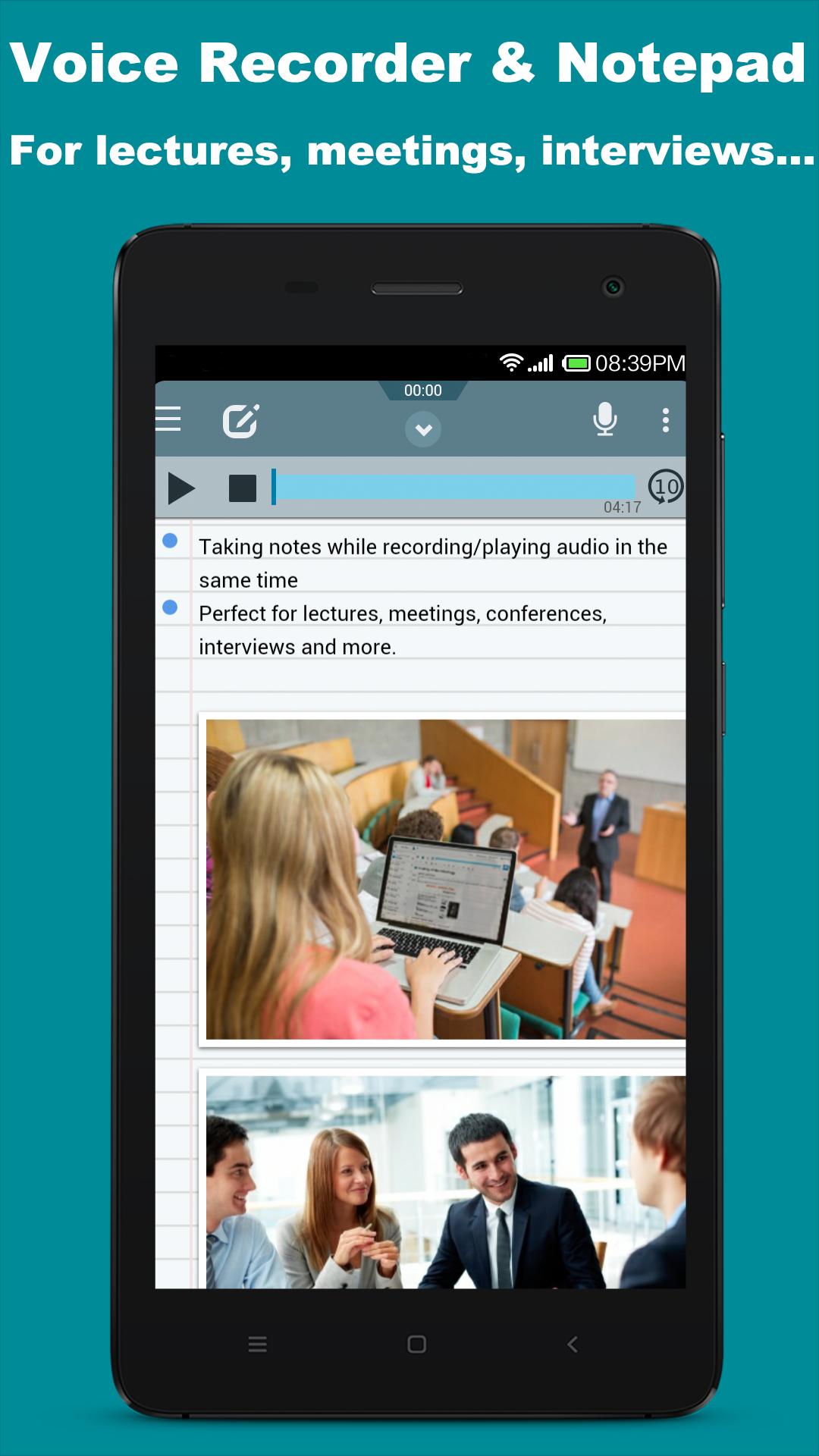
Audio Recorder & Notepad, for lectures,meetings,conferences,interviews, memos.
PLEASE NOTICE: THE APP(ANDROID APP) IS STILL IN *BETA*, IT MAY NOT WORK PROPERLY ON SOME DEVICES!
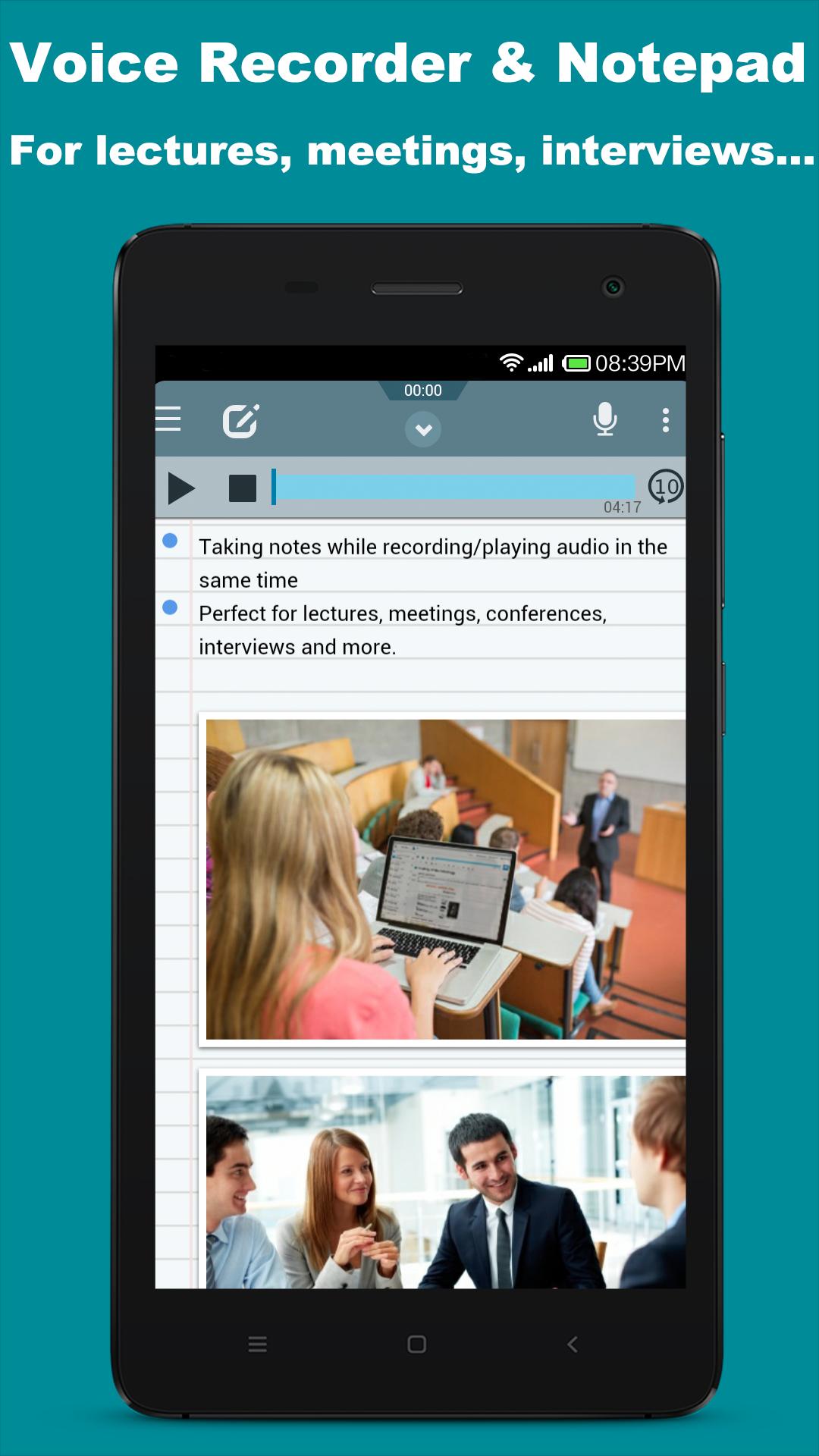
☛Mic Note is an audio recorder + notepad, 2 in 1 tool.
☛Are you looking for a voice recorder and still want to take notes and photos in the same time? you are right here.
☛Perfect for Lectures, Meetings, Conferences, Interviews, Brainstormings, Quick Notes, To-Do Lists, Plannings and more.
☛Awesome for Work, School and Daily Life.
Desktop apps available at: http://www.micnote.audio (for Windows, Mac, Linux, Chrome)
------------------------------------
Sign-in to get all PRO features(Android only)
------------------------------------
⦿HIGHLIGHT FEATURES⦿
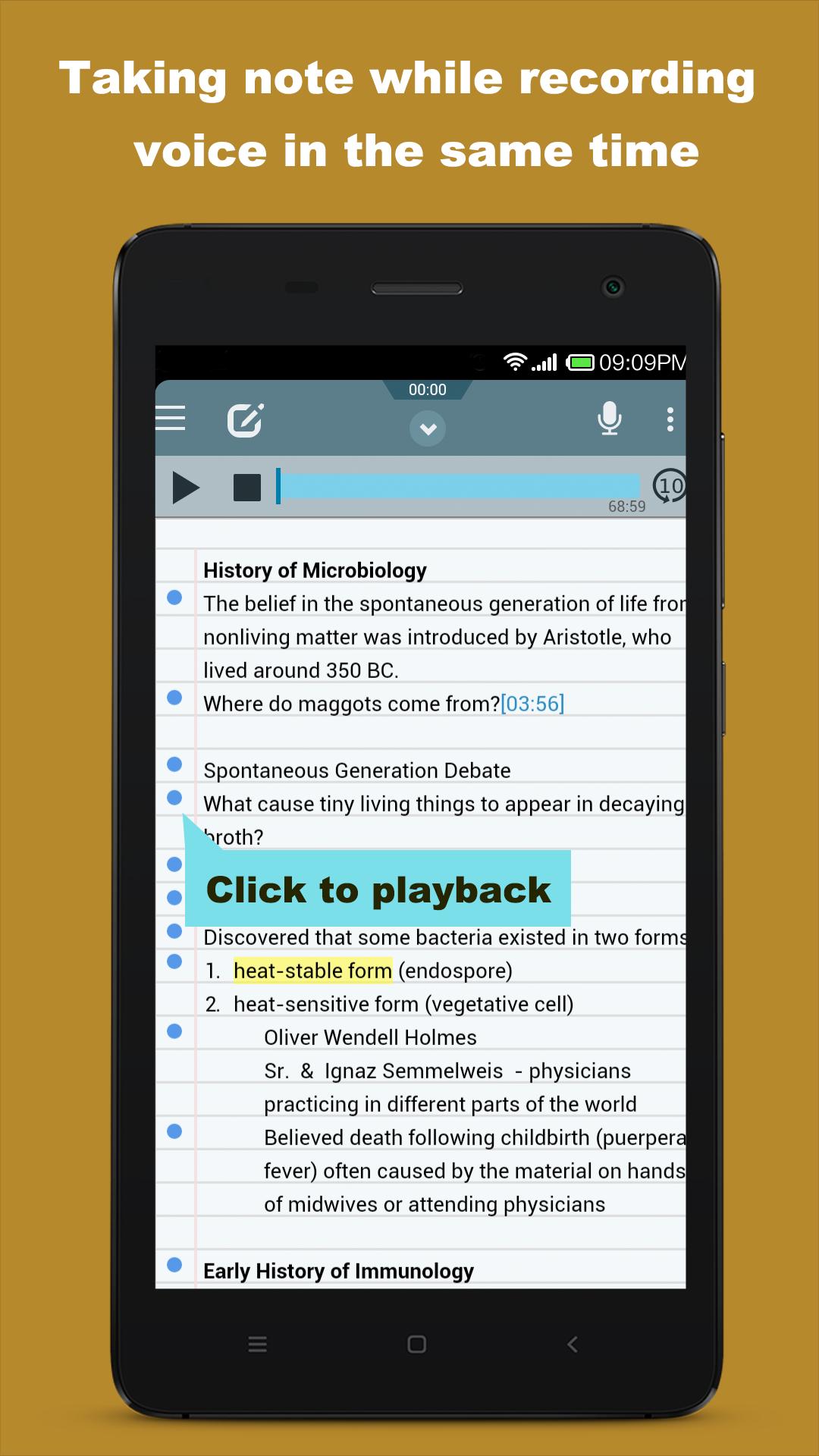
✔ Auto save timestamps while you are typing for fast playback at specified position.
✔ Robust data saving mechanism for long term recording: your data never lost even your phone/pad or our app is unexpectedly shut down while recording.
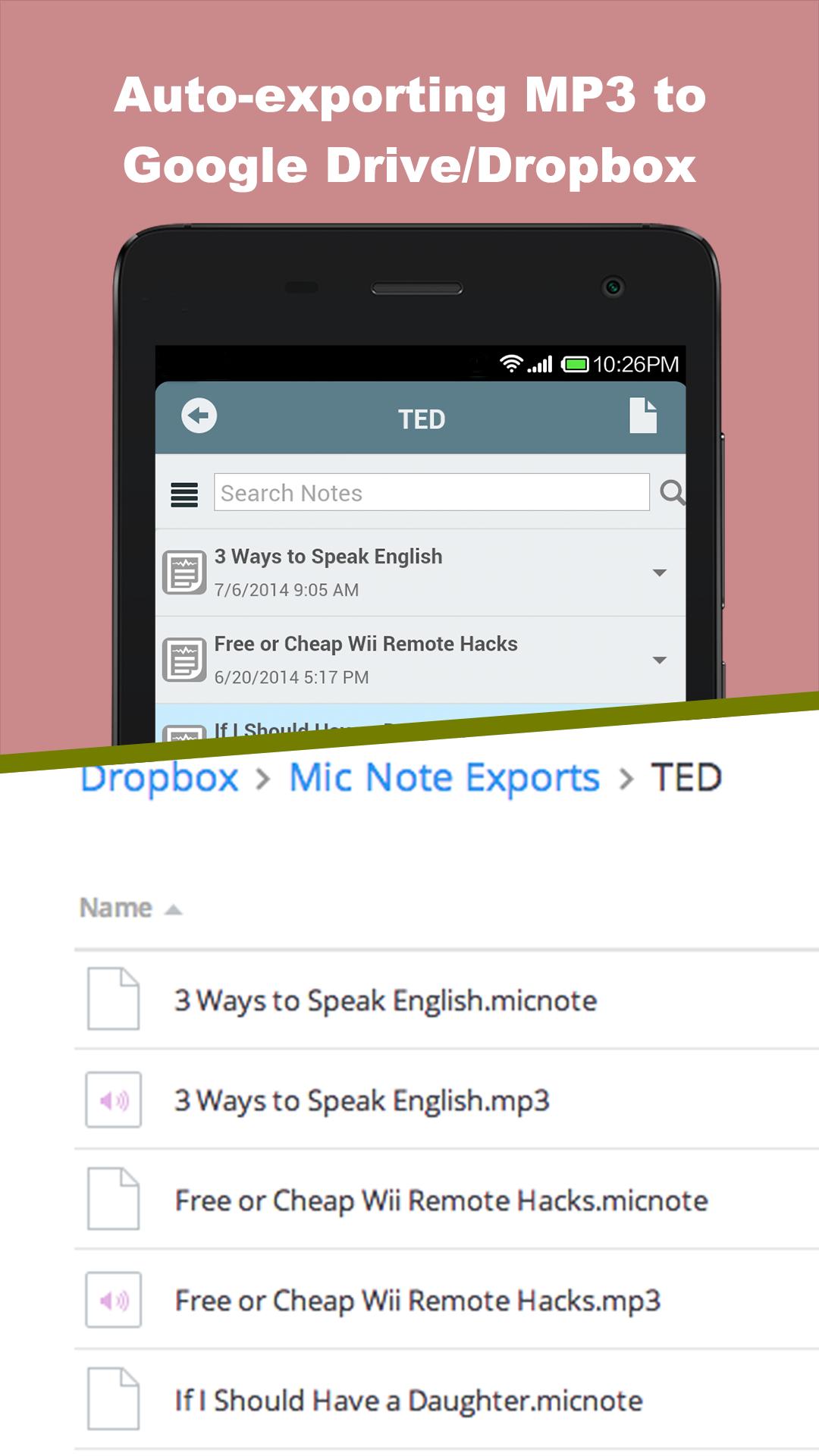
✔ Auto-sync your recordings and notes with Google Drive/Dropbox.
==Voice Recorder==
✔ Ability to record voice with high quality(MP3).
✔ Continue last recording: re-record after pause/stop.
✔ Recording works also when device is locked.
✔ Auto pause recording when you are calling and auto resume after.
==Notepad==
✔ Insert click-to-play timestamps between words.
✔ Rich editor: bold, italic, text colour, bullet, numbering, highlighting.
✔ Insert images from your camera, gallery...
✔ Organization: folder, searching, sorting.
==Data Share & Syncing==
✔ Share notes in micnote, MP3, TXT formats.
✔ Auto-export all notes in various formats.
✔ Import note from Google Drive/Dropbox, download link.
✔ Sync notes between devices through Google Drive/Dropbox.
✔ Select favorite notes to be offline and clear cache to save space.
==Desktop App Support==
✔ Desktop app is available in Chrome Web Store, data can be synced between desktop app and your devices(Please search "Mic Note" in CWS).
==Others==
✔ Offline: can be used without network connected.(except first time running).
✔ Well designed for phone and pad.
FREE Account Limits:
Maximum 10 minutes recordings each note.

![[FREE]AppRunTimeChecker](https://images.downzs.com/uploads/20260906/logo_6a9d577d937051.jpg)

 Download