

Enjoy millions of the latest Android apps, games, music, movies, TV, books, magazines & more. Anytime, anywhere, across your devices.
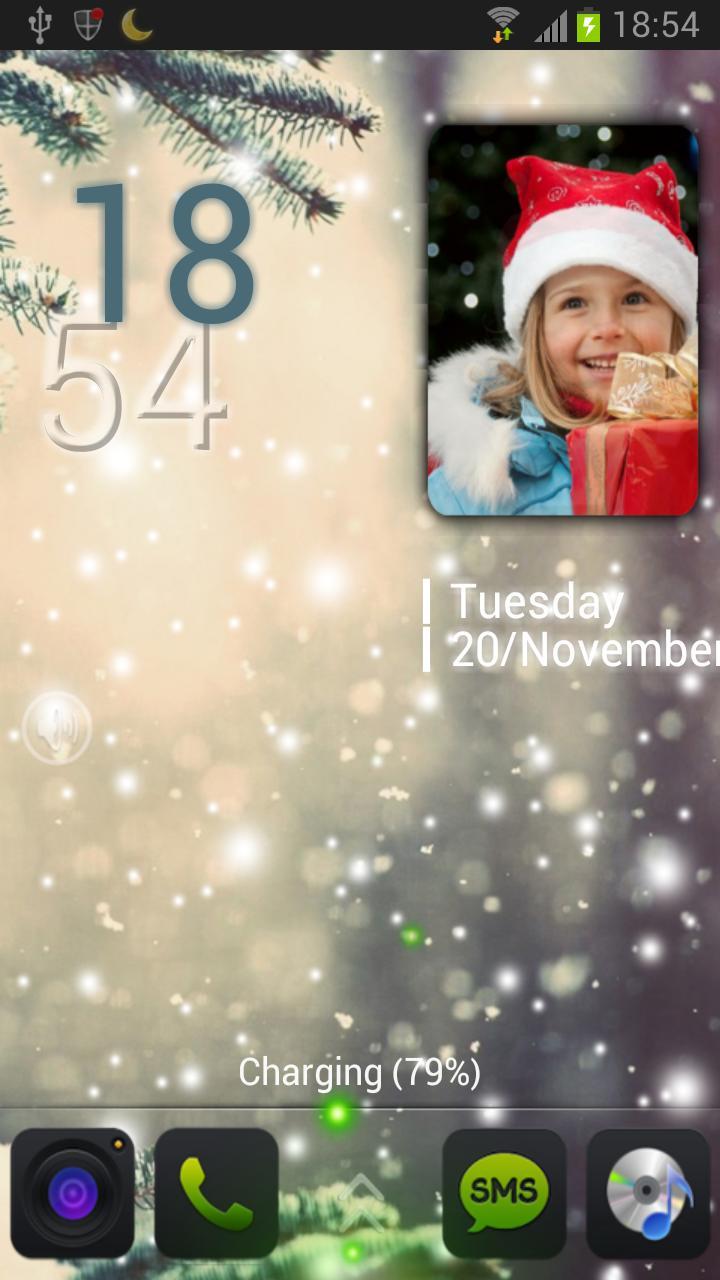
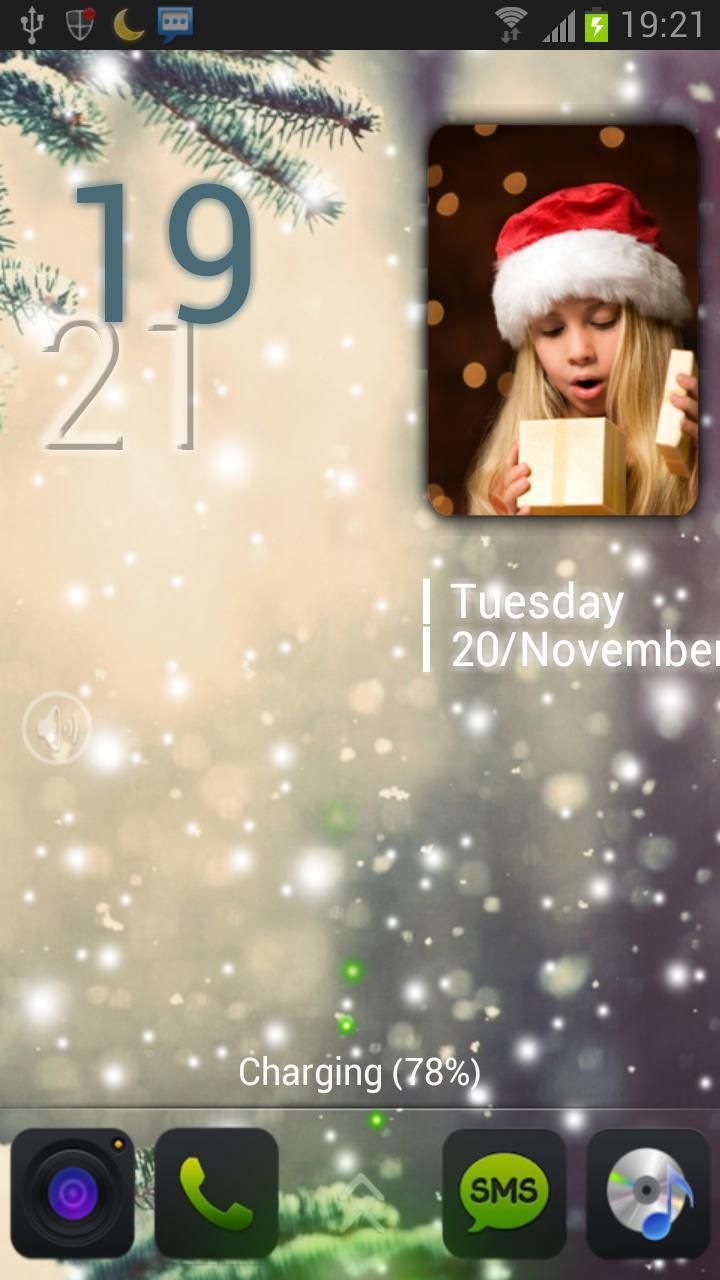
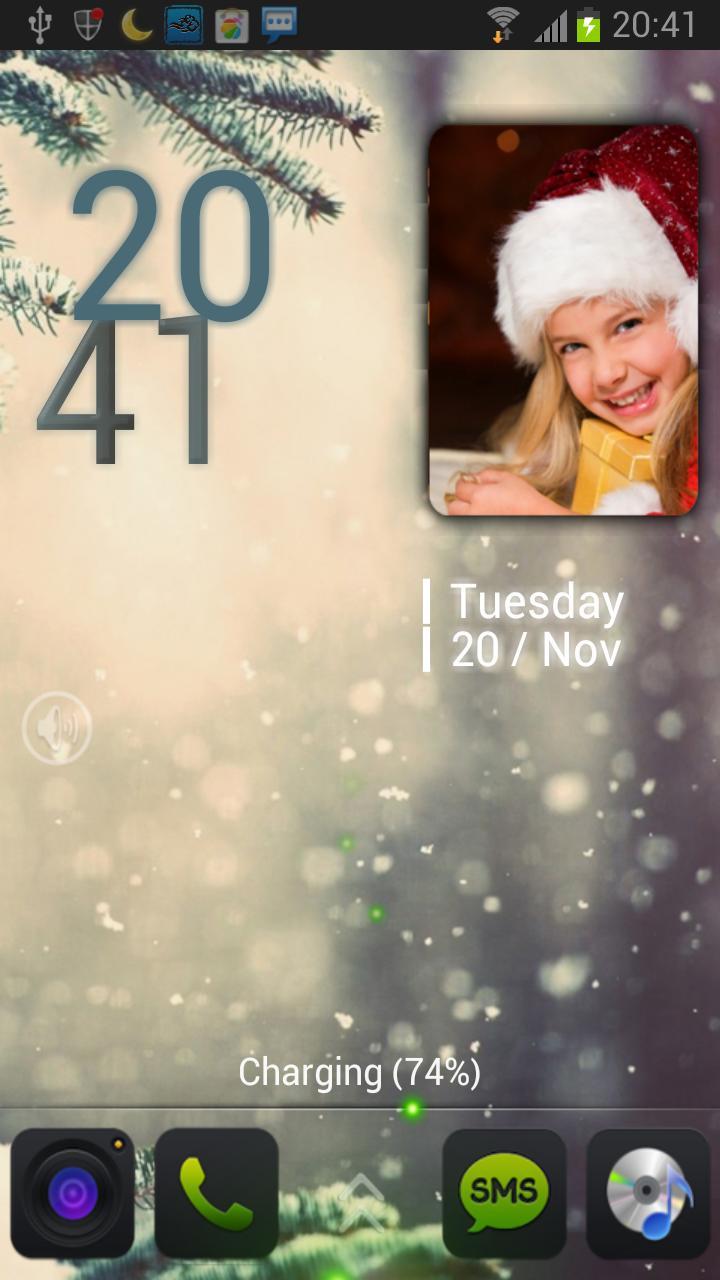
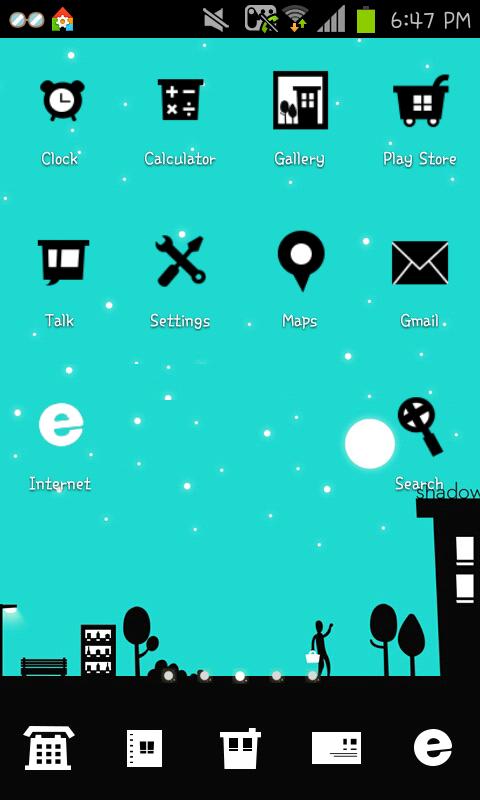
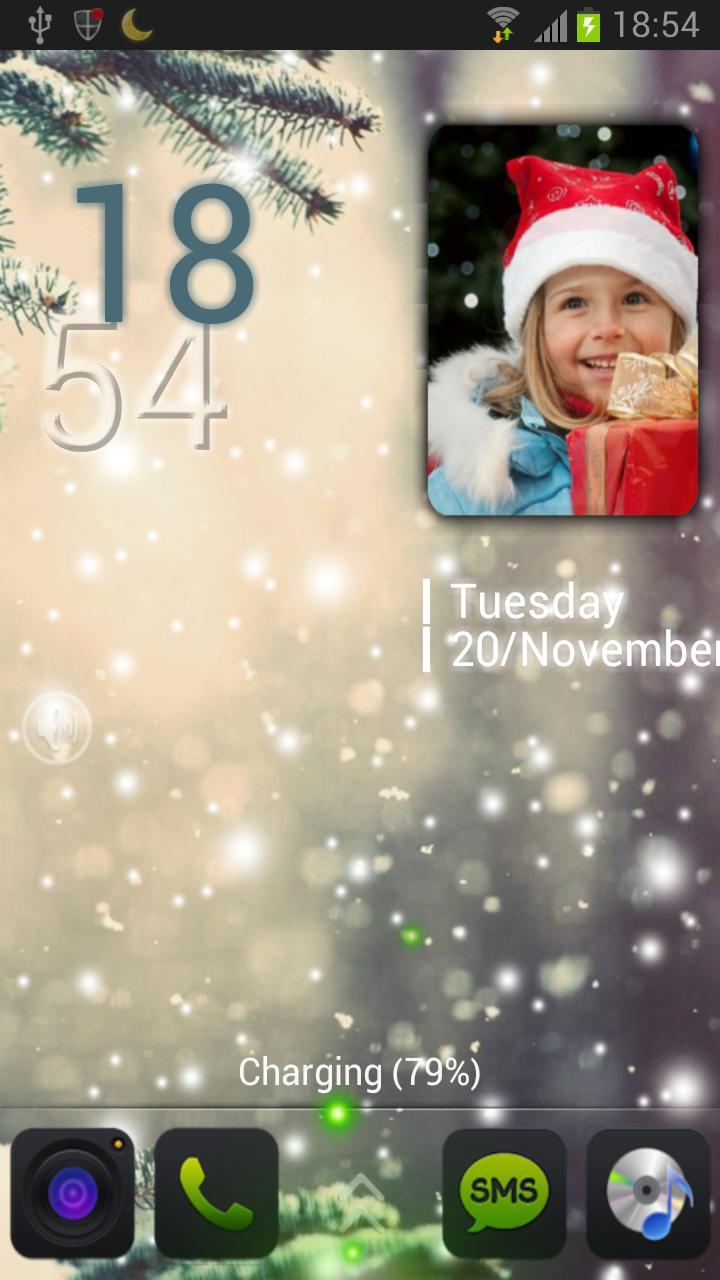
Mini album on your lockscreen! With the special time number animation!
== The original price of this theme is $0.99, now you can get PRO features free by GetJar ==
Features
-MiniAlbum embed 4 customizable photos of yours
-Falling snow animation switch
-Elegant design and special time number animation
-4 customizable shortcuts.(Defaults are Phone/SMS/Camera/Browser/Music Player/)
-Support TrueType Fonts (You can use your own fonts by putting font files inside "SDCard/MagicLocker/Fonts")
-Can change hour's style/clore/effect
-Can change minute number's effect
-Missing call and unread messages notification
-Charing animation
-Support live wallpaper
-30 different unlock sounds
-Silent toggle support
To run this lock screen theme app, you must install MagicLocker Main App first.(Follow the installed theme app indication or search 'mobi.lockscreen.magiclocker' in Google Market)
********
Q&A:
Q: How to find more Magic Locker Themes?
A: You can press 'More Themes' button in 'MagicLocker Setting -> Themes Tab'. Or search 'mobi.lockscreen.magiclocker.theme' in Google Market directly.
Q: How to install Magic Locker Themes?
A: After you install a Magic Locker theme app, you need to run the theme app and press 'Install this theme' button in the theme dialog.
Q: How to uninstall Magic Locker Themes?
A: You can long press a theme in 'MagicLocker Setting -> Themes Tab' then press 'Uninstall theme'. Or go to 'System Setting -> Applications -> Manage applications' then find the theme App to uninstall as general App.
Q: Why the 'Lost Robot' theme can't be uninstalled from Magic Locker?
A: 'Lost Robot' is the default theme in Magic Locker and Magic Locker must ensure there is at least one theme exist.
Q: Why a theme disappeared from 'MagicLocker Setting -> Themes Tab'?
A: First, please ensure your SD card is available, if yes, please try to reinstall the theme app.


 Download