• Home
  • Game
    Action Simulation RPG Sports Casual Cards Music Puzzle Shooting Romance
  • Apps
    Business Social Lifestyle Shopping Tools Travel Finance Education News Health
  • Articles

English 中文(简体) 中文(繁体) 한국어 日本語 Português Español Русский العربية Indonesia Deutsch Français ภาษาไทย
Home Apps Tools Mobile Data & 3G-2G Toggle
Mobile Data & 3G-2G Toggle

Mobile Data & 3G-2G Toggle

1
2
3
4
5
Download
  • Version 5.1.1
  • Category Tools
  • Package Name com.covayurt.toggleIt
  • Update Time January 13, 2025
  • Size 3.45MB
About this app

A simple application which makes internet management easier for you.

Warning : If you use a Task Killer, do not forget to add "Mobile Internet & 3G-2G Toggle" application to ignore list or the application may be closed when it's working.

Notice: If your WiFi is on, auto internet close event will not effect your mobile internet

★70000★ downloads! Thank you.

For toggling the 2G and 3G mobile data channel. Google doesn't let us toggle programmatically. It opens the Mobile Network Settings so that you can toggle the 2G and 3G 2 steps instead of 5-6 steps.

Features

★With rooted Android 5.0 and above phones can access all features. Unfortunately the others without root access cannot use some features due to Google policy. Sorry:(

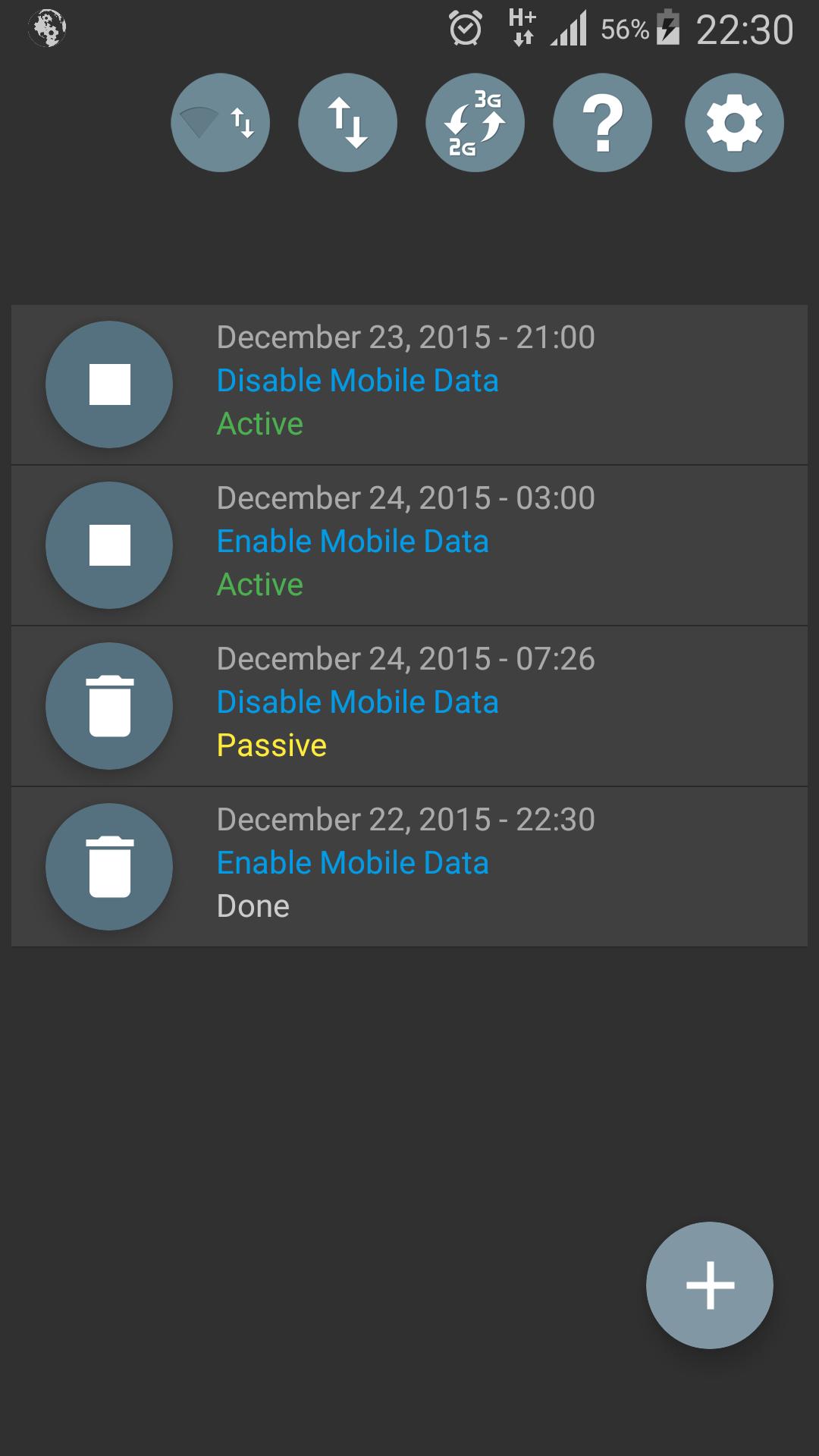
★Monitoring operation history

★Widget that shows internet type and speed

★Configure the screen state operations separated by 2G and 3G states

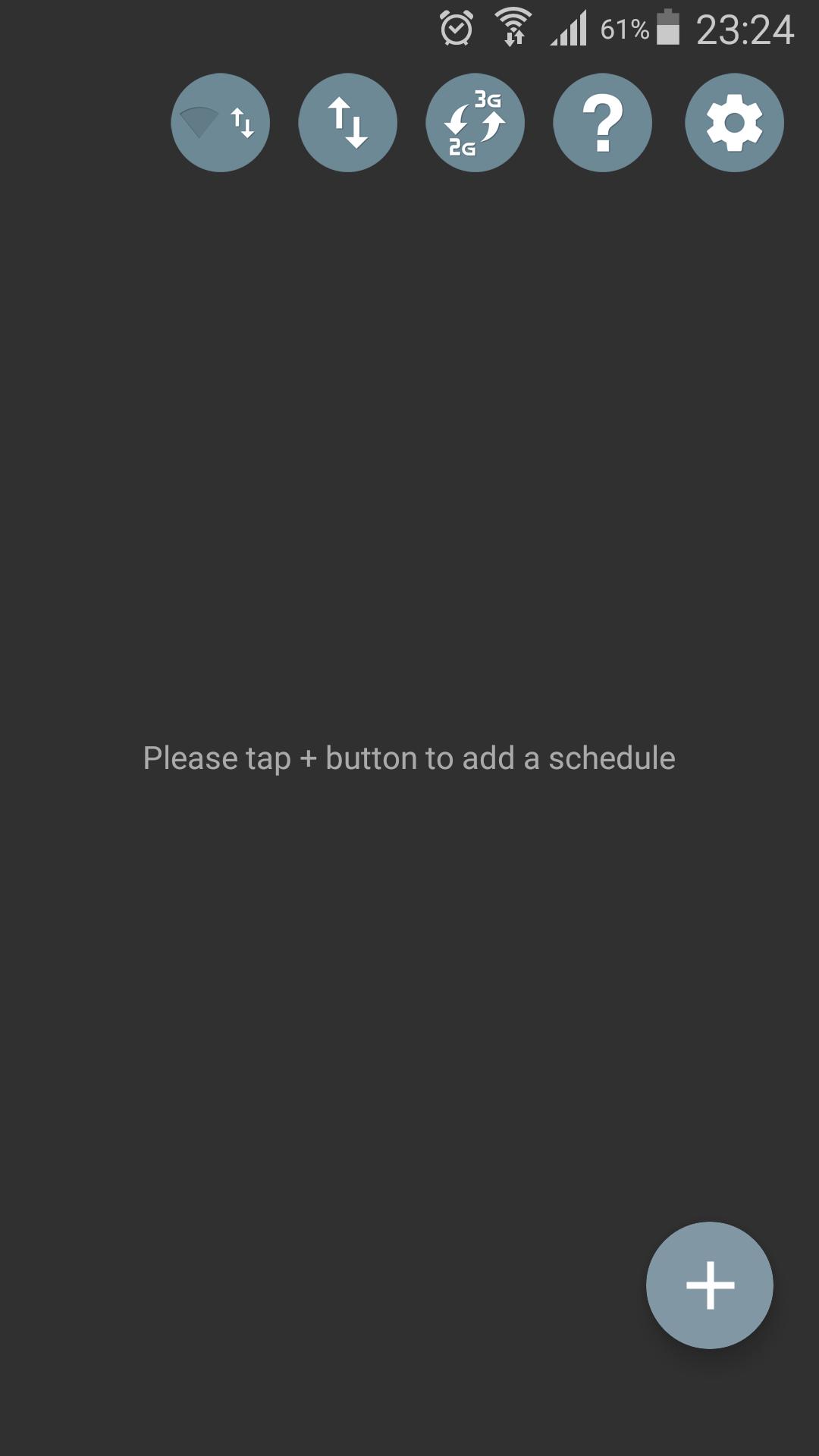
★Floating Widgets.Take a look at first screenshot of the application.

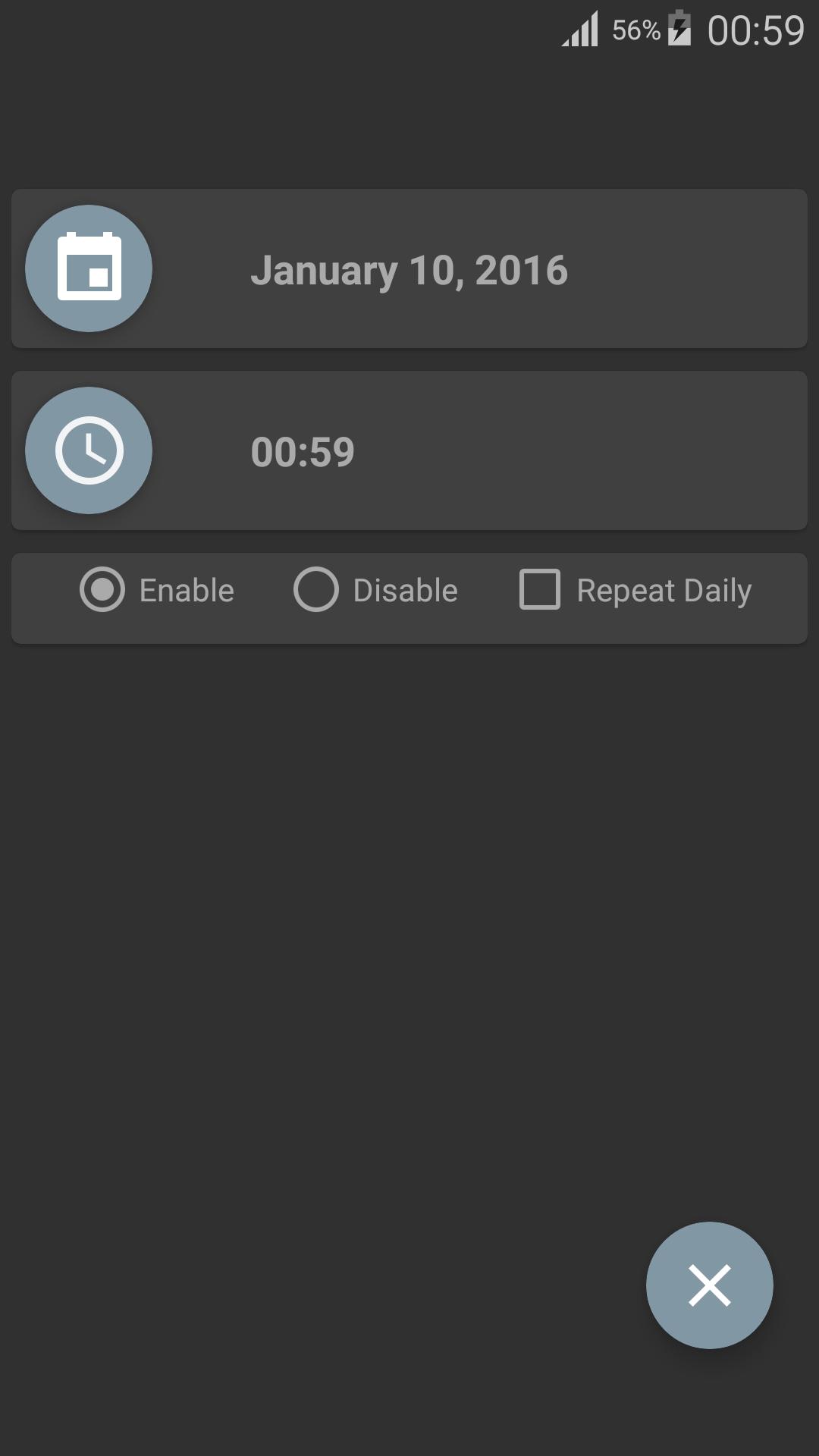
★Showing time when schedule one time turn on/off internet

★Turn On-Off Internet, NOW Daily and One Time

★Turn Off Internet When Screen Off-Turn It On Periodically

★Switch Mobile Data-Wifi-Turn Off All Widget

★Notification comes out when turning off internet automatically

★Turn off mobile internet by battery level

★Toggle 3G-2G widget

★Turn On/Off Mobile Internet Widget

If widget doesn't appear on the widget list:

it is a bug in launcher, try to restart it:

Settings -> Apps -> Running tab -> Click on Show Cached Processes -> Select Launcher From the list and click Stop.

Try to re add widget

What's New in the Latest Version 5.1.1

Last updated on Mar 2, 2016 If you have any suggestions or see any bug e-mail me from [email protected]

Note : If your device hasn't got root some features may not work on Android 5.0 and above due to Google Policy.

V 5.1.1
★Bug fix
Download(3.45MB)
Users also viewed
  • Bloco de Notas Premium

    Bloco de Notas Premium

    1.0.0.41 April 20, 2026
  • Door and Window Design

    Door and Window Design

    1.11 April 20, 2026
  • < 1 GB RAM Cleaner

    < 1 GB RAM Cleaner

    1.6 April 20, 2026
  • BK SoftHome

    BK SoftHome

    1.0 April 19, 2026
  • Wallpaper Cars Nitro

    Wallpaper Cars Nitro

    4.0 April 19, 2026
  • Neon Painting

    Neon Painting

    1.0.7 April 19, 2026
  • AlertaBlu

    AlertaBlu

    100.14 April 19, 2026
  • dogeweather

    dogeweather

    1.3 April 19, 2026
  • Live Weather: Clock and Widget

    Live Weather: Clock and Widget

    1.0 April 19, 2026
  • JuiceDefender beta

    JuiceDefender beta

    3.9.4beta April 19, 2026
  • DiffTool

    DiffTool

    2.08 April 19, 2026
  • Glass Chips Locker Theme

    Glass Chips Locker Theme

    1.200.1.74 April 18, 2026
  • Live Air

    Live Air

    3.1 April 18, 2026
  • Pimp my Band

    Pimp my Band

    1.2 April 17, 2026
  • Arachnophobia Free LW

    Arachnophobia Free LW

    1.18 April 17, 2026
About Privacy Policy Terms of Service Cooking Policy

© Copyright 2017-2026 downzs.com