

Mobisma UC Mobile Application
Turn your Smartphone as an Office Mobile Extension and an advanced Unified Communications productivity tool with Mobisma nextG Mobile UC client.
Mobisma nextG Mobile Unified Communications (UC) Client allows a company’s mobile workforce to be nimble, productive and available – anytime, anywhere even when “out of office”. Mobisma nextG Mobile UC client is an easy to use smartphone application that can work in either stand-alone mode connected with backend Mobile Communications Bridge (MCB) server, and can additionally integrate with enterprise office telephony systems (IP-PBXs). To check if your company phone system is supported - please visit our website at www.Mobisma.com/support.
Mobisma nextG mobile UC client provides a host of advanced Mobile UC functionalities such as:
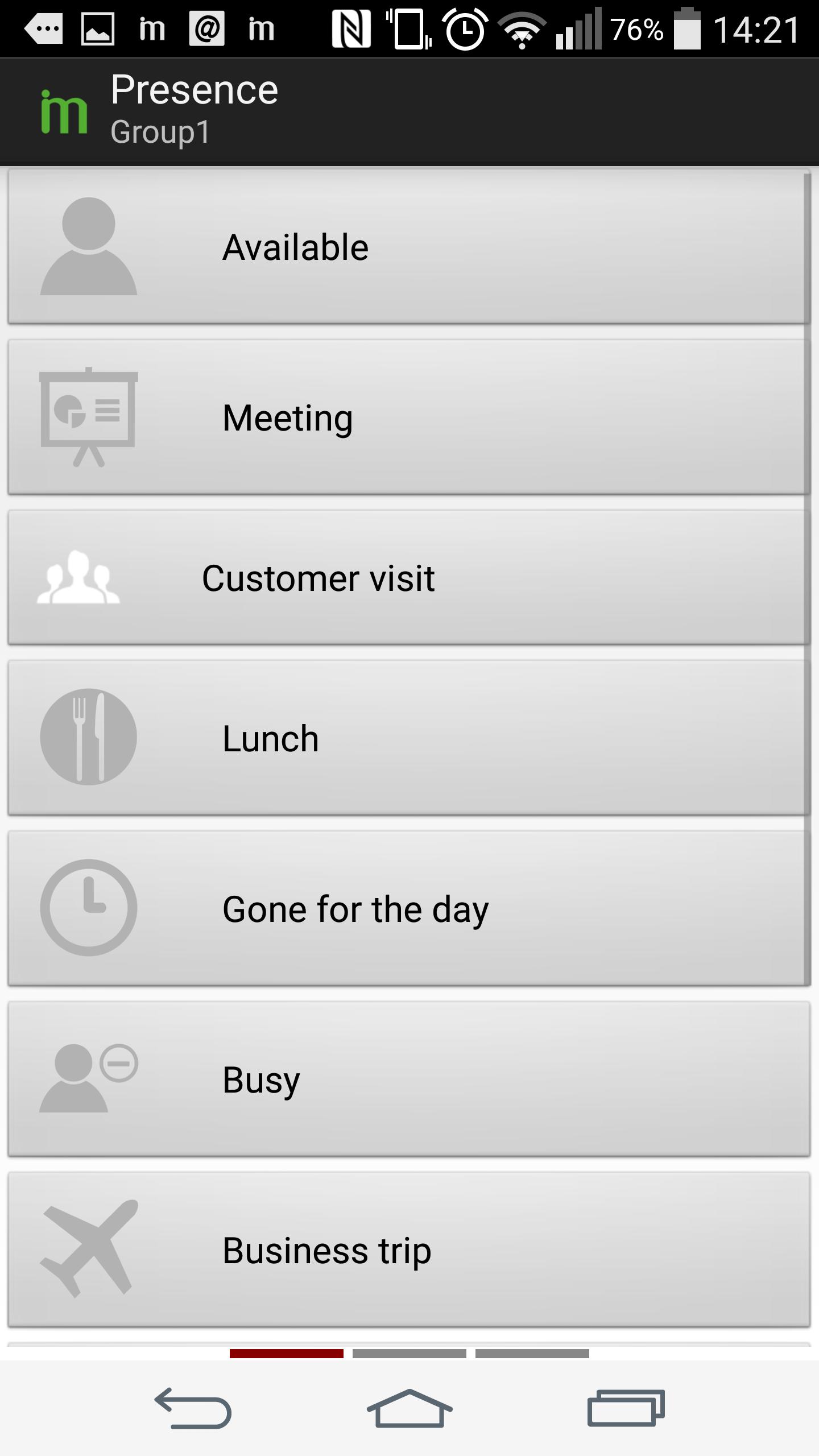
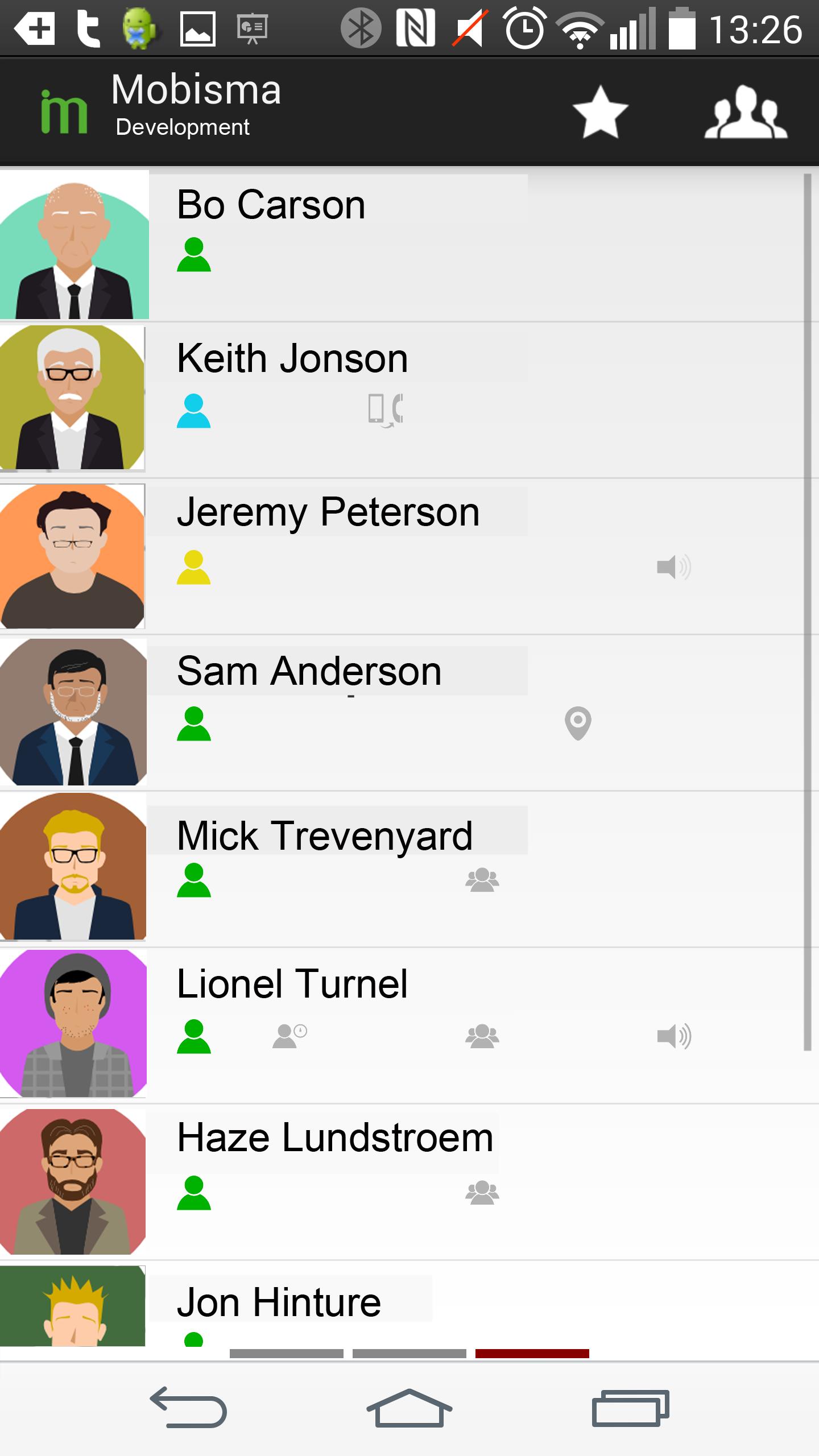
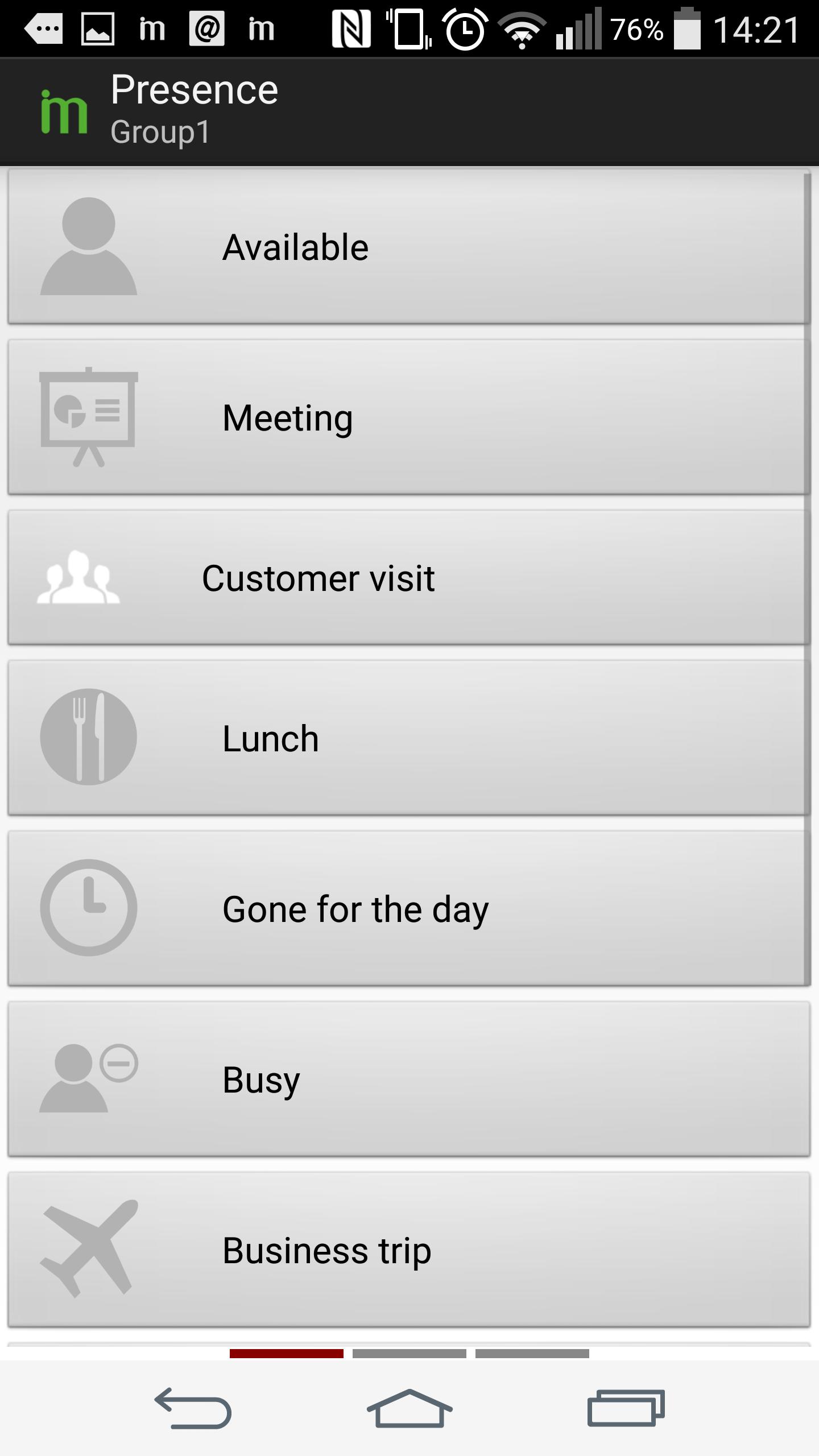
• Presence and Availability: Check presence and availability of work colleagues – before contacting them, as well as set/change own presence & availability settings.
• Chat / Instant Messaging: Use Chat / IM to quickly collaborate with business associates reducing critical time in decision making.
• Location Awareness: Check location of field based business associates such as field sales & support staff, delivery drivers, etc. The location is available both in text as well as on a detailed map.
• Preset Rules for Automation: Create Preset rules to set features based on:
• Presence and Availability (e.g. Set to Busy when in a meeting)
• Smartphone orientation & movement (e.g. Set to Do Not Disturb (DND) when phone is face down, clear DND when shaking)
• Network connected (e.g. Set to Available, when using office Wi-Fi network)
Further, the nextG Mobile UC application allows users to easily achieve Fixed-Mobile Convergence - making their preferred mobile smartphone work as an office telephone system extension allowing users to:
• View desk phone status of colleagues before contacting them – such as: Ringing, On Hook (Idle), Off Hook (Busy).
• Call office extensions directly. Just dial a 5 digit or shorter number – or just click a colleague’s contact to initiate and make a call.
• Need to Dial any Received and/or Missed Calls? Simply use the mobile phone call logs to directly make calls.
• Make all business calls using your mobile smartphone, and route calls through office telephony system from anywhere.
• Need to make private calls directly from mobile phone, just temporarily switch to “Mex OFF”.
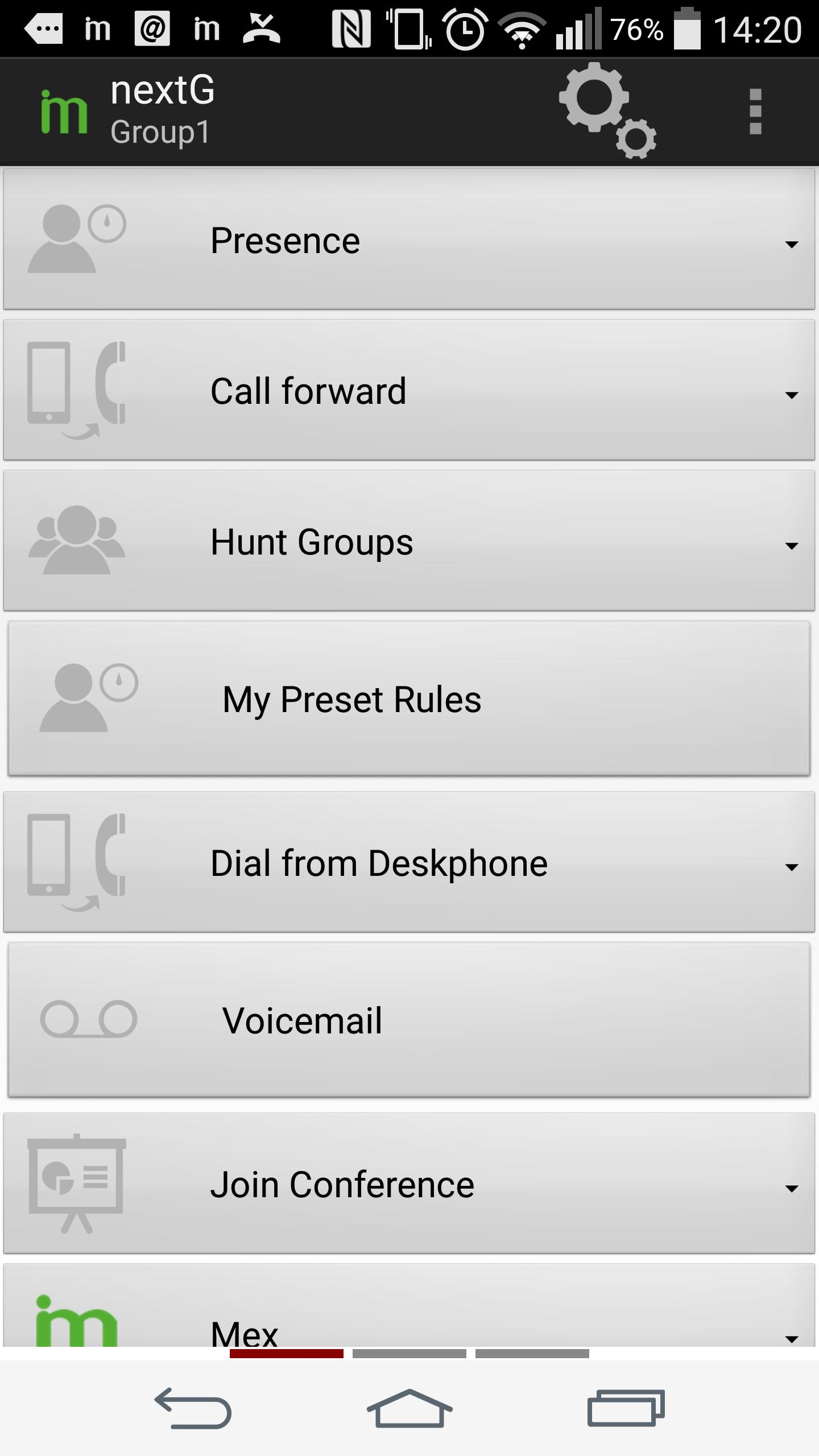
• Want to dial a phone number using the office desk phone but the contact is in mobile phone? Just use the “Dial from Deskphone” feature.
• Set and change all your call forwarding and Do Not Disturb (DND) settings.
• Check and listen to your Office Voice Mail messages.
• Working as a remote agent? Easily log-in / log-out of one or all of your Hunt Groups (also called ICD Groups).
• Easily join a conference call through the company telephone system.
• Works with IP-PBX to enable “One number” access to mobile employees.
Requirements: For full telephony functionality, nextG mobile UC client requires connection to your company’s enterprise IP-PBX telephony system. Additional licenses or options may also be required such as setting up DISA/Auto Attendant to fully work with your office phone system. Please download this application ONLY if your company phone system administrator or IT administrator has asked you to do so. Alternatively – you can visit us at http://www.Mobisma.com.
Support: If you are a phone system reseller and want to install, setup, or configure Mobisma nextG Mobile UC client, please register yourself as a Mobisma reseller at http://www.Mobisma.com/register. Support is provided via http://www.Mobisma.com/support.
Disclaimer: To identify a user’s location – both network (3G/Wi-Fi) and/or GPS can be used, however continued use of GPS can significantly decrease your smartphone’s battery life.




 Download