

Password ManagerKeep passwords, logins and documents easily and securely.
Cannot remember all your sensitive information such as passwords, logins or personal documents?
Usually write down your passwords in unsafe locations?
Do you register the same password for multiple access?
Password Manager
mySecretKeys is a password manager designed to keep all your private information in a practical, organized and safely system. All data is protected by encryption. You will just need to remember one password to access your password manager and consult your secret data.
FEATURES:
• Simple access to your private information protected by a login system. Only one password needs to be remembered.
• Data protected by 256-bit AES encryption (Advanced Encryption Standard).
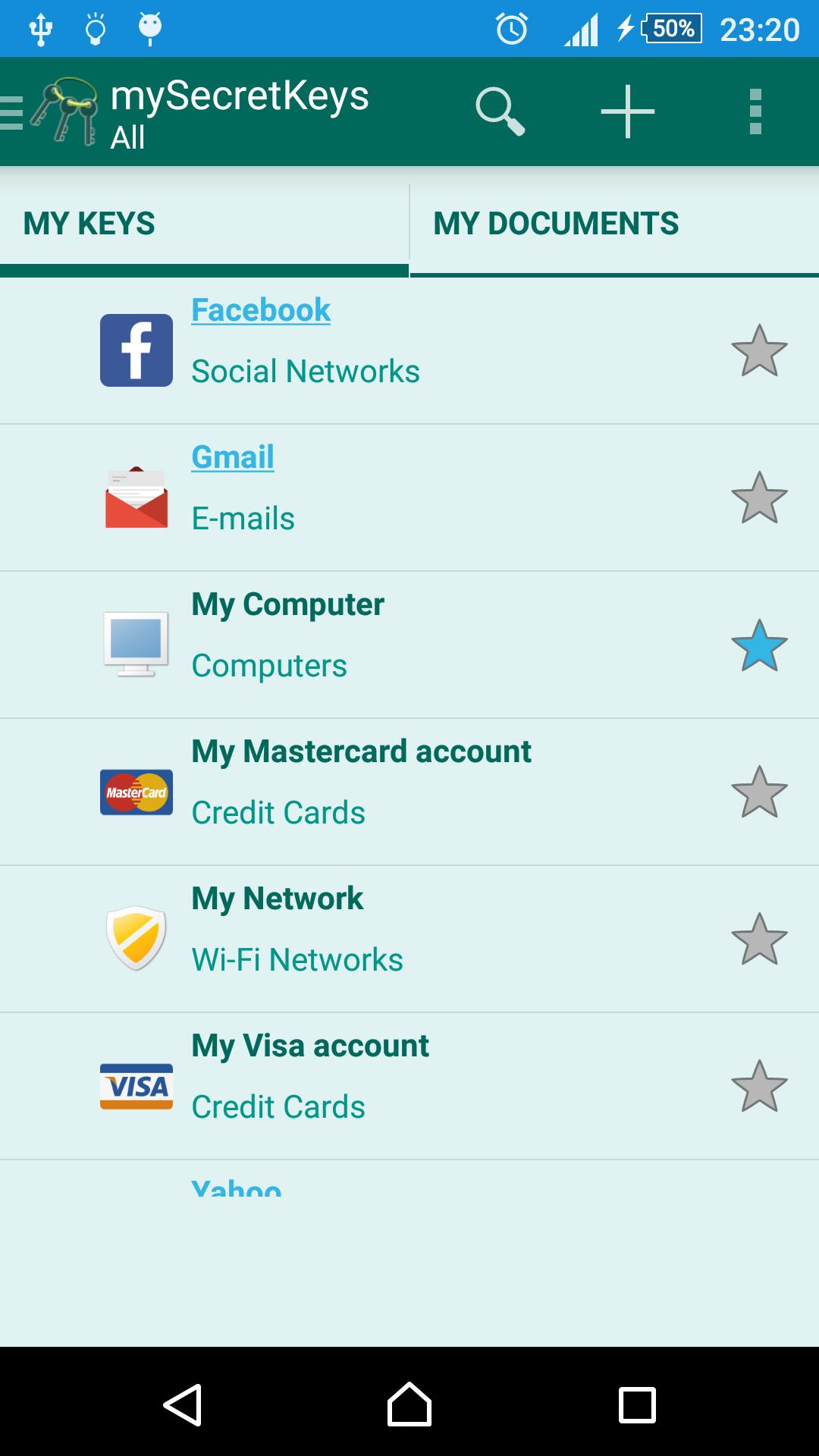
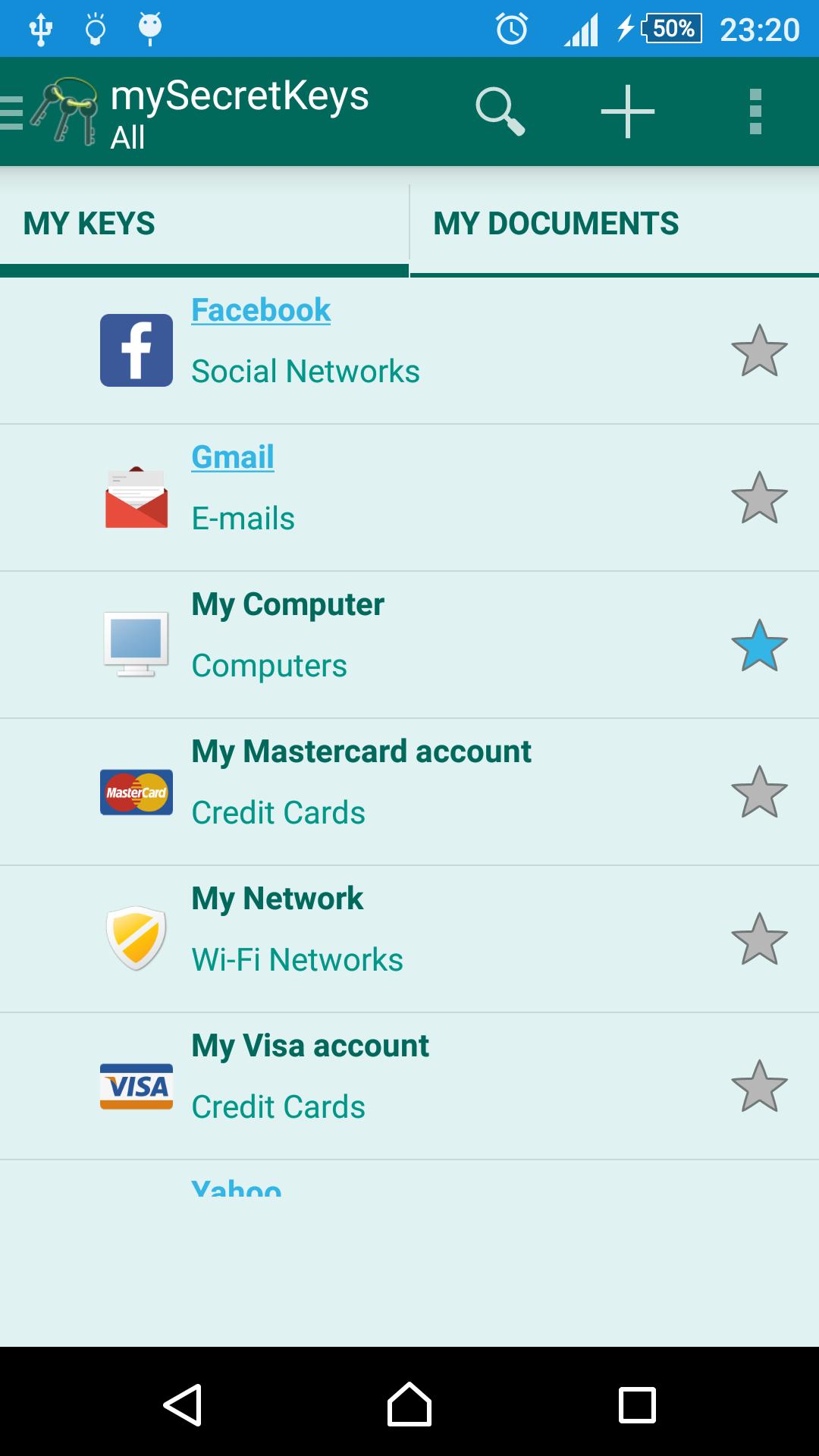
• Data is organized into two tabs:
- MY KEYS: Password manager designed to keep sensitive information such as logins, credit cards, bank accounts, etc. These informations are identified as "key".
- MY DOCUMENTS: Specific manager to keep personal document data, containing pre configured templates for some worldwide used documents.
• Insert additional fields in keys or documents.
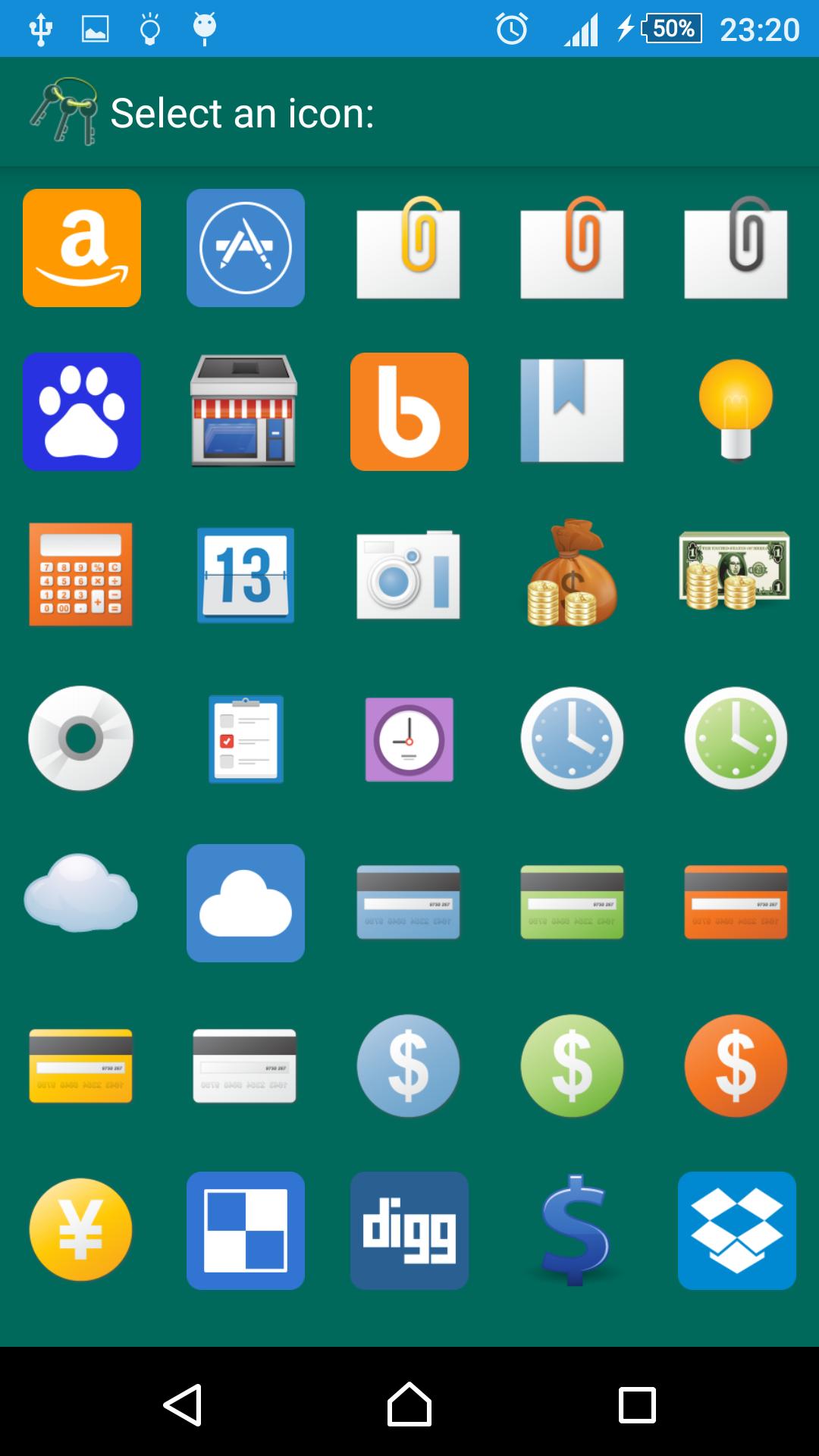
• Identify your keys with custom icons and make it easy to find them on the screen.
• Organize your keys into categories.
• Indicate your most important keys as favorites.
• Filter your keys by category or your favorite keys using the drawer.
• Create or change categories with custom icons in a practical way through the drawer.
• Use the categories as templates: all fields added in a category are presented in the following keys created from that category.
• Search your keys through its title.
• Sort your keys by title or category.
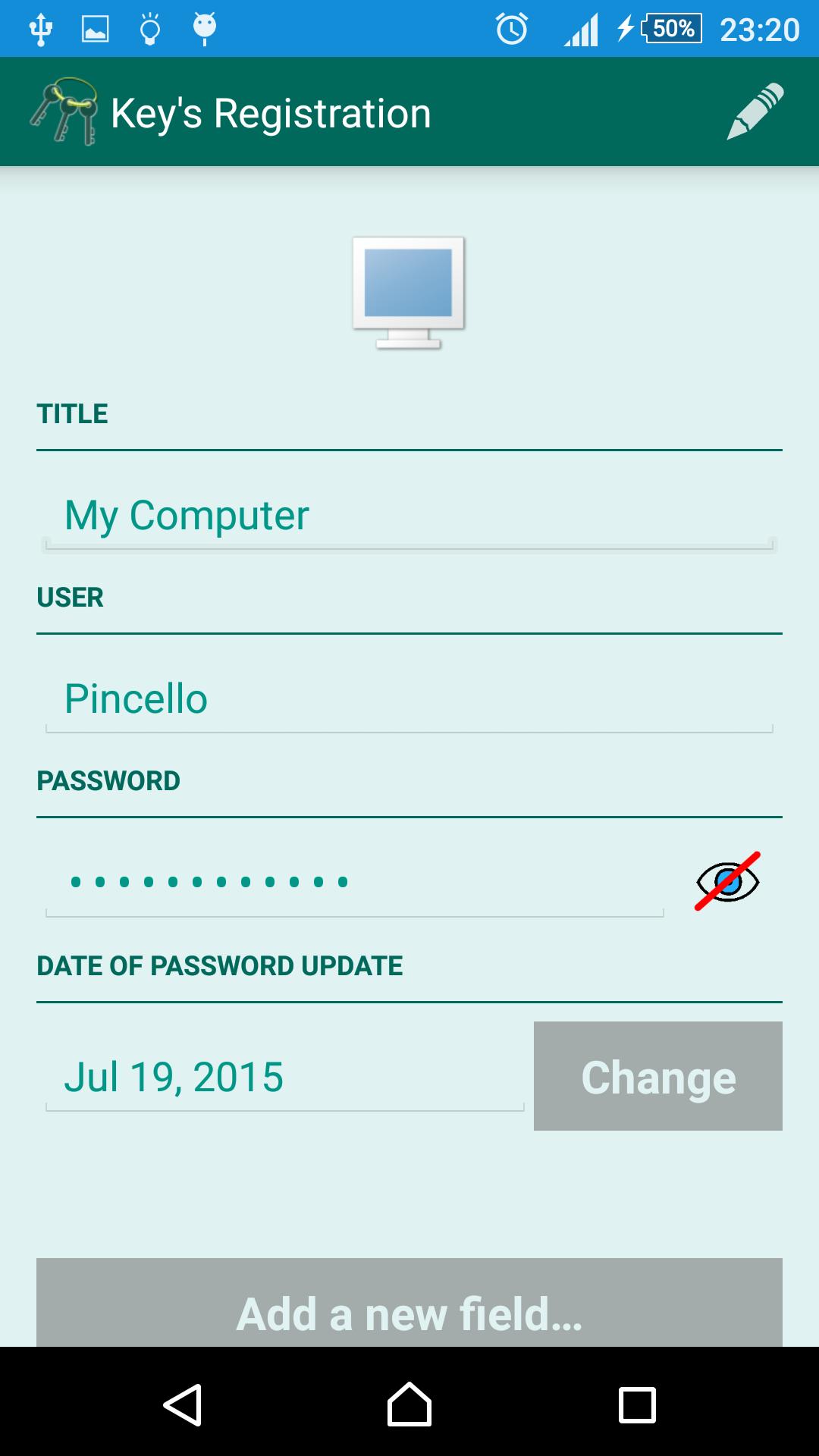
• Autocomplete function available for the "User" field, considering that this is a generally same information in multiple entries.
• Password Strength functionality while editing the "Password" field.
• Option to generate a password randomly from the key registration screen.
• Option to hide/unhide passwords.
• Access to a list of passwords that should be avoided as they are known to hackers.
• Tool to generate random passwords.
• Tool to validate the strength of the password entered.
• mySecretKeys Password Manager is available in Portuguese, English, and Spanish.
COMMENTS:
• All data entered are encrypted except the password hint, as this should be available even if the master password is not remembered.
• The 256-bit AES encryption method, used to protect data, is one of the most advanced systems available.
• Only one password needs to be remembered. If this password is lost, the stored data cannot be restored because there is no synchronization function.
• Be sure to close mySecretKeys Password Manager after use.
• To prevent unauthorized access, app is logged off when the Home button is pressed.
• Be sure to clear the clipboard after using its contents.
• mySecretKeys Password Manager requests Internet access permission only to display advertising. There is no synchronization with the stored data.
If you enjoyed mySecretKeys Password Manager, please make sure to evaluate it on Google Play ;)
Any questions or suggestions, do not hesitate to contact the developer.

 Download