

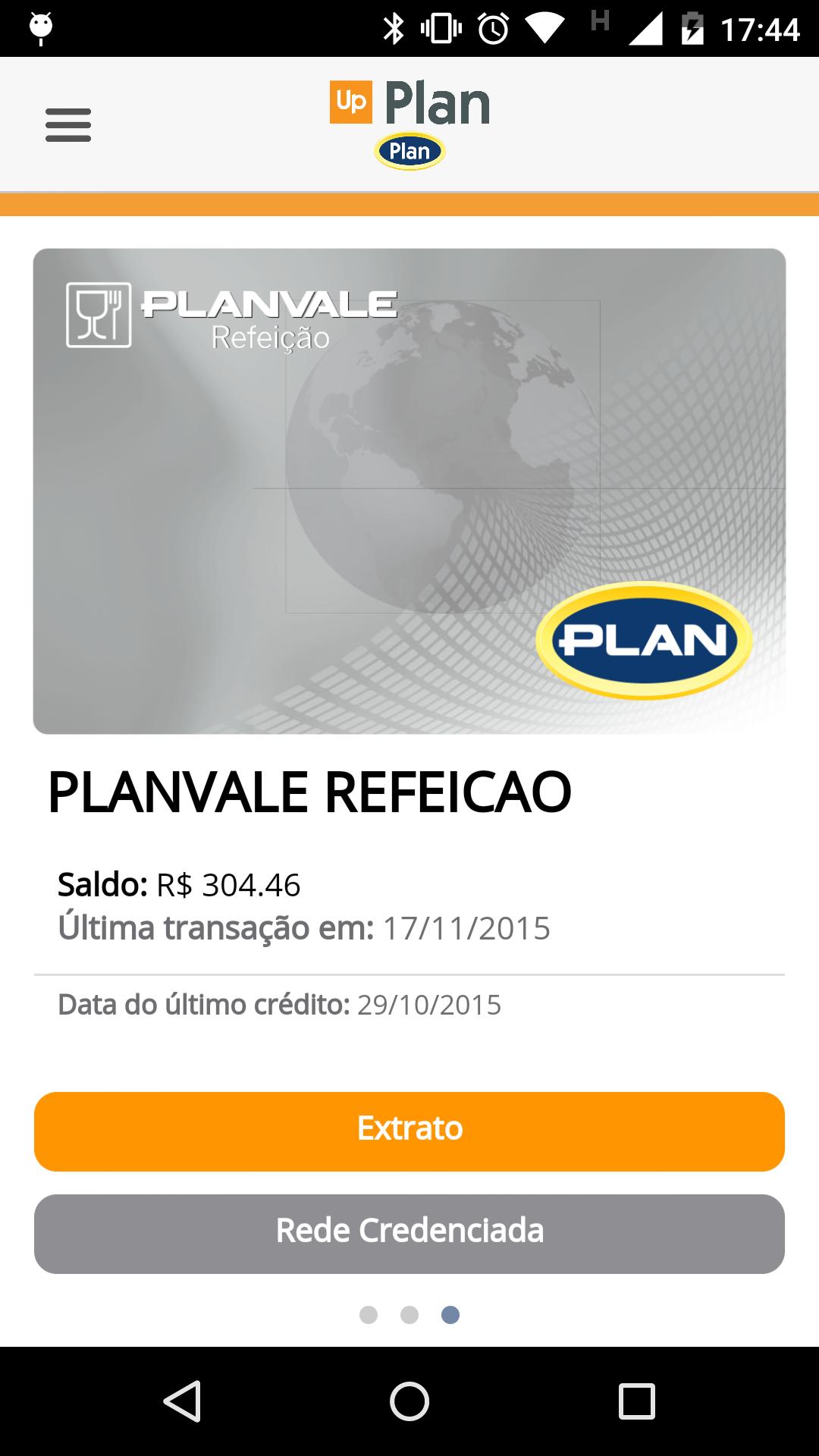
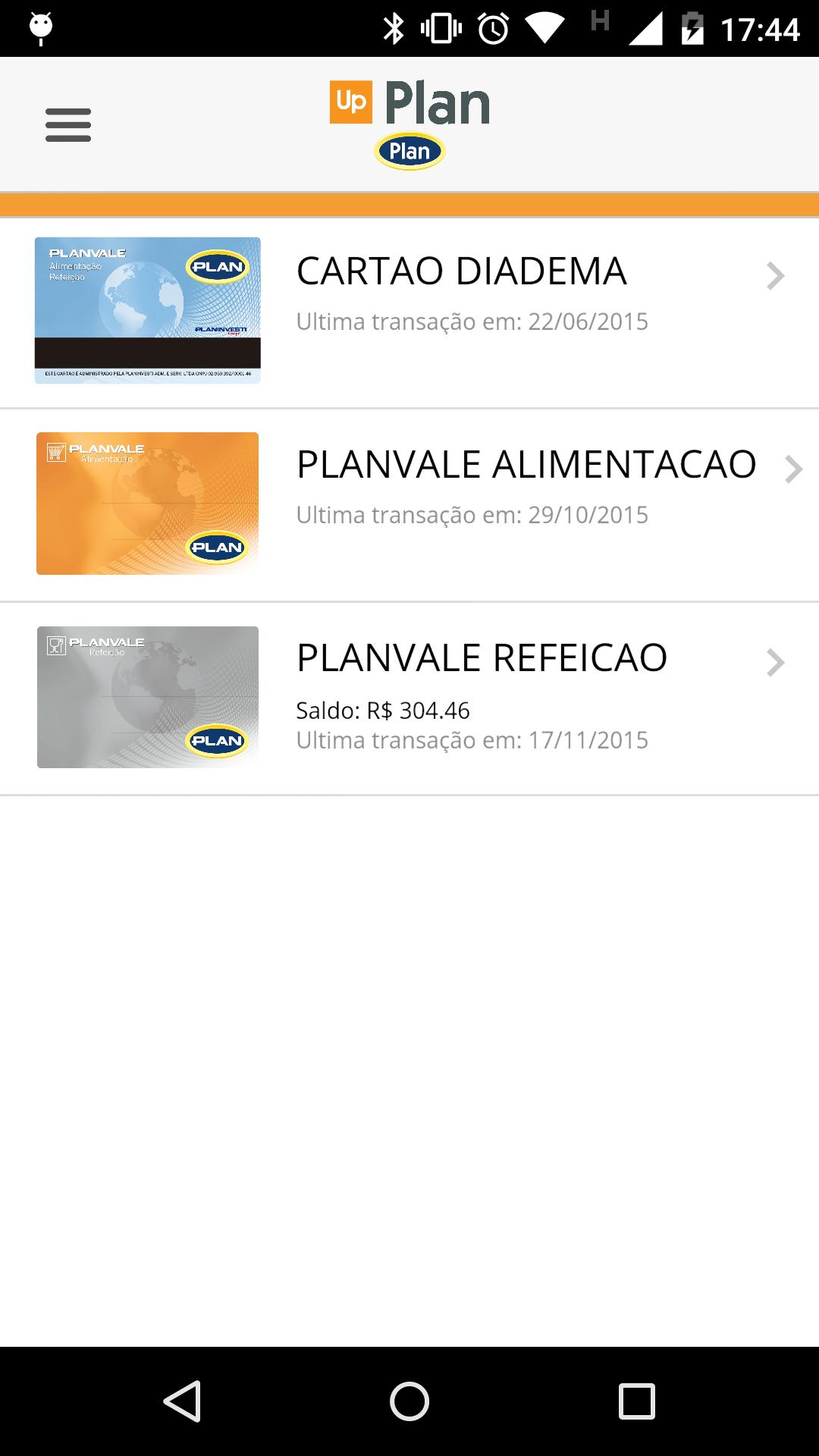
Visit the Balance, Extract and Accredited Network of its Planvale Cards.
Through the detailed study of our users' needs, we create some tools that make it easier and optimize the use of Planvale cards quickly and safely. Get to know the main features of the new Plan app:
CPF Access: Enter your CPF on the application home screen and access all application functions:
I. Access to the balance and extract of all your Planvale cards: All cards linked to the chosen CPF will be displayed separately, with their balance and extract query. By clicking on one of the cards through the main screen, the application allows navigation between different cards by performing the swap movement (passing the finger sideways on the screen).
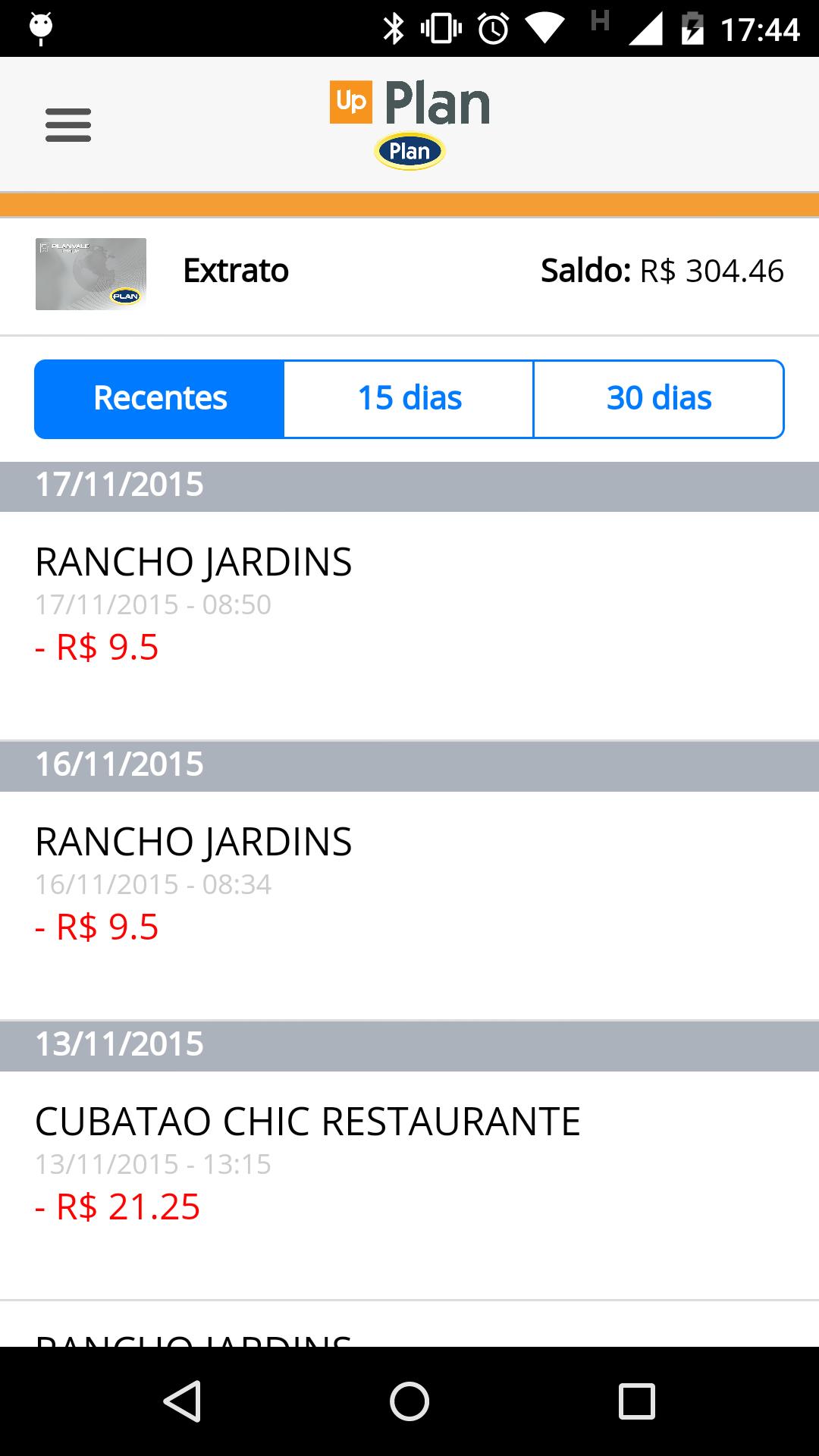
The “extract” function presents three options:
· Recents: The last 10 transactions made on the card are displayed, regardless of the date that were performed.
· 15 days: All transactions made on the card are displayed in the last 15 days.
· 30 days: All transactions made on the card are displayed in the last 30 days.
II. Search for closest accredited establishments: The accredited network is filtered according to the chosen card. Through your mobile locator, the app limits a search radius and finds the establishments closest to you. You can view the map in 3D mode - to do this just make the SWAP motion (pass the two fingers on the screen) sideways.
III. Eye Vivo: If you are in Sao Paulo/SP, this function will locate the most rioting bus stops of you and their respective lines. In addition, the living eye displays the scheduled time for the arrival of each bus. You can view the map in 3D mode - to do this just make the SWAP motion (pass the two fingers on the screen) sideways.
IV. PLAN Contacts: In this tab are displayed the options for direct contact with Planvale - telephone, website and social networks.
To change the query CPF, simply select the icon at the top of the screen or menu (as highlighted in the image) and enter the new card access number.
The Plan application also allows navigation without CPF. In this case, the tool displays only the contacts and living eye functions.







 Download