• Home
  • Game
    Action Simulation RPG Sports Casual Cards Music Puzzle Shooting Romance
  • Apps
    Business Social Lifestyle Shopping Tools Travel Finance Education News Health
  • Articles

English 中文(简体) 中文(繁体) 한국어 日本語 Português Español Русский العربية Indonesia Deutsch Français ภาษาไทย
Home Apps Tools QR Code Reader
QR Code Reader

QR Code Reader

1
2
3
4
5
Download
  • Version 2.3
  • Category Tools
  • Package Name me.scan.android.client
  • Update Time September 20, 2026
  • Size 50MB
About this app

Easily scan QR codes and barcodes.

HOW THE APP WORKS

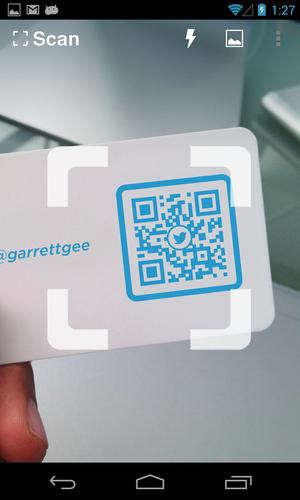
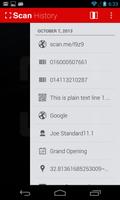
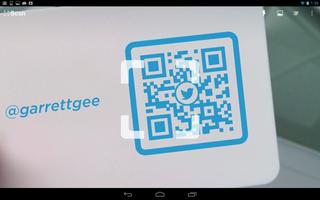
To scan a QR code or barcode simply open the app, point the camera at the code, and you’re done! There is no need to take a photo or press a button. The app will automatically recognize any code your camera is pointing at.

When scanning a QR code, if the code contains a website URL, you will automatically be taken to the site. If the code just contains text, you'll immediately see it. For other formats such as phone numbers, email addresses, or contact info, you will be prompted to take the appropriate action.

PRODUCT BARCODES

QR Code Reader recognizes all of the popular barcode types (UPC, EAN, and ISBN) and shows you pricing, reviews, and more about any products you scan. Barcode scanning requires a newer device in order to work reliably. Cameras on older devices do not provide the resolution or focus required for barcode scanning.

ADDITIONAL FEATURES

• Toggle your front or rear camera for scanning

• A switch to turn on your device’s light (if it has one) for scanning in low-light circumstances

DEDICATED TO PERFECTION

Our goal is to make our app the best scanning app in the store. We can’t do this without you. We are dedicated to your satisfaction and need to hear feedback from you. If you have an issue with the app, please do not write a review of the app saying "it didn't work." This does not help us make things better for you. Instead, please contact us at [email protected] and we'll do our best to help.

REQUIREMENTS

In order to use the app, your device must have a built-in camera. When scanning codes that redirect to online content, such as websites, you will need Internet connectivity.

What's New in the Latest Version 2.3

Last updated on Mar 16, 2016 What’s new in version 2.2.3
- Enhancements to the in app browser
- Bug fixes

What’s new in version 2.2.3
- Bug fixes

What’s new in version 2.2.2
- Bug fixes

What’s new in version 2.2.1
- Enhancements to the in-app browser

What’s new in version 2.2
- Fixes to minor issues and enhancements

- Create and scan your own QR codes on our site at http://scan.me
Download(50MB)
Users also viewed
  • LauncherPro+ M22-3D Icons Pack

    LauncherPro+ M22-3D Icons Pack

    2.0.6 September 21, 2026
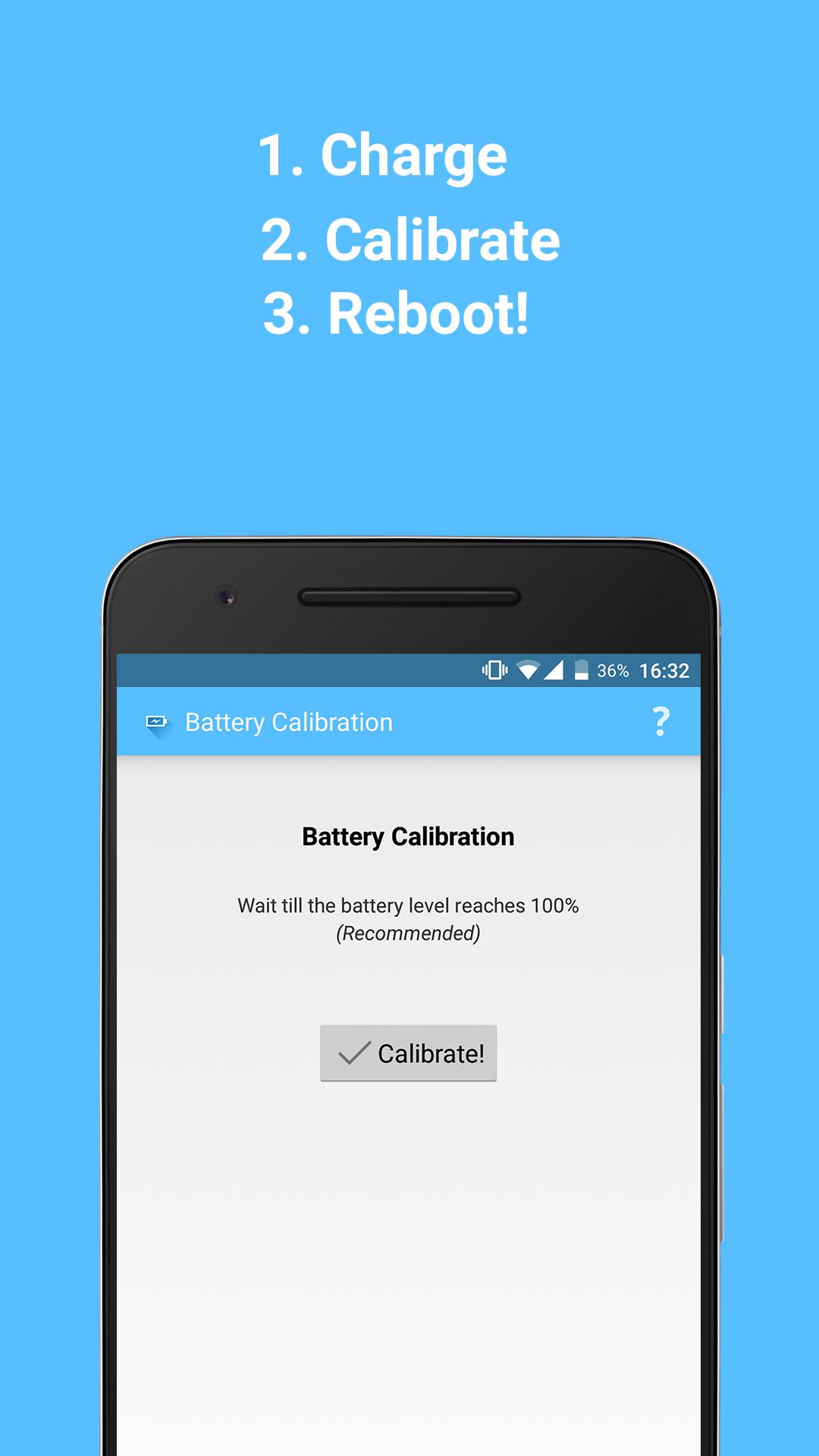
  • Battery Calibration (Root)

    Battery Calibration (Root)

    1.1 September 21, 2026
  • Smartmirror

    Smartmirror

    1.1 September 21, 2026
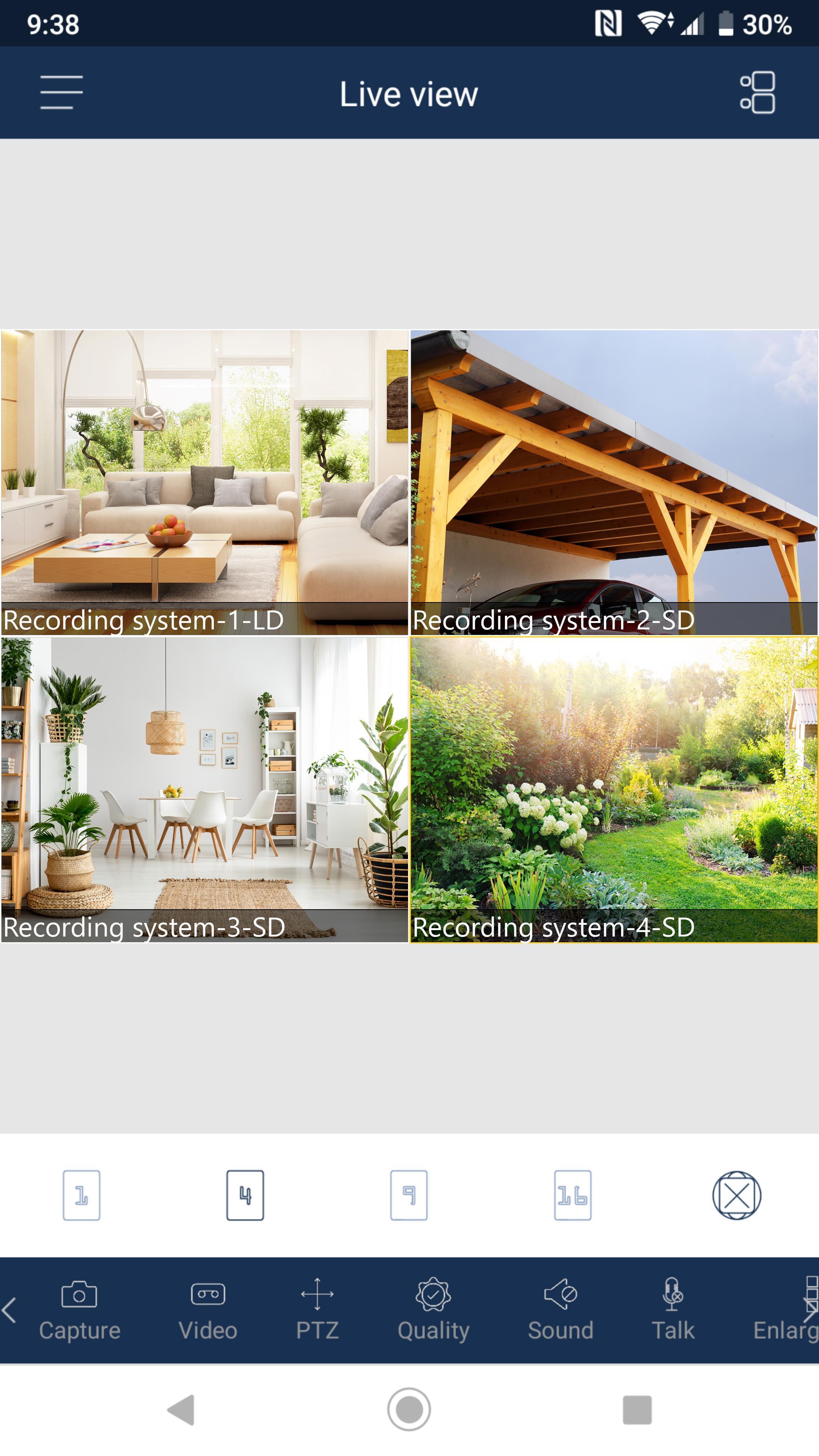
  • SMaBiT Video

    SMaBiT Video

    2.0.5 September 20, 2026
  • Beauty Cam Photo Editor

    Beauty Cam Photo Editor

    1.2.8 September 20, 2026
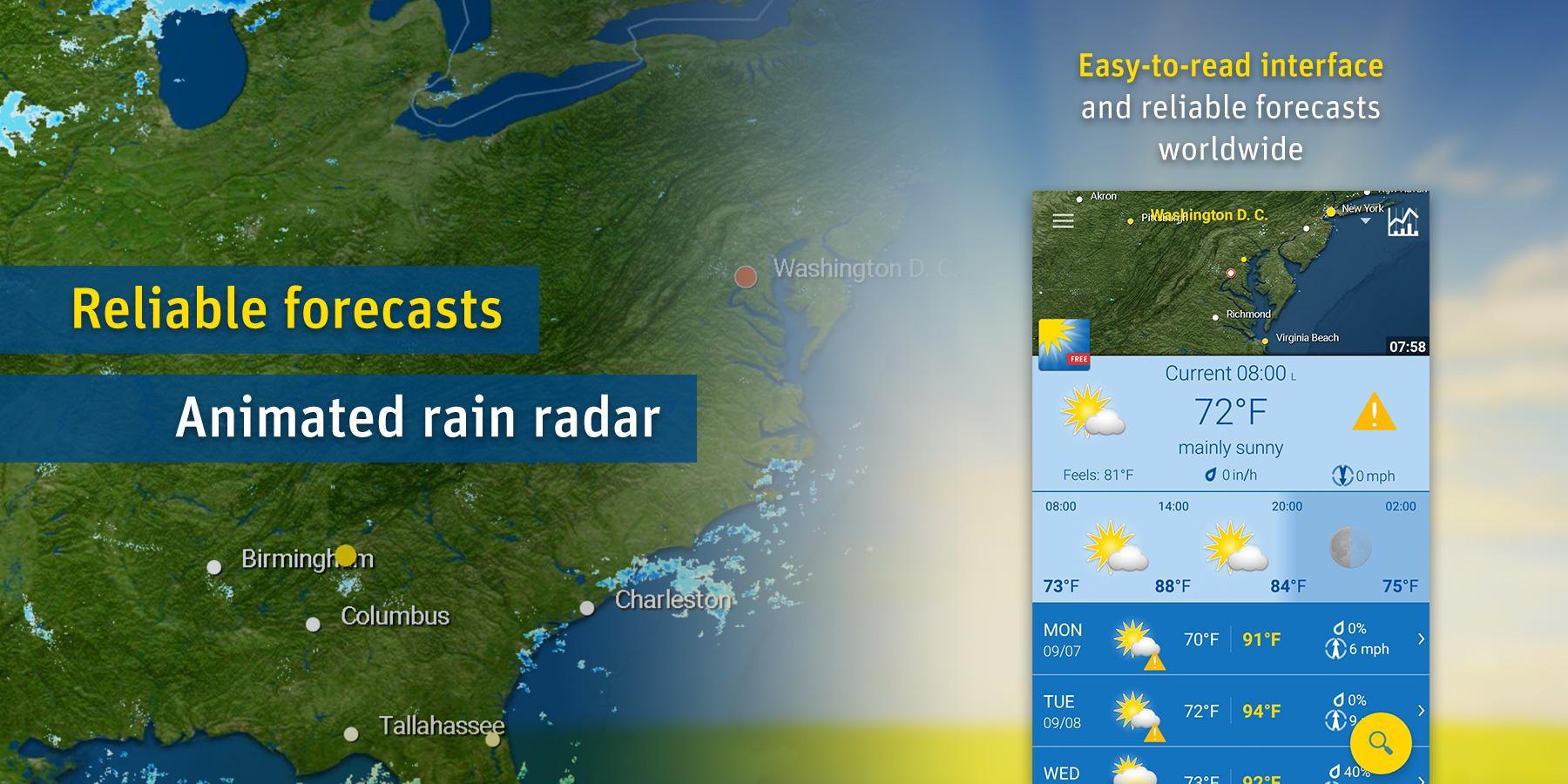
  • WeatherPro Free

    WeatherPro Free

    1.4.7 September 20, 2026
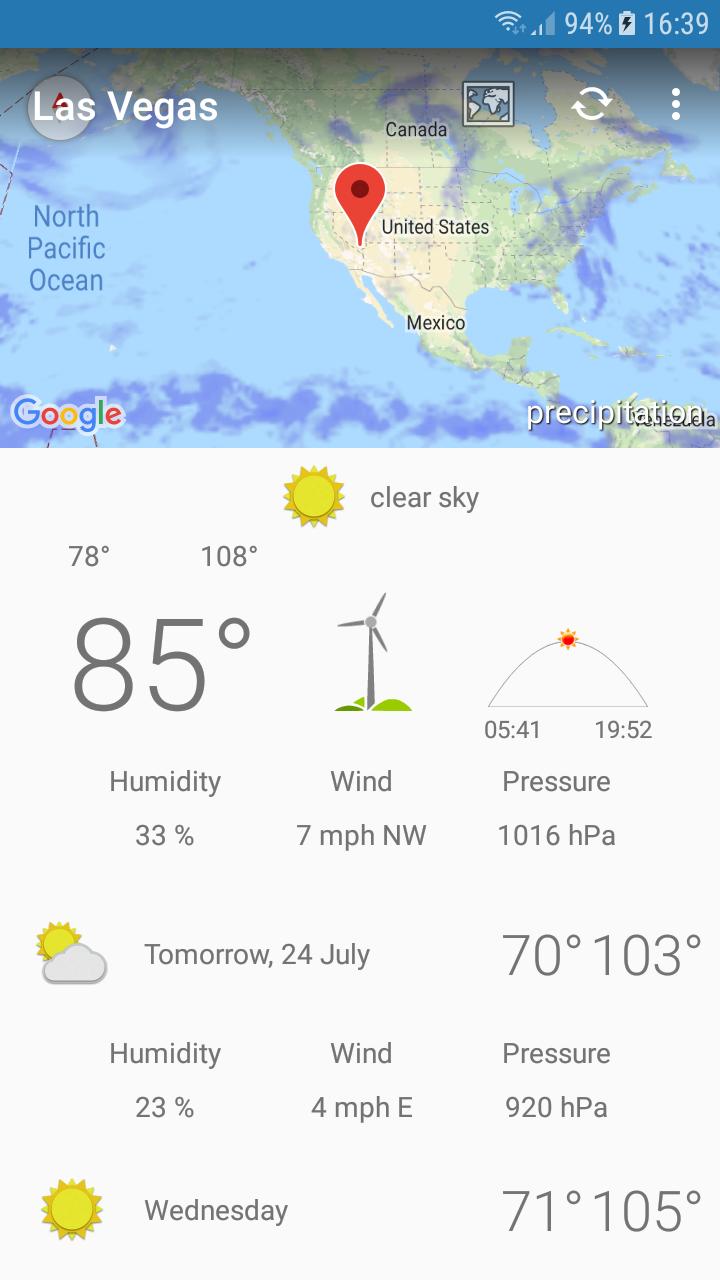
  • Las Vegas,NV - weather and more

    Las Vegas,NV - weather and more

    1.0 September 19, 2026
  • NEMO Media Player Plus

    NEMO Media Player Plus

    1.36.00 September 19, 2026
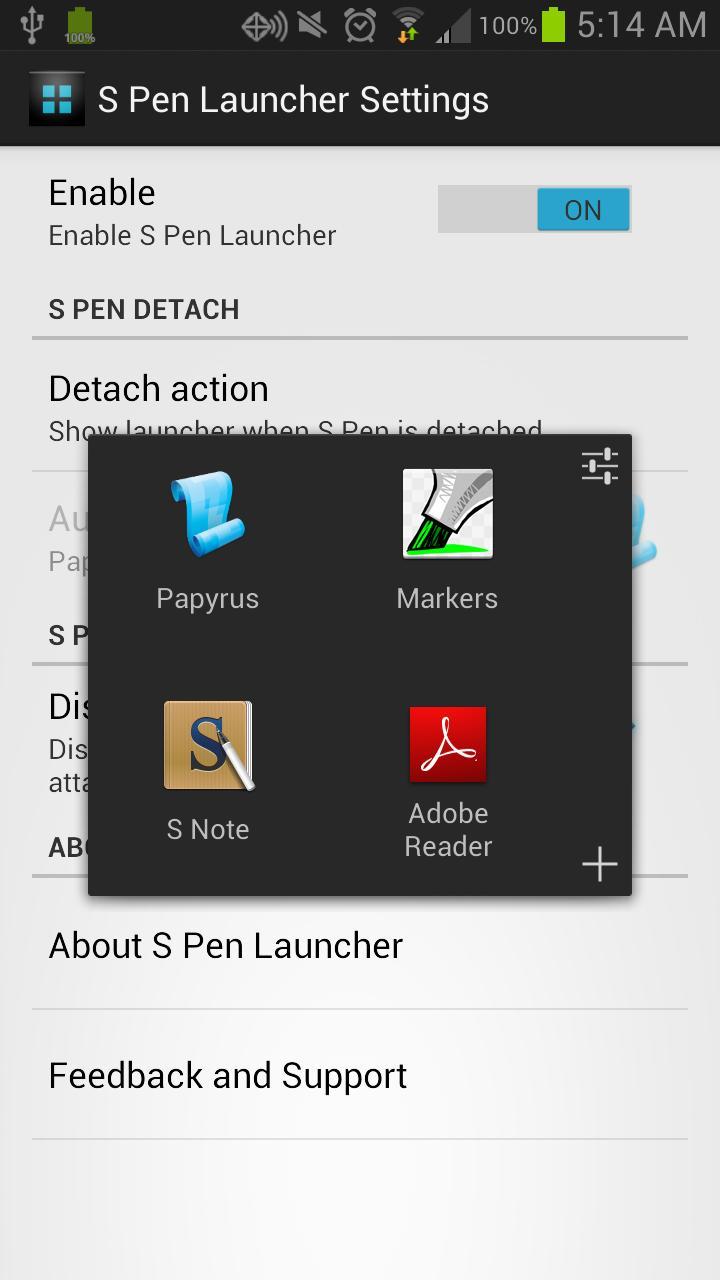
  • S Pen Launcher

    S Pen Launcher

    1.3 September 19, 2026
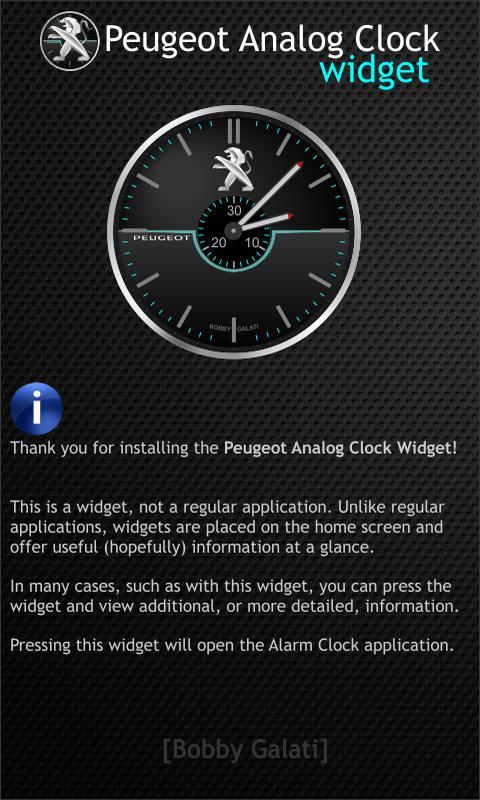
  • Peugeot Analog Clock Widget HD

    Peugeot Analog Clock Widget HD

    1.1 September 19, 2026
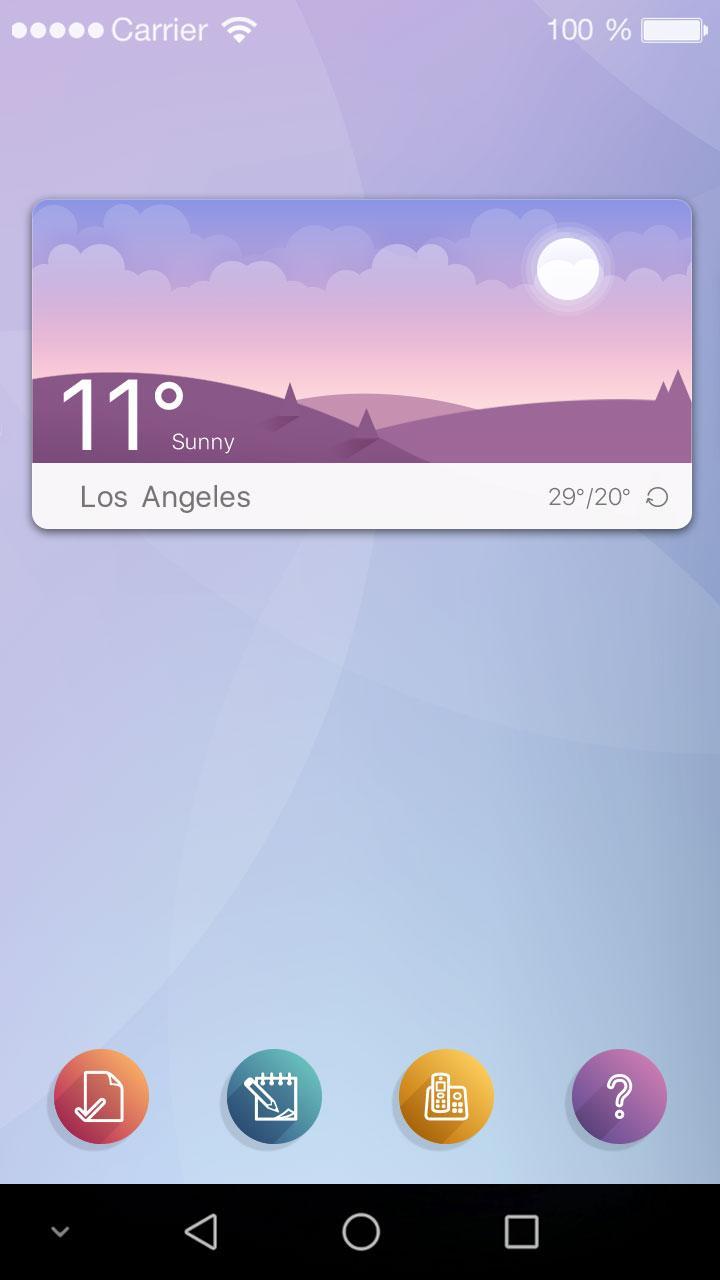
  • Weather Widget - Halo

    Weather Widget - Halo

    1.1 September 18, 2026
  • LED Torch - Widget, Strobe Light, SOS

    LED Torch - Widget, Strobe Light, SOS

    1.3.6 September 18, 2026
  • ZUI Locker Theme - Dear Friend

    ZUI Locker Theme - Dear Friend

    1.0.0 September 18, 2026
  • Simple LED

    Simple LED

    1.0 September 18, 2026
  • Shortcut Launcher

    Shortcut Launcher

    3.7 September 18, 2026
About Privacy Policy Terms of Service Cooking Policy

© Copyright 2017-2026 downzs.com