

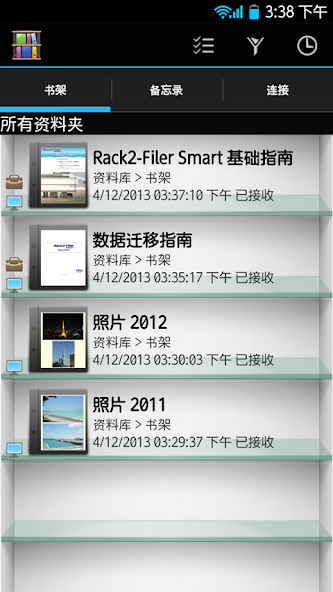
This application is for viewing binders created with Rack2-Filer Smart.
[About Rack2-Filer Smart for Android]
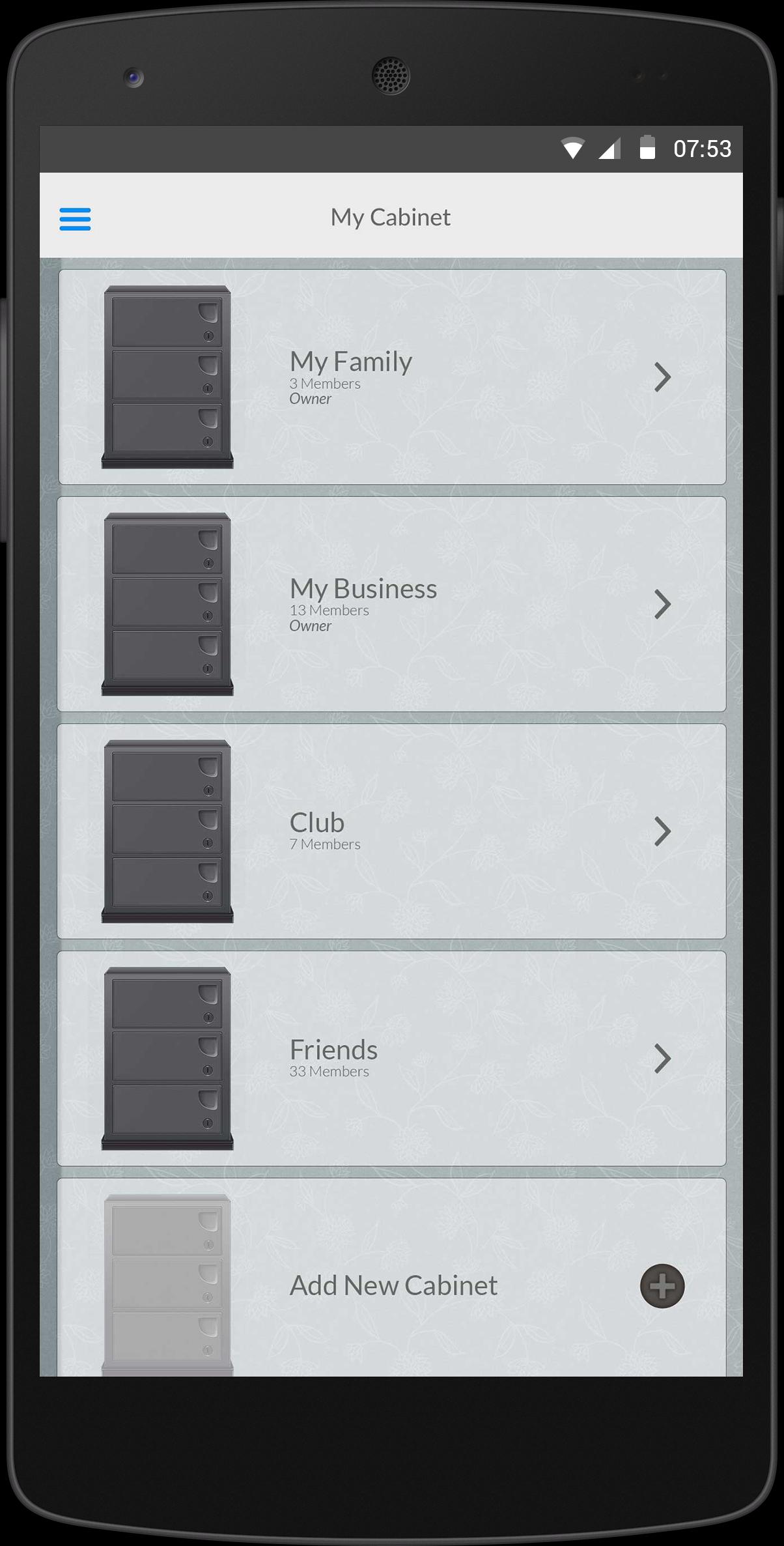
This application allows you to view binder data on your mobile device that is created with Rack2-Filer Smart on your computer.
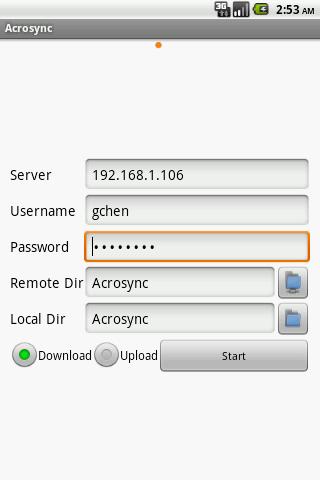
Binder data can also be imported into Rack2-Filer Smart for Android via cloud services (SugarSync, Dropbox).
* To use this application, a computer with Rack2-Filer Smart or Magic Desktop installed is required.
For Rack2-Filer, use ScanSnap Connect Application.
[What You Need]
To use this application, you need a computer with Rack2-Filer Smart installed. To import and export binder data, one of the following items is required.
- Wi-Fi environment
- Dropbox (cloud service)
- SugarSync (cloud service)
[Main Features]
- Import binder data that is created with Rack2-Filer Smart from your computer and view this data on your mobile device.
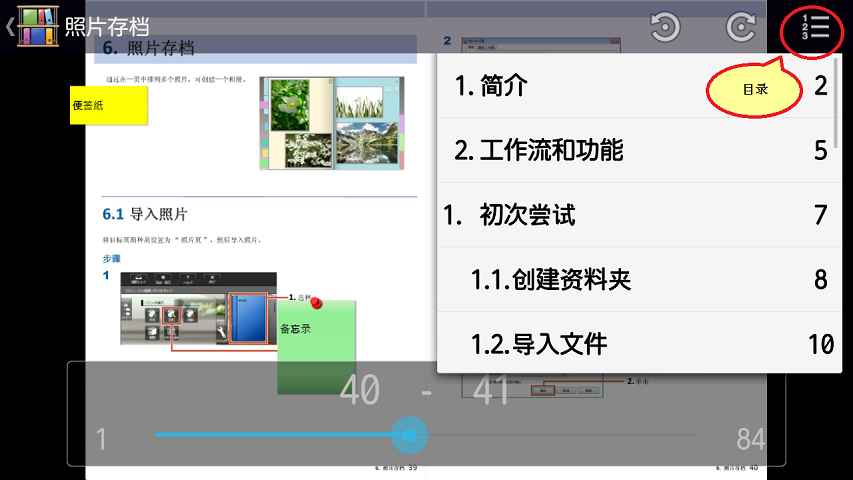
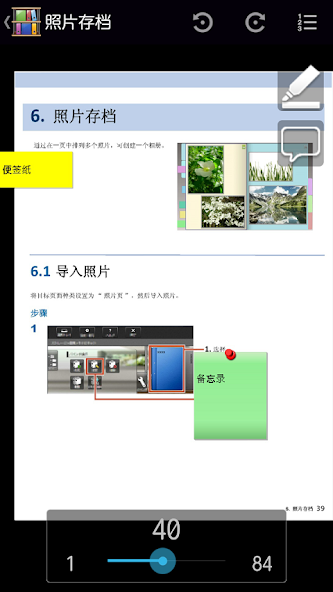
- You can import binder data into your mobile device while keeping the sticky notes and dividers.
- Using a Wi-Fi connection for your computer makes the import process seamless.
- Using cloud services allows you to import binder data into your mobile device anytime and anywhere.
- Add easy annotations to the binder data that is imported into your mobile device.
- You can add a highlight or a page memo (one page style memo) as an easy annotation to the binder data on your mobile device.
- Added easy annotations on your mobile device can be reflected(*) to an original binder on your computer.
* Easy annotations of only binder data that is imported via Wi-Fi can be transferred from your mobile device to a computer.
- Create a memo on your mobile device and export it to a computer.
- A memo can include text and photos(*).
* Photos that are taken with the camera feature or saved in Photo Library can be used.
- A memo that is created in your mobile device can be exported to Rack2-Filer Smart or Magic Desktop on a computer.
[How to Use Rack2-Filer Smart for Android]
- For details about the settings and use of this application, select [Information] from the menu in the upper right corner of the screen after you start the application, and then go to [Help].
- For details about using related applications on a computer, refer to the manual (or Help) that is bundled with Rack2-Filer Smart and Magic Desktop.
[Related Applications on a Computer]
- Rack2-Filer Smart V1.0
- Magic Desktop V1.0
[Required Device]
- Applies to Android OS 4.0 or later with Wi-Fi. However, this application may not work for supported devices. For devices that have been tested, refer to the Rack2-Filer Smart home page.
http://www.pfu.fujitsu.com/en/products/rack2_smart/environment.html#mobile





 Download