

Enjoy millions of the latest Android apps, games, music, movies, TV, books, magazines & more. Anytime, anywhere, across your devices.
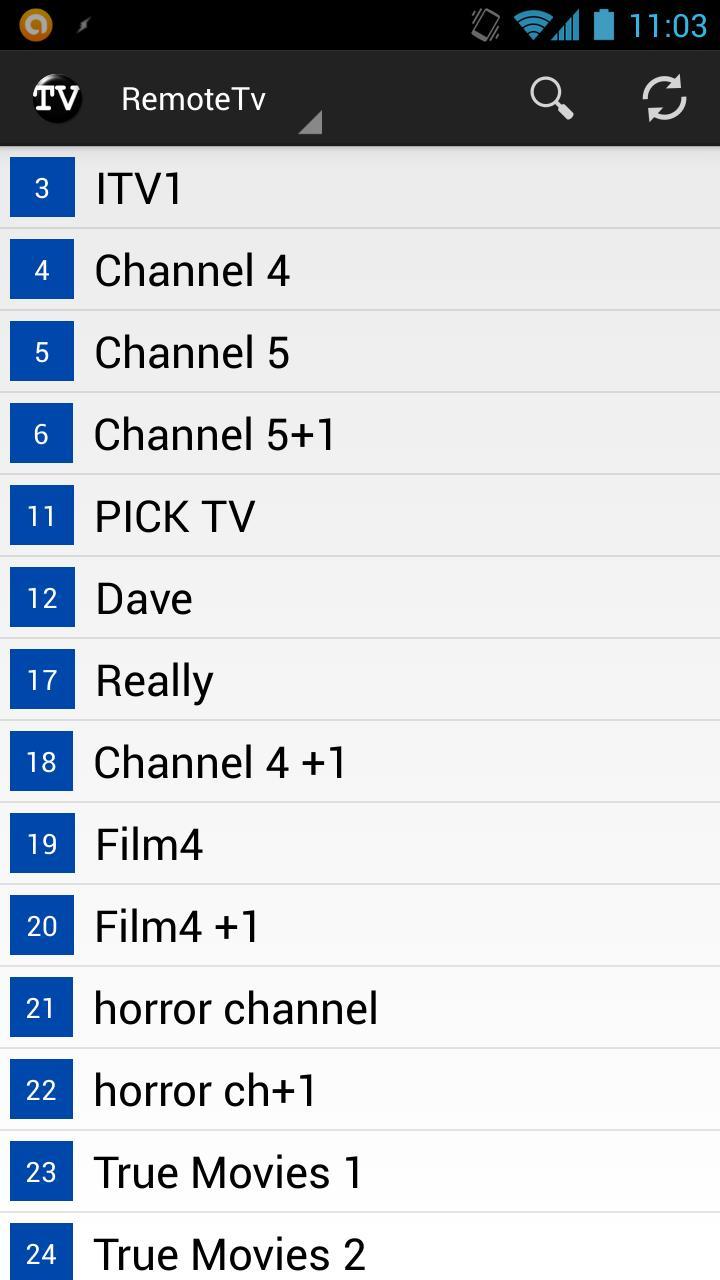
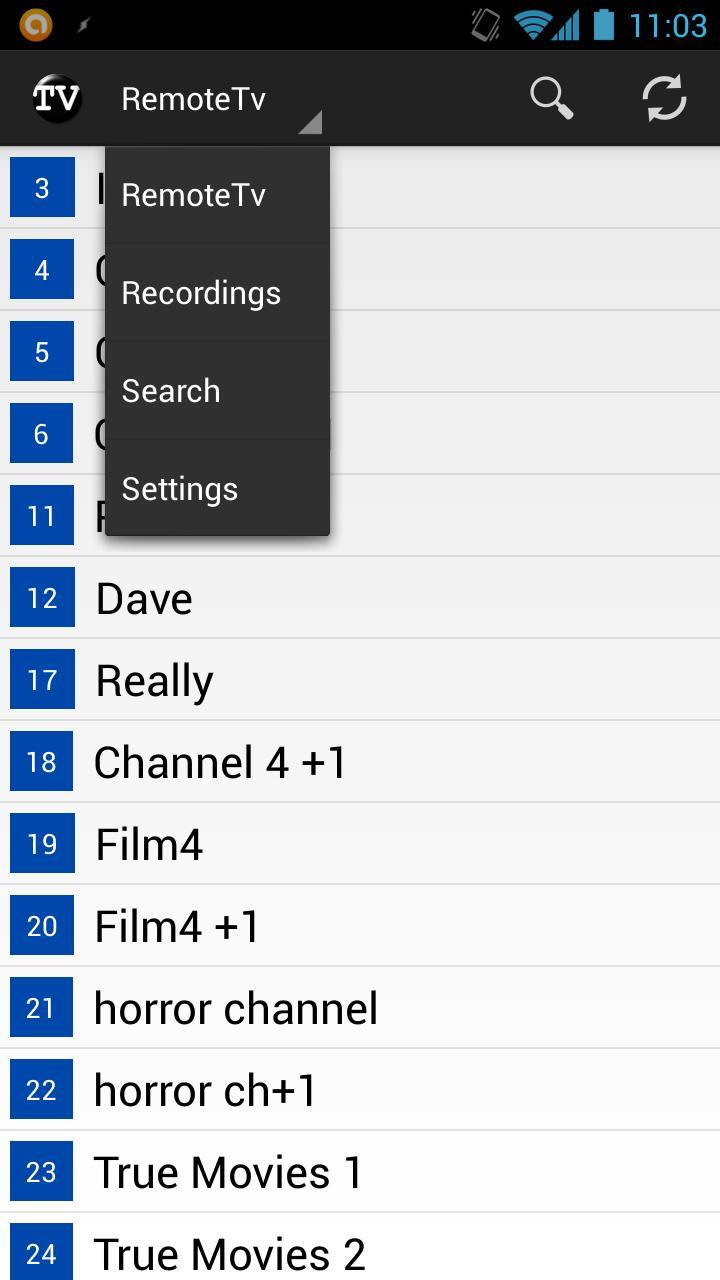
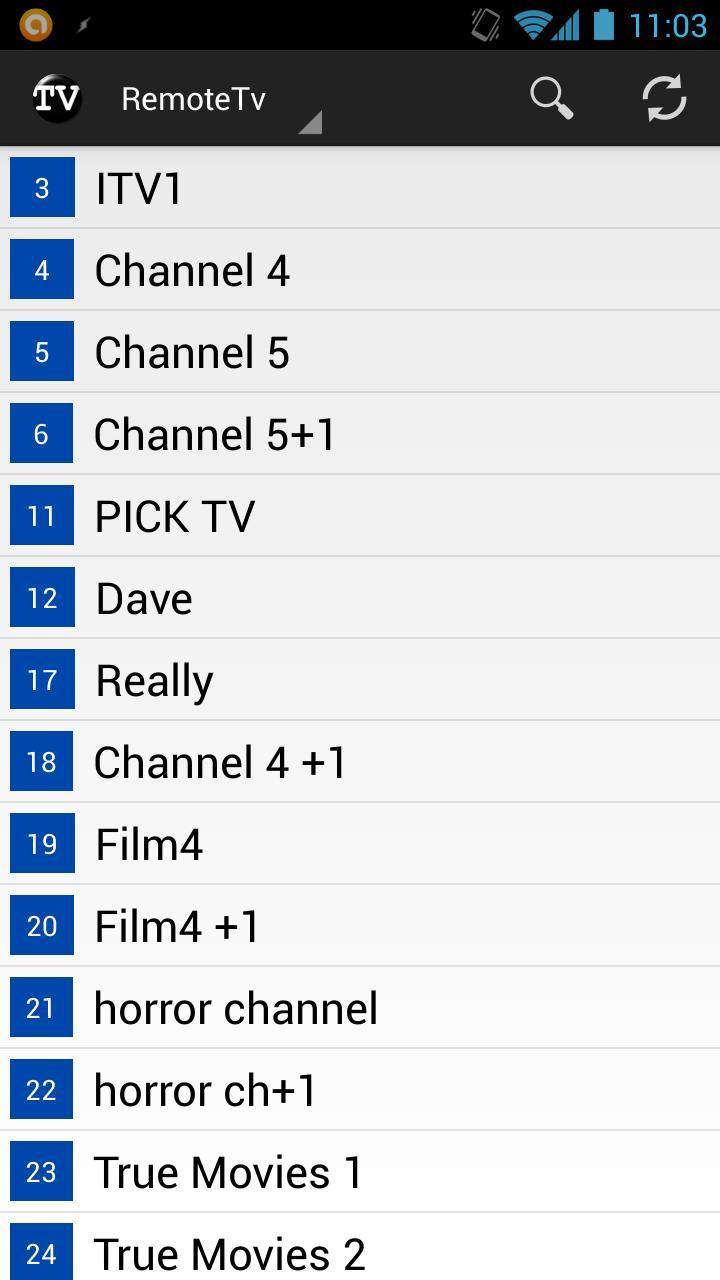
RemoteTV is a TV guide client for RemotePotato (a plug-in for Windows Media Centre) allowing easy browsing and searching of guide listings as well as easy management of Windows media centre recordings from a mobile device.
Current features:
- Browse vertical guide.
- Swipe Left/Right to go to next channel in the guide.
- Schedule Recording/Series recording.
- Browse/manage series recordings.
- Browse/manage scheduled recordings.
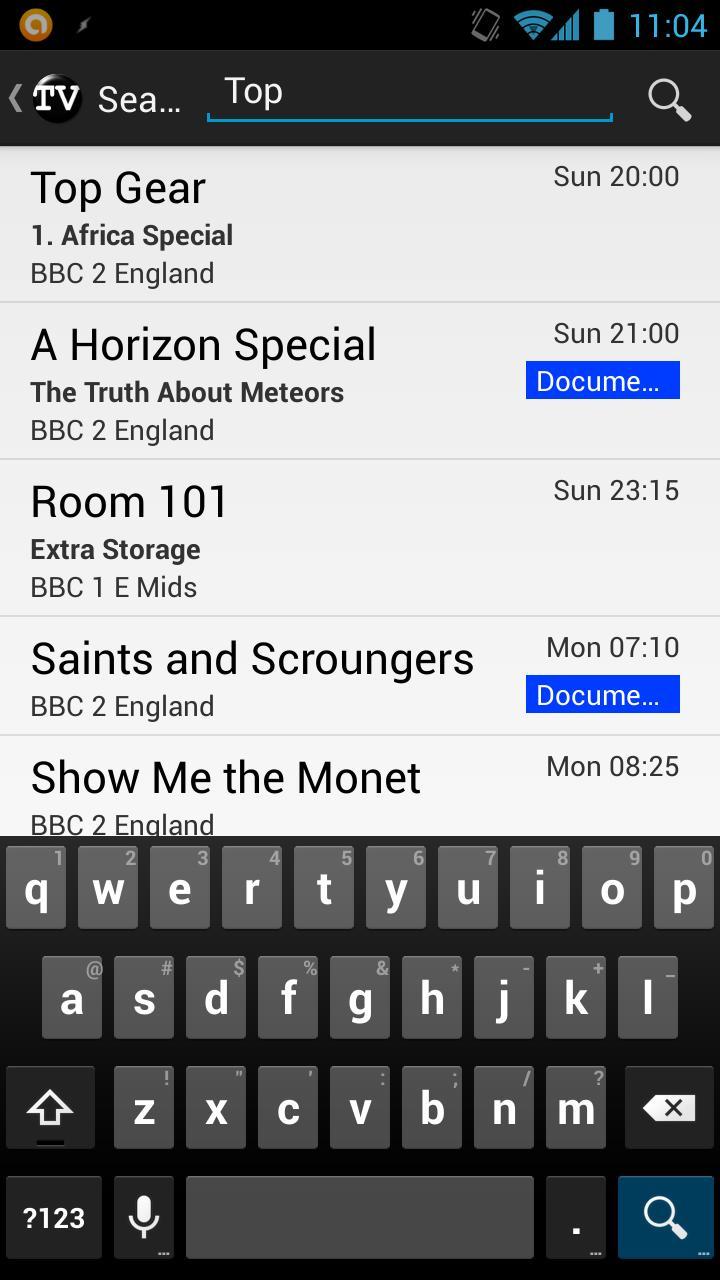
- Search for programmes to view/record.
- View programme details(including description, ratings, guide images) and other showings.
- Download compression (helps speed up data transfers on slow networks).
- Option to disable image loading to reduce bandwidth used.
In order to use RemoteTV you must:
- Be running a fully configured RemotePotato on a Windows Media Center PC from here: http://www.remotepotato.com/downloads.aspx.
- Have an enabled username and password setup to access RemotePotato (currently anonymous authentication is not supported in this application).
Setup:
1. Open the RemotePotato server settings application.
2. Click on the link "How do I connect to this server".
3. Click the appropriate show these settings below button (i.e. either remote or local).
4. Enter the *Web Browser* example URL displayed into the "Remote Potato Server Url" settings in RemoteTV.
5. Ensure you have setup a username and password in the RemotePotato server.
6. Enter the username and password setup for connecting to the RemotePotato server into the RemoteTV settings.
7. Ensure the RemotePotato server is started and press back to go to the main screen in RemoteTV.
8. If you still have issues follow the hint displayed in RemoteTV error message to fix this issue (This will more than likely be a mistyped setting).
9. If you still can't connect, try upping the server timeout in the RemoteTV settings, it may be a severely slow connection.
For optimal experience:
- If you are using a local WIFI connection, try disabling compression, it may lead to a faster experience.
- Enable channels as favourites on the Remote Potato Server to enable more information to be retrieved for programmes (this fills in the other showings dialogue).
- This application works well with standard guide information, but can work better with guide information that includes as much information as possible (e.g. ratings/thumbnails/programme types etc...). There are several ways of getting this information into Windows Media Centre including XmlTv.
*Please note: Due to a limitation/bug in remote potato server, passwords cannot be hashed for transmission (they are simply encoded), this will be the same for all client applications (not just RemoteTV), this is also likely only to protect the password rather than add extra security to the server as such.
Added much better reporting of problems when the app cannot connect to the server.
- Error messages for
- Invalid URL.
- Missing credentials.
- Login failed.
- Cannot connect to a server.
Changed settings naming to be consistent
Fixed several user interface annoyances
- Clicking search now shows the keyboard immediately.
- Removed menu items that shouldn't exist.
- Cleaned up the settings page.










 Download