

Enjoy millions of the latest Android apps, games, music, movies, TV, books, magazines & more. Anytime, anywhere, across your devices.
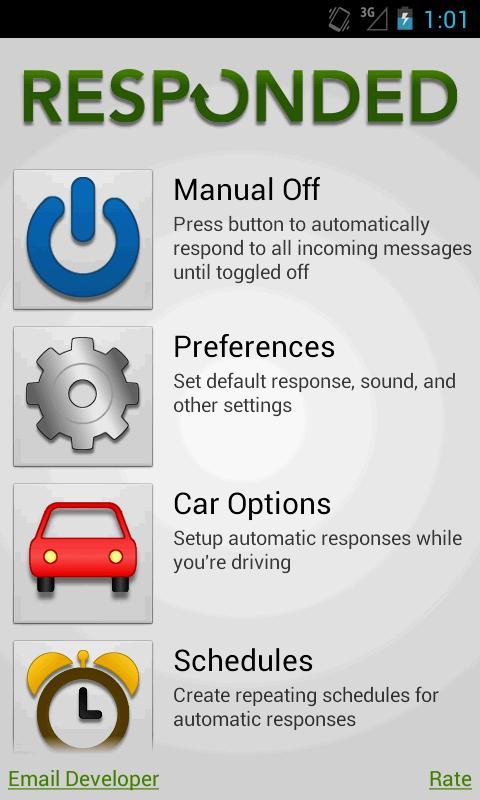
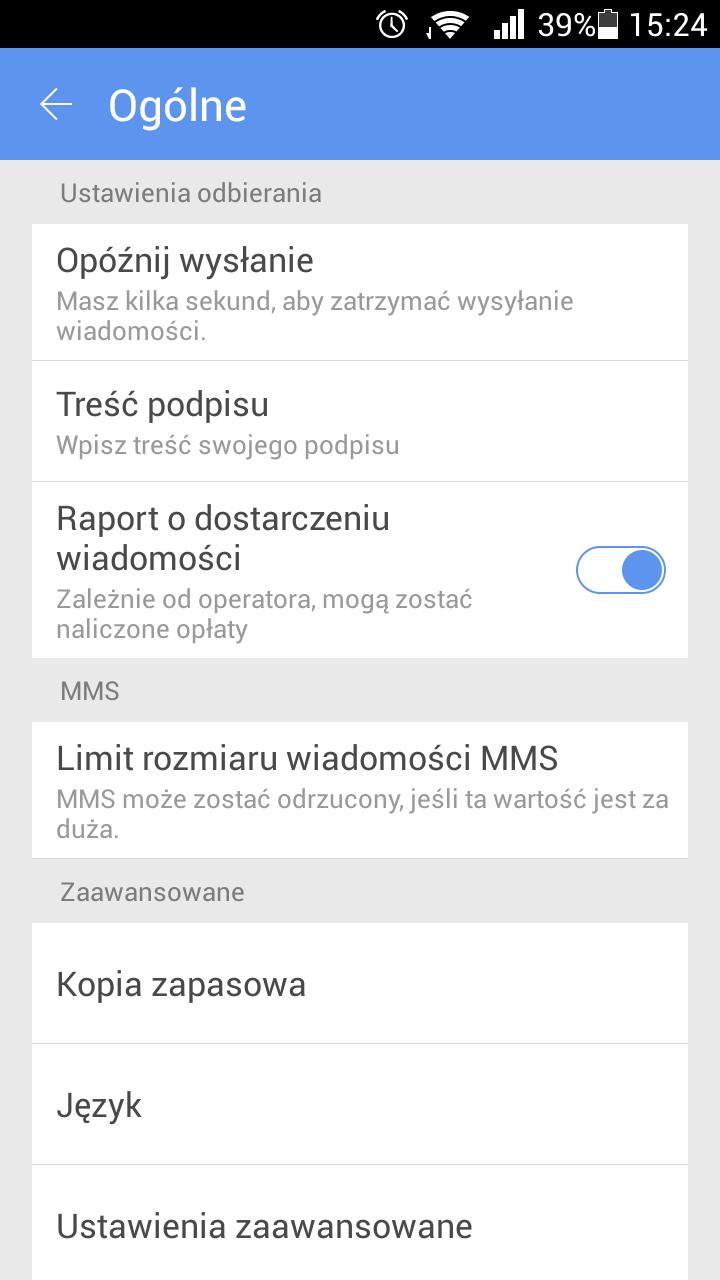
Responded is a text messaging (SMS / MMS) auto-responding utility. It will automatically respond to your incoming text messages with a custom message you set. Responded can help you drive safely without the need to check your phone when a message arrives and stay free of distractions when you don't want to be disturbed. And it tells your friends that you're not just ignoring their texts.
Now the full version is FREE (not even ads). Thanks to those who paid for the early development to recover the small development costs. This is NOT a for-profit application. Please email with suggestions or comments.
Features:
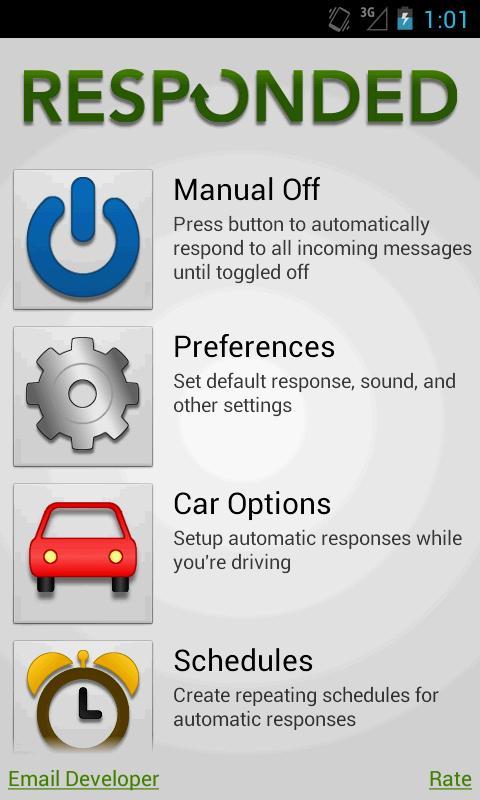
* Manual Mode:
Turn Responded on or off whenever you're in a situation where you don't want to be disturbed by incoming text messages, such as at a movie. This mode will continue to respond to all incoming messages until you turn it off.
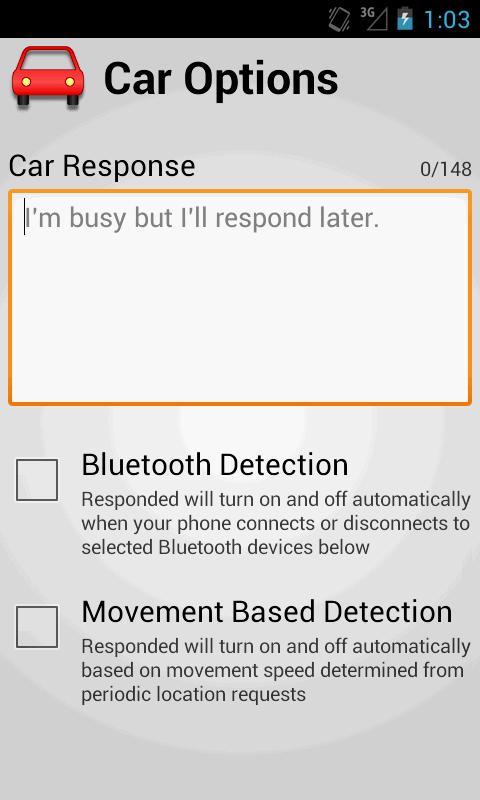
* Car Mode:
Responded will turn on and off automatically when you're traveling. If your car has a Bluetooth connection (or if you have a headset you only connect to when driving) you can set Responded to start replying whenever this connection is made. If not, you can use Responded's Movement Based option to start replying when it detects that you're likely driving (determined by location history).
* Schedules:
Responded will automatically reply to incoming texts during the time period you set and repeated for your selected days of the week. This is highly useful for classes, meetings, repeating appointments, and any other time of the day you don't want to be disturbed.
* Manual Widget:
Turn Responded on or off directly from your Home Screen. You have the option to set the outgoing message without the need to enter the app.
* Notification Area Icon:
Responded will set an icon in the top notification area so you know when it's responding.
Options:
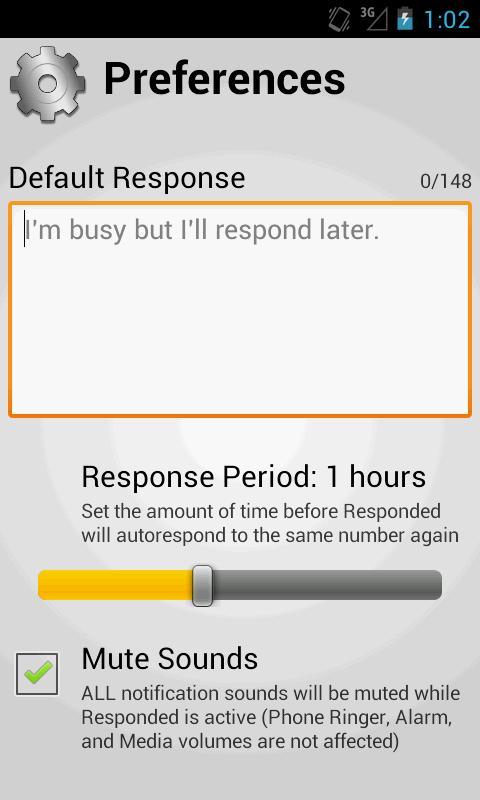
* Mute Notification Sounds (on by default):
Responded will mute all notifications while it is on so you're not disturbed, and if driving you won't be tempted to look at the text message. If this option is set, Responded will notify you of incoming texts when it turns off.
* Respond to Contacts Only (on by default):
Responded will only send auto-responses to phone numbers you have stored in your Contacts.
* Response Period (default is 1 hour):
Responded will check to see if it has already sent an auto-response to a phone number when a new text message is received. If you've already responded to your friend within the period you set, no new auto-response will be sent so you don't annoy your friends. This can be as frequent as 15 minutes or as long as 8 hours.
* Show Response Notifications (off by default):
Responded will add a new notification for every response sent so you can check who was sent a text while you were busy.
Notes:
* Responded automatically sends text messages (SMS) on your behalf. This functionality can potentially cost you money. Consult your service agreement with your carrier for specific information on text messaging fees.
* If you use a custom text message application (such as GO SMS), you will need to allow other messaging application access to message notifications for Responded to work properly.
Keywords: text, text message, sms, responder, response, auto, automatic, drive safe, text and drive, schedule, do not disturb, dnd






 Download