

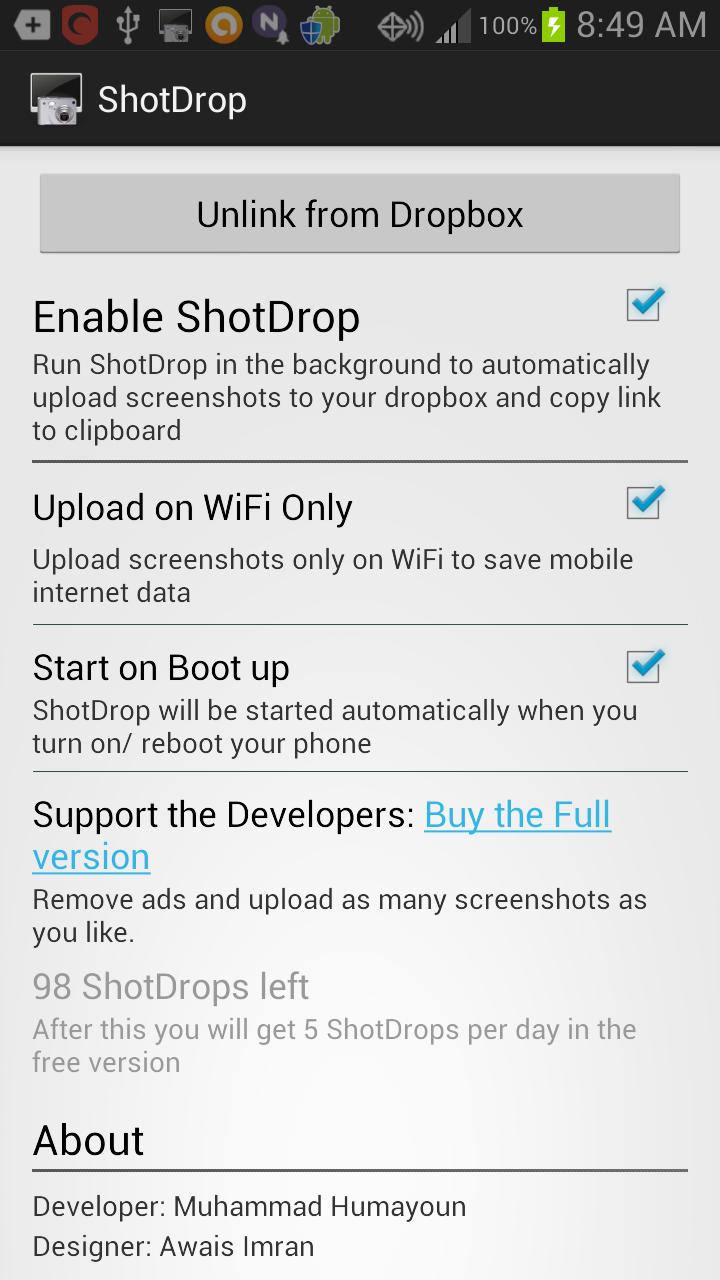
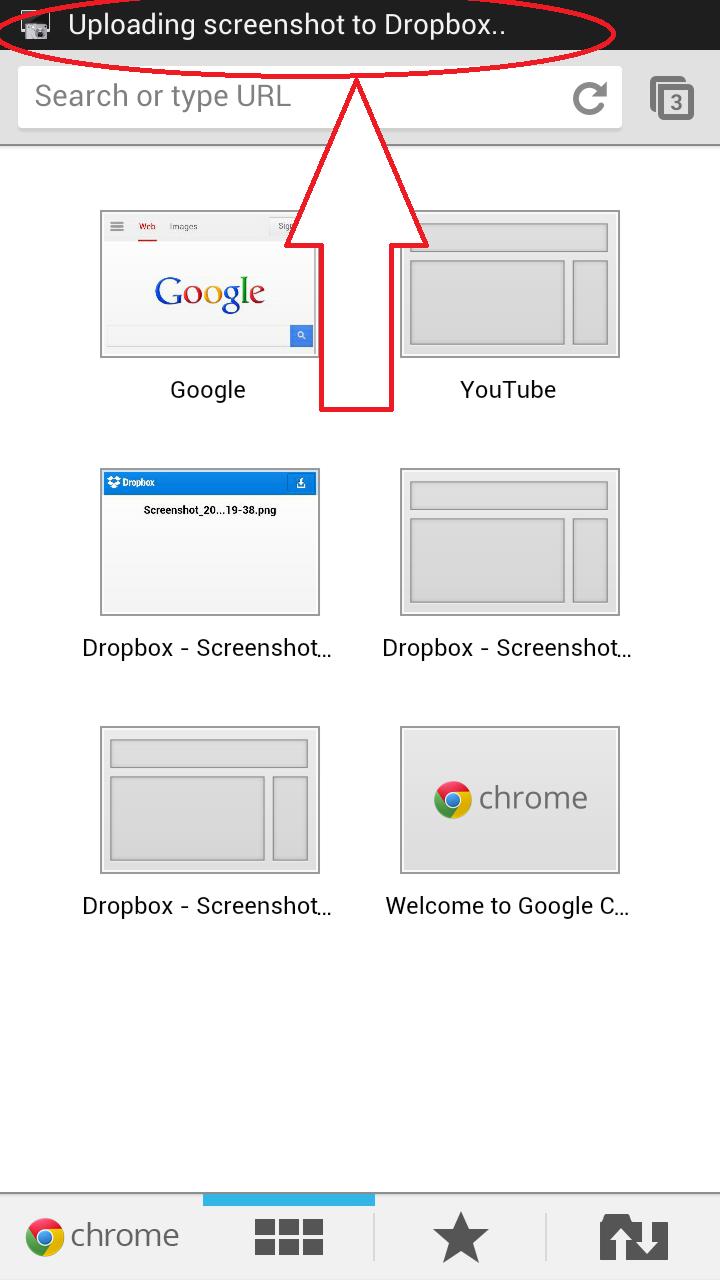
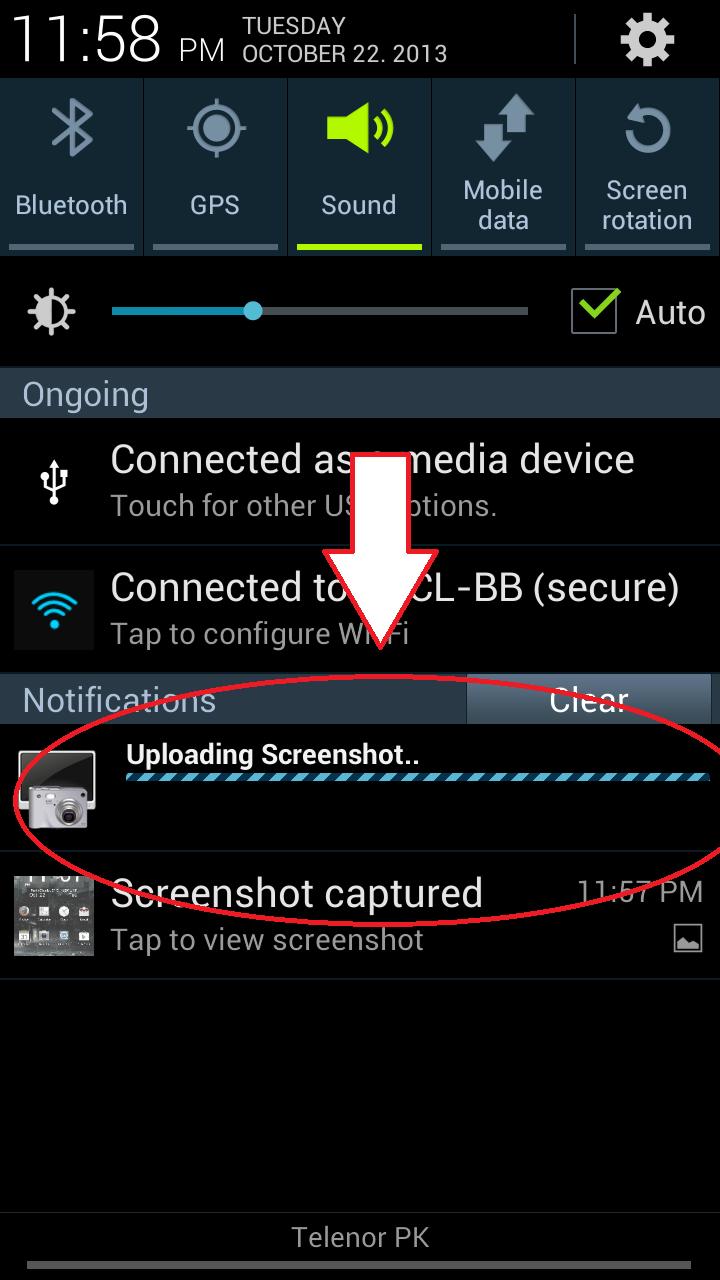
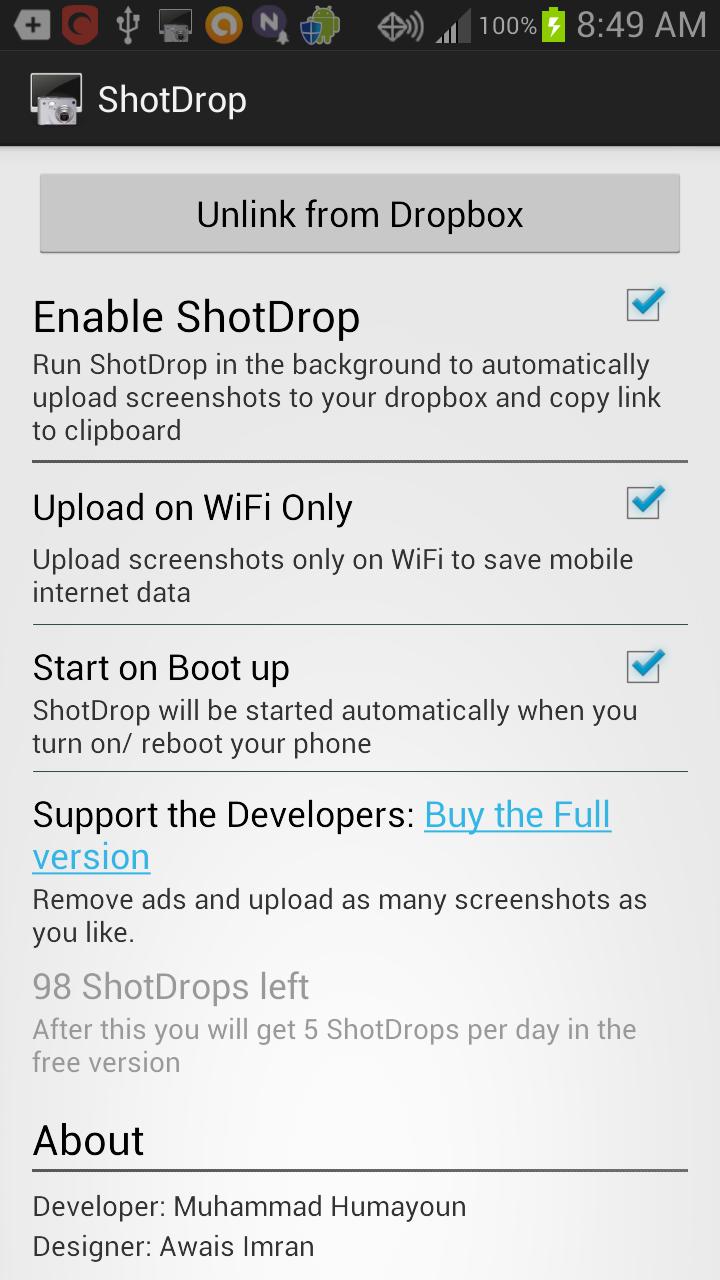
Shotdrop uploads the screenshot taken to Dropbox and copy its link to clipboard.
ShotDrop significantly reduces the number of steps required for sharing a screenshot. We'll detect whenever you take a screenshot, upload it to your Dropbox (other services coming soon!), and copy the direct link to your clipboard so you can paste it anywhere!
Features
--------
- Effortless screenshot sharing
- Automatic uploading to your Dropbox so you can almost immediately see the screenshots on across your Dropbox-linked computers
- Settings available: upload screenshots over WiFi only (for saving mobile data), and automatically starting ShotDrop on system bootup
- Minimal battery usage.
Use ShotDrop however you like it. We think it will boost productivity for app developers, app reviewers and anyone else who likes to share screenshots.
First 100 screenshots are on the house. Afterwards, the app limits screenshots to 5/day. Consider buying the $0.99 (special introductory price!) Pro version to remove this restriction, and to support the devs.
You can try ShotDrop for free before purchasing the Pro version
to support the developers, and remove all restrictions.
Permissions
-----------
INTERNET: For uploading the screenshots to Dropbox's servers.
WRITE_EXTERNAL_STORAGE: For saving the screenshots to the Dropbox app.
ACCESS_WIFI_STATE & ACCESS_NETWORK_STATE: Used to determine if you have WiFi / mobile internet data enabled or not. The 'Upload on WiFi only' setting wouldn't work without this.
RECEIVE_BOOT_COMPLETED: Used for starting ShotDrop when you restart your phone. 'Start on Bootup' setting relies on this.
Contact
-------
For any queries, don't hesitate to contact the team. We're on Facebook (https://www.facebook.com/pages/Shotdrop-Automatic-Screenshot-Uploader/212838348893967) and Twitter(https://twitter.com/ShotDropTeam).

![[FREE]AppRunTimeChecker](https://images.downzs.com/uploads/20260906/logo_6a9d577d937051.jpg)

 Download