

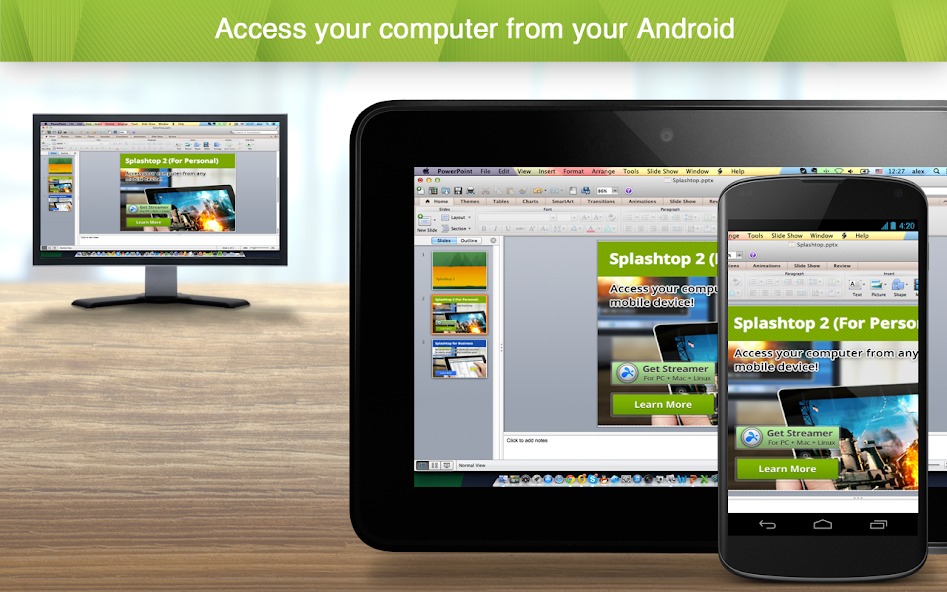
Remote access to games, movies, files on your desktop computer at any time
Remotely access your desktop computer from anywhere to enjoy games, movies, and music on the go.
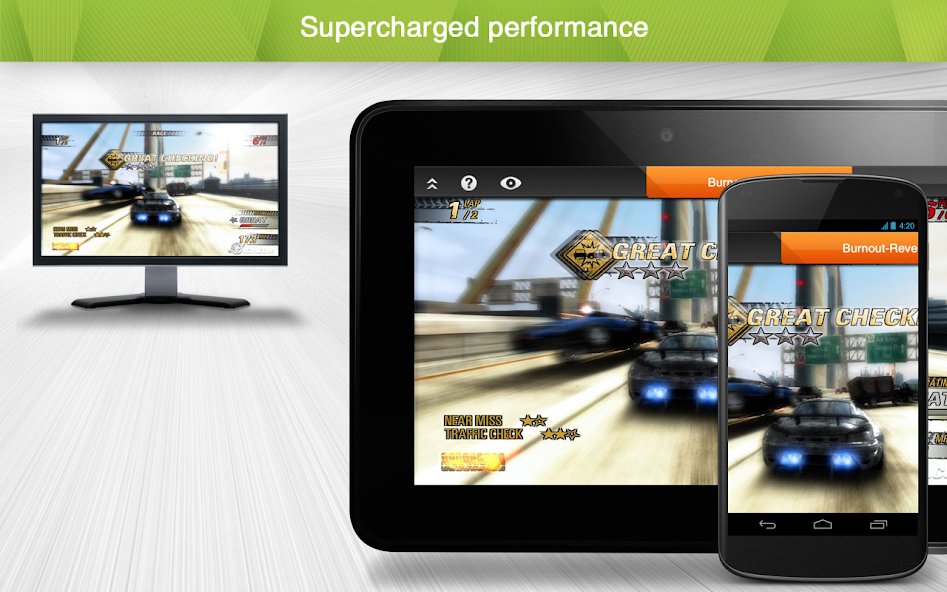
Enjoy high-definition audio and 4K video streaming in real-time by remotely accessing your powerful main computer from your mobile device. Simple to set up and use, you’ll be able to access games, videos, and music just as you were sitting in front of your computer. Built with performance and security in mind, you’ll have a seamless, secure experience every time.
Experience Splashtop Today!
1) Download the personal app on the device you would like to connect from
2) Create a Splashtop account
3) Download the streamer (splashtop.com/streamer) on the computer you would like to connect to
4) That’s It! Login and start your session!
Key Features:
- Access everything from anywhere, anytime
- Cross-platform (Windows, Mac, iOS)
- 4k quality at 60fps
- Low latency
- Blank screen
- Video rendering & resolution options
Why Splashtop?
- High performance and reliability
- Bank-grade security features
- Easy to install and use
- Seamless access to your computer
In-App Upgrades:
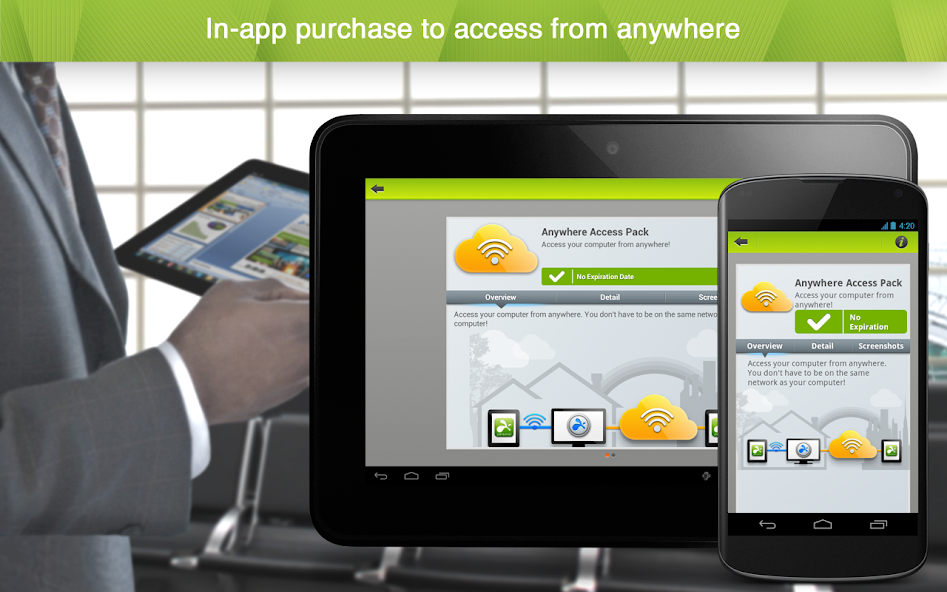
- Need to access your files across networks? The In-App purchase of our Anywhere Access Pack enables remote access from anywhere. Your data is always secure through our Splashtop Bridging Cloud™ technology.
- Want live annotations and on-screen shortcuts for your iPad tablets? The In-App purchase of our Productivity Pack enables:
o On-screen shortcuts for Microsoft Office, games, media players, browsing, file navigation, and more
o A whiteboard to annotate over any live remote desktop screens
Splashtop Personal is for non-commercial use only. For commercial use that includes additional features such as file transfer, remote printing, chat, and more, try a free trial of Splashtop Business Access: https://www.splashtop.com/business





 Download