

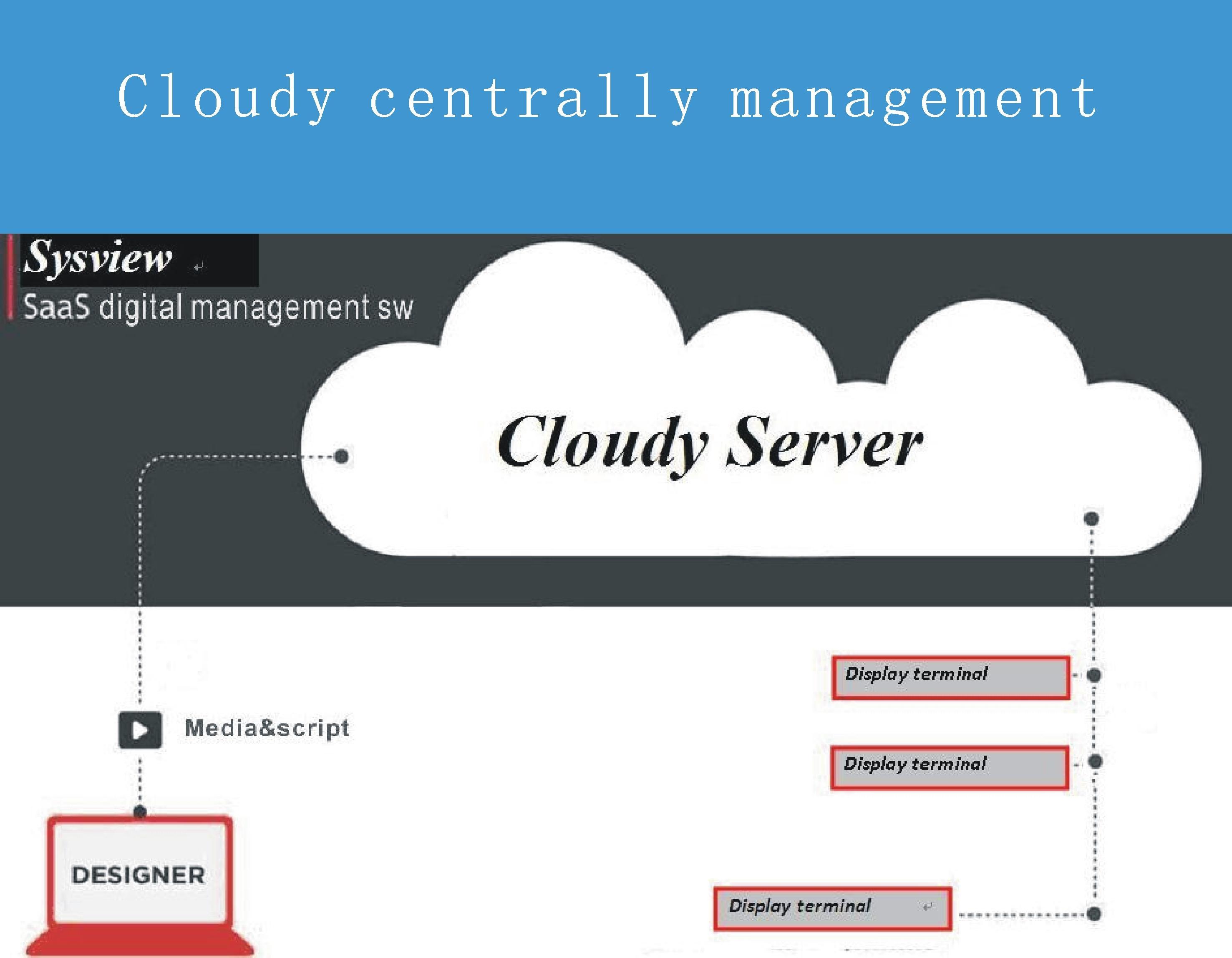
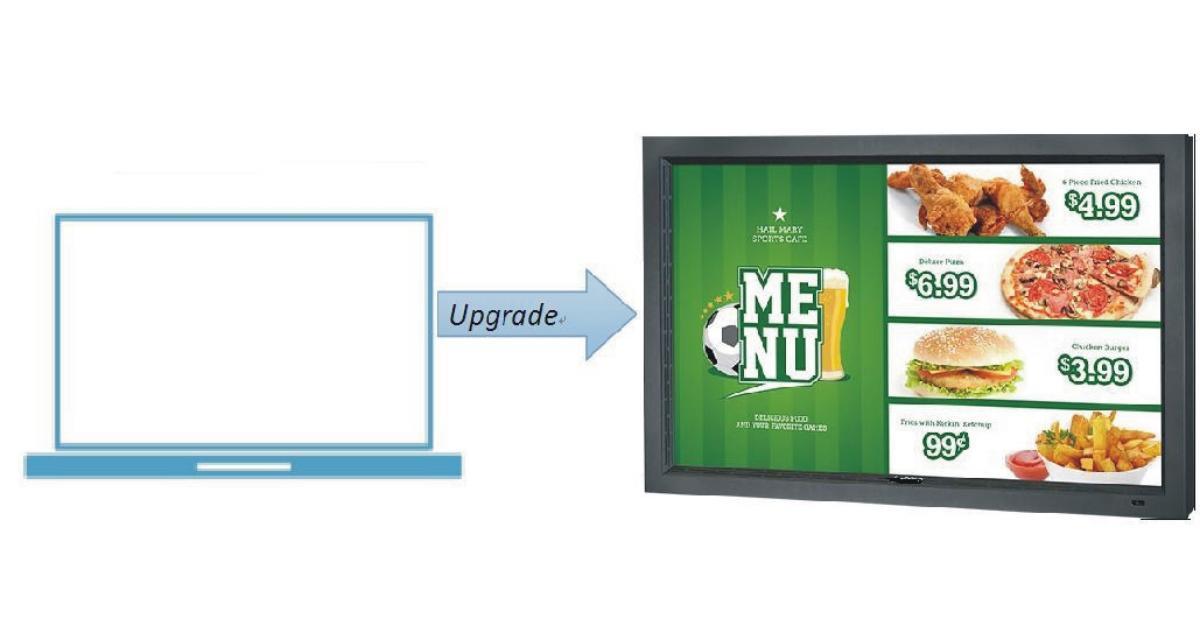
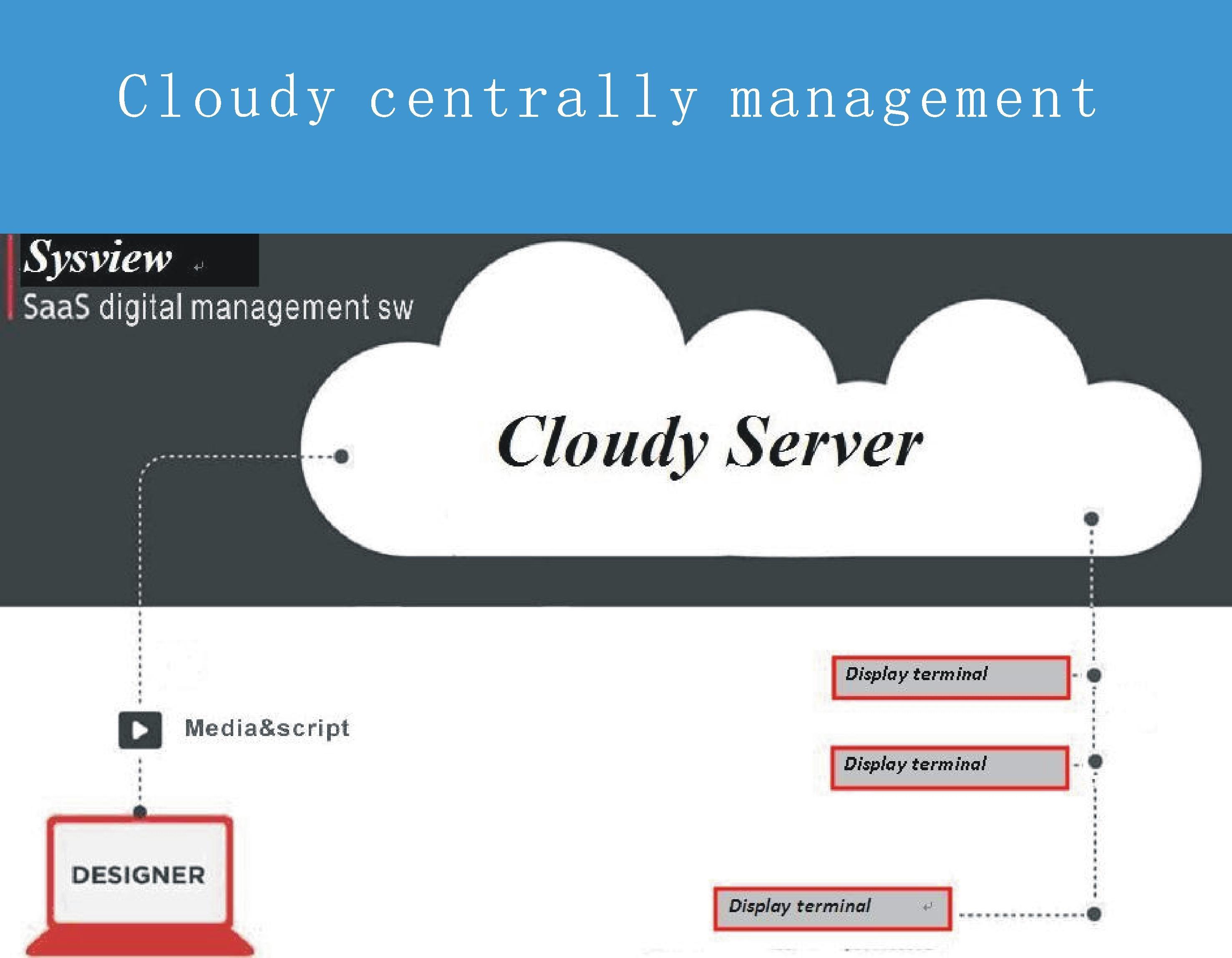
Upgrade Android TV/tablet to billboard and manage it centrally
Sysview Digital Signage
This is the new most updated Sysview Android Digital Signage Player - High performance on ANY device!
What is Sysview digital signage player app all about?
The player app enables any Android based screen to play your broadcast. From your home, office or anywhere you can set a broadcast of images, videos and text to the Android device.
==========================================
What is Digital Signage?
Digital signage (also referred to as "Digital Signboard") is a form of electronic display that shows television programming, menus, information, advertising and other messages.
==========================================
How do I configure the load, the content and the broadcast?
You just need to log in to www.sysembed.com website and set your message.
Important features:
- Schedule your broadcast
- Broadcast to one or many screens (same or different content)
What are the best steps to follow for setting up the system?
- Create an account at http://www.sysembed.com/freetrial.html (it is free for evaluation and testing; pay for production use)
- Install the APK in Android device, copy the hardware key
- Logon http://www.sysembed.com/portal.html cloud based digital signage system ,register the hardware key, load/build your layout, schedule the layout and send it to the players (screens)
- From this moment, this player app will retrieve the content (playlist) and present it on the Android device
==========================================
What type of digital signage objects/widgets can I use?
- Image
- Video
- Slideshow
- RSS
- Rolling text (custom tickers)
- Weather
- Clock
- Countdown
- Web page
- Shape
- Templates
- IOT
- RFID
- Barcode Reader
==========================================
What's benefit from Sysview digital signage software ?
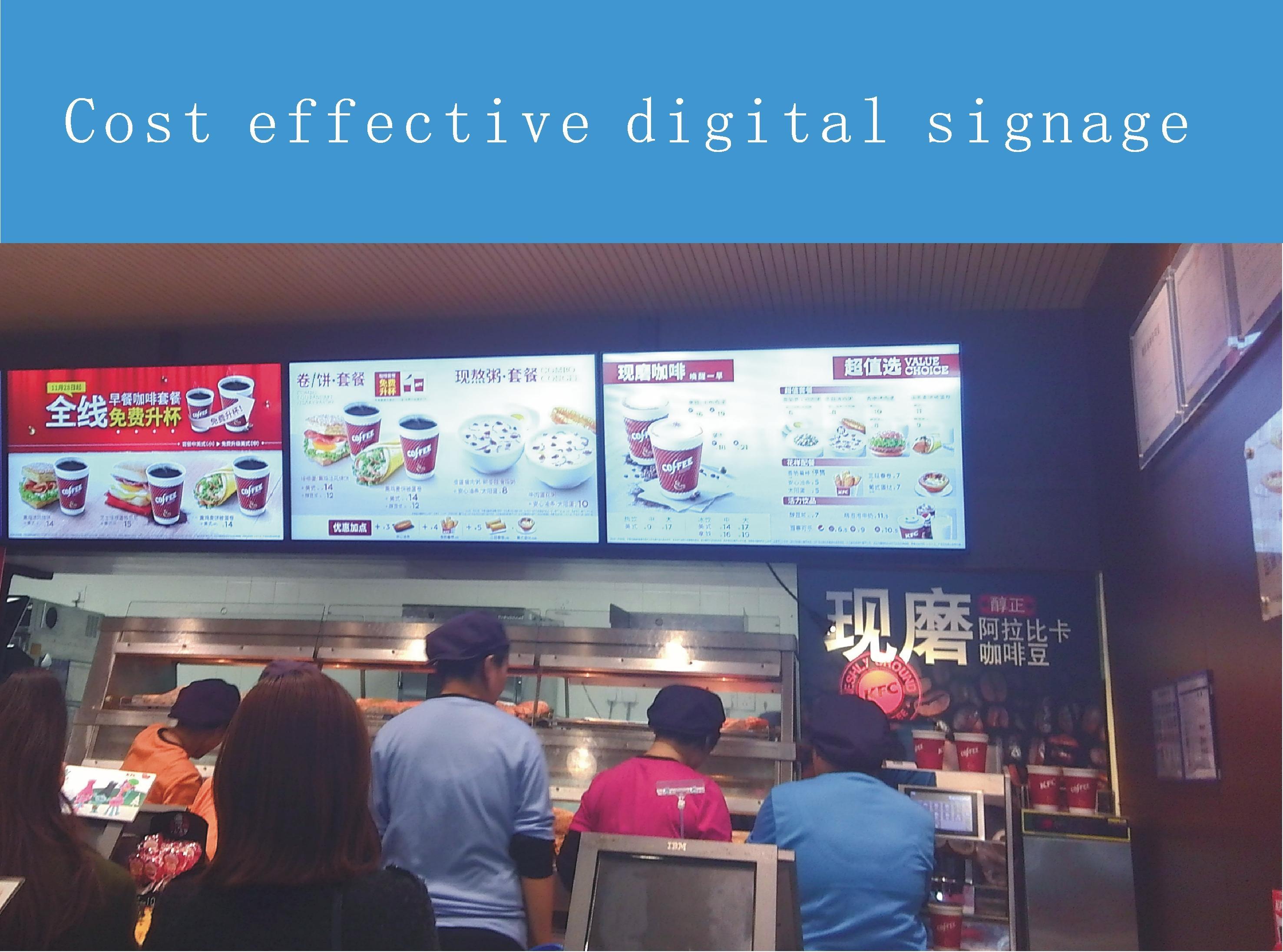
Cost effective
The users reduce cost by using small and low cost Android Based devices such as MK808 / MK908 / Minix Neo X7 / Minix Neo X7 mini / Minix Neo X5 reducing the total cost of Digital Signage projects.
==========================================
Configuration request
Android version 4.2 and above
1G RAM and 8G Rom
Optional Android signage player is available.
==========================================
Question and support
Contact us with any question to [email protected]

![[FREE]AppRunTimeChecker](https://images.downzs.com/uploads/20260906/logo_6a9d577d937051.jpg)
 Download