• Home
  • Game
    Action Simulation RPG Sports Casual Cards Music Puzzle Shooting Romance
  • Apps
    Business Social Lifestyle Shopping Tools Travel Finance Education News Health
  • Articles

English 中文(简体) 中文(繁体) 한국어 日本語 Português Español Русский العربية Indonesia Deutsch Français ภาษาไทย
Home Game Music Taiko-san Daijiro
Taiko-san Daijiro

Taiko-san Daijiro

1
2
3
4
5
Download
  • Version 1.4.4
  • Category Music
  • Package Name com.daijiro.taiko2
  • Update Time January 3, 2025
  • Size 21.05MB
About this game

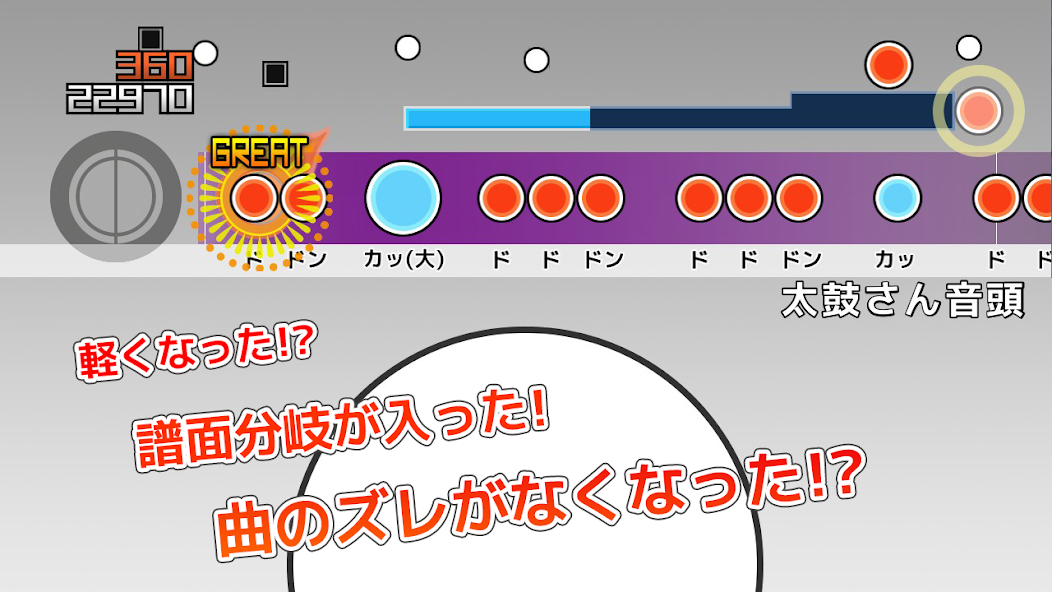
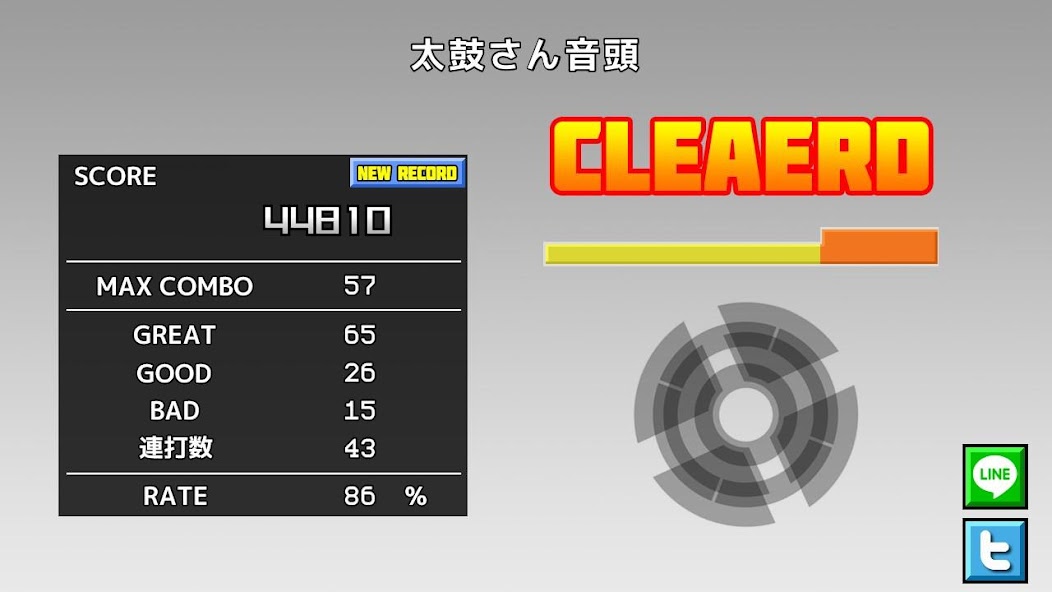
It is an application that you can play the tja file of "Taiko-san Jiro 2".

This application allows you to play tja files from the PC software "Taiko Sanjiro 2".

There are many Android devices, so we are not able to test all of them. We are sorry, but we do not support devices that do not start.

We do not answer any questions about how to get TJA files or skins. Thank you for your understanding.

How to put a song in

 A "TJA" folder is created in the root folder of the unit's storage or SD card when the unit is first started.

 Create a genre folder in the "TJA" folder and put the TJA file in it.

 If there is no genre.ini in the genre folder or folder, the genre will be "Uncategorized".

 If you can't write a high score on android4.4 or later, you can't write it.

  Added "record location" to settings. So choose your package.

How to put the skin in

 The skins are compatible with the skin data of "Taiko Sanjiro 2". (Partly unimplemented)

  It is not compatible with the skin data of "Taiko-san Jiro" which is not in *2.

 Read theme-default/default.csv.

 Please note that the operation may be slow depending on the model and skin data.

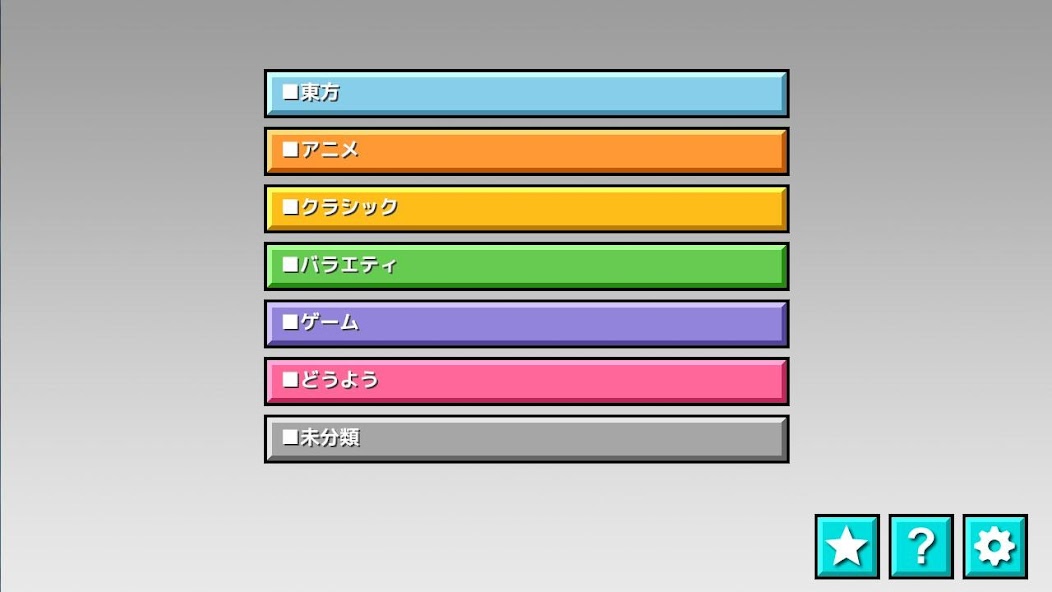
Contents of genre.ini (without this file, it will not be recognized as a genre folder)

 [Genre]

 GenreName=Name of the genre

 GenreColor=#66cc66

 FontColor=#ffffffff

Help→http://chaos3.iruka.us/daijiro_help/ja/
What's New in the Latest Version 1.4.4

Last updated on Jun 29, 2023 -Due to Android security enhancements, you can no longer access folders other than the app-specific folders.
If you have updated your application, please copy the default folder "/TJA" to "Android/data/com.daijiro.taiko2/files/TJA" with your file management application.

-Bug Fixes
Download(21.05MB)
Users also viewed
  • Bad Bunny Piano Tiles 2019

    Bad Bunny Piano Tiles 2019

    0.1 July 22, 2026
  • Radio itabatan Fm

    Radio itabatan Fm

    1.1 July 19, 2026
  • Toddlers French Horn

    Toddlers French Horn

    1.0.1 July 18, 2026
  • New Winterbells

    New Winterbells

    1.0.1.0 July 18, 2026
  • Marshmello Piano Pro

    Marshmello Piano Pro

    0.2 July 17, 2026
  • All Musical Instruments Play

    All Musical Instruments Play

    1.1 July 14, 2026
  • Call Voice Changer: La Casa De Papel

    Call Voice Changer: La Casa De Papel

    1 July 14, 2026
  • Alan Walker Piano tiles game

    Alan Walker Piano tiles game

    1.0 July 13, 2026
  • Piano Asean Games 2018 Jakarta Palembang

    Piano Asean Games 2018 Jakarta Palembang

    2.0 July 9, 2026
  • CycleBeat

    CycleBeat

    1.1 July 8, 2026
  • The Pink Panther Theme - Piano Magic Tiles

    The Pink Panther Theme - Piano Magic Tiles

    1.0 July 6, 2026
  • Free Piano + 2017

    Free Piano + 2017

    1.2 July 5, 2026
  • Dadju Jaloux : Endless Piano Tiles 2019

    Dadju Jaloux : Endless Piano Tiles 2019

    1.0 July 3, 2026
  • Play xylophone

    Play xylophone

    1.2 July 2, 2026
  • Dancing Cats: Duet Meow

    Dancing Cats: Duet Meow

    8.2 July 2, 2026
About Privacy Policy Terms of Service Cooking Policy

© Copyright 2017-2026 downzs.com