

Get hands-free audio traffic alerts near you for the North Texas Tollway - free!
Completely Hands Free!
Listen to your phone play North Texas Tollway travel advisories near you, either ahead of you, or all around you. As you travel, it will automatically keep you updated.
You don’t need to register, you don’t need to sign up anywhere for anything. The app uses the phone’s built-in GPS to stream nearby alerts.
Turn it on before you leave and it will start talking when you are getting near a roadway problem. Alerts pause when you are on the phone, and pick up where they left off when you finish.
How it Works
Start the application before starting out of your driveway. You will hear active North Texas Tollway advisories that are within your range (you can also elect to hear Louisiana and Pennsylvania state advisories, see the settings screen for adding these locations). Now put down the phone and focus on driving. There is now nothing you need to touch on the phone, and nothing you need to read on the phone. This is completely hands-free.
The application will remain on while you drive, broadcasting any travel alerts for reported conditions within a set mile-range (that you can set for yourself) of your current location. If your phone is able to provide a high enough GPS precision, we will only notify you of advisories in your direction (you can change this in your settings to provide all directions, all the time!).
Conditions will be broadcast once, and then the broadcast stream will go quiet until:
a. There is an update to an advisory in range, or
b. Until you have just come within range of another advisory or
c. A set time period has elapsed (that you get to set) and you want to re-hear all advisories that are still in range
If you get a call, or make a call while a travel alert is playing, the alert will pause, and will resume playing when the call has ended. We also provide a user option to allow advisories to play while on a call, but requires a mobile provider who allows data access during calls.
User Modifications Features/ Experience
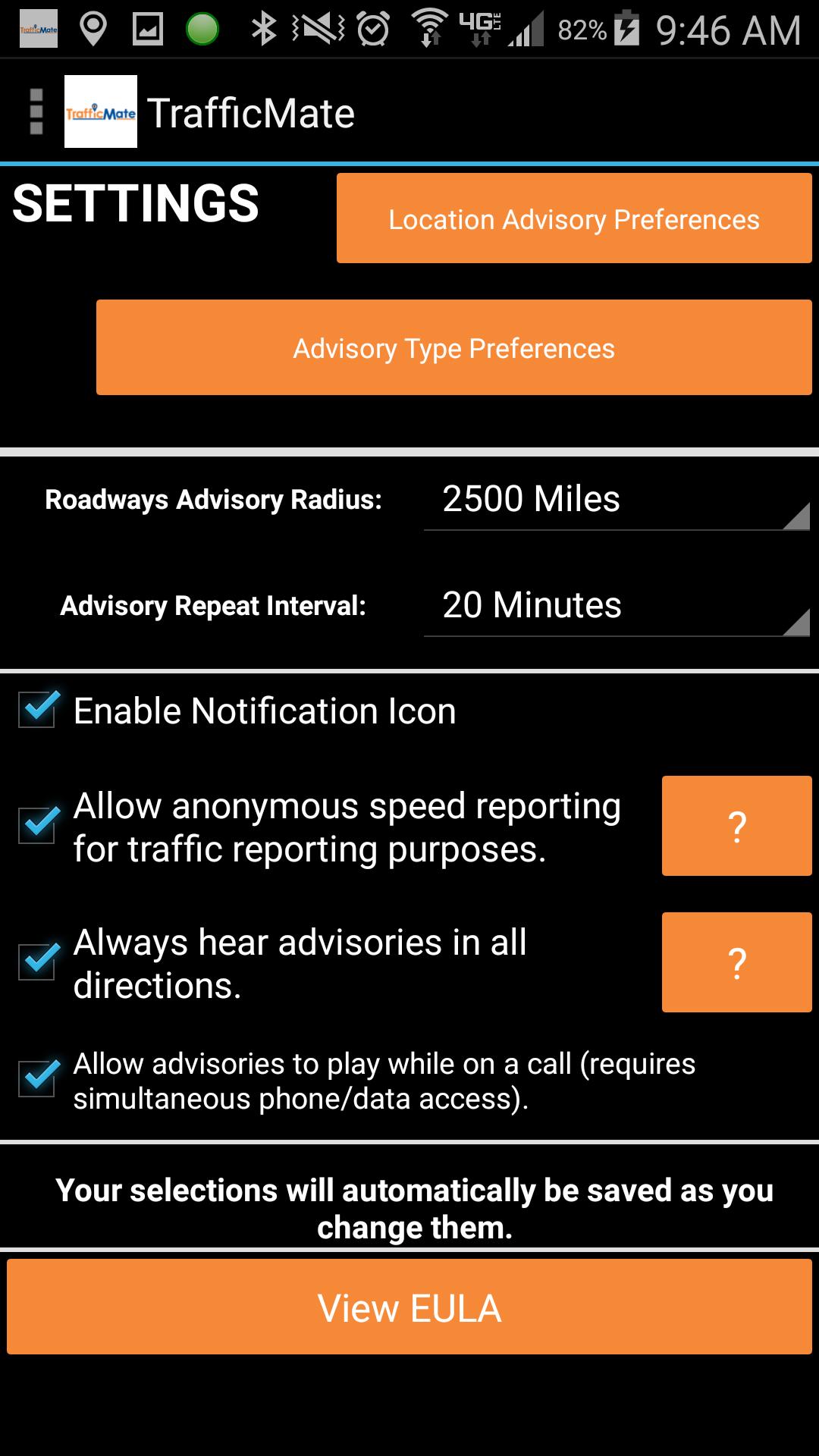
You can modify several options. These configurations are saved on your phone.
a. The advisory replay interval
b. The range (in miles) for hearing advisories
c. Whether to always hear advisories in all directions
d. Types of advisories to play
e. Whether to permit breakthrough of audio while on a call
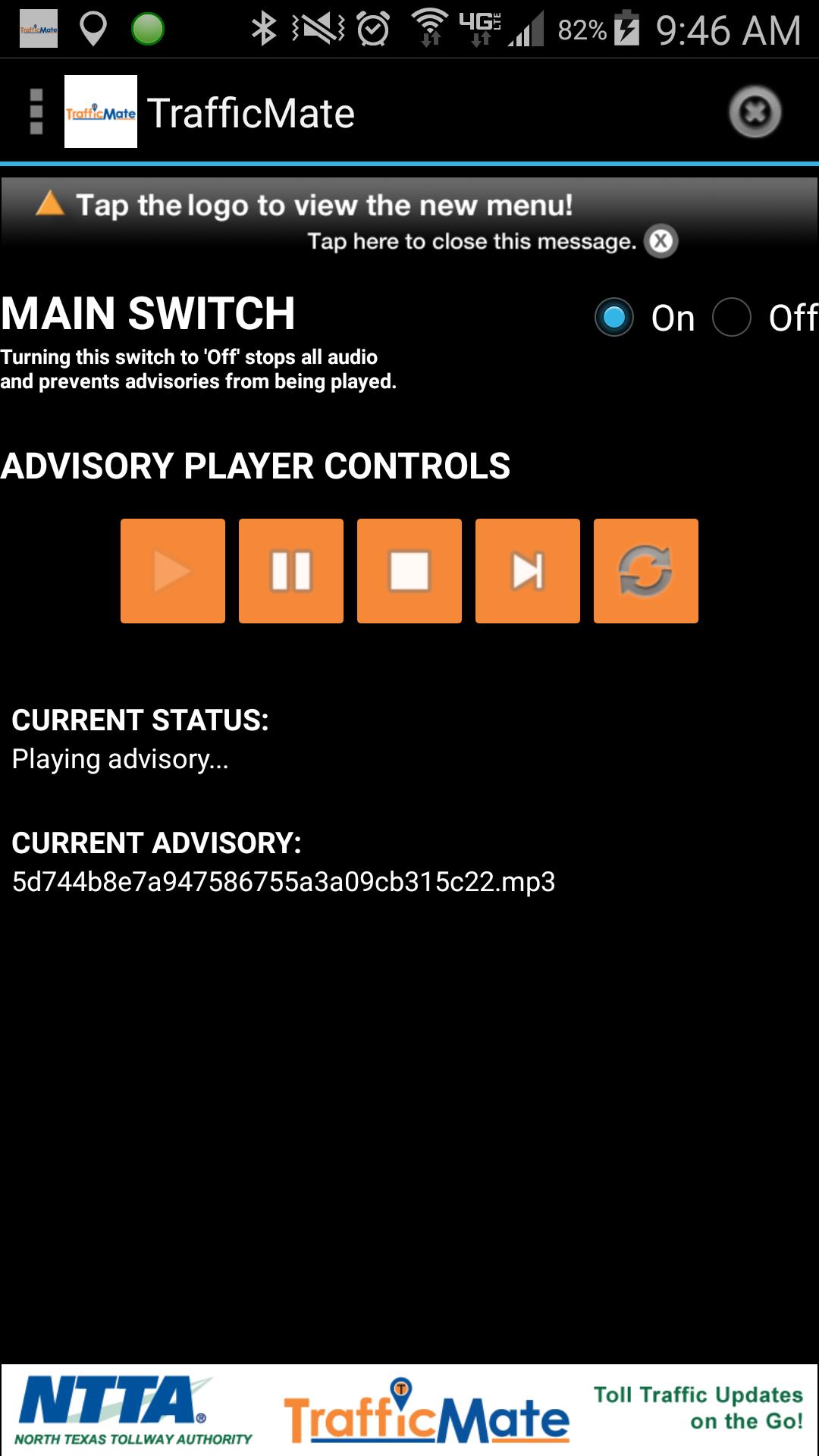
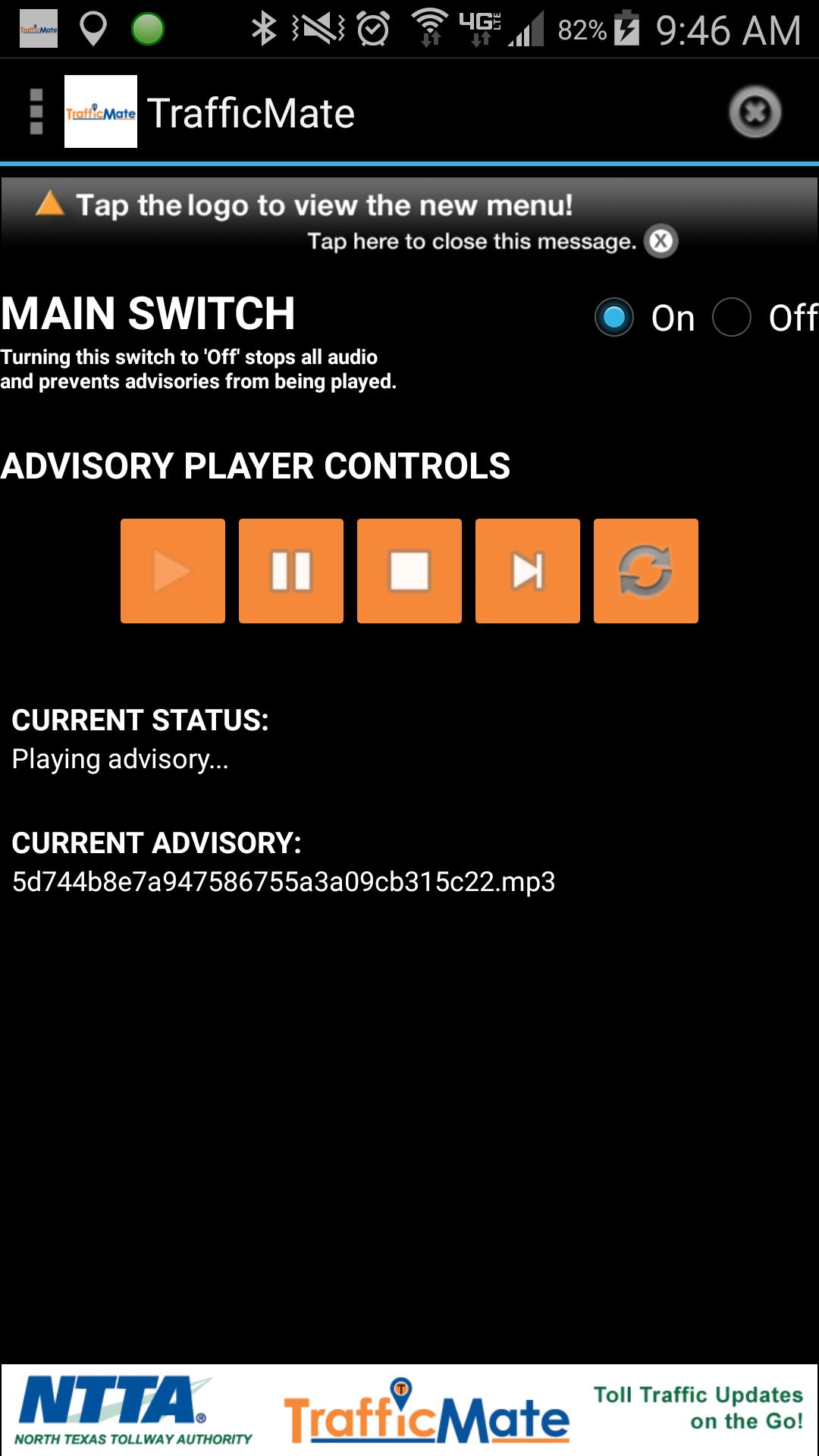
The application gives you audio player controls for Play, Pause, Stop, Skip, and Replay All.
You do not need to register with us or with the North Texas Tollway to use this app or to get these alerts. We don't get or record any identifying information about you or your phone. By default, you will be elected into reporting your device-determined speed along with your location to our servers, but you can elect to opt-out from within the application.
The Technology
The application is based on Information Logistics' patent pending "Open Microphone Platform", which is a queue-driven streaming technology platform used in combination with your phone's built-in GPS. The data for the system is the North Texas Tollway's travel advisory data.
IMPORTANT - Please note that continued use of GPS running in the background can dramatically decrease battery life.
IMPORTANT - NON-GPS DEVICES This application will have some limited functionality on these devices. You may hear advisories for both directions of the PA Turnpike if your phone-reported location is not highly accurate.







 Download