

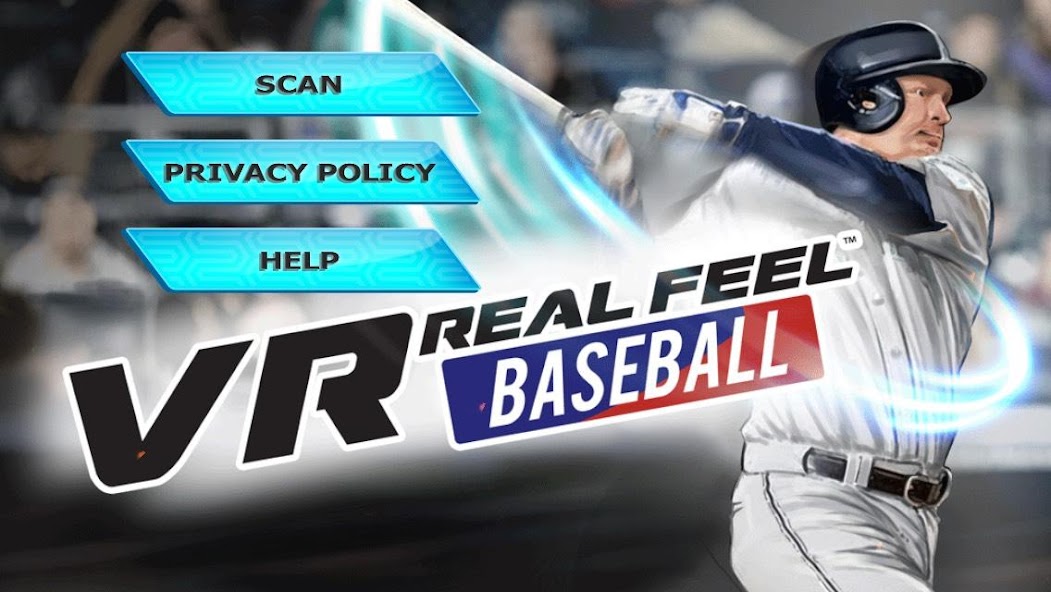
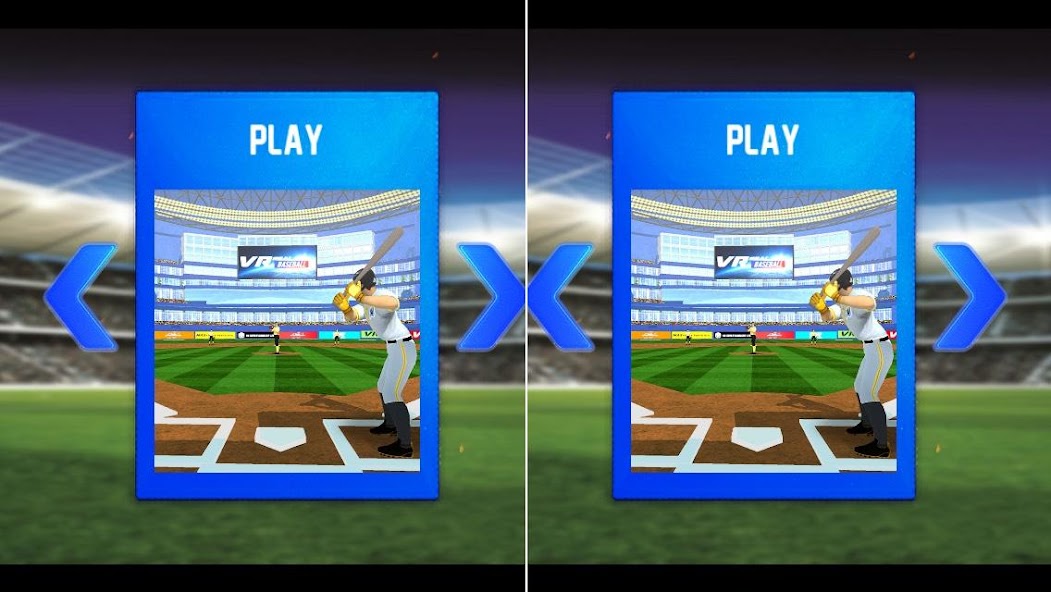
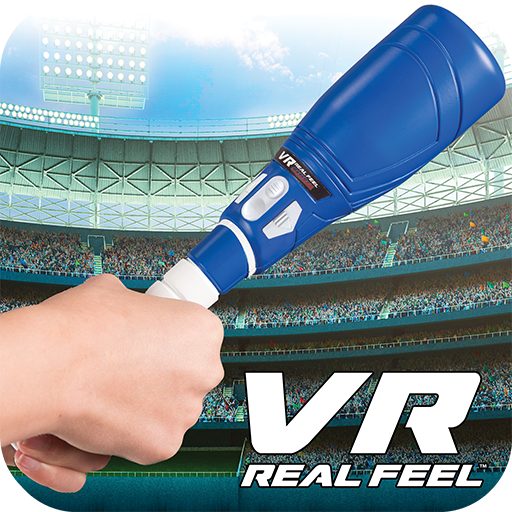
VR Real Feel Baseball with Max Force feedback puts you in the game!
All Android devices with Android 4.4 (KitKat) and Bluetooth Smart/4 can download this app, but we cannot guarantee that it will work on all Android phones. To find out more, please visit our website:
https://www.vr-entertain.com.
PLEASE NOTE: This app requires a VR Real Feel Baseball Bat and Bluetooth
must be turned on. To find out more, please visit our website: https://www.vr-entertain.com.
With VR Real Feel Baseball, you're up at bat! Play through either regular game
mode or home run derby modes. Unlock new parks, teams and bats as you
continue to play the game! Works with your iPhone 5 – 7 and iPod Touch 6 for
3D HD graphics. VR headset also works with hundreds of other free VR games available for download!
VR Real Feel Baseball comes with everything you need to play ball- VR
headset, free iOS app, and a Bluetooth bat for a ballpark experience in
your own home!
Use your Bluetooth bat to swing for the fences. Join a team and unlock
different teams, different ball parks, and different bats for the ultimate
ball game or home run derby!
The Max Force Feedback in the bat lets you feel when you've hit a base
hit, double or a home run for even more realism.
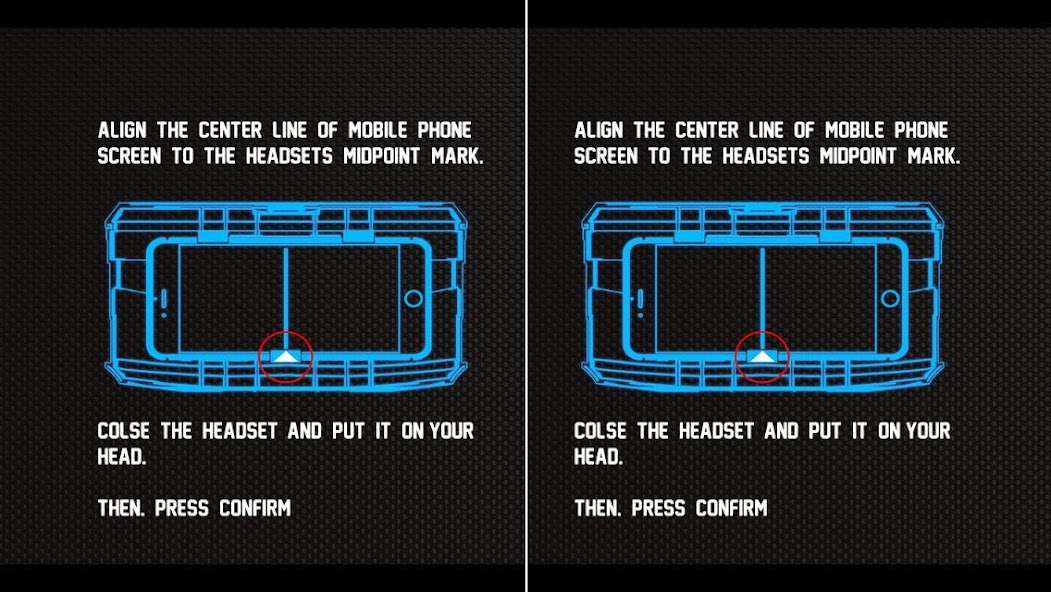
Our VR headset has a comfortable foam face, adjustable straps, and an
adjustable phone cradle that will hold up to an iPhone 7 Plus. You can use
our headset with your iPhone with hundreds of other free VR apps
available in the App Store.
Easy setup - download the free app from the App Store. Put 3 AAA batteries (not included) into the baseball bat. Turn on Bluetooth on your phone, and place your iPhone
in the headset & play ball!
HOW TO PLAY
- Turn on your bat, launch the VR Real Feel Baseball App; press the Scan button
to connect.
For Best Performance:
• Turn off other active apps on your iPhone.
• Ensure Bluetooth is turned on.
• Adjust the harness of the headset to fit your head
• Keep your bat upright and play through the tutorial level to learn how to play.
• After playing for 20 minutes, take a 5-minute break to avoid any feelings of
dizziness.
If you have any questions or suggestions, we would love to hear from you!
Contact us at any time at http://www.vr-entertain.com/support.html.






 Download