

Setting wifi automatically, specify schedule, screen lock/unlock to toggle wifi
WiFi Setting || Auto On/off WiFi is an Android app that activates and deactivates Wi-Fi of your device automatically depending on your location, helping you to save battery and consumption of data through your operator network..
You can also specify to automatically turn on WiFi again, if you turn on your device. Also, the app can regularly scan for available networks to connect to and re-disable WiFi if no suitable network is found.
It detects automatically the location of known Wi-Fi networks (f.i: home, office, cafe etc.), turns on Wi-Fi when you arrive a place where there is Wi-Fi, and turns it off when you leave that place.
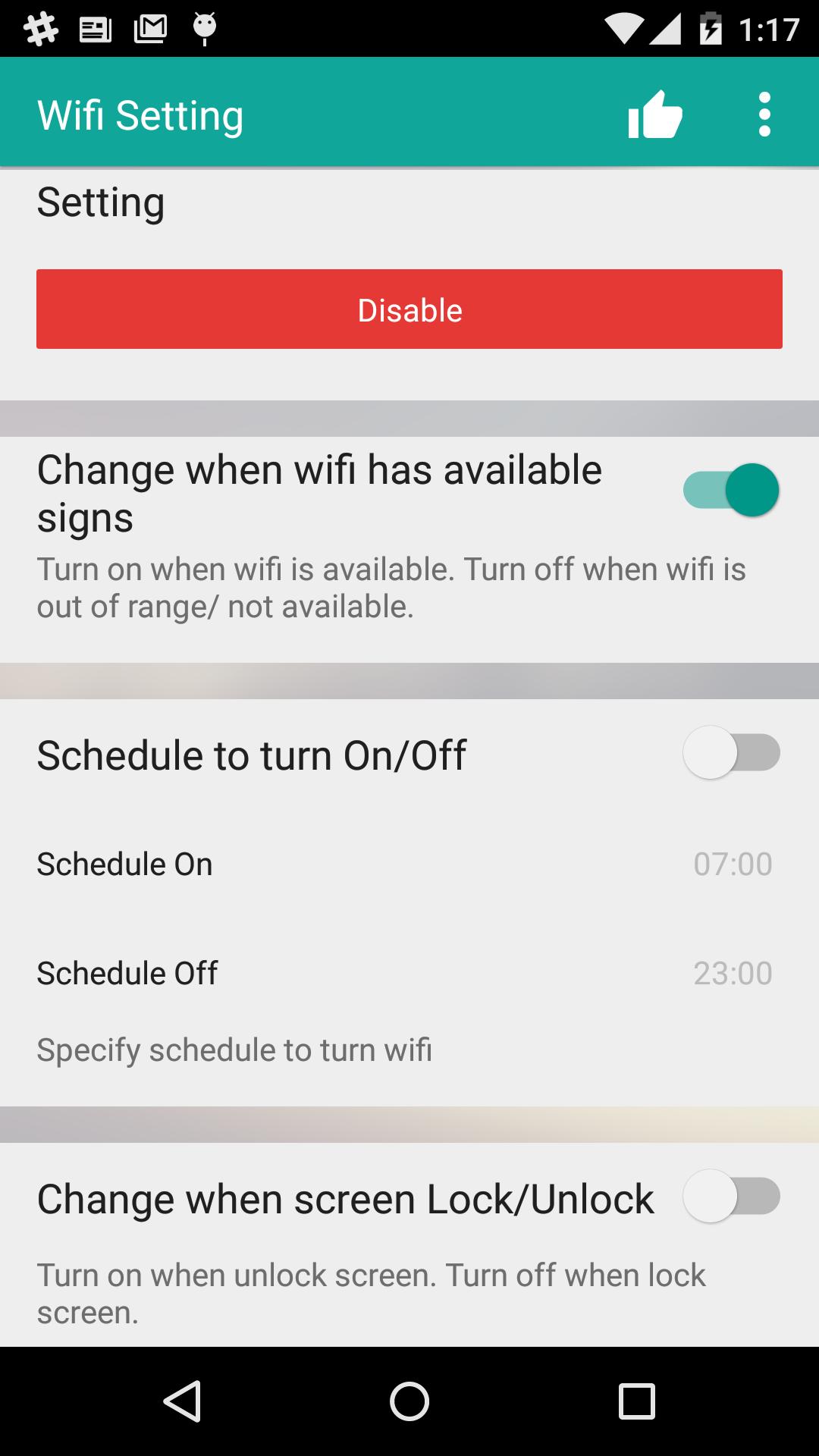
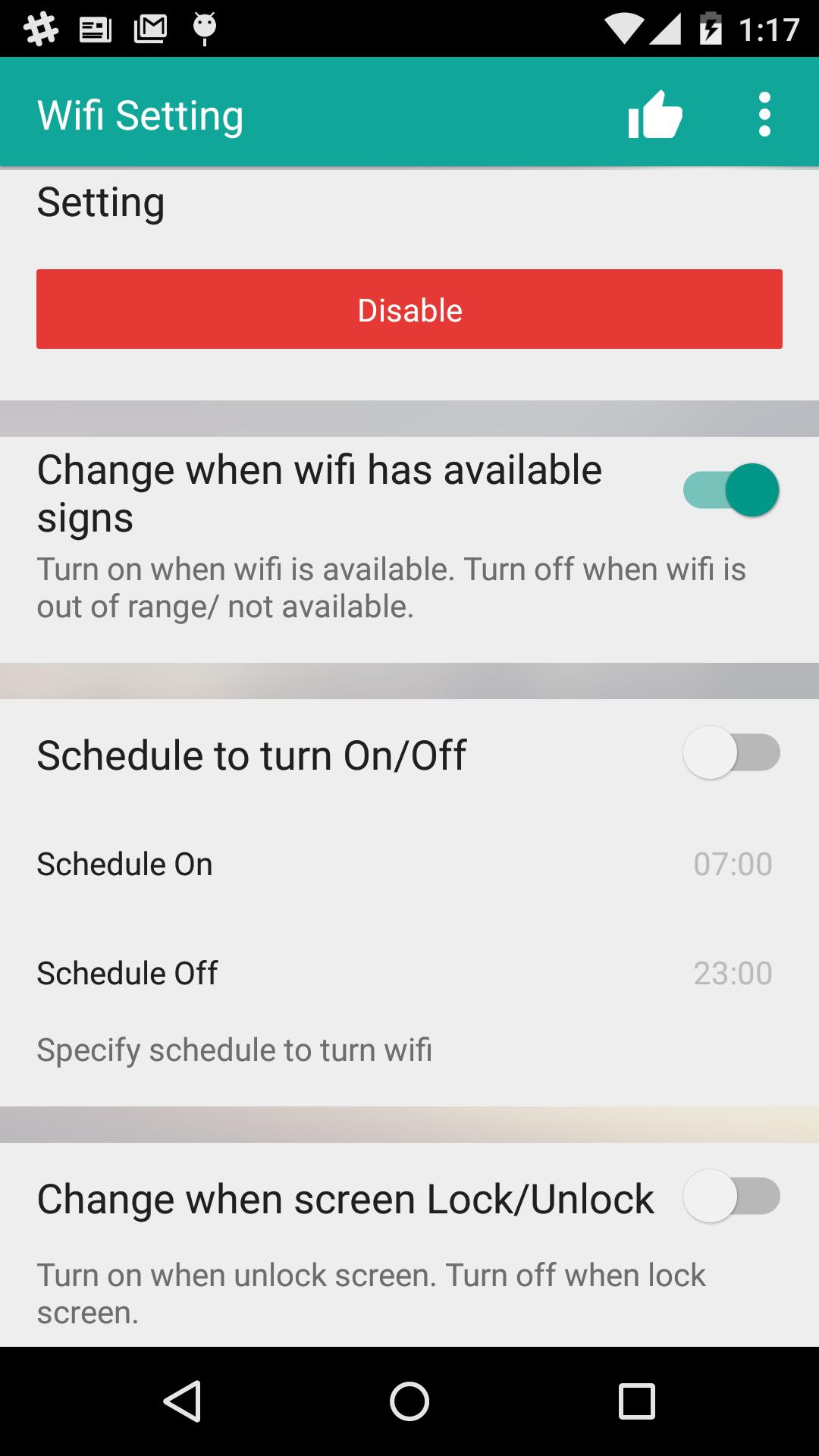
You do not wanna while sleeping the phone notify make you wake up. Now you can specify schedule to toggle wifi (Automatically turn off when go bed and open when wake up).
Feature:
*** Turn off wifi
* WiFi connect turn off WiFi when screen is off
* WiFi connect turn off WiFi when not connected to any network
* Wifi will turn off when WiFi is out of range/ not available
* WiFi connect turn off WiFi when every day at... example turn off wifi at 01:00 hour
*** Turn on wifi
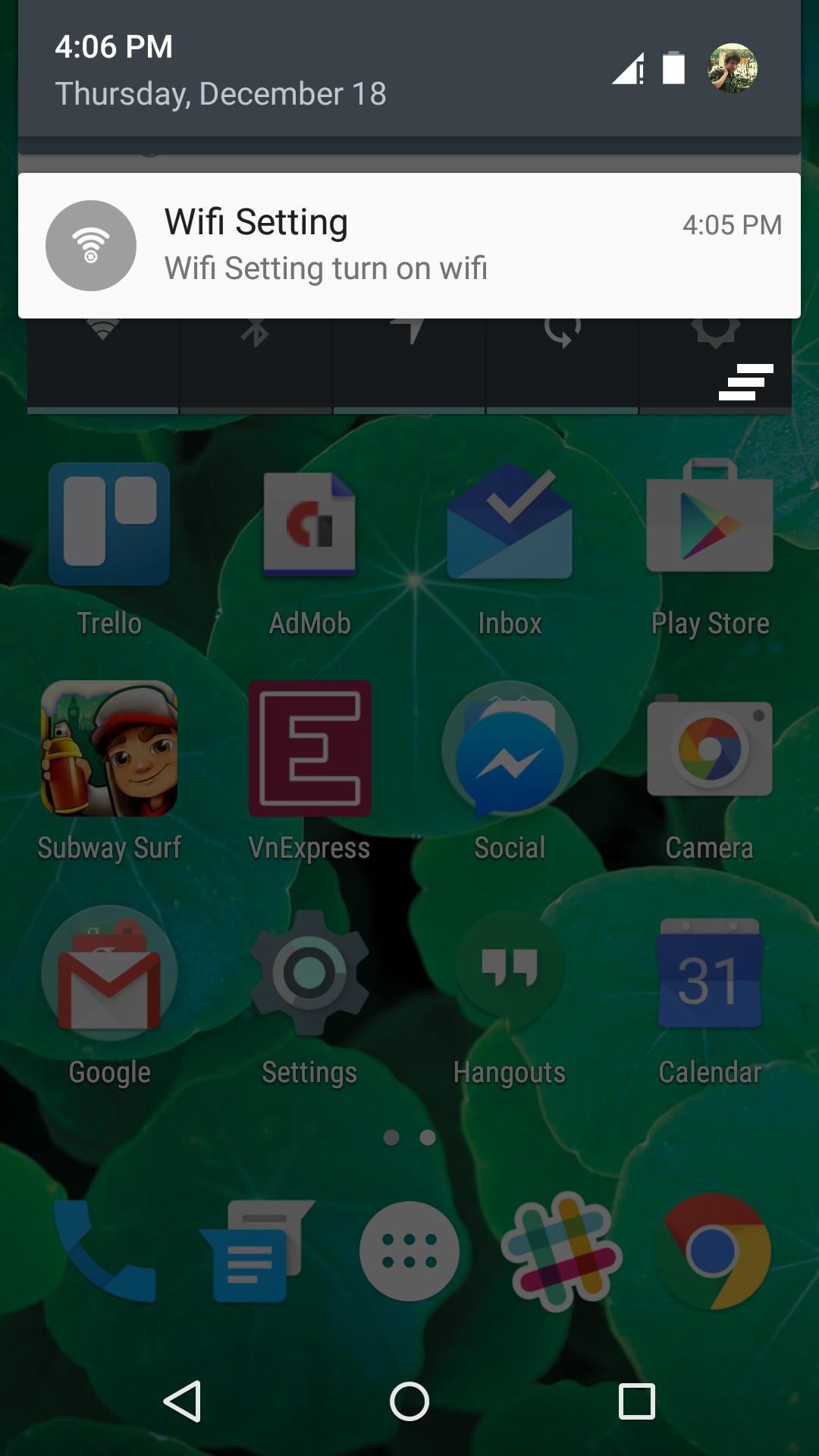
* Wifi will turn on when WiFi is available
* WiFi connect turn on WiFic Turn on WiFi when device gets unlocked.
* WiFi connect turn on when connected to external power supply
* WiFi connect turn on WiFi when every day at... example turn off wifi at 09:00 hour
- How does it work?
It DOES NOT USE GPS nor Android network location services, as it uses your operator network cell identifiers (cell tower identifiers) as the relative location where you are, and where your Wi-Fi networks are. It is designed to minimize usage of resources and battery.
Wi-Fi Matic detects and learns automatically locations where you are connected to a Wi-Fi, not needing much configuration. It also allows you to manage manually your Wi-Fi when needed not interfering with you or with your device data connections.
- How is it used?
1.- Run the app and click on "Enable Wi-Fi Matic".
2.- If you want to connect to a Wi-Fi for the first time, do it as usual in the Android Wireless networks settings menu. If you want to connect to a Wi-Fi you have already connected to before, just turn on Wi-Fi manually and let Android establish connection.
3.- And that's all: Wi-Fi Matic will learn your Wi-Fi location when you get connected. Whenever you leave that place, Wi-Fi will be automatically turned off and whenever you get back, Wi-Fi will be automatically turned on (*)
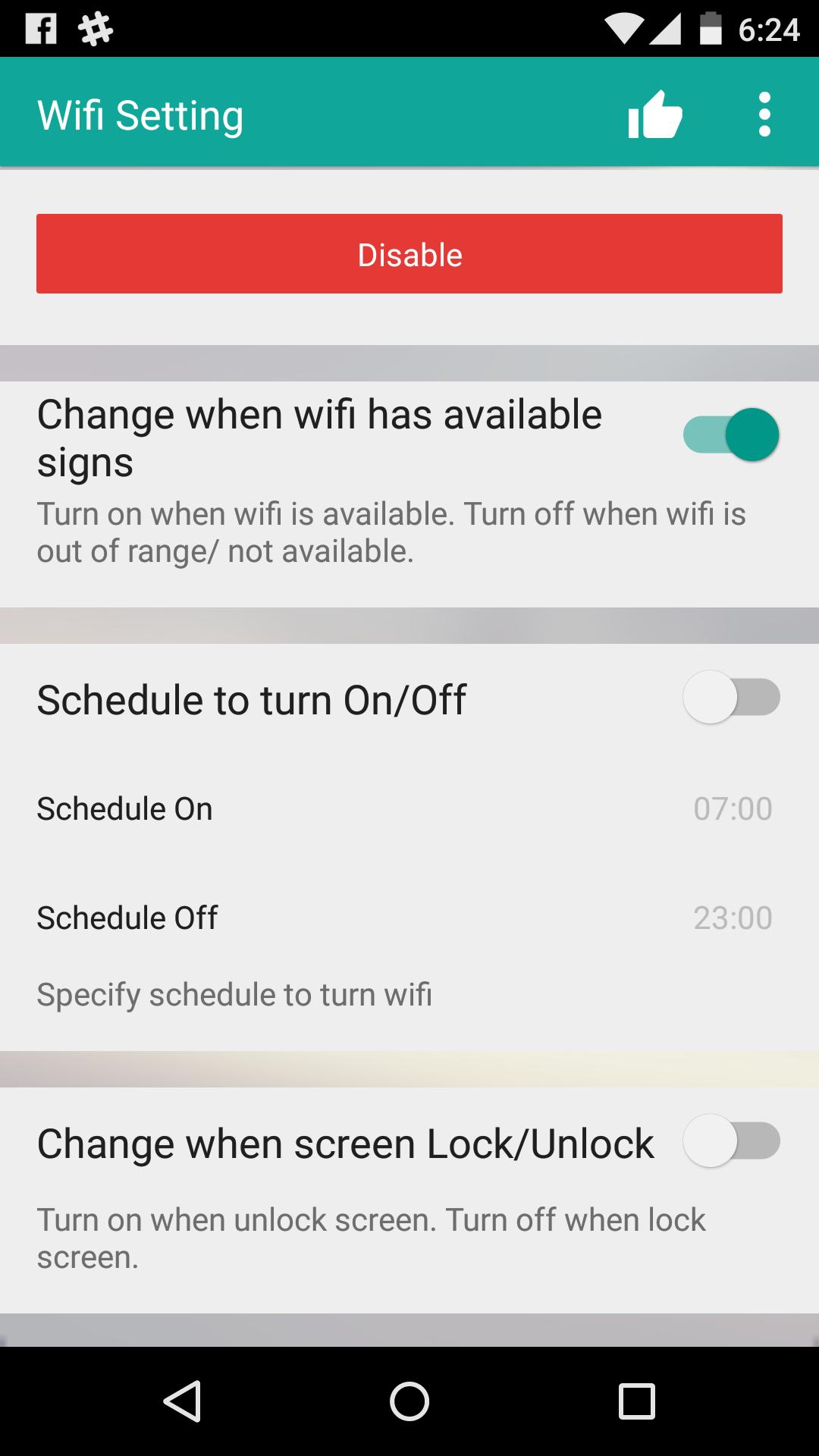
if you don't want to feature of app JUST PRESS DISABLE










 Download