

an overview of the Command Prompt, from simple tasks to network configuration.
If you Like, please rate and review!
The Windows Command Line Beginner's Guide gives users new to the Windows command line an overview of the Command Prompt, from simple tasks to network configuration.
This application completelly native offline application, so you dont have to get internet connection to use it, and also have build-in :
1. Text-to-Speech,
2. Search,
3. Autoscrolling,
4. Automatic Bookmarking.
5. AND IT'S FREE.
In the Guide, you'll learn how to:
-Manage the Command Prompt.
-Copy & paste from the Windows Command Prompt.
-Create batch files.
-Remotely manage Windows machines from the command line.
-Manage disks, partitions, and volumes.
-Set an IP address and configure other network settings.
-Set and manage NTFS and file sharing permissions.
-Customize and modify the Command Prompt.
-Create and manage file shares.
-Copy, move, and delete files and directories from the command line.
-Manage processes from the command line.
-And many other topics.
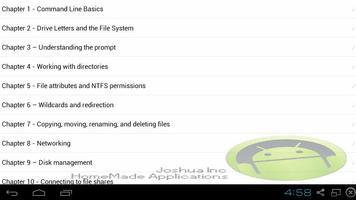
Table of Contents :
Introduction
Chapter 1 - Command Line Basics
Chapter 2 - Drive Letters and the File System
Chapter 3 – Understanding the prompt
Chapter 4 - Working with directories
Chapter 5 - File attributes and NTFS permissions
Chapter 6 – Wildcards and redirection
Chapter 7 - Copying, moving, renaming, and deleting files.
Chapter 8 - Networking
Chapter 9 – Disk management
Chapter 10 - Connecting to file shares
Chapter 11 - Managing user accounts
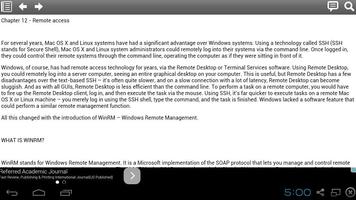
Chapter 12 - Remote access
Chapter 13 - Batch files
Chapter 14 – Task Management


![[FREE]AppRunTimeChecker](https://images.downzs.com/uploads/20260906/logo_6a9d577d937051.jpg)



 Download