

Simple but powerful WYSIWYG HTML Editor
Note: This early release does not work properly with every device. If you have problems, please send me an error report. I will fix the problem as soon as possible.
Update: I solved the OutOfMemoryException error in version 0.2.1
Update 2: The new WYSIWYG engine will work on most devices. But some dialogs are too big for small devices in the act. Release (0.3). I will fix this issue with the next release.
- WYSIWYG HTML Editor
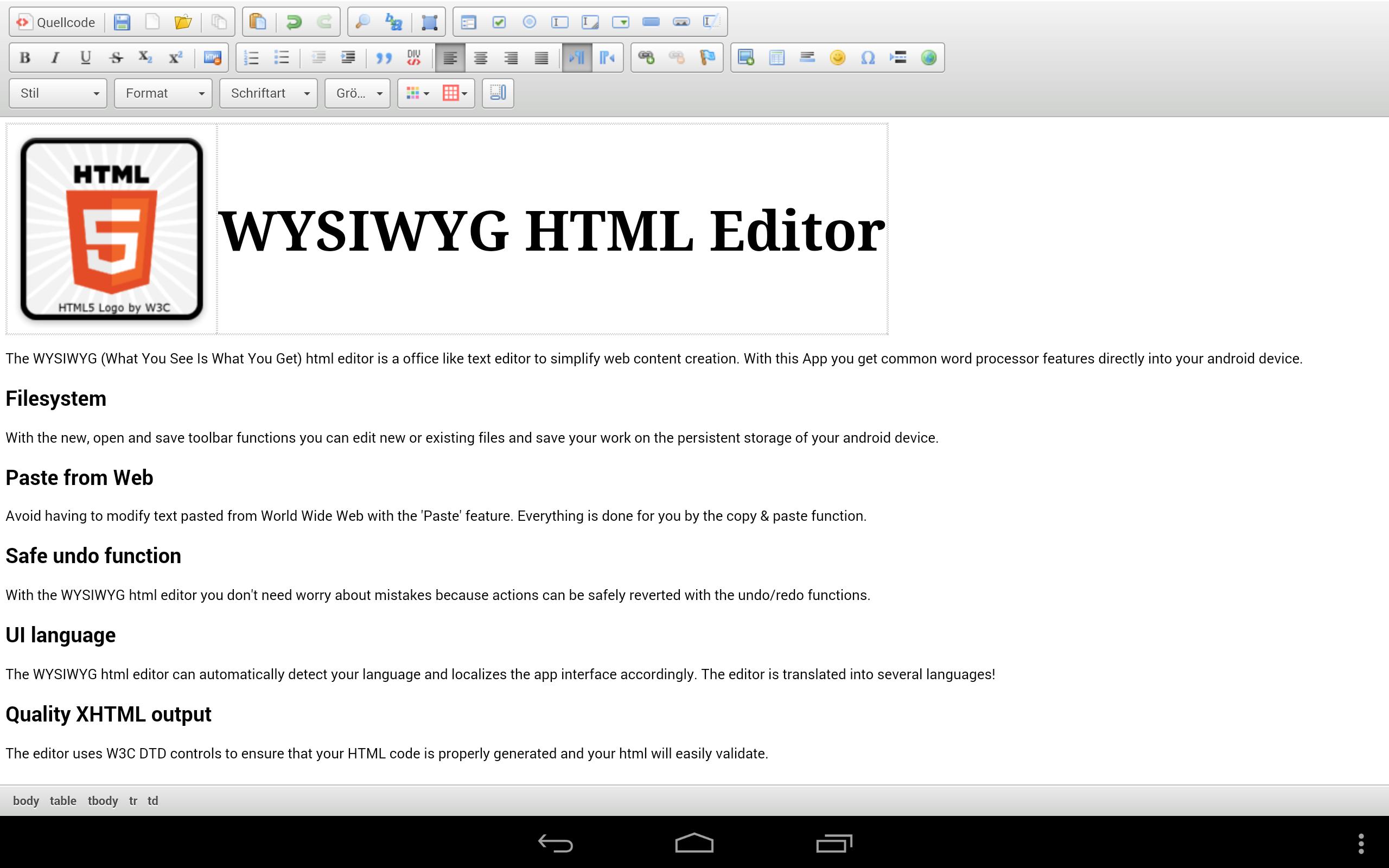
The WYSIWYG (What You See Is What You Get) html editor is a office like text editor to simplify web content creation. With this App you get common word processor features directly into your android device.
- Filesystem
With the new, open and save toolbar functions you can edit new or existing files and save your work on the persistent storage of your android device.
- Paste from Web
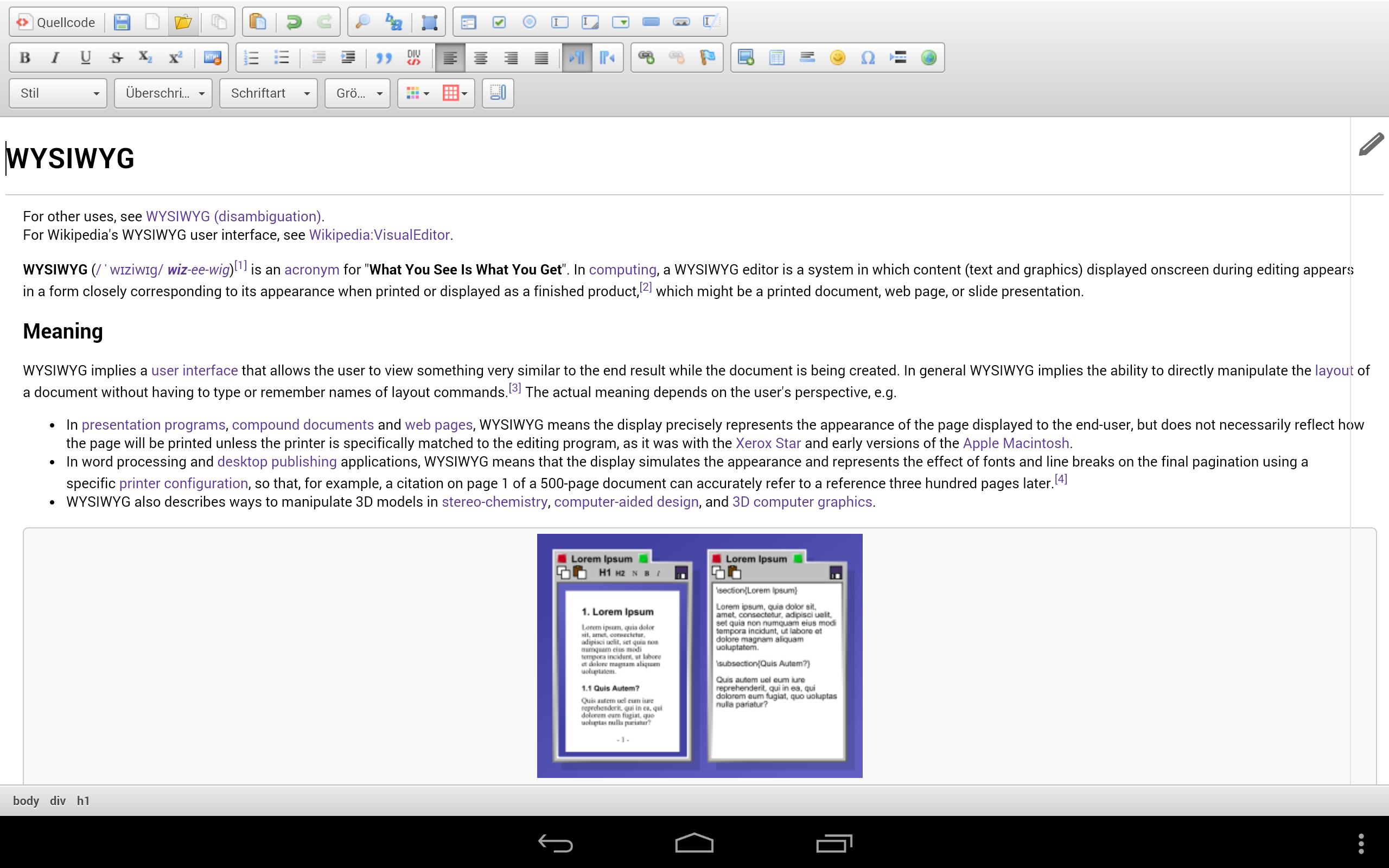
Avoid having to modify text pasted from World Wide Web with the 'Paste' feature. Everything is done for you by the copy & paste function.
- Safe undo function
With the WYSIWYG HTML Editor you don't need worry about mistakes because actions can be safely reverted with the undo/redo functions.
- UI language
The WYSIWYG HTML Editor can automatically detect your language and localizes the app interface accordingly. The editor is translated into several languages!
- Quality XHTML output
The editor uses W3C DTD controls to ensure that your HTML code is properly generated and your html will easily validate.
- Links
The editor makes it easy to add links to the html page. No matter if you want to link websites, e-mails (with refilled subject) or any kind of online resource.
- Maximum experience
The more you see the better. The editor fills the entire available space. No Ads, no title bar or anything else will disturb your editing experience.
- Alignment
You can start your app in landscape or portrait mode. The alignment of your editor is fixed while you are writing. To change the alignment you have to restart the app.
- HTML source
For those who want to have full control over the html structure, this feature makes it easy to control the html sources of the edited content.
- Many more features
Images, tables, smilies , color, templates, form creation tools, etc.
- Using
CKEditor 4 - Copyright (c) 2003-2014, CKSource - Frederico Knabben. (LGPL 2)
HTML5 Logo - HTML5 Logo by World Wide Web Consortium (Creative Commons Attribution 3.0 Unported)





 Download