• Home
  • Game
    Action Simulation RPG Sports Casual Cards Music Puzzle Shooting Romance
  • Apps
    Business Social Lifestyle Shopping Tools Travel Finance Education News Health
  • Articles

English 中文(简体) 中文(繁体) 한국어 日本語 Português Español Русский العربية Indonesia Deutsch Français ภาษาไทย
Home Apps Business X-pointer Touch
X-pointer Touch

X-pointer Touch

1
2
3
4
5
Download
  • Version 1.5.5
  • Category Business
  • Package Name chois.xpointer.touchpad
  • Update Time April 4, 2025
  • Size 5.5MB
About this app

“X-pointer Touch” is Mobile touch pad app

Description

“X-pointer Touch” is Mobile touch pad app which can control PC OS such as Horizontal/Vertical scrolling, Switch desktop and Quick search by basic touch mouse function and various touch gestures.

In case of using with X-pointer SMART(XPR200) of ChoisTechnology Co., Ltd., it can easy and fast control without installing separate program on PC.

- It is available on Windows 7, Windows 8 and Mac OS X etc.

*Support function as per OS*

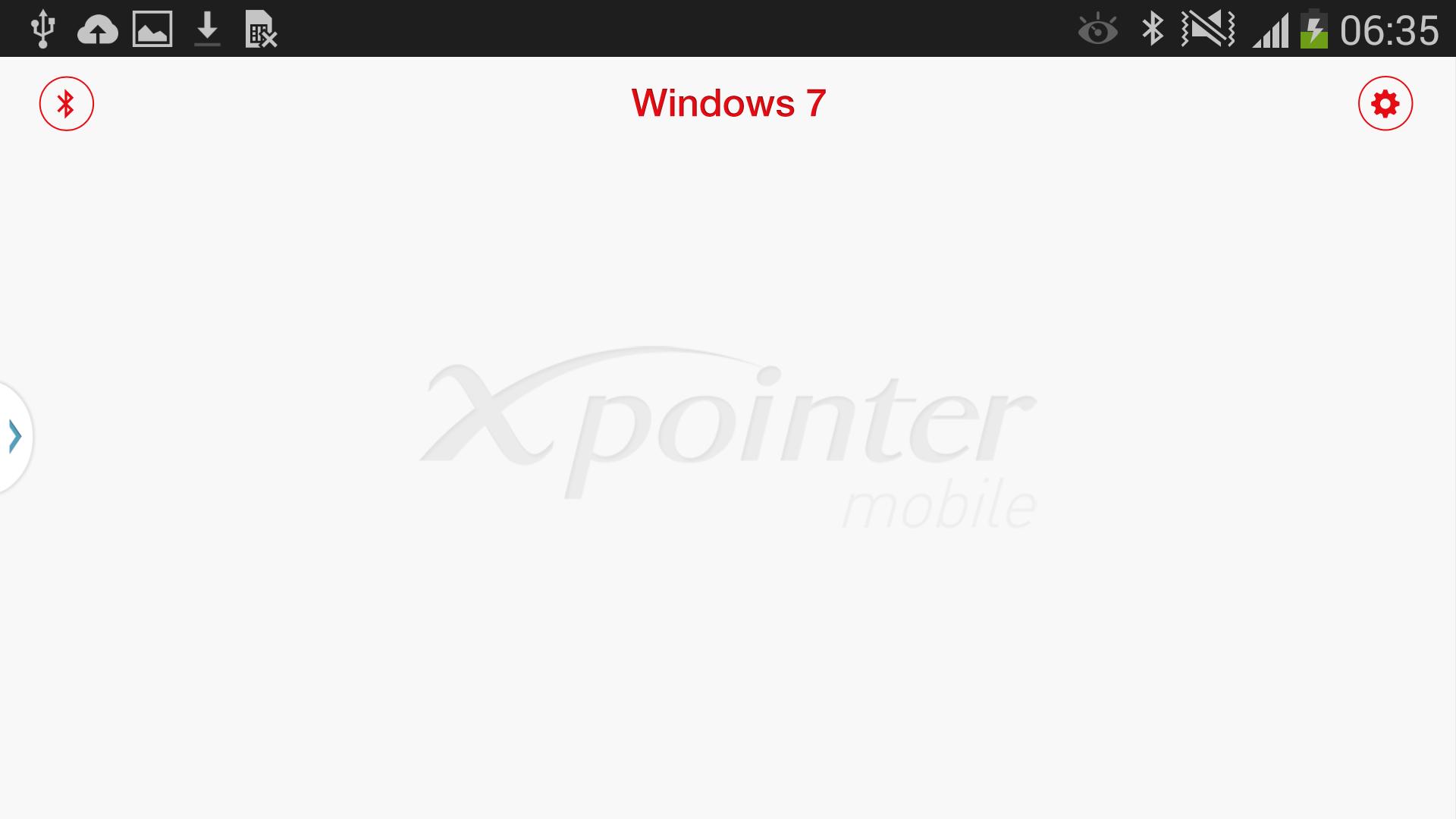
-Windows 7 : Touch Mouse, Horizontal/Vertical scrolling, Start Screen, Switch desktop, Maximize/Minimize windows, Snap windows left/right, Webpage Zoom in/out, Page forward/back, Refresh, Quick search, Switch Application Program

-Windows 8 : Touch Mouse, Horizontal/Vertical scrolling, Start Screen, Switch desktop, Maximize/Minimize windows, Snap windows left/right, Webpage Zoom in/out, Page forward/back, Refresh, Switch Application Program, Application Program Menu, Charms

-Mac OS X : Touch Mouse, Horizontal/Vertical scrolling, Webpage Zoom in/out, Page forward/back, Refresh, Mission Control, Expose, Launchpad, Notifications, Switch desktop,

Swipe left/right between full-screen apps, Find dictionary

*Setting before using gesture of Mac OS X

You should set up a keyboard shortcut surely for using a gesture since basic setting key value of Mac OS X differs according to OS Version.

-The basic setting value is 10.9 Mavericks.

-In case of Announcement center, it can be used on Mac OS X later than 10.8 version.

* Available Devices

-GALAXY S4, GALAXY Note 3 (Android 4.3 )
What's New in the Latest Version 1.5.5

Last updated on Feb 27, 2017 [Version 1.5.2]
-Support the GALAXY S5
Download(5.5MB)
Users also viewed
  • Volet

    Volet

    volet June 17, 2026
  • Graphene sensor control

    Graphene sensor control

    2.3 June 16, 2026
  • 300gb Free Storage and backup 2018

    300gb Free Storage and backup 2018

    12.0 June 16, 2026
  • Taxicentrale den haag Taxi

    Taxicentrale den haag Taxi

    1.0.0 June 16, 2026
  • Call Log Master

    Call Log Master

    1.0.1 June 15, 2026
  • My HKUST Academics

    My HKUST Academics

    2.01 June 14, 2026
  • Wifi wpa wps connector

    Wifi wpa wps connector

    1.8 June 13, 2026
  • AICMobile

    AICMobile

    1.7 June 11, 2026
  • aLevel (Bubble Level)

    aLevel (Bubble Level)

    3.5.6 June 11, 2026
  • Shot & Find - Visual Search

    Shot & Find - Visual Search

    1.25 June 11, 2026
  • CMC Image Scanner

    CMC Image Scanner

    3.7 June 11, 2026
  • Gentleman Barberia Italiana

    Gentleman Barberia Italiana

    2.10.0 June 10, 2026
  • Easyworship Remote Client

    Easyworship Remote Client

    0.1a June 10, 2026
  • Remeha Smart Service App

    Remeha Smart Service App

    4.4.7 June 9, 2026
  • ShotDrop (Screenshot Sharer)

    ShotDrop (Screenshot Sharer)

    1.12 June 7, 2026
About Privacy Policy Terms of Service Cooking Policy

© Copyright 2017-2026 downzs.com