

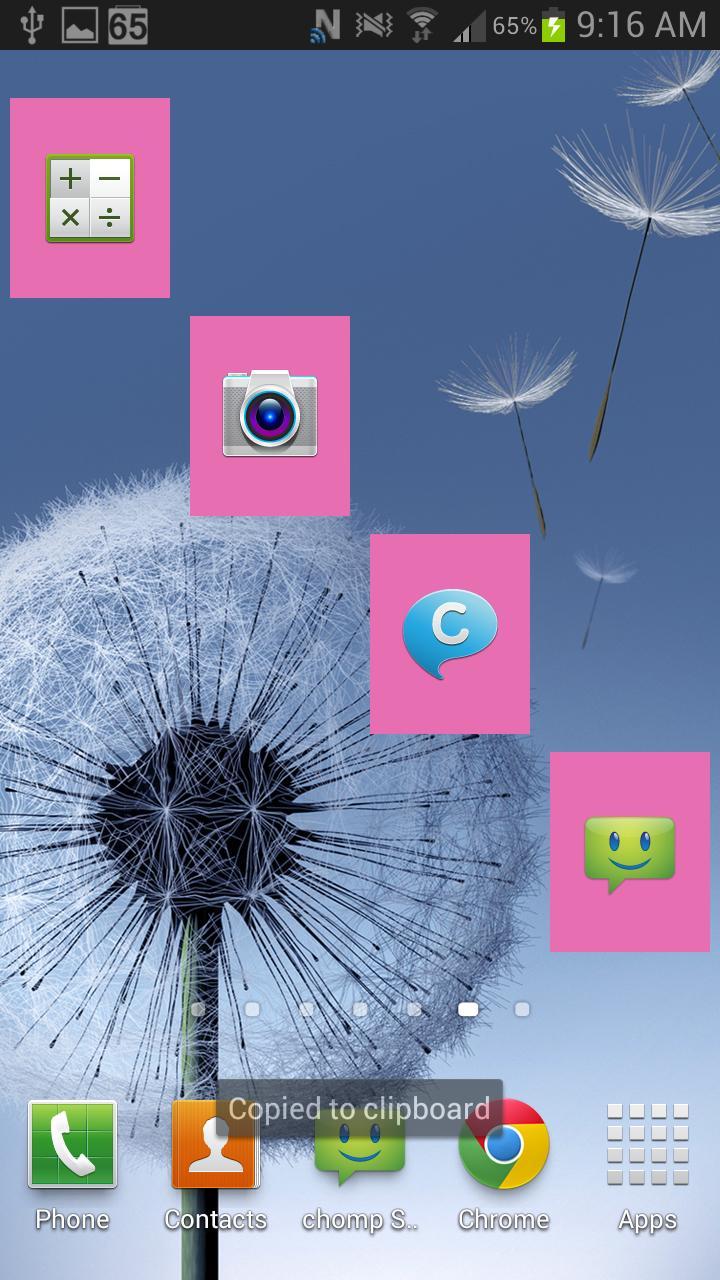
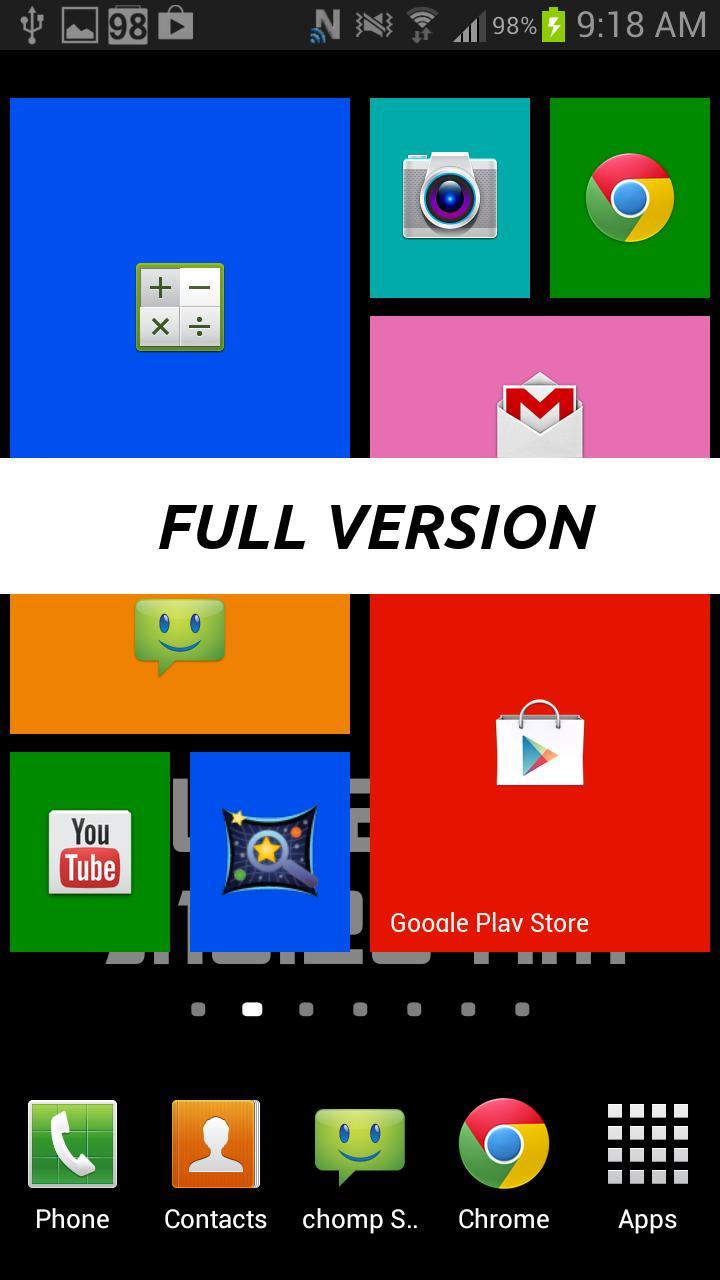
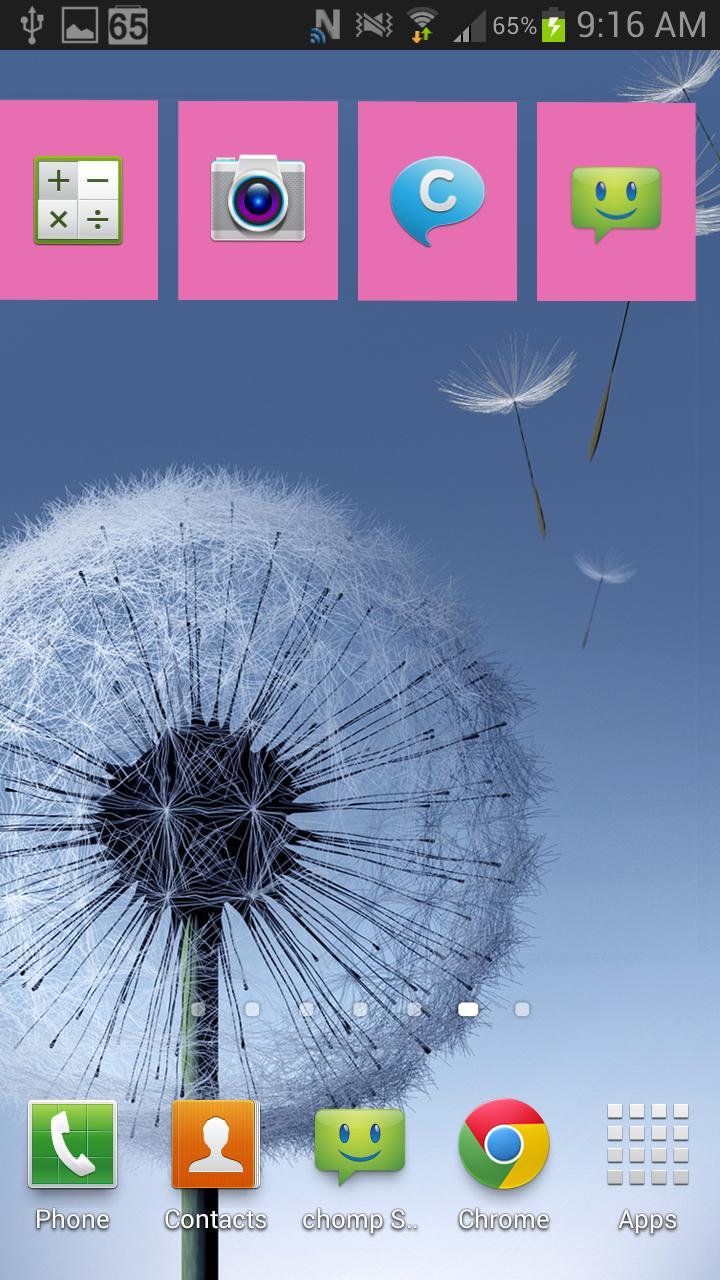
Obtenha a aparência do Windows 8 no seu dispositivo Android agora!
Sempre quis que a aparência do Windows 8 no seu dispositivo Android? Espere mais, o WP8 Widget Launcher transforma sua tela Android em uma bela experiência do Windows 8!
Esta é a versão demo que possui menos recursos e personalização. Ele também possui publicidade no painel de configuração.
Versão completa disponível aqui: https://play.google.com/store/apps/details?id=com.azoblu3.wp8widgets
Este é um widget. Não aparecerá na lista de aplicativos, você deve ir para a lista de widgets !!!
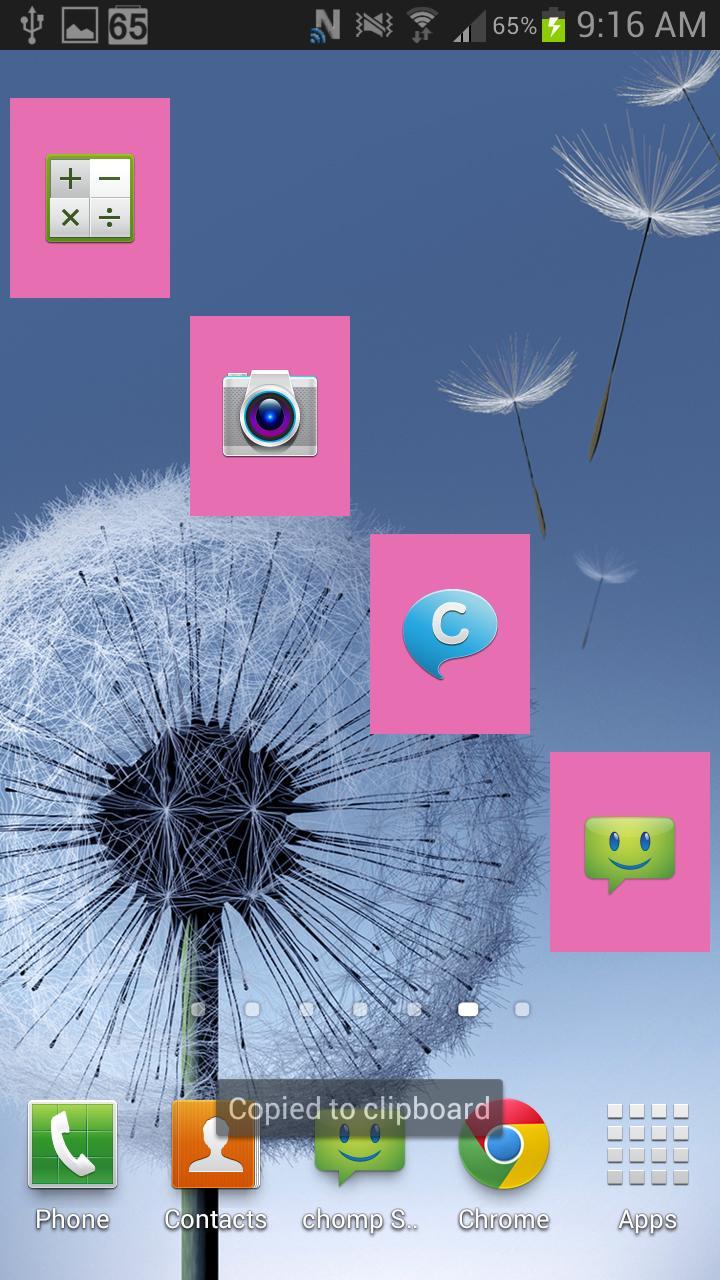
Basta selecionar uma cor e um aplicativo e você está definido! Você pode adicionar ladrilhos com seus aplicativos favoritos na tela inicial, com base em aplicativos instalados, como navegador, telefone, correio e mensagens. Não há necessidade de enraizar seu dispositivo ou instalar aplicativos ou temas de terceiros. Este WP8 Widget Launcher faz melhor!
Mova -os, você pode colocá -los onde quiser!
Recursos de demonstração:
-------------------------------
✓ Needs internet permissions for banner advertising (ONLY IN SETTINGS)
✓ Select from 5 of your own installed applications, NOT PREDEFINED ONES! (FULL VERSION HAS THEM ALL)
✓ 1 background colour (FULL VERSION HAS MORE THAN 10)
✓ Configuration icon always hidden
✓ Customize your screen to your liking
✓ Tiles not resizeable
✓ Does not interfere with your regular or live wallpaper, you can keep it as it is!
FULL VERSION FEATURES : (https://play.google.com/store/apps/details?id=com.azoblu3.wp8widgets)
---------------------------------------------
✓ NO ADS!
✓ NO PERMISSIONS!
✓ Tiles are resizeable
✓ Select from your own installed applications, NOT PREDEFINED ONES!
✓ More than 10 different colours to choose from (More coming in following updates)
✓ You can set the default font or use one of the included ones (More coming in following updates)
✓ Choose if you want to display the configuration icon or not
✓ Click on the bottom right of the widget to access configuration screen when settings icon is hidden
✓ Customize your screen to your liking
✓ Does not interfere with your regular or live wallpaper, you can keep it as it is!
✓ Change the tiles opacity to your liking
✓ Can be used on the lock screen (Android 4.2+)
✓ You can request a colour addition by sending us an email
✓ You can request more features by sending us an email
Also, when you buy the FULL WP8 Widget Launcher, you have control over the widget's evolution. Request features or additions by sending us an email, and the most popular ones will be added to the widget FOR FREE. Get it here -> https://play.google.com/store/apps/details?id=com.azoblu3.wp8widgets
HOW TO SET:
-----------------------
Long press on your home screen until the menu appears. Como alternativa, você pode pressionar o botão "Menu" e pressionar o botão "Adicionar aplicativos e widgets" que agora deve estar disponível na tela. Both methods should have resulted in a pop-up menu-window. Tap the menu item labelled “Widgets” on the top. Navigate to WP8 Widget Launcher Windows 8 and select it
TRADEMARKS:
--------------------------
Windows Phone 8 and Windows 8 are trademarks of Microsoft Corp. and aren't affiliated with this application.



 Download